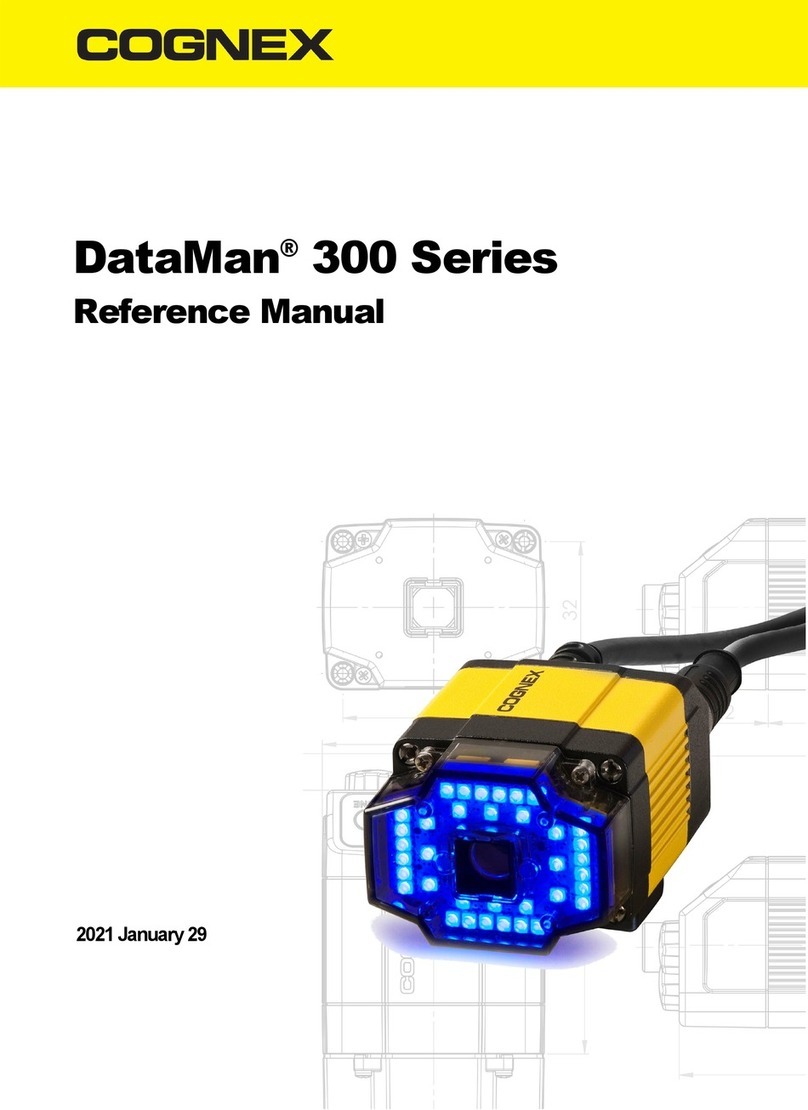
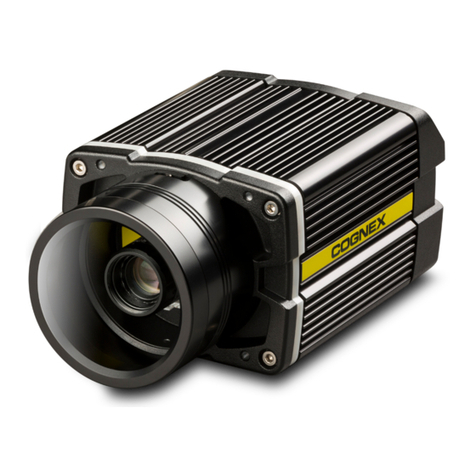
DataMan Fixed Mount Readers Reference is a complete
online hardware reference for the DataMan 300, 500, and 503.
Cognex->DataMan Software v x.x->Documentation-> <language> ->Reference Manual
4 DataMan 503 Quick Reference Guide DataMan 503 Quick Reference Guide 5
About DataMan 503 For More Information...
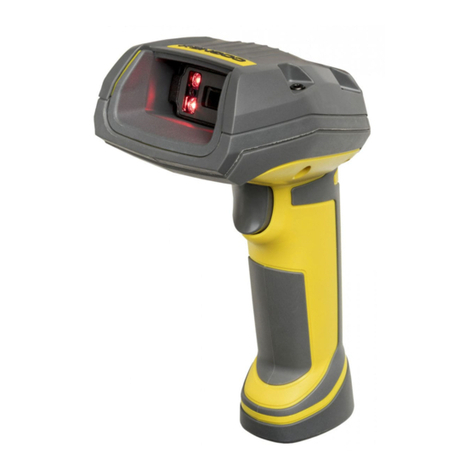
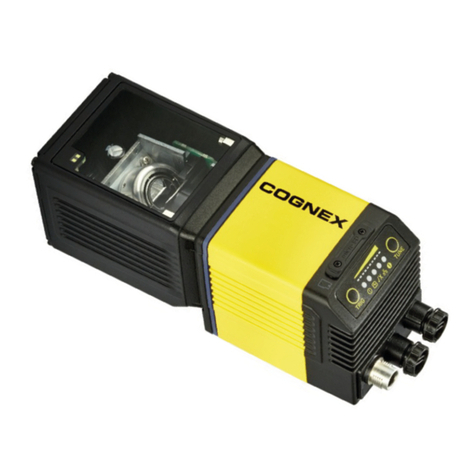
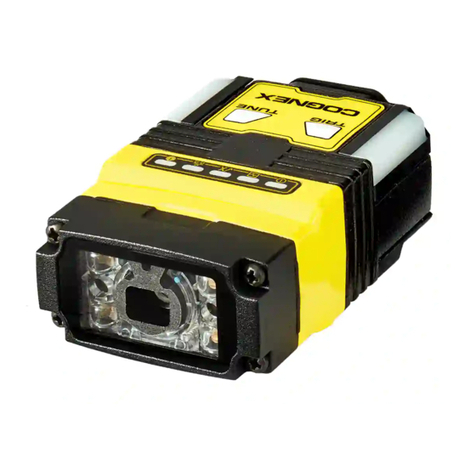
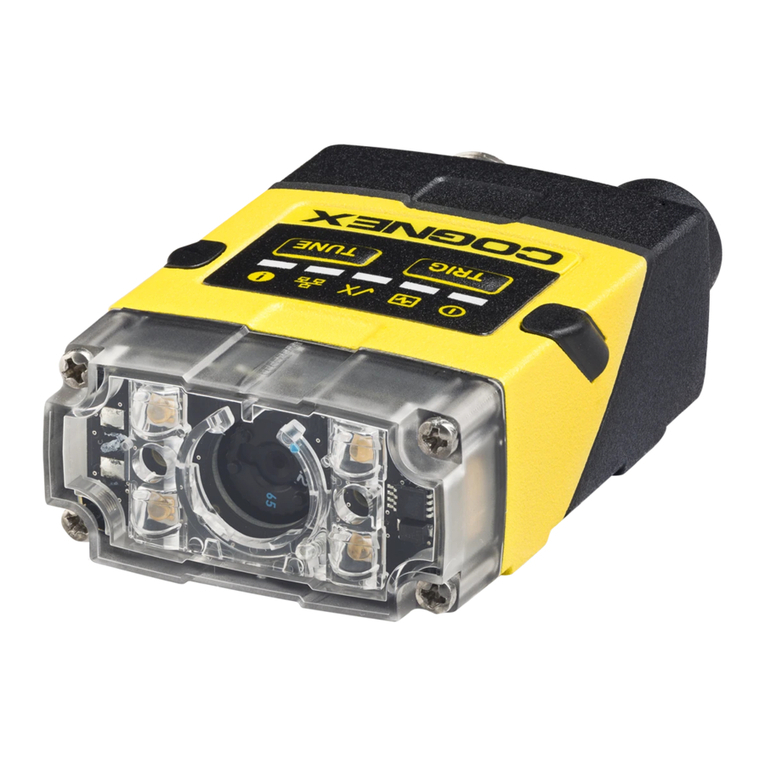
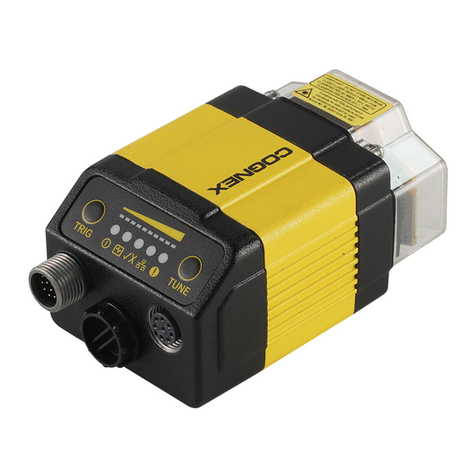
The DataMan 503 is a high-
performance, xed-mount ID
reader that offers the following
advanced features:
• Ultra-sensitive custom image
sensor that allows short
exposures to freeze part
motion.
• High-performance processing
unit that provides extremely
short cycle times.
• Automatic regulation of
exposure time and gain
to provide maximum
performance.
• Electronically controlled
solid-state variable focus system.
• Dynamically congurable network-based multiple-reader decoding
(“master-slave”).
The DataMan 503 provides advanced Ethernet connectivity, support for
serial and discrete I/O, as well as advanced options for lighting and optics.
The DataMan 503 is packaged in a rugged, IP65-rated housing, and
it provides numerous ease-of-use features, including one-button code
training.
This document provides basic information about how to congure and
use the DataMan 503. Additional information is available through the
Windows Start menu or the Setup Tool Help menu after you install the
DataMan software on your PC:
DataMan Communications & Programming Guide shows
how to integrate your DataMan reader with your automation
software and factory network.
Cognex->DataMan Software v x.x->Documentation-> Communications &
Programming
DataMan Reader Conguration Codes provides printable
2-D codes that you can use to congure the DataMan reader.
Cognex->DataMan Software v x.x->Documentation-> <language> ->Reader
Conguration Codes
DataMan Questions and Answers provides context-sensitive
information. You can view this help inside the setup tool or as a
standalone help le.
Cognex->DataMan Software v x.x->Documentation-> <language> ->DM503->Questions
and Answers
Release Notes list detailed system requirements and additional
information about this DataMan software release.
Cognex->DataMan Software v x.x->Documentation-> DataMan v x.x.y Release Notes