manuals.online logo
Brands
  1. Home
  2. •
  3. Brands
  4. •
  5. Comprehensive
  6. •
  7. Cables And Connectors
  8. •
  9. Comprehensive CDA-HD18018G User manual

Comprehensive CDA-HD18018G User manual

Other Comprehensive Cables And Connectors manuals
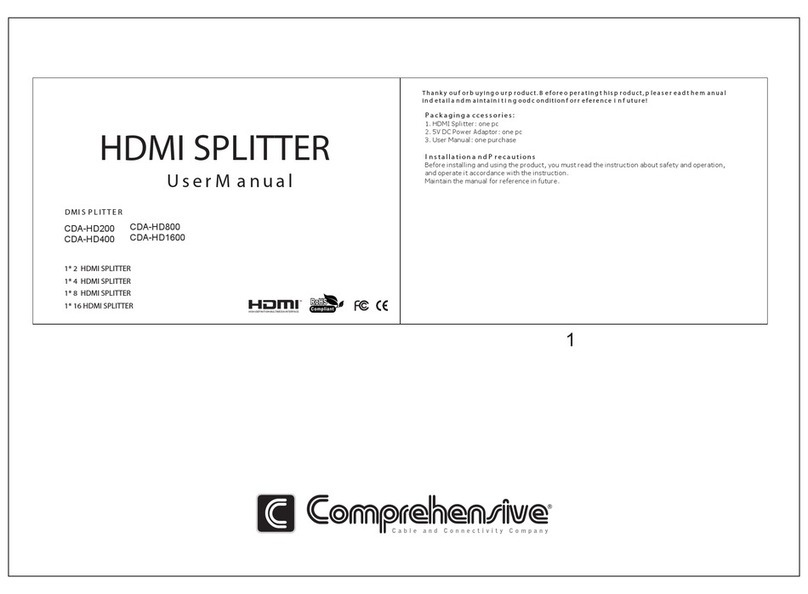
Comprehensive CDA-HD200 User manual

Comprehensive

Comprehensive CDA-HD200 User manual
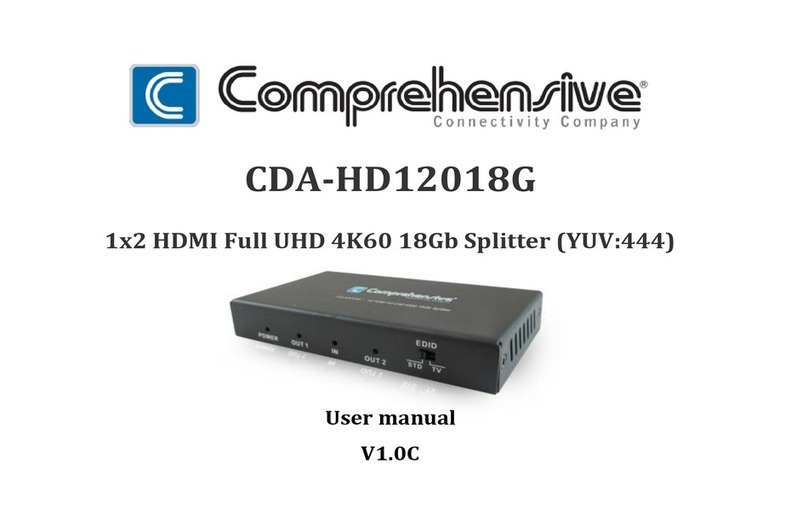
Comprehensive CDA-HD12018G User manual
Comprehensive

Comprehensive CDA-HD12018G User manual

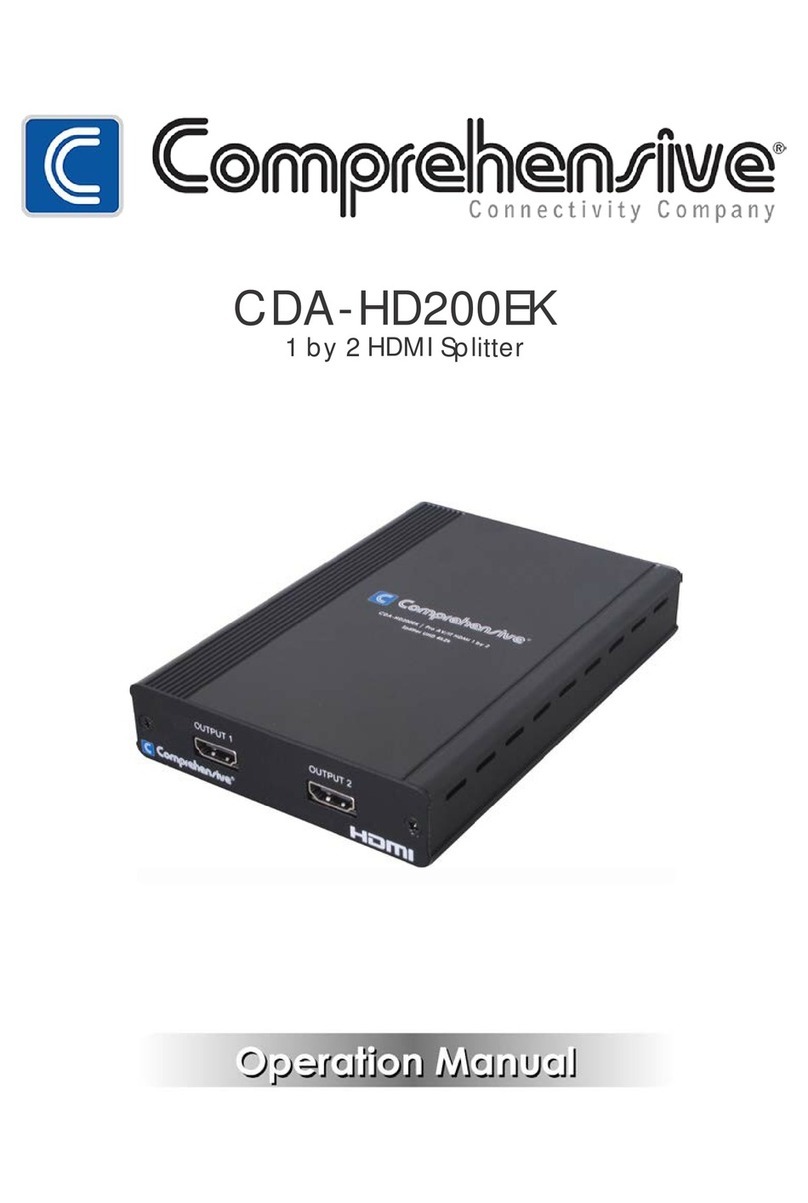
Comprehensive CDA-HD200EK User manual

Comprehensive

Comprehensive CDA-HD200EK User manual
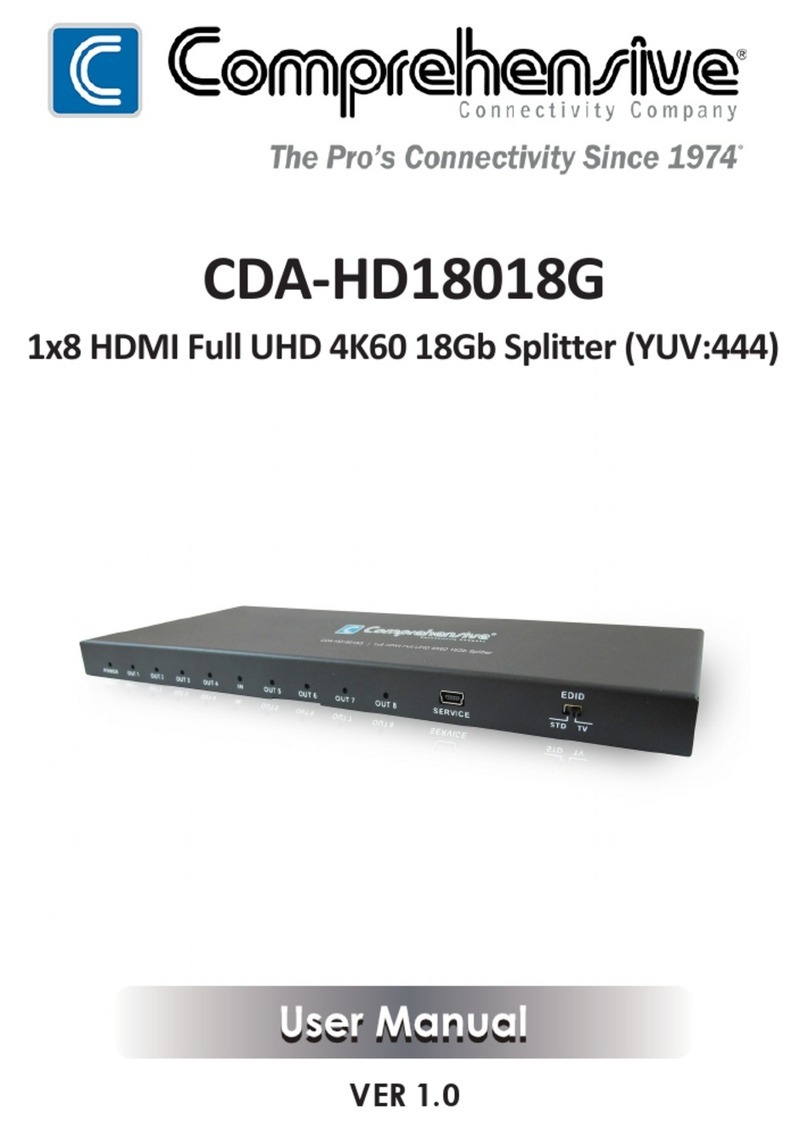
Comprehensive CDA-HD18018G User manual
Comprehensive

Comprehensive CDA-HD18018G User manual

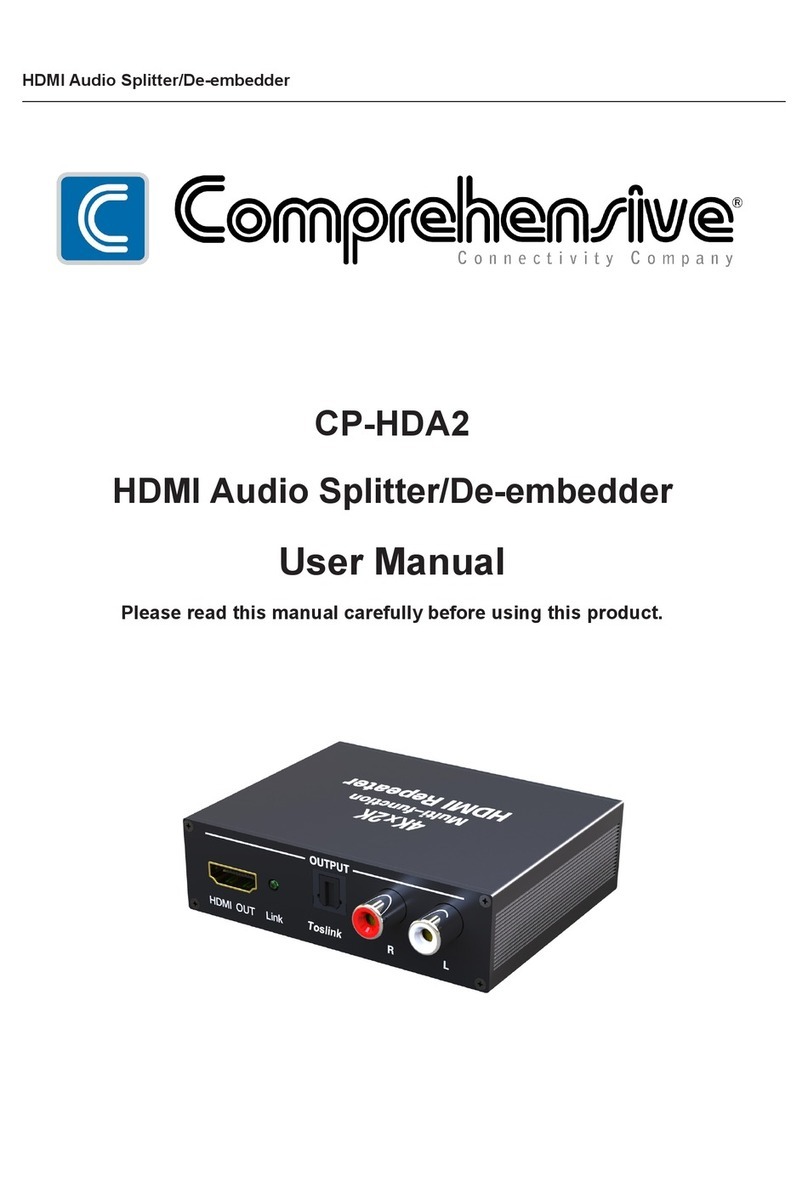
Comprehensive CP-HDA2 User manual

Comprehensive

Comprehensive CP-HDA2 User manual

Comprehensive CVE-TRX08A User manual

Comprehensive

Comprehensive CVE-TRX08A User manual

Comprehensive CP-HDA2 User manual

Comprehensive

Comprehensive CP-HDA2 User manual
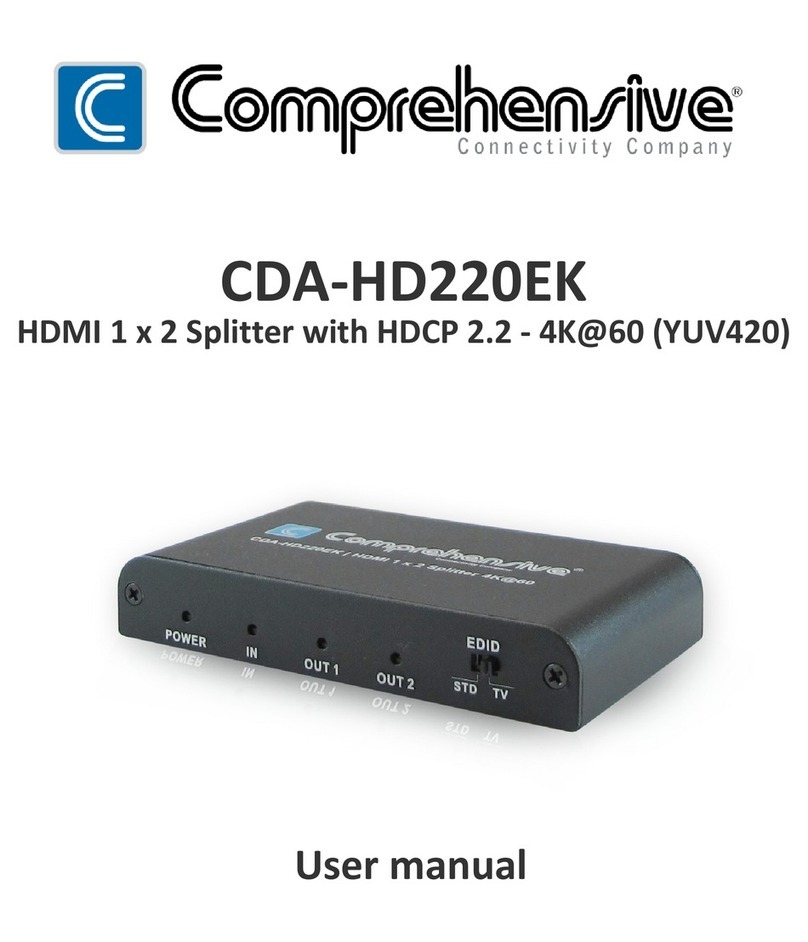
Comprehensive CDA-HD220EK User manual

Comprehensive

Comprehensive CDA-HD220EK User manual

Comprehensive CDA-HD200EC User manual

Comprehensive

Comprehensive CDA-HD200EC User manual
Comprehensive CSW-VG440A User manual

Comprehensive

Comprehensive CSW-VG440A User manual
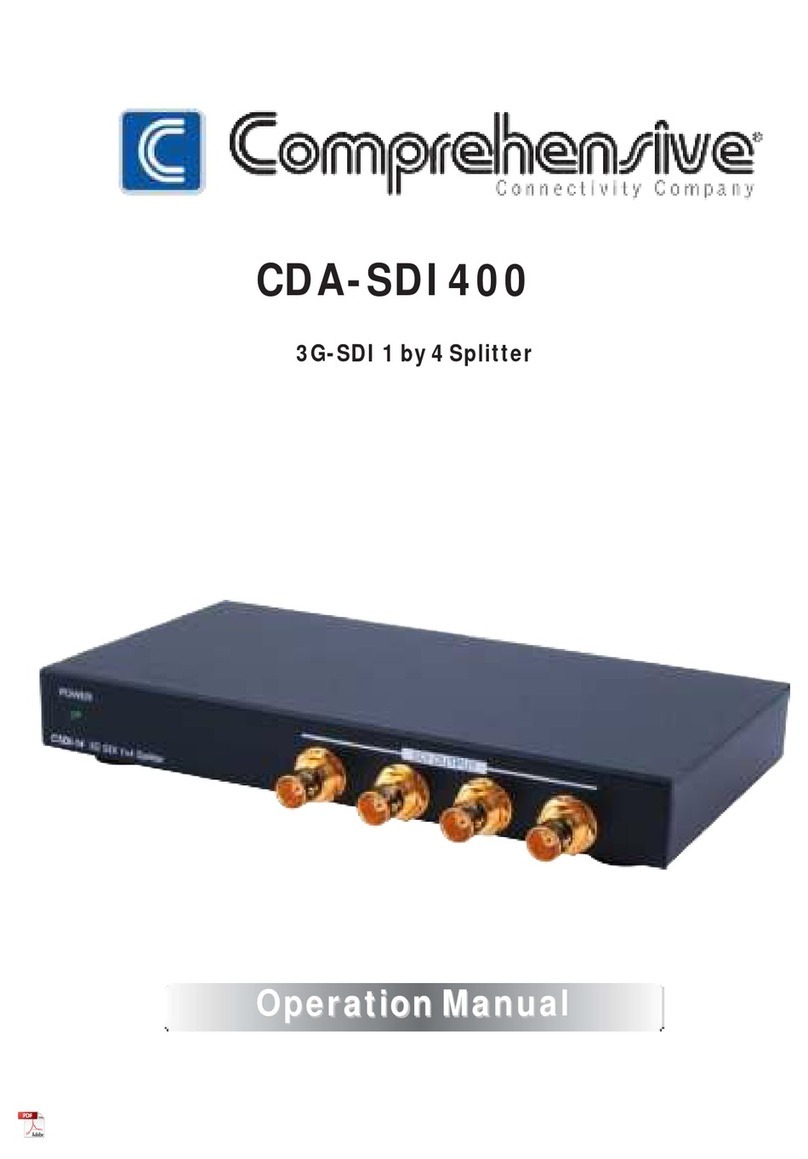
Comprehensive CDA-SDI400 User manual

Comprehensive

Comprehensive CDA-SDI400 User manual

Comprehensive CP-HDA2 User manual

Comprehensive

Comprehensive CP-HDA2 User manual

Comprehensive CDA-VGA108A User manual

Comprehensive

Comprehensive CDA-VGA108A User manual

Popular Cables And Connectors manuals by other brands

StarTech.com ST124HD20 quick start guide

StarTech.com

StarTech.com ST124HD20 quick start guide

Philips SWV4543S/10 Features

Philips

Philips SWV4543S/10 Features

Larson Electronics 10-50C instruction manual

Larson Electronics

Larson Electronics 10-50C instruction manual

Grip MEK-PM Assembly and operating manual

Grip

Grip MEK-PM Assembly and operating manual

Ultra Products Travel Pack #3 ULT31436 Specifications

Ultra Products

Ultra Products Travel Pack #3 ULT31436 Specifications

Surpass QCH-F Operation manual

Surpass

Surpass QCH-F Operation manual

Philips SWA6310 Specifications

Philips

Philips SWA6310 Specifications

StarTech.com CRJ4550PK quick start guide

StarTech.com

StarTech.com CRJ4550PK quick start guide

Nohau EMUL-IP2K-PC user guide

Nohau

Nohau EMUL-IP2K-PC user guide

Foxun SX-SP144E-HD4K2K operating instructions

Foxun

Foxun SX-SP144E-HD4K2K operating instructions

Philips SWA3305W Specifications

Philips

Philips SWA3305W Specifications

opticis Stretch DVIM1-1P0x user manual

opticis

opticis Stretch DVIM1-1P0x user manual

Volkswagen VAS 6558A operating manual

Volkswagen

Volkswagen VAS 6558A operating manual

NEXIBO N-13 user manual

NEXIBO

NEXIBO N-13 user manual

CYP PU-1H3HBTL Operation manual

CYP

CYP PU-1H3HBTL Operation manual

Allen-Bradley 1784-u2dhp installation instructions

Allen-Bradley

Allen-Bradley 1784-u2dhp installation instructions

Global Caché Flex Link Blaster quick start

Global Caché

Global Caché Flex Link Blaster quick start

Hauppauge USB-Live2 Quick installation guide

Hauppauge

Hauppauge USB-Live2 Quick installation guide

manuals.online logo
manuals.online logoBrands
  • About & Mission
  • Contact us
  • Privacy Policy
  • Terms and Conditions

Copyright 2025 Manuals.Online. All Rights Reserved.

CDA-HD18018G
1x8 HDMI Full UHD 4K60 18Gb Splitter (YUV:444)
User manual
V1.0ep
1
Thank you for purchasing this product. For optimum performance and safety, please read
these instructions carefully before connecting, operating or adjusting this product. Please keep
this manual for future reference.
I. Introduction
This 1 by 8 HDMI UHD Splitter with HDCP 2.2 is an advanced solution for splitting a single
HDMI input to eight HDMI outputs. It provides high performance audio and video output through
HDMI cables up to 4K2K@60Hz (YUV444) resolution and is capable of receiving and transmitting
up to 18Gbps of bandwidth with no data loss. Supporting the latest features you can be assured of
reliable and high quality HDMI distribution.
II. Features
1. Compliant with HDMI2.0, HDCP2.2 and DVI 1.0;
2. Support video format up to 4k2k@30Hz with 24bit RGB/YcbCR 4:4:4/YCBCR 4:2:2,and up
2
to 4k2k@60Hz with 12bit YCBCR 4:4:4;
3. Support 3D frame sequential video format up to 1080p@60;
4. Support high resolution VESA mode video format up to QSXGA@60Hz;
5. Supports LPCM 7.1CH, Dolby TrueHD, and DTS-HD Master Audio;
6. Supports smart EDID control;
III. Package
1. UHD 1x8 HDMI Splitter ------------------------------------------------------------------ 1PC
2. 12V2.5A DC Power adapter ------------------------------------------------------------- 1PC
3. Operation Manual ------------------------------------------------------------------------- 1PC
IV. Specifications
1. Video Bandwidth 600MHz/18Gbps
2. Input Ports 1 × HDMI (Female type)
3. Output Ports 8 × HDMI (Female type),
3
4. Output Resolution 480i ~1080p50/60, 4Kx2K@24/30, 4k2k@60Hz
5. ESD Protection Human Body model: ±8 kV (air-gap discharge)
±4 kV (contact discharge)
6. Power Supply 12V/2.5A DC (US/EU standards, CE/FCC/UL certified)
7. Dimensions 105 mm (W) × 245 mm (D) × 16 mm (H)
8. Weight 630g
9. Chassis Material Metal
10. Operating Temperature 0 °C~40 °C/ 32 °F~104 °F
11. Storage Temperature −20 °C ~ 60 °C/−4 °F ~140 °F
12. Relative Humidity 20~90 % RH (non-condensing)
13. Power Consumption (Max) 30W
4
V. Operation controls and Functions
Front Panel & Rear Panel
1. POWER LED: Blue LED will illuminate when the device is connected with power supply.
2. OUT LED: Blue LEDs will light up to indicate which HDMI outputs are connected to an
active TV/display/monitor.
3. IN LED: Blue LED will illuminate when the source is connected to the device.
4. SERVICE: Manufacturer use only.
5
5. EDID STD: When in “STD” mode, the unit will use its own built-in EDID settings. In this
mode, the video output will be set to 1080p@60Hz and the audio output at LPCM 2CH
Stereo. Use this mode if there are display problems in TV Mode.
6. EDID TV: When in “TV” mode, the unit will read the EDID settings of the display device
connected to HDMI OUT 1. If it detects a 4K2K capable EDID setting it will transmit the
signal in that format to all outputs. If no 4K2K capable EDID is detected then the unit will
output the best resolution that all displays can support.
7. HDMI OUT 1~8: Connect each of the HDMI outputs to an HDMI display for simultaneous
HDMI distribution, or cascade the output to another transmitter.
8. HDMI IN: Connect the input port to the HDMI or DVI output of your source device with an
HDMI cable.
9. DC 12V: Plug the 12V DC power supply into the unit and connect the adaptor to an AC
outlet.
6
VI. Application Example
80 Little Falls Road, Fairfield, NJ 07004 l Phone: 800.526.0242 l Fax: 201.814.0510 l www.ComprehensiveCo.com