manuals.online logo
Brands
  1. Home
  2. •
  3. Brands
  4. •
  5. CompuLab
  6. •
  7. Desktop
  8. •
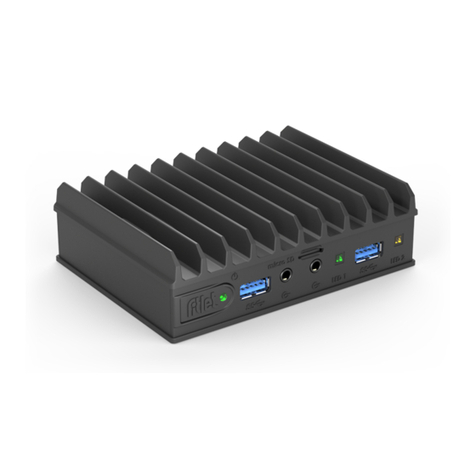
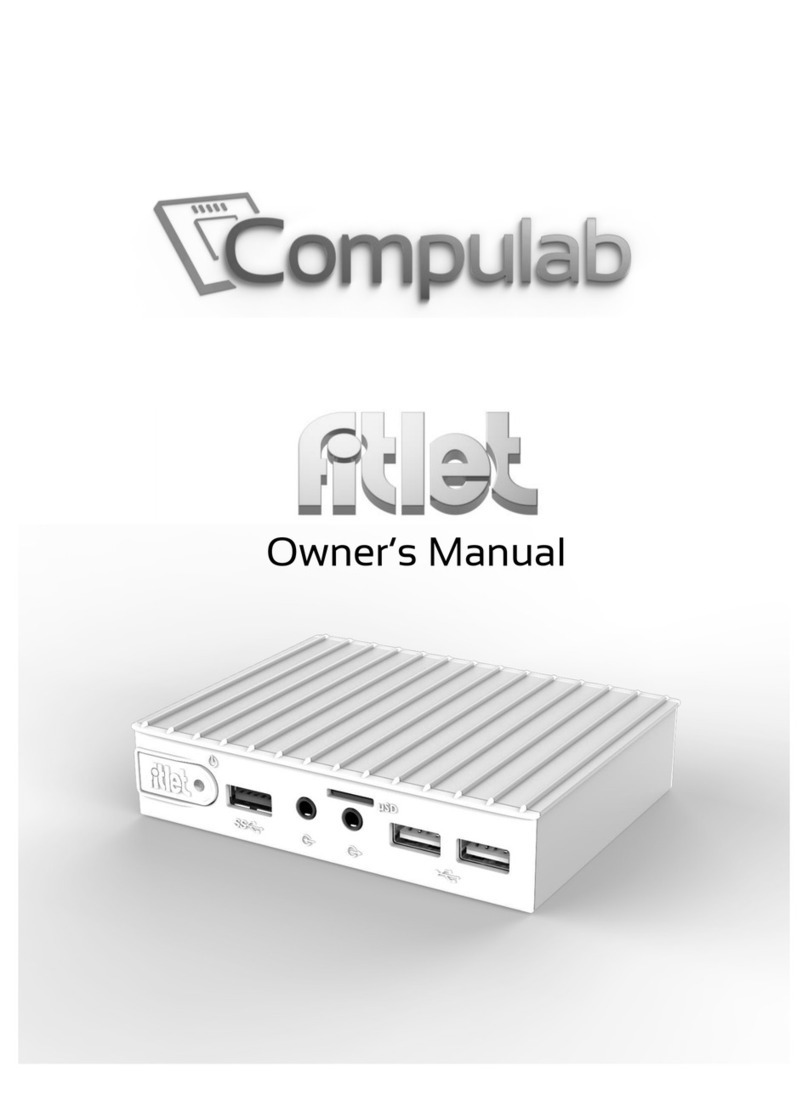
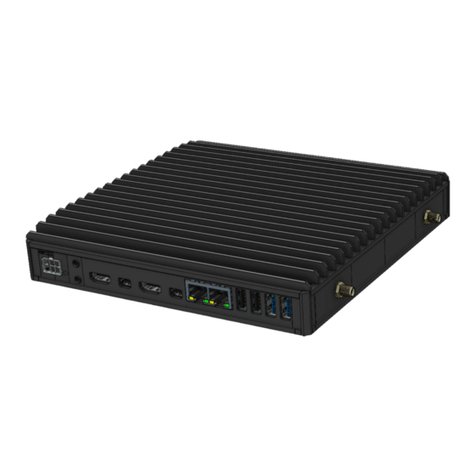
  9. CompuLab fitlet2 FC-USB User manual

CompuLab fitlet2 FC-USB User manual

Other manuals for fitlet2 FC-USB

5

This manual suits for next models

1

Other CompuLab Desktop manuals

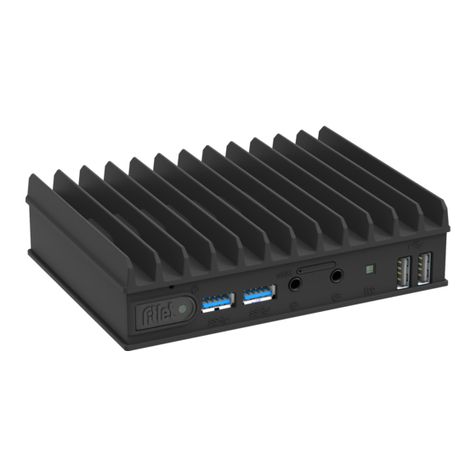
CompuLab fitlet2 FC-USB User manual

CompuLab

CompuLab fitlet2 FC-USB User manual

CompuLab fitlet User manual

CompuLab

CompuLab fitlet User manual

CompuLab IPC3 User manual

CompuLab

CompuLab IPC3 User manual

CompuLab Airtop2 User manual

CompuLab

CompuLab Airtop2 User manual

CompuLab SBC-FITPC3 User manual

CompuLab

CompuLab SBC-FITPC3 User manual

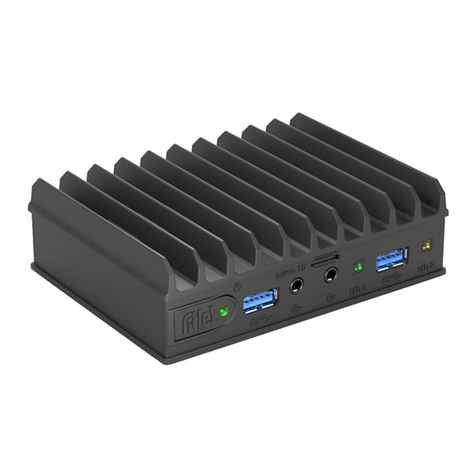
CompuLab fitlet2 FC-USB User manual

CompuLab

CompuLab fitlet2 FC-USB User manual

CompuLab Fitlet-H User manual

CompuLab

CompuLab Fitlet-H User manual

CompuLab fitlet3 User manual

CompuLab

CompuLab fitlet3 User manual

CompuLab FIT-PC4 User manual

CompuLab

CompuLab FIT-PC4 User manual

CompuLab fit-PC2 User manual

CompuLab

CompuLab fit-PC2 User manual

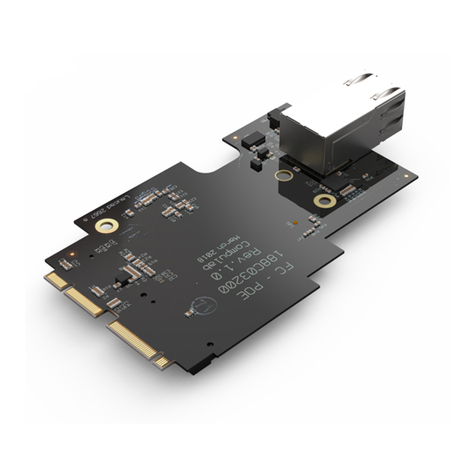
CompuLab Fitlet2 FC-POED User manual

CompuLab

CompuLab Fitlet2 FC-POED User manual

CompuLab fit-PC2i User manual

CompuLab

CompuLab fit-PC2i User manual

CompuLab Airtop3 User manual

CompuLab

CompuLab Airtop3 User manual

CompuLab UTILITE2 User manual

CompuLab

CompuLab UTILITE2 User manual

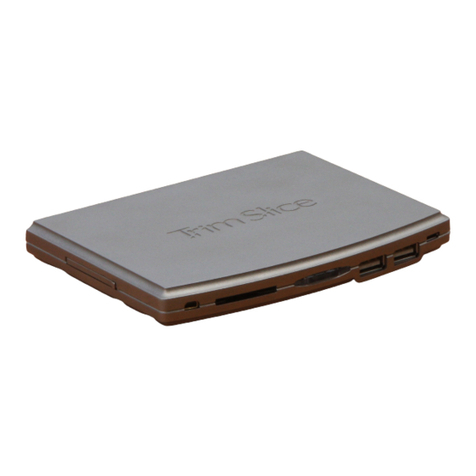
CompuLab Trim-Slice User manual

CompuLab

CompuLab Trim-Slice User manual

CompuLab Tensor-I22 User manual

CompuLab

CompuLab Tensor-I22 User manual

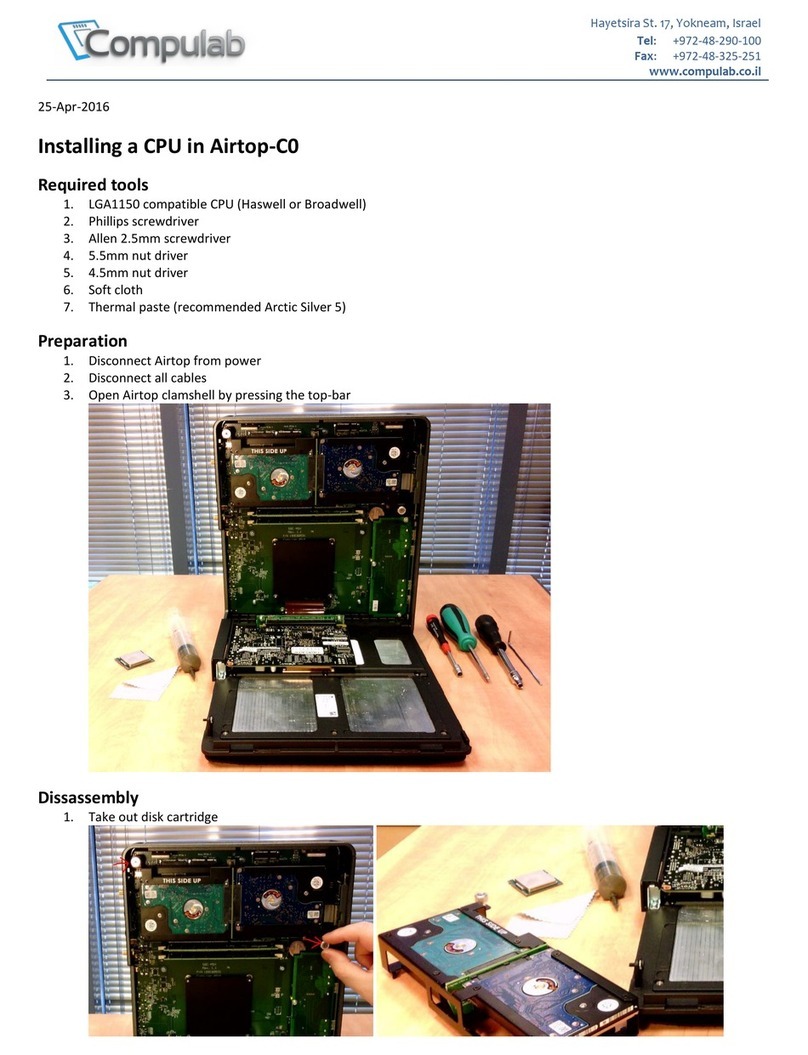
CompuLab Airtop-C0 User manual

CompuLab

CompuLab Airtop-C0 User manual

CompuLab Fitlet FC-OPLN User manual

CompuLab

CompuLab Fitlet FC-OPLN User manual
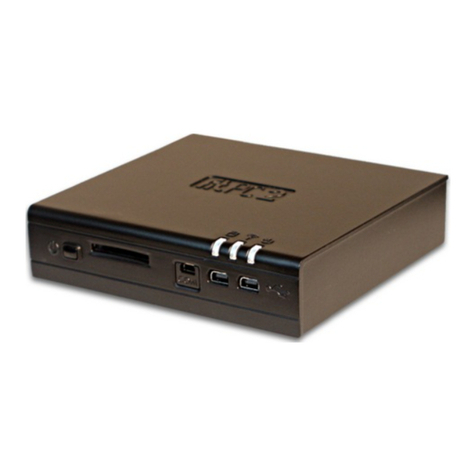
CompuLab Airtop User manual

CompuLab

CompuLab Airtop User manual
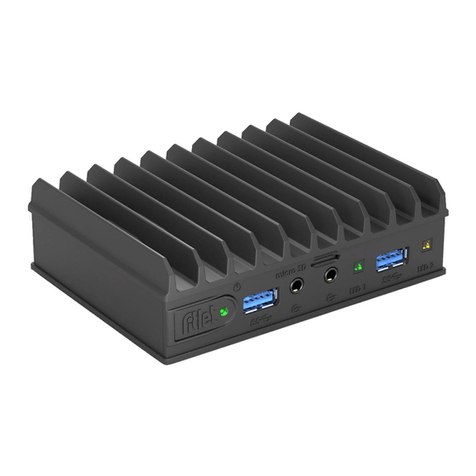
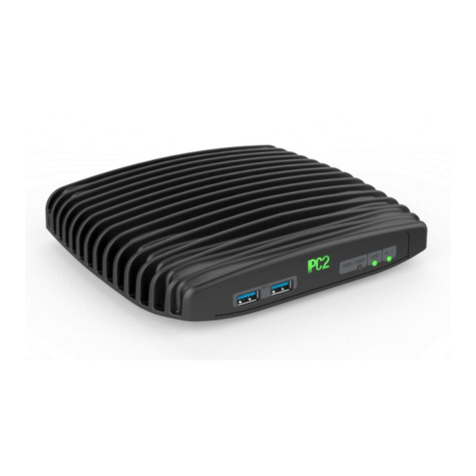
CompuLab IPC2 User manual

CompuLab

CompuLab IPC2 User manual
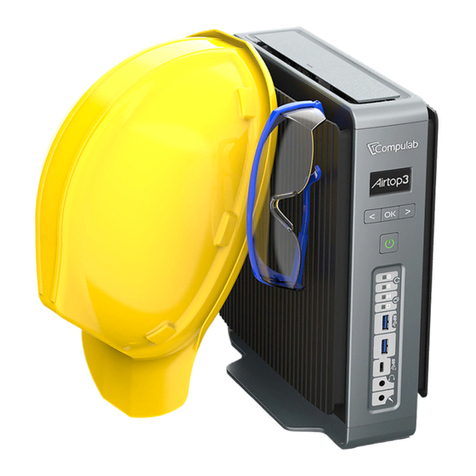
Popular Desktop manuals by other brands

StarTech.com ARMSTSL manual

StarTech.com

StarTech.com ARMSTSL manual

Dell Inspiron 5720 quick start guide

Dell

Dell Inspiron 5720 quick start guide

GÜDE WERKBANK GW 6/2 XL Translation of the original instructions

GÜDE

GÜDE WERKBANK GW 6/2 XL Translation of the original instructions

Lenovo ThinkCentre M62z Vodič za uporabnika

Lenovo

Lenovo ThinkCentre M62z Vodič za uporabnika

Lenovo ThinkCentre M71z user guide

Lenovo

Lenovo ThinkCentre M71z user guide

Fujitsu ESPRIMO C7xx operating manual

Fujitsu

Fujitsu ESPRIMO C7xx operating manual

Bosch DCU 130 operating instructions

Bosch

Bosch DCU 130 operating instructions

Zotac VR GO quick start guide

Zotac

Zotac VR GO quick start guide

HP 260 G2 DM Product End-of-Life Disassembly Instructions

HP

HP 260 G2 DM Product End-of-Life Disassembly Instructions

Sony VAIO VGC-LS21 Specifications

Sony

Sony VAIO VGC-LS21 Specifications

HP ProOne 400 G1 specification

HP

HP ProOne 400 G1 specification

IBM PS/2 60 Hardware maintenance service

IBM

IBM PS/2 60 Hardware maintenance service

Acer Aspire SA60 Service guide

Acer

Acer Aspire SA60 Service guide

Lenovo ThinkCentre M71z Uživatelská příručka

Lenovo

Lenovo ThinkCentre M71z Uživatelská příručka

IBM Aptiva 2198 reference guide

IBM

IBM Aptiva 2198 reference guide

Sony PCV-LX810 - Vaio Slimtop Computer System reference manual

Sony

Sony PCV-LX810 - Vaio Slimtop Computer System reference manual

Dell Precision U3525 Quick reference guide

Dell

Dell Precision U3525 Quick reference guide

MicroTouch IC-215P-AW2 user guide

MicroTouch

MicroTouch IC-215P-AW2 user guide

manuals.online logo
manuals.online logoBrands
  • About & Mission
  • Contact us
  • Privacy Policy
  • Terms and Conditions

Copyright 2025 Manuals.Online. All Rights Reserved.

23-May-19
fitlet2 FC-SCG Installation instructions
Page 1
Package content
1x FC-SCG
FACET card
1x 3mm M3
Phillips screw
1x Retaining
washer
1x SCG side
panel
1x 6mm M3
Phillips screw
Page 2
Remove the bottom cover by
unscrewing the 4x Phillips
chassis screws and pull out the
cooling plate gently after
removing the 3x Phillips screws.
Remove the WiFi module from
the cooling plate and then place
the retaining washer at the
designated location on the
cooling plate and seat the FC-
SCG on-top of it. Fasten the
6mm M3 Phillips screw.
If there's a Phillips screw at the
edge of the cooling plate
interfering with the FC-SCG's
seating, remove it.
Place the red module spacer in
the designated location and
place the M.2 SSD (chips facing
the thermal pad), then fasten
using the 1x Phillips screw
Page 3
Plug the IPX connectors to the
Wifi module as follows:
Long cable to port #1
Short cable to port #2
Fasten the WiFi module to the
FACET with the Phillips screw
Note:
Use the 3mm M3 Phillips screw
Seat the FACET into the M.2
sockets and route the SMA
antenna cables outside of the
enclosure
Page 4
Fasten the cooling plate in place
using the 3x Phillips screws.
Stick the RTC battery in its place
Assemble both side panels.
Page 5
Note
Before placing the bottom cover,
make sure the U-shaped Boss is
at the side of the M.2 connectors
Screw the 4x Phillips enclosure
screw half way, enough to hold
the bottom cover in-place but not
too tight
Complete by tightening the
Phillips enclosure screws all the
way down, while holding the side
panels
Bring both side panels in place,
and hold them