manuals.online logo
Brands
  1. Home
  2. •
  3. Brands
  4. •
  5. Conceptronic
  6. •
  7. Adapter
  8. •
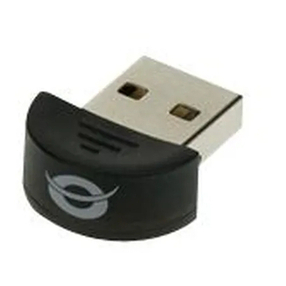
  9. Conceptronic CBT200NANO User manual

Conceptronic CBT200NANO User manual

Other manuals for CBT200NANO

2

Other Conceptronic Adapter manuals

Conceptronic CNB65 User manual

Conceptronic

Conceptronic CNB65 User manual

Conceptronic ABBY17B User manual

Conceptronic

Conceptronic ABBY17B User manual

Conceptronic C54U User manual

Conceptronic

Conceptronic C54U User manual

Conceptronic CBT2NANO User manual

Conceptronic

Conceptronic CBT2NANO User manual

Conceptronic C54RU User manual

Conceptronic

Conceptronic C54RU User manual

Conceptronic CIR4U User manual

Conceptronic

Conceptronic CIR4U User manual

Conceptronic EMRICK05B User manual

Conceptronic

Conceptronic EMRICK05B User manual

Conceptronic EMRICK04B User manual

Conceptronic

Conceptronic EMRICK04B User manual

Conceptronic CNBS90CAR User manual

Conceptronic

Conceptronic CNBS90CAR User manual

Conceptronic C100U User manual

Conceptronic

Conceptronic C100U User manual

Conceptronic ABBY07B User manual

Conceptronic

Conceptronic ABBY07B User manual

Conceptronic CNB65V19 User manual

Conceptronic

Conceptronic CNB65V19 User manual

Conceptronic CBT200NANO User manual

Conceptronic

Conceptronic CBT200NANO User manual

Conceptronic 128U Manual

Conceptronic

Conceptronic 128U Manual

Conceptronic CHD2SUSB3 User manual

Conceptronic

Conceptronic CHD2SUSB3 User manual

Conceptronic C150NANO User manual

Conceptronic

Conceptronic C150NANO User manual

Conceptronic Connectivity Series User manual

Conceptronic

Conceptronic Connectivity Series User manual

Conceptronic CDUOFWU User manual

Conceptronic

Conceptronic CDUOFWU User manual

Conceptronic OZUL03BE User manual

Conceptronic

Conceptronic OZUL03BE User manual

Conceptronic Powerline CPNP200IP User manual

Conceptronic

Conceptronic Powerline CPNP200IP User manual

Conceptronic CNAPT40CAR User manual

Conceptronic

Conceptronic CNAPT40CAR User manual

Conceptronic CNB120 User manual

Conceptronic

Conceptronic CNB120 User manual

Conceptronic CNB90 User manual

Conceptronic

Conceptronic CNB90 User manual

Conceptronic CBT200NANO User manual

Conceptronic

Conceptronic CBT200NANO User manual

Popular Adapter manuals by other brands

Mini Gadgets BB2Outlet user manual

Mini Gadgets

Mini Gadgets BB2Outlet user manual

LSI LSISAS3442E-R Quick installation guide

LSI

LSI LSISAS3442E-R Quick installation guide

Moeller BBA -16 Series installation instructions

Moeller

Moeller BBA -16 Series installation instructions

Acer MWA3 quick start guide

Acer

Acer MWA3 quick start guide

Connect Tech ADG095 user guide

Connect Tech

Connect Tech ADG095 user guide

cable matters 604002 user manual

cable matters

cable matters 604002 user manual

Solwise PL-85PEW Easy start

Solwise

Solwise PL-85PEW Easy start

HP Photosmart 7100 user guide

HP

HP Photosmart 7100 user guide

HP E2494A installation guide

HP

HP E2494A installation guide

StarTech.com USB150WN1X1 quick start guide

StarTech.com

StarTech.com USB150WN1X1 quick start guide

Lindy 43198 user manual

Lindy

Lindy 43198 user manual

A&D AD-8527 instruction manual

A&D

A&D AD-8527 instruction manual

Motorola WU830G user guide

Motorola

Motorola WU830G user guide

Hawking HUF2 Specifications

Hawking

Hawking HUF2 Specifications

Allen-Bradley E3 Plus installation instructions

Allen-Bradley

Allen-Bradley E3 Plus installation instructions

Trust BT-2210Tp manual

Trust

Trust BT-2210Tp manual

HP NC7170 overview

HP

HP NC7170 overview

Uconnect BLE-485C user manual

Uconnect

Uconnect BLE-485C user manual

manuals.online logo
manuals.online logoBrands
  • About & Mission
  • Contact us
  • Privacy Policy
  • Terms and Conditions

Copyright 2025 Manuals.Online. All Rights Reserved.

NEDERLANDS

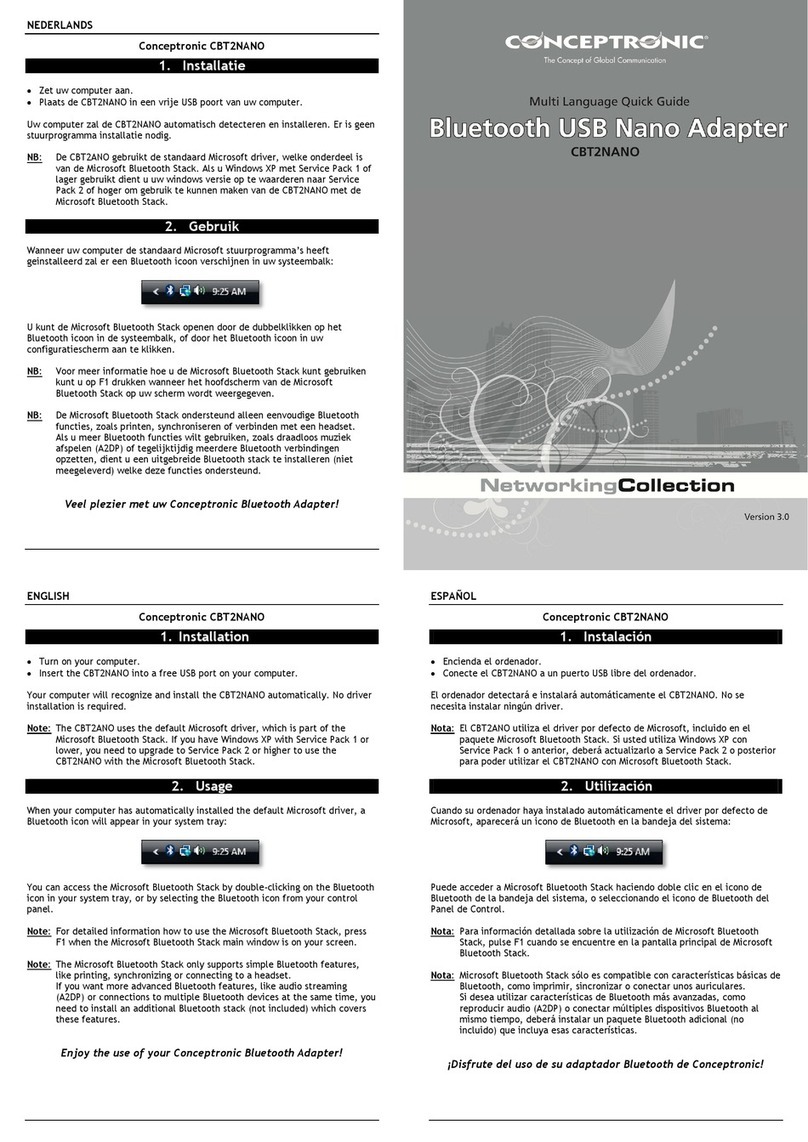
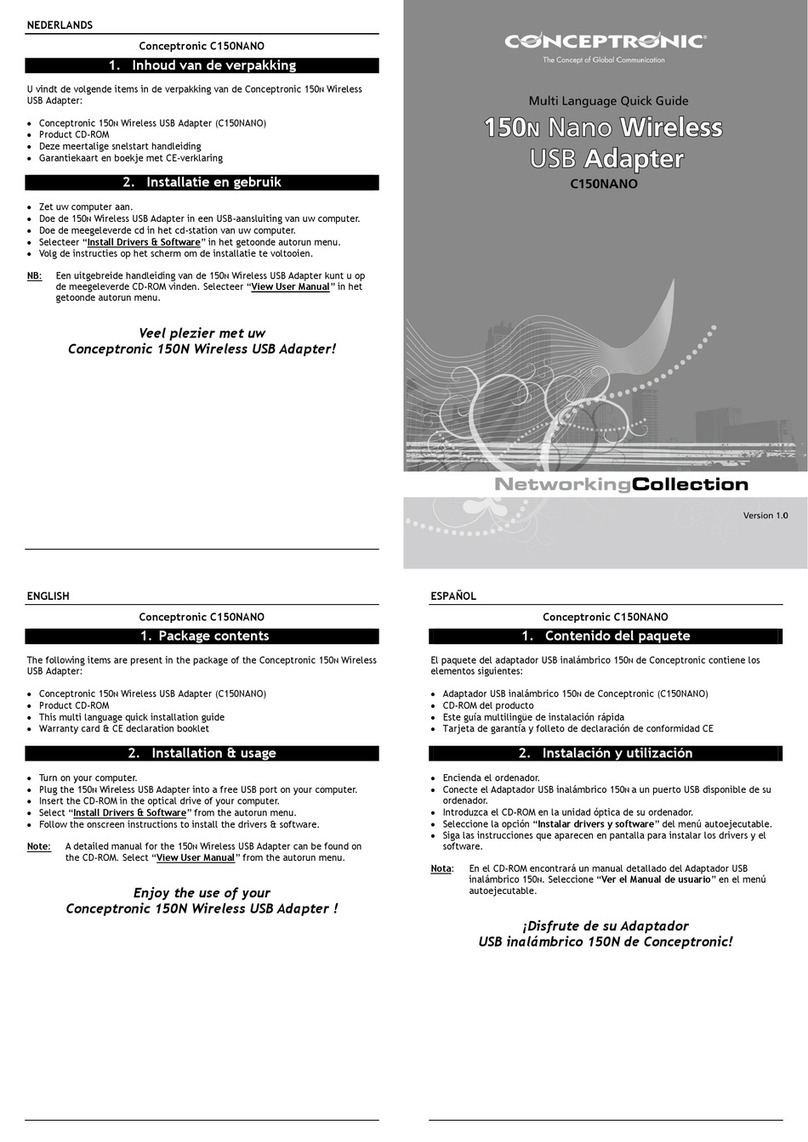
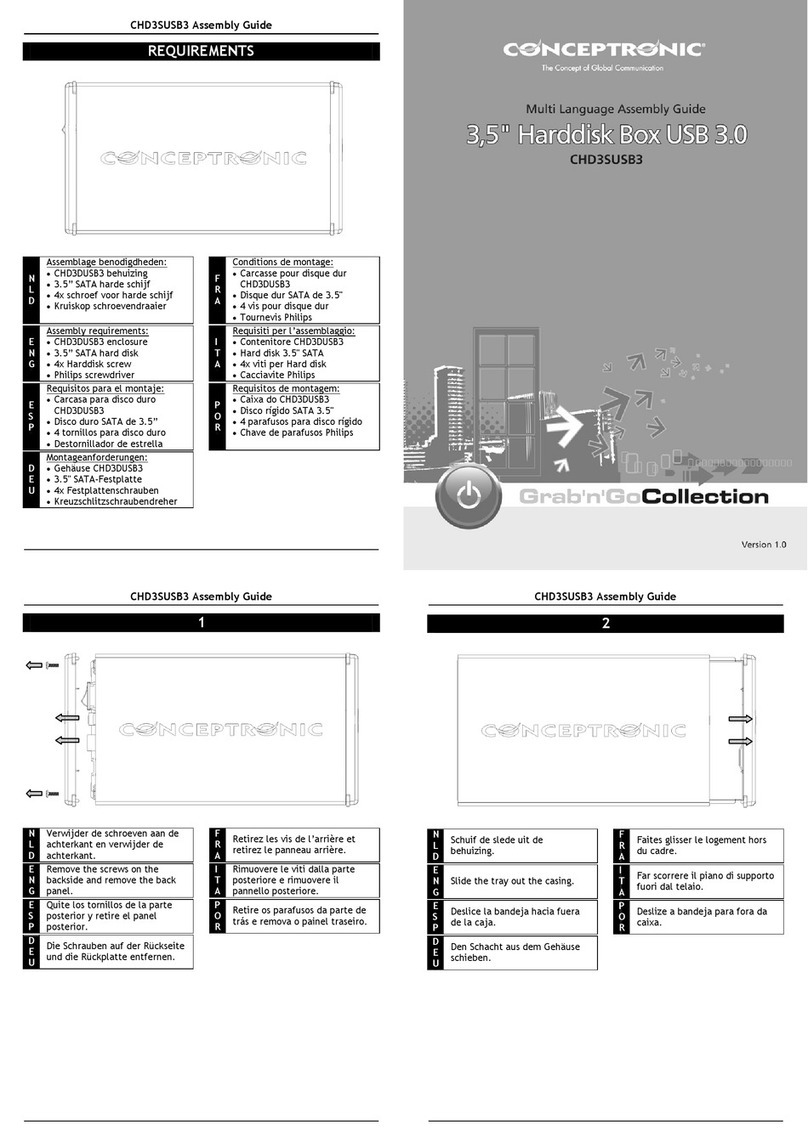
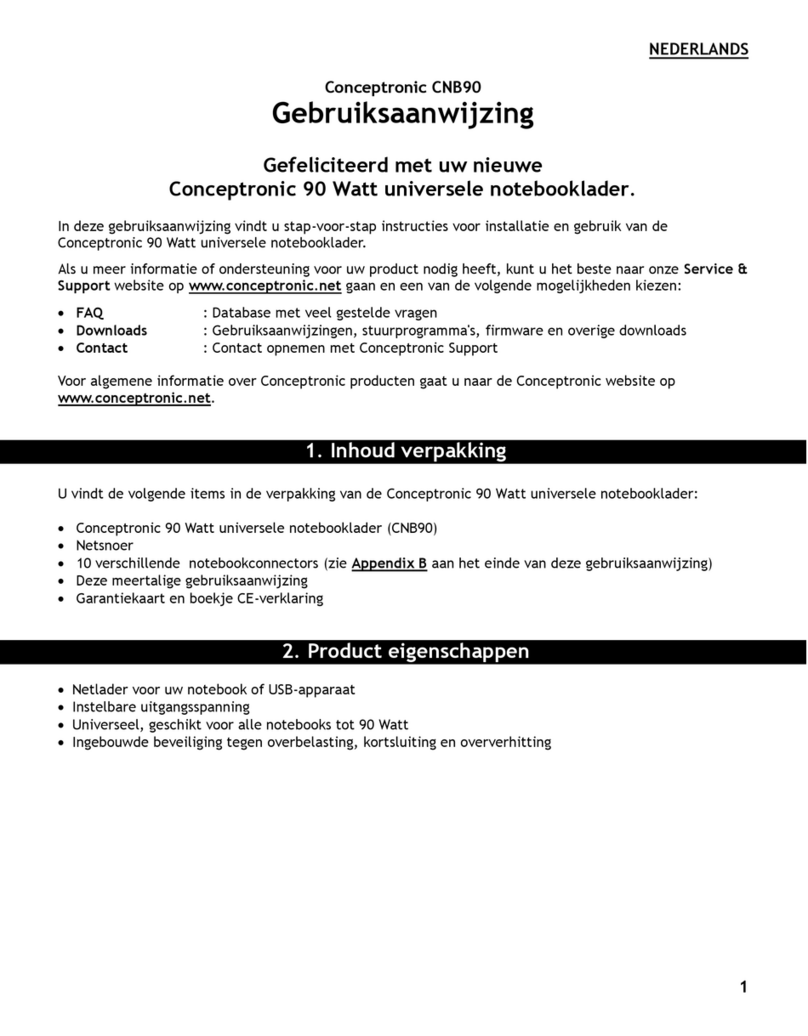
Conceptronic CBT200NANO
1. Installatie
Zet uw computer aan.
Plaats de CBT200NANO in een vrije USB poort van uw computer.
Uw computer zal de CBT200NANO automatisch detecteren en installeren. Er is
geen stuurprogramma installatie nodig.
NB: De CBT2ANO gebruikt de standaard Microsoft driver, welke onderdeel is
van de Microsoft Bluetooth Stack. Als u Windows XP met Service Pack 1 of
lager gebruikt dient u uw windows versie op te waarderen naar Service
Pack 2 of hoger om gebruik te kunnen maken van de CBT200NANO met de
Microsoft Bluetooth Stack.
2. Gebrui
k
Wanneer uw computer de standaard Microsoft stuurprogramma’s heeft
geinstalleerd zal er een Bluetooth icoon verschijnen in uw systeembalk:
U kunt de Microsoft Bluetooth Stack openen door de dubbelklikken op het
Bluetooth icoon in de systeembalk, of door het Bluetooth icoon in uw
configuratiescherm aan te klikken.
NB: Voor meer informatie hoe u de Microsoft Bluetooth Stack kunt gebruiken
kunt u op F1 drukken wanneer het hoofdscherm van de Microsoft
Bluetooth Stack op uw scherm wordt weergegeven.
NB: De Microsoft Bluetooth Stack ondersteund alleen eenvoudige Bluetooth
functies, zoals printen, synchroniseren of verbinden met een headset.
Als u meer Bluetooth functies wilt gebruiken, zoals draadloos muziek
afspelen (A2DP) of tegelijktijdig meerdere Bluetooth verbindingen
opzetten, dient u een uitgebreide Bluetooth stack te installeren (niet
meegeleverd) welke deze functies ondersteund.
Veel plezier met uw Conceptronic Bluetooth Adapter!
Conceptronic CBT200NANO
www.conceptronic.net
!! COVER !!
ENGLISH

Conceptronic CBT200NANO
1. Installation
Turn on your computer.
Insert the CBT200NANO into a free USB port on your computer.
Your computer will recognize and install the CBT200NANO automatically. No
driver installation is required.
Note: The CBT2ANO uses the default Microsoft driver, which is part of the
Microsoft Bluetooth Stack. If you have Windows XP with Service Pack 1 or
lower, you need to upgrade to Service Pack 2 or higher to use the
CBT200NANO with the Microsoft Bluetooth Stack.
2. Usa
g
e
When your computer has automatically installed the default Microsoft driver, a
Bluetooth icon will appear in your system tray:
You can access the Microsoft Bluetooth Stack by double-clicking on the Bluetooth
icon in your system tray, or by selecting the Bluetooth icon from your control
panel.
Note: For detailed information how to use the Microsoft Bluetooth Stack, press
F1 when the Microsoft Bluetooth Stack main window is on your screen.
Note: The Microsoft Bluetooth Stack only supports simple Bluetooth features,
like printing, synchronizing or connecting to a headset.
If you want more advanced Bluetooth features, like audio streaming
(A2DP) or connections to multiple Bluetooth devices at the same time, you
need to install an additional Bluetooth stack (not included) which covers
these features.
Enjoy the use of your Conceptronic Bluetooth Adapter!
ESPAÑOL

Conceptronic CBT200NANO
1. Instalación
Encienda el ordenador.
Conecte el CBT200NANO a un puerto USB libre del ordenador.
El ordenador detectará e instalará automáticamente el CBT200NANO. No se
necesita instalar ningún driver.
Nota: El CBT2ANO utiliza el driver por defecto de Microsoft, incluido en el
paquete Microsoft Bluetooth Stack. Si usted utiliza Windows XP con
Service Pack 1 o anterior, deberá actualizarlo a Service Pack 2 o posterior
para poder utilizar el CBT200NANO con Microsoft Bluetooth Stack.
2. Utilización
Cuando su ordenador haya instalado automáticamente el driver por defecto de
Microsoft, aparecerá un icono de Bluetooth en la bandeja del sistema:
Puede acceder a Microsoft Bluetooth Stack haciendo doble clic en el icono de
Bluetooth de la bandeja del sistema, o seleccionando el icono de Bluetooth del
Panel de Control.
Nota: Para información detallada sobre la utilización de Microsoft Bluetooth
Stack, pulse F1 cuando se encuentre en la pantalla principal de Microsoft
Bluetooth Stack.
Nota: Microsoft Bluetooth Stack sólo es compatible con características básicas de
Bluetooth, como imprimir, sincronizar o conectar unos auriculares.
Si desea utilizar características de Bluetooth más avanzadas, como
reproducir audio (A2DP) o conectar múltiples dispositivos Bluetooth al
mismo tiempo, deberá instalar un paquete Bluetooth adicional (no
incluido) que incluya esas características.
¡Disfrute del uso de su adaptador Bluetooth de Conceptronic!

DEUTSCH

Conceptronic CBT200NANO
1. Installation
Schalten Sie Ihren Computer ein.
Schließen Sie den CBT200NANO an einen freien USB-Port Ihres Computers an.
Der Computer erkennt und installiert den CBT200NANO automatisch. Keine
Treiberinstallation erforderlich.
Hinweis: Der CBT2ANO verwendet den Microsoft-Standardtreiber, der zum
Microsoft Bluetooth-Stack gehört. Wenn Sie Windows XP mit Service
Pack 1 oder tiefer haben, müssen Sie auf Service Pack 2 oder höher
upgraden, damit Sie den CBT200NANO mit dem Microsoft Bluetooth-
Stack verwenden können.
2. Verwendun
g
Nachdem Ihr Computer den Microsoft-Standardtreiber automatisch installiert hat,
erscheint ein Bluetooth-Symbol in Ihrer Kontrollleiste.
Sie können durch Doppelklicken auf das Bluetooth-Symbol in Ihrer Kontrollleiste
oder durch Auswählen des Bluetooth-Symbols in der Systemsteuerung auf den
Microsoft Bluetooth-Stack zugreifen.
Hinweis: Wenn Sie detaillierte Informationen über die Verwendung des
Microsoft Bluetooth Stacks haben möchten, drücken Sie F1, wenn das
Hauptfenster des Microsoft Bluetooth Stacks auf Ihrem Bildschirm
geöffnet ist.
Hinweis: Der Microsoft Bluetooth-Stack unterstützt nur einfache Bluetooth-
Funktionen wie Drucken, Synchronisieren oder Verbindungen mit
einem Headset. Wenn Sie erweiterte Bluetooth-Funktionen nutzen
möchten – zum Beispiel Audio-Streaming (A2DP) oder die gleichzeitige
Verbindung mit mehreren Bluetooth-Geräten – müssen Sie einen
zusätzlichen Bluetooth-Stack (nicht im Lieferumfang enthalten) für
diese Funktionen installieren.
Viel Spaß mit Ihrem Conceptronic Bluetooth Adapter!
FRANCAIS

Conceptronic CBT200NANO
1. Installation
Allumez votre ordinateur.
Introduisez le CBT200NANO dans un port USB libre de votre ordinateur.
L'ordinateur reconnaît et installe automatiquement le CBT200NANO. Aucune
installation de driver n'est nécessaire.
Note: Le CBT200NANO utilise le driver de Microsoft par défaut, qui fait partie du
Microsoft Bluetooth Stack. Si vous travaillez avec Windows XP avec Service
Pack 1 ou inférieur, vous devez mettre votre système à jour au Service
Pack 2 ou supérieur pour pouvoir utiliser le CBT200NANO avec le Microsoft
Bluetooth Stack.
2. Utilisation
Lorsque votre ordinateur a terminé d'installer automatiquement le driver de
Microsoft par défaut, une icône Bluetooth s'affiche sur votre plateau système :
Vous pouvez accéder à Microsoft Bluetooth Stack en cliquant deux fois sur l'icône
Bluetooth dans votre plateau système ou en sélectionnant l'icône Bluetooth dans
votre panneau de configuration.
Note: Pour plus d'informations détaillées sur la manière d'utiliser le Microsoft
Bluetooth Stack, appuyez sur F1 lorsque la fenêtre principale de Microsoft
Bluetooth Stack s'affiche sur votre écran.
Note: Le Microsoft Bluetooth Stack ne supporte que les fonctions Bluetooth
simples comme l'impression, la synchronisation ou la connexion à un
micro-casque. Si vous souhaitez des fonctions Bluetooth plus avancées,
comme la diffusion audio (A2DP) ou des connexions à plusieurs dispositifs
Bluetooth en même temps, vous devez installer un autre paquet Bluetooth
(non livré) qui couvre ces fonctions.
Profitez dès à présent de votre Adaptateur Bluetooth de
Conceptronic !
ITALIANO

Conceptronic CBT200NANO
1. Installazione
Accendere il computer.
Inserire il CBT200NANO in una porta USB disponibile del computer.
Il CBT200NANO verrà riconosciuto e installato automaticamente dal computer.
Non è necessaria nessuna installazione di driver.
Nota: Il CBT2ANO usa il driver di default di Microsoft, che fa parte del Bluetooth
Stack di Microsoft. Nel caso in cui sul computer usato sia installato il
Service Pack 1 di Windows XP o inferiore, sarà necessario realizzare un
upgrade al Service Pack 2 o superiore per utilizzare il CBT200NANO con il
Bluetooth Stack di Microsoft.
2. Uso
Dopo che il computer avrà automaticamente installato il driver di default di
Microsoft, apparirà un’icona di Bluetooth nel vassoio di sistema:
È possibile aprire il Bluetooth Stack di Microsoft facendo doppio clic sull’icona
nel vassoio di sistema, o selezionando l’icona di Bluetooth contenuta nel pannello
di controllo.
Nota: Per informazioni dettagliate su come usare il Bluetooth Stack di Microsoft,
premere F1 quando apparirà sullo schermo la pagina principale del
Bluetooth Stack di Microsoft.
Nota: Il Bluetooth Stack di Microsoft supporta esclusivamente le caratteristiche
fondamentali di Bluetooth, come ad esempio stampare, sincronizzare o
collegarsi alle cuffie. Nel caso in cui si desiderino opzioni di Bluetooth più
avanzate, come lo streaming audio (A2DP) o realizzare collegamenti
contemporanei a diversi dispositivi Bluetooth, sarà necessario installare un
altro stack Bluetooth (non compreso) per coprire tali caratteristiche.
Divertitevi a usare l’Adattatore Bluetooth di Conceptronic!

PORTUGUES

Conceptronic CBT200NANO
1. Instala
ç
ão
Ligue o seu computador.
Insira o CBT200NANO numa porta USB disponível do seu computador.
O computador vai reconhecer e instalar automaticamente o CBT200NANO. Não é
necessária a instalação de qualquer controlador.
Nota: O CBT2ANO usa o controlador predefinido da Microsoft, que faz parte do
Stack Bluetooth da Microsoft. Se tiver o Windows XP com o Service Pack 1
ou anterior, tem de actualizar para o Service Pack 2 ou superior para usar
o CBT200NANO com o Stack Bluetooth da Microsoft.
2. Utiliza
ç
ão
Depois de o seu computador ter instalado automaticamente o controlador
predefinido da Microsoft, aparece um ícone Bluetooth na sua bandeja de sistema:
Pode aceder ao Stack Bluetooth da Microsoft fazendo um duplo clique no ícone
Bluetooth da sua bandeja de sistema, ou seleccionando o ícone Bluetooth no
painel de controlo.
Nota: Para informação detalhada sobre como usar o Stack Bluetooth da
Microsoft, prima F1 quando a janela principal do Stack Bluetooth da
Microsoft aparecer no seu ecrã.
Nota: O Stack Bluetooth da Microsoft suporta apenas funções Bluetooth simples,
como impressão, sincronização ou ligação a auriculares.
Se quiser ter funções Bluetooth mais avançadas, como transmissão de
áudio (A2DP) ou ligações a vários dispositivos Bluetooth ao mesmo tempo,
tem de instalar um stack Bluetooth adicional (não incluído) para cobrir
essas funções.
Aproveite bem o seu Adaptador Bluetooth da Conceptronic!