1 Introduction
Conergy SunTop Trapeze Installation manual 1
ENGLISH
1 Introduction
1.1 Short description
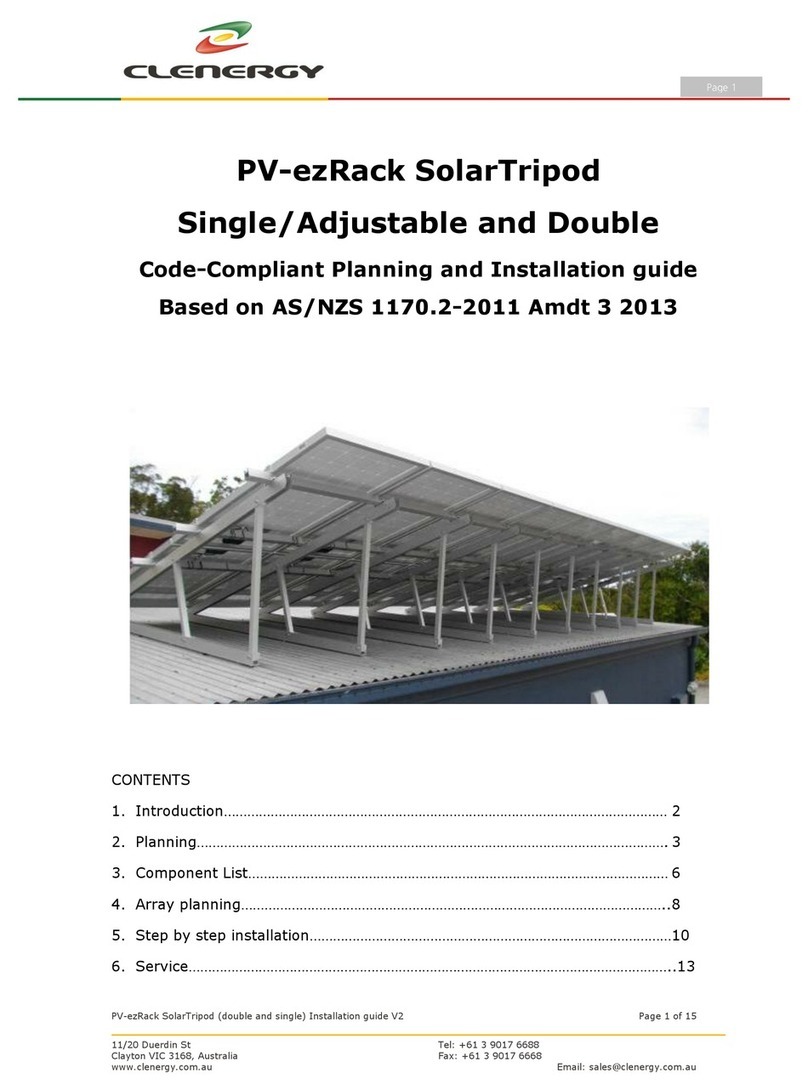
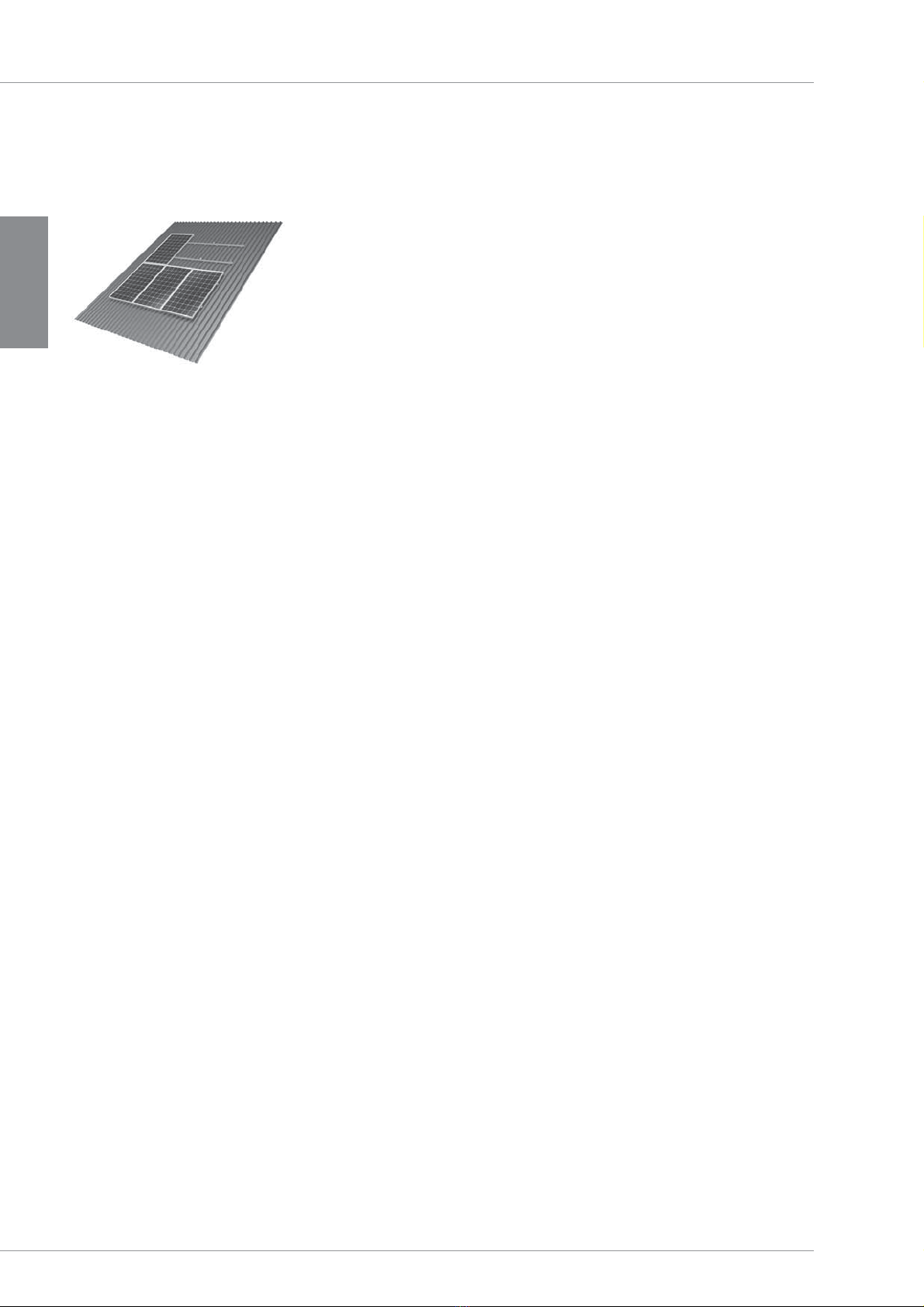
The SunTop Trapeze flat roof system is a sturdy frame sys-
tem for mounting PV modules on trapezoidal sheet metal
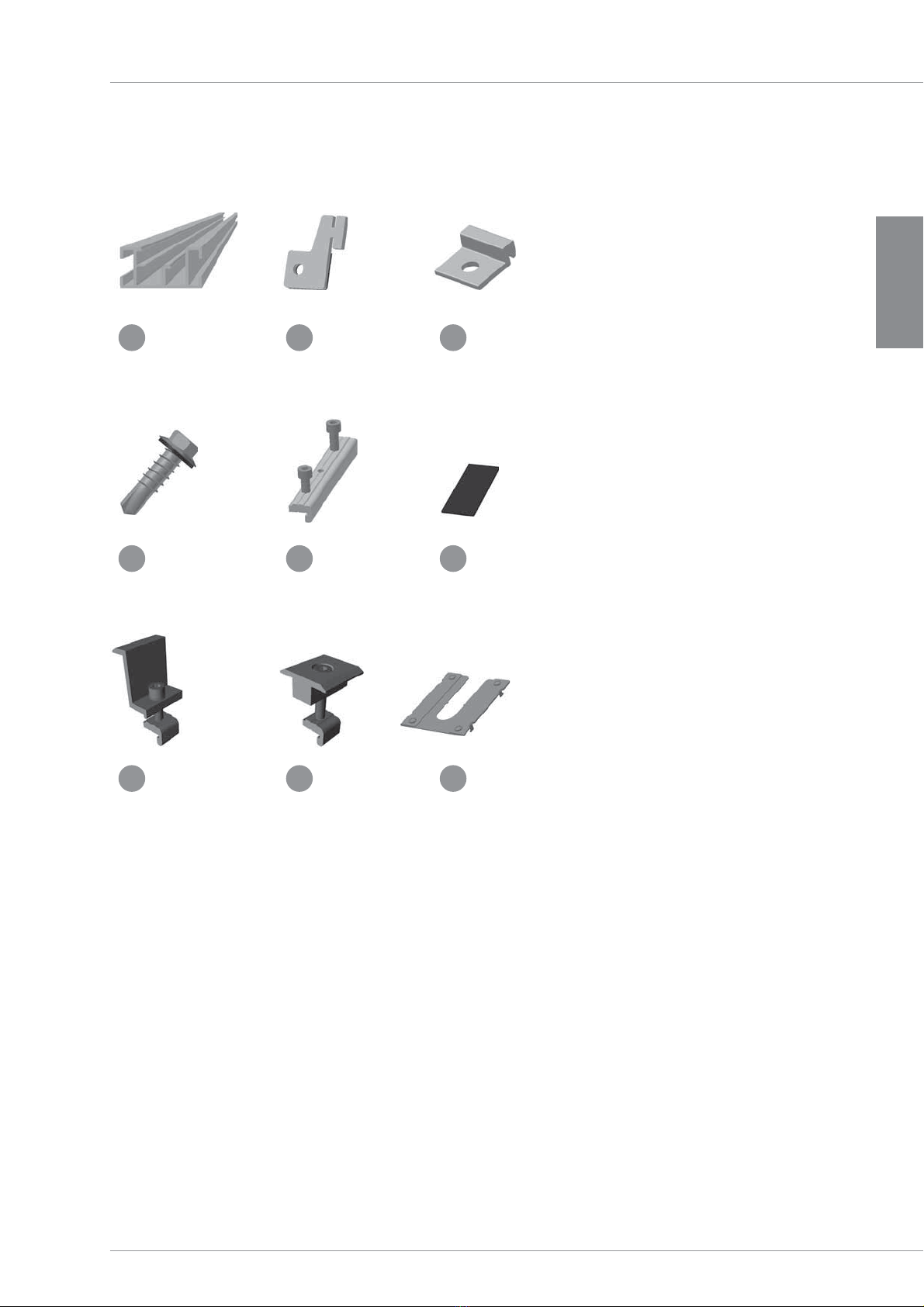
roofs. It consists of aluminum base rails and all necessary
small parts to install the modules to the rails and con-
necting the components to each other. Both portrait and
landscape mounting of the modules are possible.
1.2 Intended use
The on-roof system SunTop Trapeze is to be used for the
installation of PV modules only. Any other use is consid-
ered improper. Please follow the instructions in this manual
carefully. Mounting Systems is not responsible for damage
that results from improper installation. Be sure to follow the
safety and use guidelines closely.
1.3 Standards and guidelines
When planned correctly, SunTop Trapeze fulfills the follow-
ing standards and directives:
• Eurocode 9 — DIN EN 1999-1-1: Design of aluminum
structures
• Eurocode 1 — DIN 1055 — Actions on structures
• DIN 18807-3 Trapezoidal sheeting in building; trapezoidal
steel sheeting; structural analysis and design
• DIN 18807 Trapezoidal sheeting in buildings - Part 9:
Aluminium trapezoidal sheeting and their connections;
application and construction
In addition, every installation must be in compliance with
the following codes/rules:
• VDE 0100 – 712 ; IEC 64/1736. Installation of low-voltage
systems
• VDE 0185 Serie, IEC 81/335. Lightning protection
1.4 About these instructions
Subject
The purpose of this manual is to provide instructions for the
installation of the on-roof system SunTop Trapeze.
The illustrations in this manual show the installation for
framed modules in portrait orientation. The installation in
landscape orientation is dealt separately in section 8.
Users
This manual is written specifically for qualified installers
who have undergone instructions by the operator and have
basic mechanical and trade skills.
Orientation aids
The following aids will improve the readers’ understanding
when using this manual:
Symbols
Shows detail and additional information for
handling procedures.
Useful Tips
Simplifies handling procedures and contributes
to the success of the installation.