manuals.online logo
Brands
  1. Home
  2. •
  3. Brands
  4. •
  5. Connexity
  6. •
  7. Telephone
  8. •
  9. Connexity M405 User manual

Connexity M405 User manual

This manual suits for next models

4

Other Connexity Telephone manuals

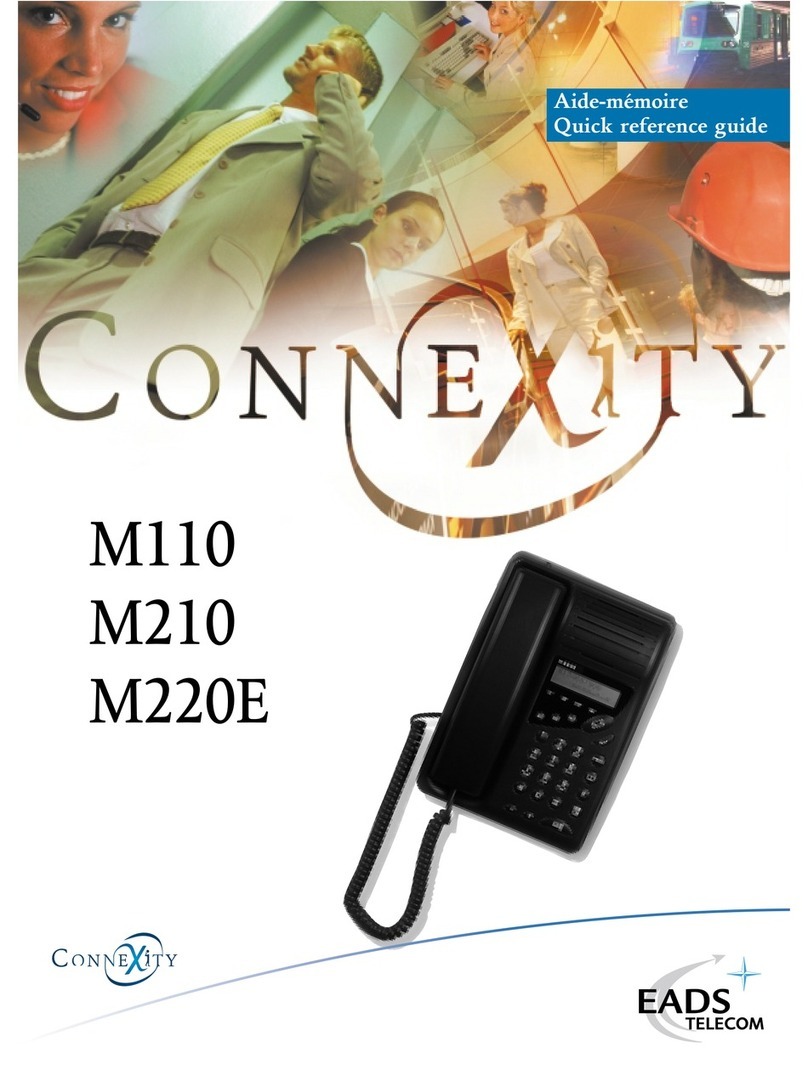
Connexity M110 User manual

Connexity

Connexity M110 User manual

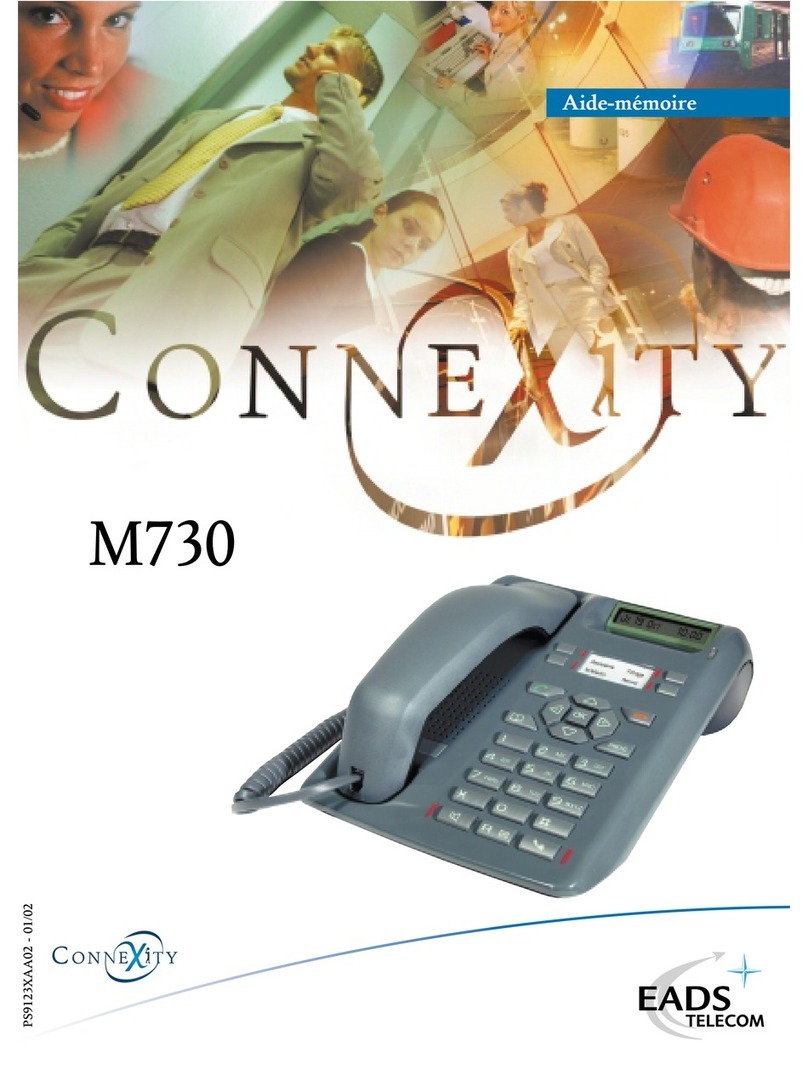
Connexity M730 Quick start guide

Connexity

Connexity M730 Quick start guide

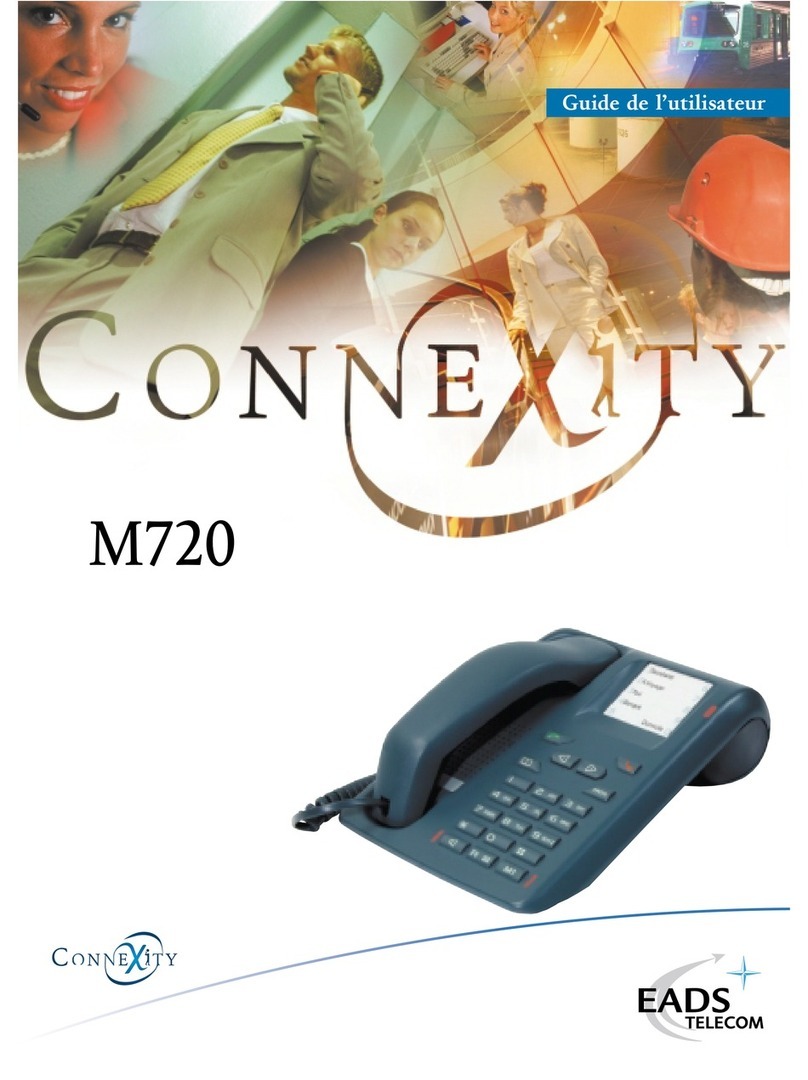
Connexity M720 Quick start guide

Connexity

Connexity M720 Quick start guide

Connexity M740 Quick start guide

Connexity

Connexity M740 Quick start guide

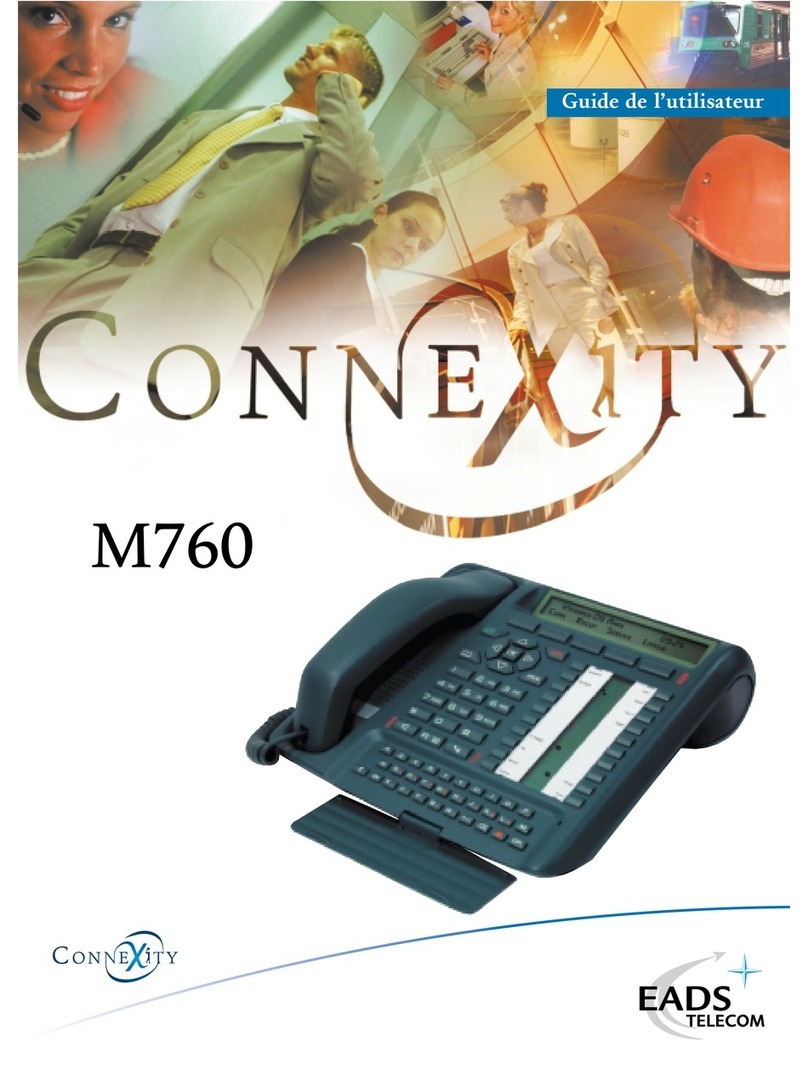
Connexity M760 Quick start guide

Connexity

Connexity M760 Quick start guide

Connexity M730 User manual

Connexity

Connexity M730 User manual

Connexity M310 User manual

Connexity

Connexity M310 User manual

Connexity M520 User manual

Connexity

Connexity M520 User manual

Connexity M900 Assembly instructions

Connexity

Connexity M900 Assembly instructions

Popular Telephone manuals by other brands

Philips BaseLine Pro manual

Philips

Philips BaseLine Pro manual

V-tech i6772 user guide

V-tech

V-tech i6772 user guide

BT FREELANCE XD 5100 quick start guide

BT

BT FREELANCE XD 5100 quick start guide

Uniden 1360 user guide

Uniden

Uniden 1360 user guide

Fanvil D800 user manual

Fanvil

Fanvil D800 user manual

Avaya IP500 user guide

Avaya

Avaya IP500 user guide

NEC Univerge SV9100 installation manual

NEC

NEC Univerge SV9100 installation manual

Amanda MiniSOHO Installation and programming manual

Amanda

Amanda MiniSOHO Installation and programming manual

Hitachi SelecSet 900 Series user guide

Hitachi

Hitachi SelecSet 900 Series user guide

mPTech HAMMER BS21 quick start guide

mPTech

mPTech HAMMER BS21 quick start guide

NEC 2000IVX user guide

NEC

NEC 2000IVX user guide

ooma Phone Genie quick start guide

ooma

ooma Phone Genie quick start guide

Siemens Gigaset S450 user guide

Siemens

Siemens Gigaset S450 user guide

Clarity RC100 operating instructions

Clarity

Clarity RC100 operating instructions

GE 2-9480 user guide

GE

GE 2-9480 user guide

Geemarc PHOTOPHONE 155 user guide

Geemarc

Geemarc PHOTOPHONE 155 user guide

Interquartz Gemini IQ333 operating instructions

Interquartz

Interquartz Gemini IQ333 operating instructions

SSS Siedle HT 840-0 operating instructions

SSS Siedle

SSS Siedle HT 840-0 operating instructions

manuals.online logo
manuals.online logoBrands
  • About & Mission
  • Contact us
  • Privacy Policy
  • Terms and Conditions

Copyright 2025 Manuals.Online. All Rights Reserved.

M405
M405D-E
M405L
Aide-mémoire
Quick reference guide
Calling an external number......................
Calling an internal extension.....................
Calling an attendant................................
Automatic redialling of internal extension....
(if the number is busy or does not answer)
When the called extension hangs up, your
extension rings.
If the number is busy or does not answer,
storing the number for redial......................
(after hangup)
To redial this number..............................
To cancel the storing................................
Transferring a communication
to an internal extension................................
......................Appel d’un numéro externe
.......................Appel d’un numéro interne
..................................Appel du standard
...Rappel automatique d’un numéro interne
(en cas d’occupation ou de non réponse)
Votre poste sonnera, au prochain
raccrochage de votre correspondant interne.
En cas d’occupation ou de non réponse,
..enregistrement du numéro pour le ré-émettre
(après raccrochage)
..................................Rappel du numéro
..................Annulation de l’enregistrement
Transfert d’une communication
...................................vers un poste interne
Calls Appels
Simultaneous calls Appels simultanés
In communication, when an external party is
trying to reach you, you hear a beep.
Answerring the call.................................
The first party is placed on hold.
You are in communication with the first party.
Calling a second party.............................
The first party is placed on hold.
Switching from one party to the other.........
During the conversation with one party, the other
is placed on hold.
Releasing one party................................
You are connected with the other party.
Three-way calling Conférence à 3
You are in communication with one party and the
other is placed on hold.
Establishing a three-way call.....................
Leaving and transferring the call
..........................................
The two parties are connected
(except if the two parties are external
numbers).
Hang up
En cours de communication,
si un appel externe arrive, émission d’un bip.
.............................Consultation de l’appel
Le 1er correspondant est mis en attente.
Vous êtes en ligne avec un 1e correspondant.
....................Appel d’un 2ecorrespondant
Le 1er correspondant est mis en attente.
........Passage d’un correspondant à l’autre
Pendant la conversation avec l’un des
correspondants, l’autre est mis en attente.
..................Libération d’un correspondant
Vous restez en communication avec l’autre
correspondant.
Vous êtes en communication avec un
correspondant et un second est en attente.
.......Etablissement d’une conférence à trois
Fin avec transfert de la communication
........................................
Les deux correspondants restent en
communication (sauf si les deux
correspondants sont externes).
Raccrochez
0 +No
No
9
R +5
*79
*99
#79
R+No
R+*10
R +No
R+2
R+1
R+3

According to user’s class of service.
Setting up immediate call forwarding.........
(to cancel #21)
Setting up delayed call forwarding.............
(to cancel #22)
Setting up call forwarding on busy.............
(to cancel #23)
Si le poste en a le droit.
.........................Renvoi d’appel immédiat.
(annulation par #21)
.................Renvoi d’appel sur non réponse
(annulation par #22)
..................Renvoi d’appel sur occupation
(annulation par #23)
Call forwarding Renvoi d’appels
To another extension ers un autre Nointerne
If you have a voice mailbox
Setting up immediate call forwarding........
(to cancel #21)
Setting up delayed call forwarding.............
(to cancel #22)
Setting up call forwarding on busy.............
(to cancel #23)
Cancelling all call forwarding.......................
Si la boite vocale existe
.........................Renvoi d’appel immédiat.
(annulation par #21)
.................Renvoi d’appel sur non réponse
(annulation par #22)
..................Renvoi d’appel sur occupation
(annulation par #23)
.......Annulation de tous les renvois d’appels
To voice mail ers la messagerie vocale
Picking up a call meant for a
hunt group...........................................
Picking up a call meant for an extension of
another group.......................................
Picking up a call on common ringing...........
Interception d’un appel destiné à un poste
......................................de votre groupe
Interception d’un appel destiné à un poste
..................................d’un autre groupe
Interception d’un appel sur sonnerie générale
Call pick up Interception d’appels
*21 +No
*22 +No
*23 +No
*25
*26
*27
#20
*01
*02 +No
*00
Programming an appointment..................
Enter the hour and minutes (hhmm) in 24-hour
format (for example 6.30 pm is 1830)
Cancelling an appointment........
.
.............
.............Programmation d’un rendez-vous
Entrez l’heure et les minutes (hhmm)
(par exemple, 1830 correspond 18H30)
......................Annulation d’un rendez-vous
Appointment reminder Rappel de rendez-vous
*55 + hhmm
#55 + hhmm
You can store in 10 abbreviated numbers
(0 to 9) the phone numbers (No) of your
favorite correspondants.
Storing an abbreviated number.................
Making a call using abbreviated numbers ..
Cancelling an abbreviated number..............
Vous disposez de 10 numéros abrégés (0 9)
pour enregistrer les numéros (No) des corres-
pondants que vous appelez le plus souvent.
...........Enregistrement d’un numéro abrégé
......................Appel d’un numéro abrégé
..................Annulation d’un numéro abrégé
Abbreviated numbers Numéros abrégés
*51+ (0 - 9) + No
** + (0 - 9)
#51 + (0 - 9)
Programming a personal password...........
Enter the old password (xxxx) which is 0000 by
default and then enter twice your new password
(nnnn) in four digits format.
Locking your set.....................................
Unlocking your set..................................
Enter your password.
..........Programmation d’un code personnel
Entrez votre ancien code (xxxx) qui par défaut
est 0000, puis entrez deux fois votre
nouveaux code 4 chiffres (nnnn).
....................... errouillage de votre poste
....................Déverrouillage de votre poste
Vous devez entrer votre code personnel.
Set locking errouillage poste
*06 + xxxx +
nnnn + nnnn
*05
#05 + nnnn
Personal directory Répertoire personnel
General directory Répertoire collectif
Contact your administrator to have the list of
abbreviated numbers memorized (3xxx)
in the general directory.
Making a call using abbreviated numbers...
Consultez l’exploitant de votre installation
pour avoir la liste des numéros abrégés (3xxx)
du répertoire collectif.
.........................Appel d’un numéro abrégé
* + 3xxx
This document shows the available
functions from your phone associated
with a system of M6500 IP PBX and
Succession 6500 ranges.
Ce document vous présente les
fonctions accessibles depuis votre poste,
installé avec un système des gammes
M6500 IP PBX et Succession 6500.
Il s’agit des répertoires enregistrés dans le système, indé-
pendants du répertoire qui peut exister sur votre poste.
Those are the system directories, independent of
personal numbers you can store in your phone.
Copyright® 2001 EADS Defence and Security Networks.
Ce document ne peut tre considéré comme contractuel. Les renseignements y figurant sont donnés à titre indicatif et
peuvent tre modifiés sans avis préalable, reproduction interdite. Connexity est une marque déposée de EADS Defence and
Security Networks. EADS est une marque déposée de EADS N.V. Succession est une marque déposée de Nortel Networks.
+
All rights reserved. Information subject to change without notice. EADS Defence and Security Networks reserves the right
to make changes without notice, in equipment design as engineering or manufacturing consideration may warrant.
Connexity is a registered trademark of EADS Defence and Security Networks. EADS is a trademark of EADS N.V.
Succession is a trademark of Nortel Networks.
EADS Defence and Security Networks
Rue J.P. Timbaud - BP 26
78392 Bois d’Arcy Cedex - France
Tél : 33 (0)1 34 60 80 20
Fax : 33 (0)1 34 60 88 21
www.eads-telecom.com
PS8143XAA04 - 01/02