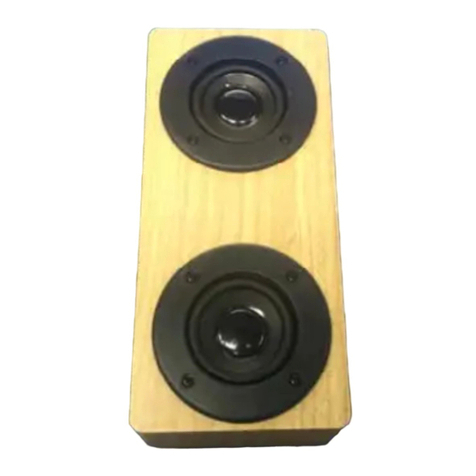
CQL1646-B Bluetooth Speaker
Instruction Manual (Read before proceeding)
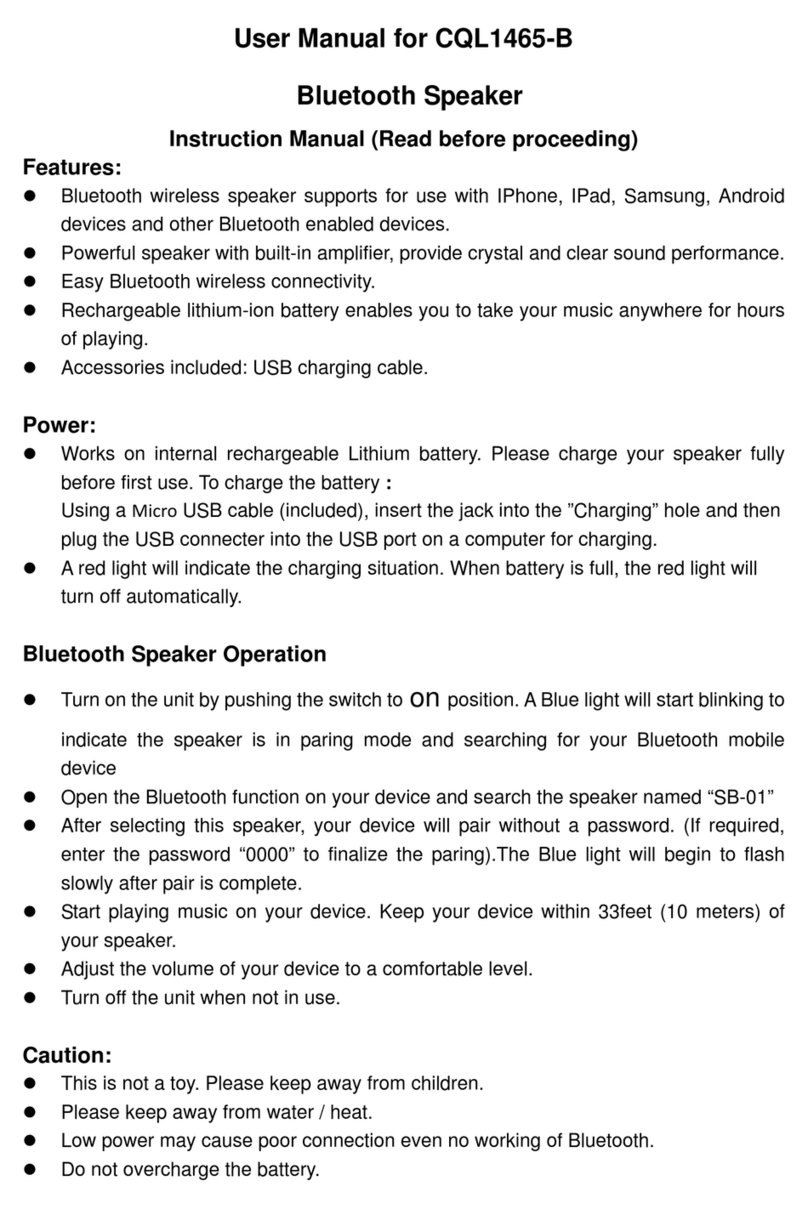
Charging the Speaker
zThe speaker works on an internal rechargeable lithium battery. Please charge your speaker
fully before first use.
zInsert the small connector of the supplied micro-USB cable into the micro-USB charging port on
the side of the speaker. Insert the large connector into the USB port on a computer, a USB
charging device ,or 5V USB adapter(not included) and plug into a wall socket.
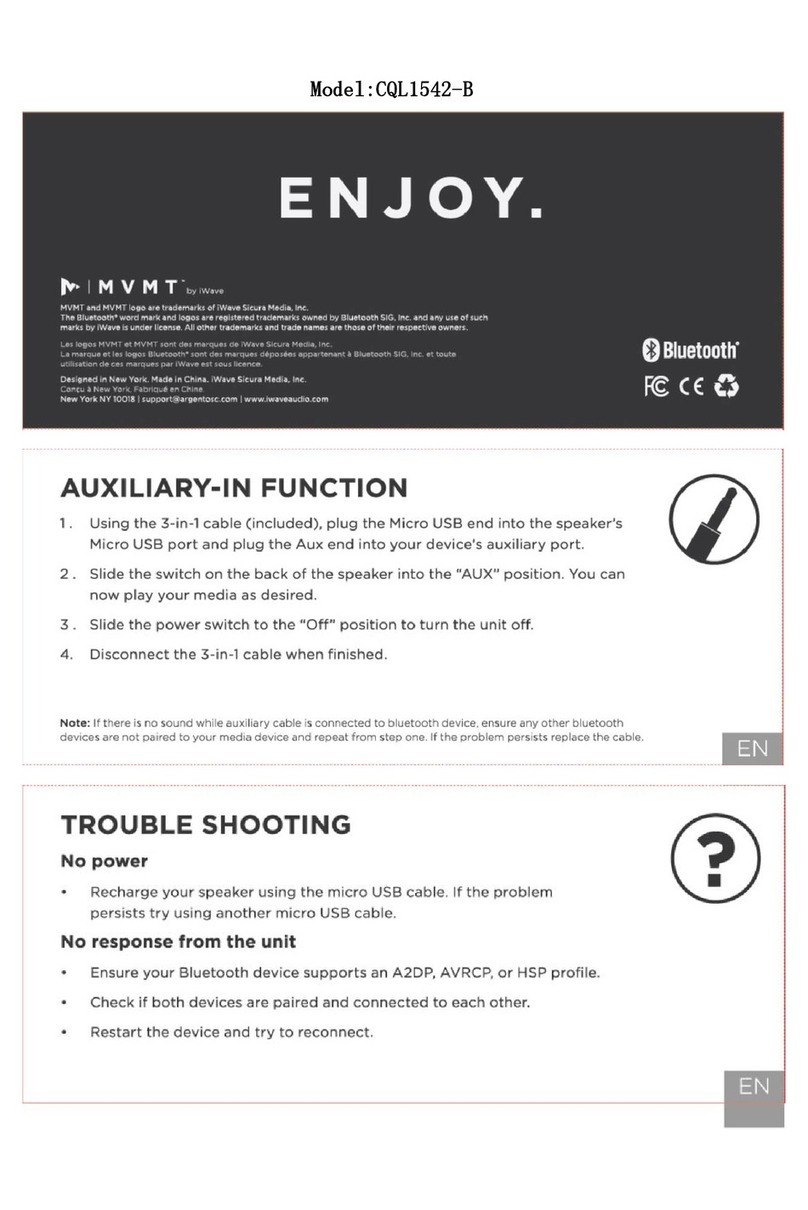
zThe LED indicator will turn RED while charging and turn OFF when fully charged.
zDisconnect the USB cable when it is fully charged.
Bluetooth Operation
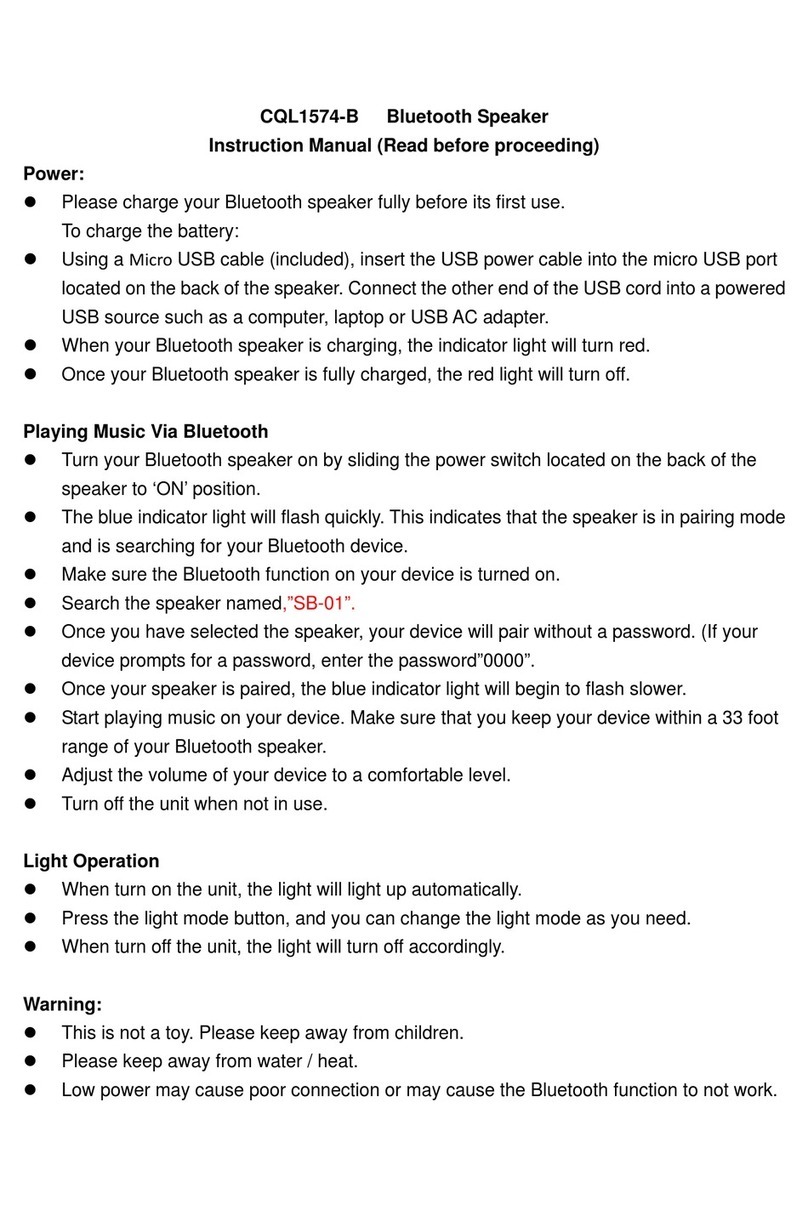
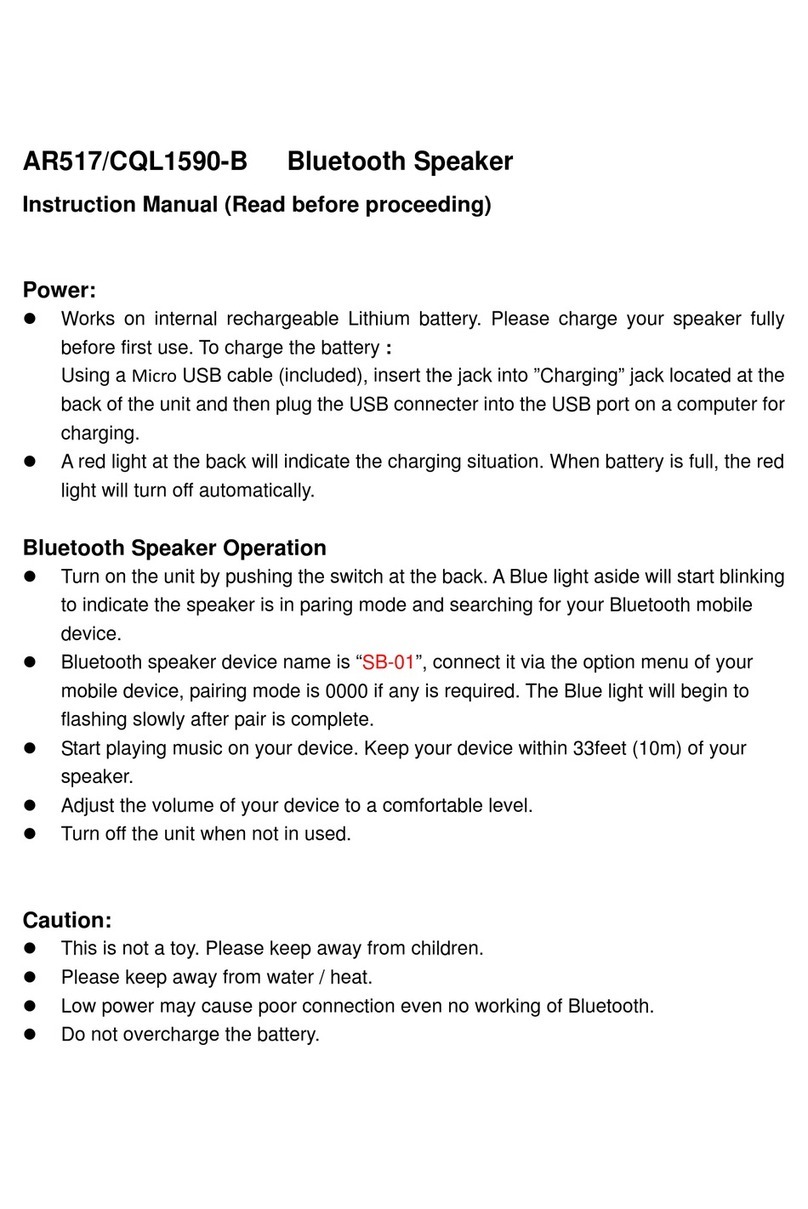
zSlide the “POWER” switch to the ON position to power the speaker on.
zA tone will be heard and the speaker will enter Bluetooth pairing mode or re-pair to a
previously-paired device.
zA tone will be heard and the Bluetooth LED indicator will quickly flash BLUE.
zSet your mobile device to search for Bluetooth devices, when it appears, select “SB-10” from
the list of found devices. You device will pair without a password but if required enter 0000 to
finalise the pairing.
zOnce successfully paired , a tone will be heard and the Bluetooth LED indicator will slowly flash
Blue.
zStart playing music on your device. Keep your device within 10 meters of your speaker to
ensure optimal audio quality.
zTurn the speaker off when not in use by flicking switch to the OFF position.
Light Operation
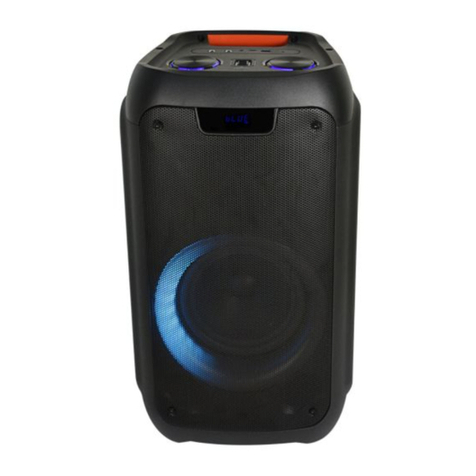
zQuick press the [ ] button to cycle through the speaker light modes. There are 4 LED Light modes in
total.
-White light only
-Flashing colorful light
-Gradient seven color lights
-RGB light dance and response to the music
zQuick press five times to turn off the LED light.
Caution:
zThis is not a toy. Please keep away from children.
zPlease keep away from water / heat.
zLow power may cause poor connection even no working of Bluetooth.
zDo not overcharge the battery.
zBattery pack shall not be exposed to excessive heat such as sunshine, fire or the like