5
Directions for use
Prior to the first use, especially if outdoor temperature is below zero, let the
device heat up at room temperature for 1 hour. It is recommended to use
the device at temperature ranging from 5°C to 40°C, and relative humidity
not more than 80%. Use only clean water with temperature not more than
30°C. Prior to a switching the device off for a long time (more than 2 days),
drain water from the water tank. Read instructions how to clean the
humidifier in section «Recommendations on maintenance of the device».
CONTROL OF THE DEVICE
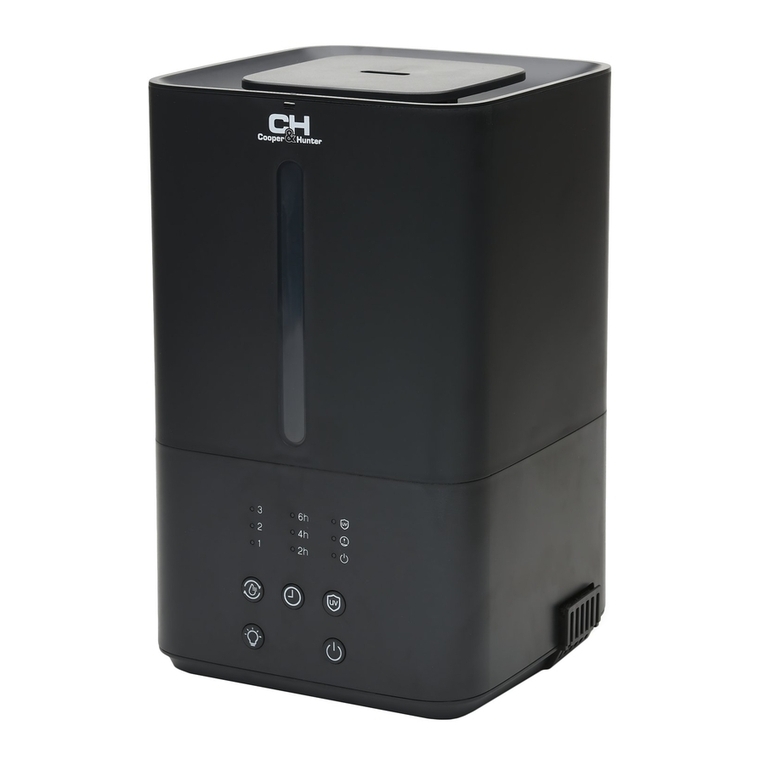
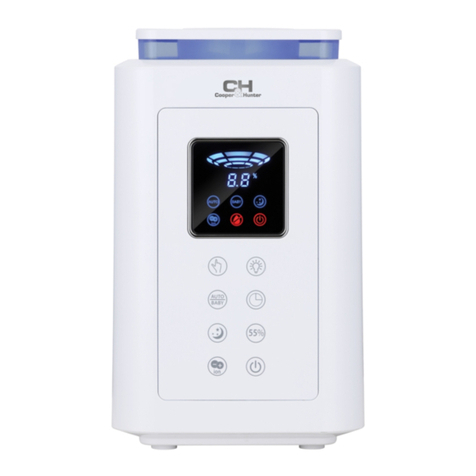
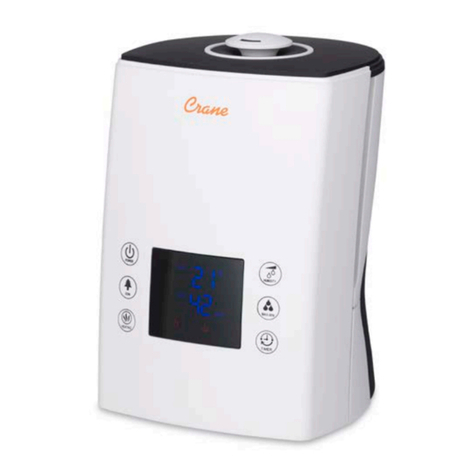
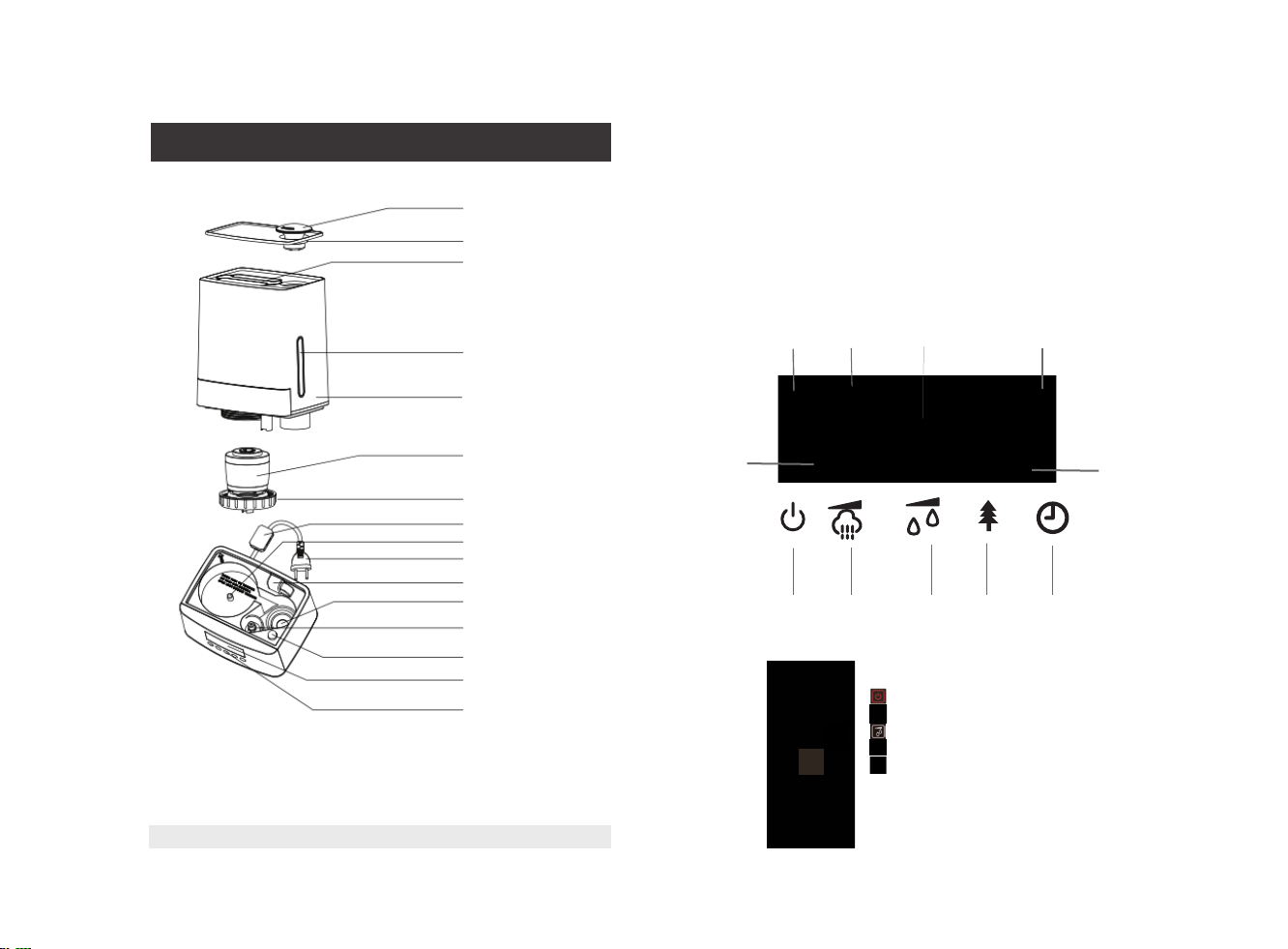
• Switching on/off button:
You can switch the unit on and off by one pressing of the button.
• Ion button:
You can switch the ionisation mode on and off by one pressing of the
button «ION».
• Timer button:
You can set the switch off time. To do this, consequently press or hold
the button «TIMER». The timer is set in the range from 1to 12 hours
with 1hour step. Switch the timer off consequently press the button
«TIMER» until the symbol «- -H» appears on the display.
• Min/max mist button:
Select mist release intensity by pressing consequently the button «MAX/
MIN»: «1» -low intensity, «2»- medium intensity, «3»- high intensity.
• Min/max humidity button:
Set Humidity :Humidity can be increased from 45% to 75% at increments
of 5% (Machine checks
humidity automatically when it is turn on).
Constant humidity: The machine controls the humidity automatically when it
is set for specific percentage humidity. For example, If humidity is set at 50%,
the machine will check the humidity around to see if it has reached 50%, if
it is less than 50%, machine keeps working, if it is equal to 50% or above,
the machine stops working to ensure the humidity is at astable situation.
Machine will start working again if humidity less than your setting humidity.
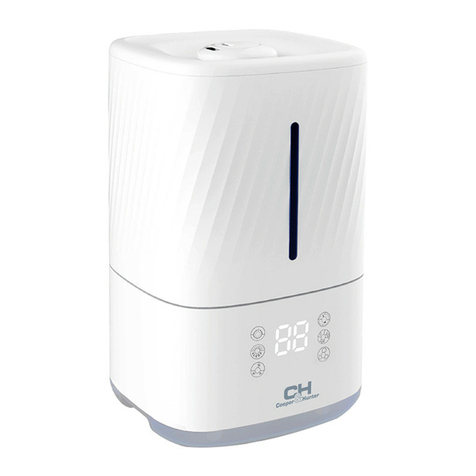
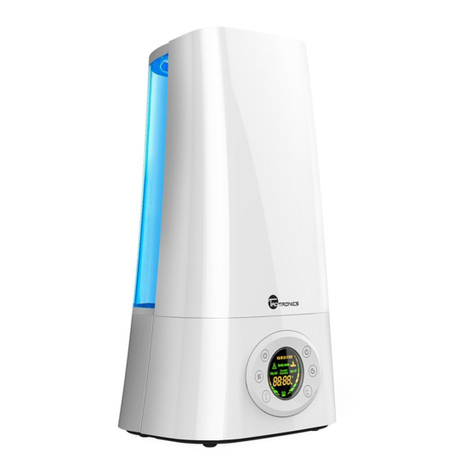
• Low water level indication:
When the water tank becomes empty, the unit will be switched off, you will
hear asound signal, and the indicator will light up red in the display.
• Water tank illumination:
The illumination lights up when the unit is plugged in. The illumination allows
to check the water level in the tank.
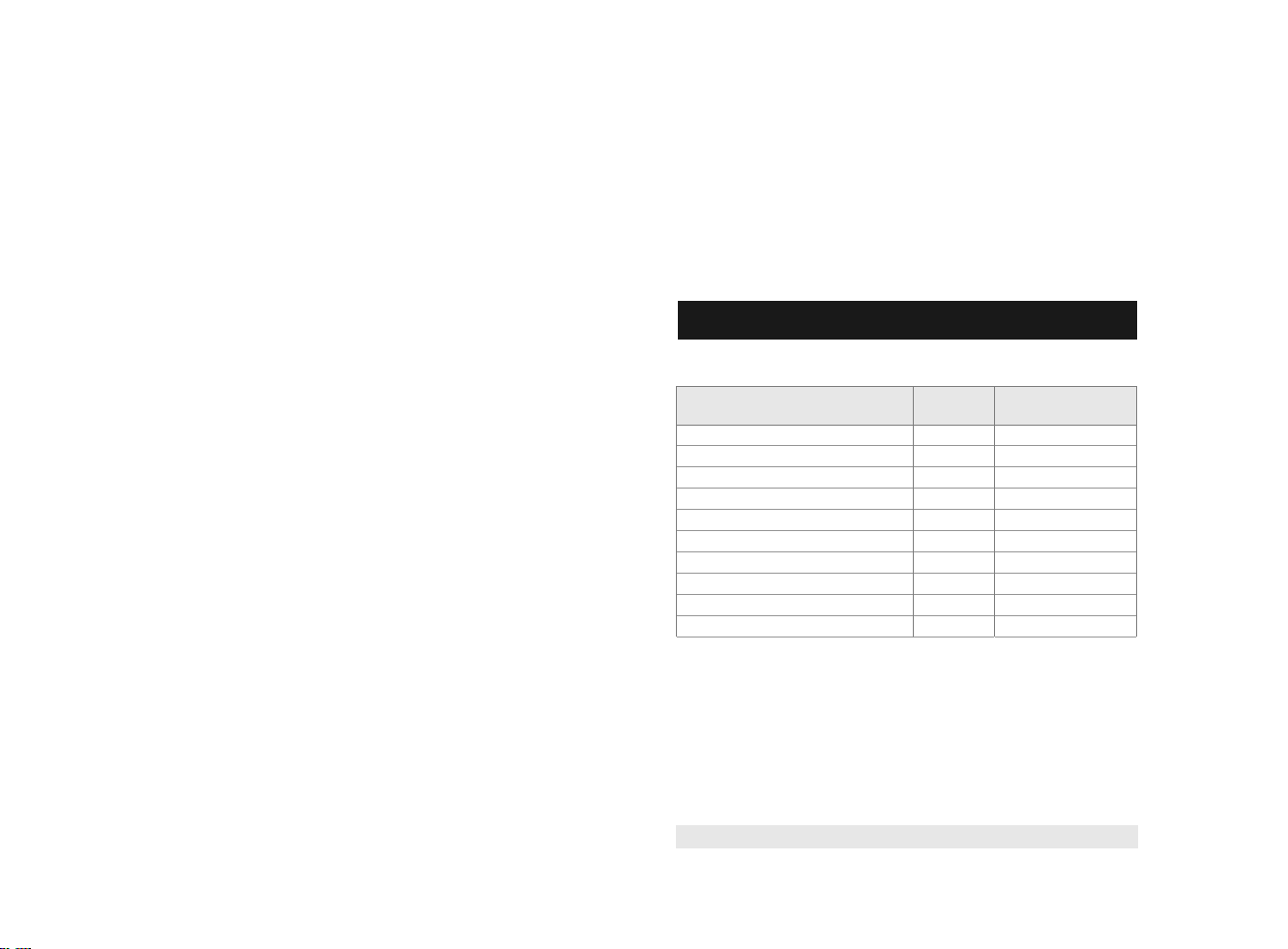
1. Air humidifier – 1 pc.
2. Operation manual – 1 pc.
3. Packing – 1 pc.
4. Filter – 1 pc.
5. Remote control - 1 pc.
5. SCOPE OF DELIVERY
6. OPERATION OF THE UNIT
1. Put the machine on a flat surface.
2. Fill the water into the water tank, and then tighten the tank cover.
3. Put the water tank on the main body.
4. Check if the rated voltage meets the input voltage, and plug in the
socket.
5. Switch on the machine; the background light of LED will be on. The
machine begins to work. And the display will be showed current humidity
or TEMP(°C)
6. Press the button “volume”, you may adjust the mist volume.
Press the button “Ion”, the ion generator works. On the LED display, it
shows the shape of trees. Press again to stop the function. Long press 2
second , it can be off the tank light
7. Timer setting: There are 12 timer setting: 1,2,3,4,5,6,7,8,9,10,11,12
hours. The timer shows the rest operation time and decrease by 1 hours,
i.e., if set the timer at 12 hours, LED display shows 11 after one hour
• Auto function:
The Auto Function means that the machine can work automatically.
When you press the Auto button, the machine will enter into the auto
control mode. Under this function, the machine will choose asuitable
humidifying level( Normally High Setting )according to the environment
humidity and maintain the humidity between 60~65%, it will work in
small speed, and maintain the room humidify (60~65%) for people to
stay healthy.
Скачано ссайта интернет магазина https://axiomplus.com.ua/