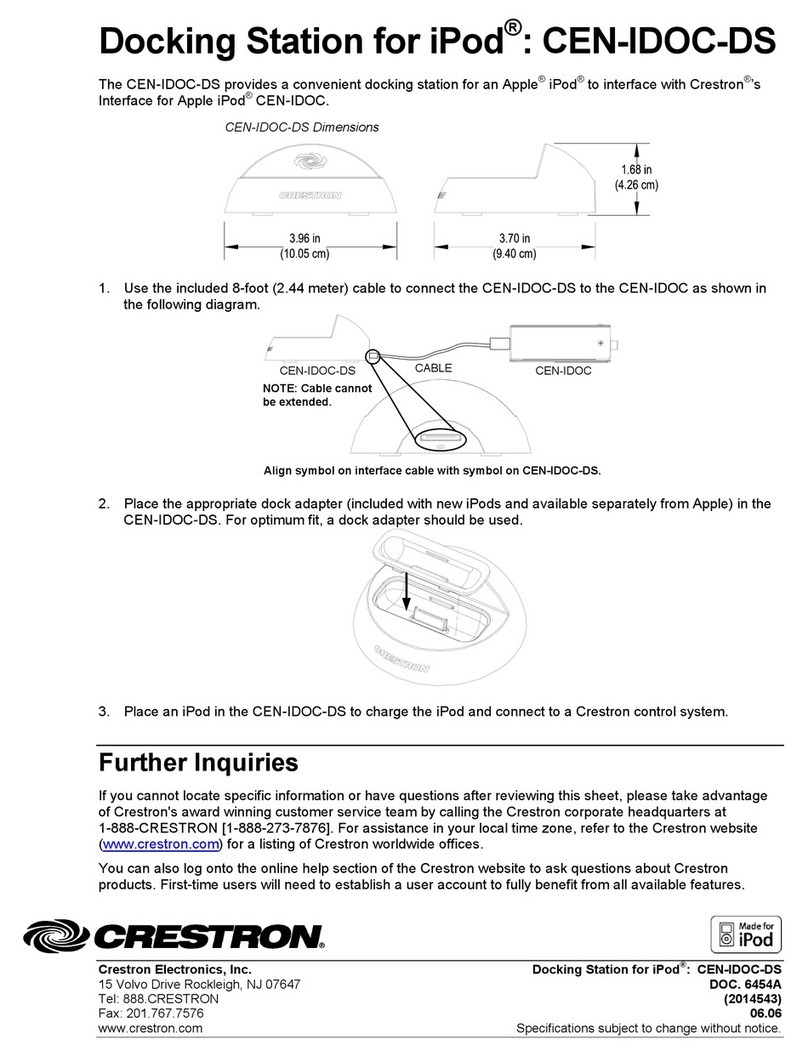
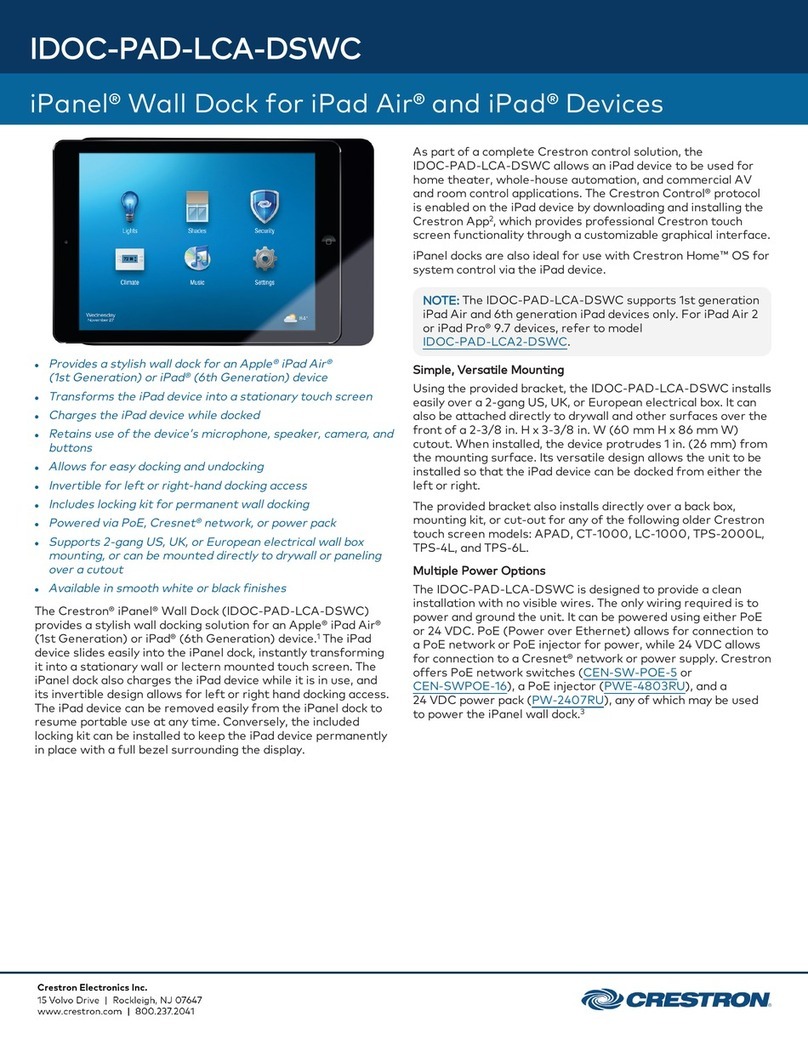
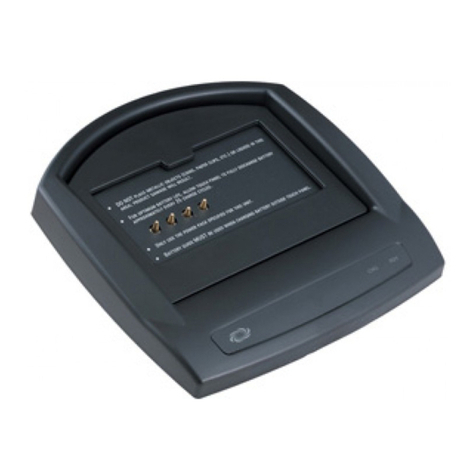
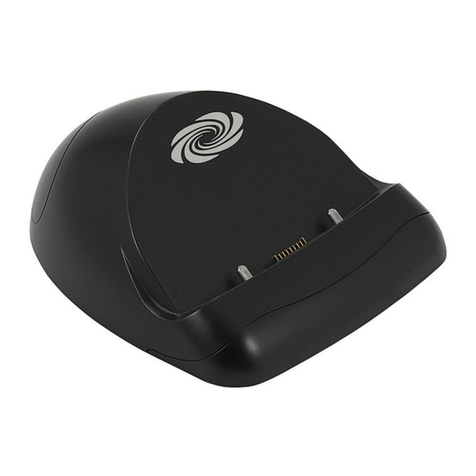
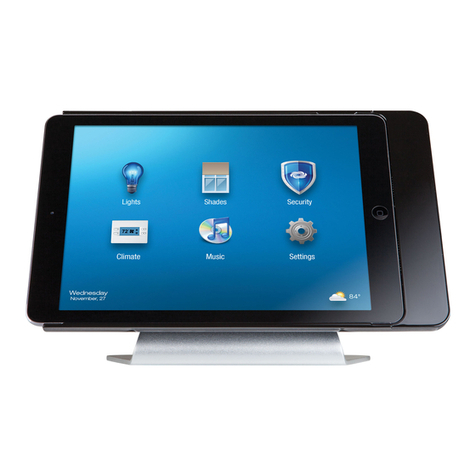
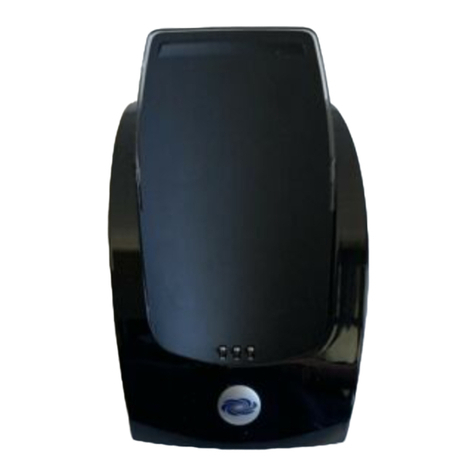
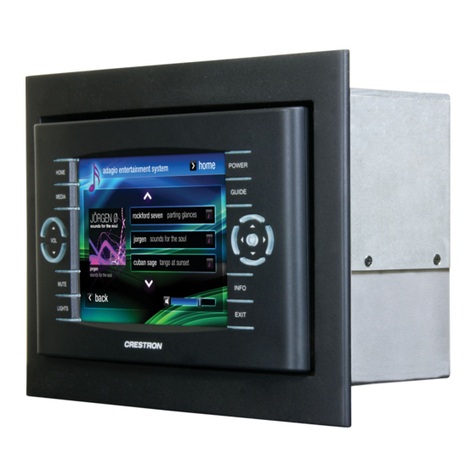
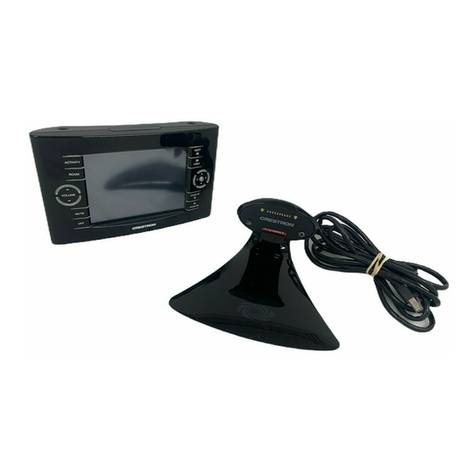
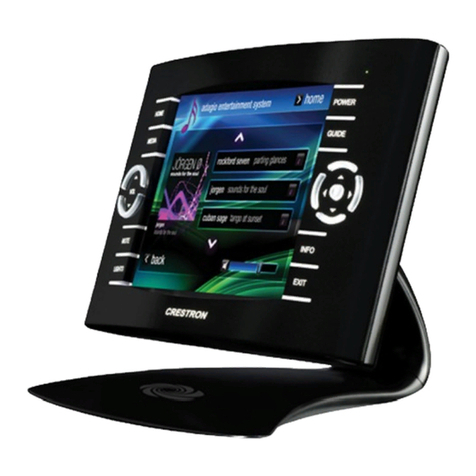
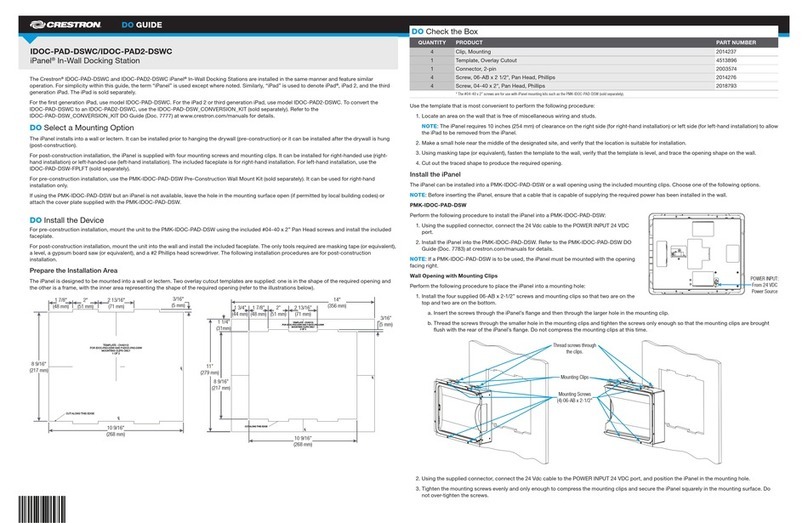
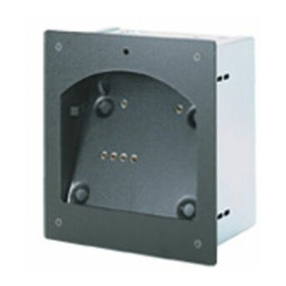
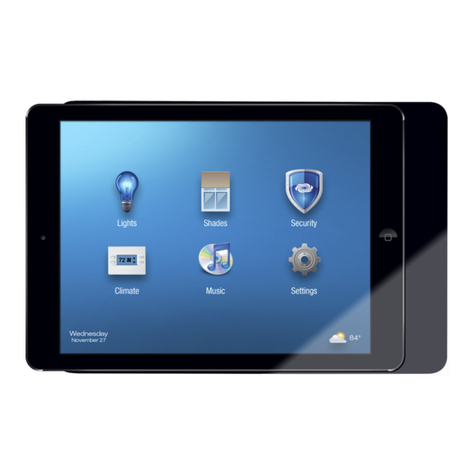
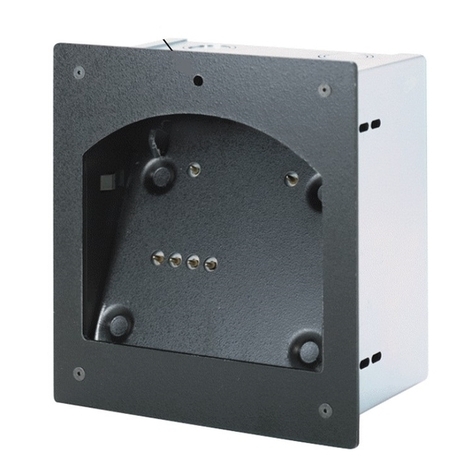
iPanel™ In-Wall Docking Stations Crestron IDOC-PAD(2)-DSWC
6 iPanel™ In-Wall Docking Station: IDOC-PAD(2)-DSWC Operations & Installation Guide – DOC. 7084B
Setup
Wiring
When wiring the device, consider the following:
Use Crestron Certified Wire.
Use Crestron power supplies for Crestron equipment.
Provide sufficient power to the system.
CAUTION: Insufficient power can lead to unpredictable results or damage
to the equipment. Use the Crestron Power Calculator to help calculate how
much power is needed for the system (www.crestron.com/calculators).
For more details, refer to “Check Wiring” on page 13.
Mounting Options
The iPanel installs simply and cleanly into existing or newly constructed walls, with
a choice of a pre-construction or post-construction mounting options. The iPanel is
supplied with four screws and clips for post-construction installation. For a
pre-construction installation, use the PMK-IDOC-PAD-DSW Pre-Construction Wall
Mount Kit (sold separately).
all.NOTE: Pre-construction refers to framed walls prior to hanging dryw
Post-construction refers to framed walls with drywall already hung.
NOTE: The PMK-IDOC-PAD-DSW Pre-Construction Wall Kit can be used in
right-hand installations only.
If the PMK-IDOC-PAD-DSW is to be used and an iPanel is not available, the
installer can either leave the hole in the mounting surface open (if permitted by local
building codes) or attach the cover plate supplied with the PMK-IDOC-PAD-DSW.
Installation
Physical installation of the iPanel without a mounting option includes mounting the
unit to the wall and installing the included faceplate. The only tools required for the
procedures presented here are masking tape (or equivalent), a level, a gypsum board
saw (or equivalent), and a #2 Phillips tip screwdriver. The following procedures are
based on the use of the supplied screws and clips for post-construction installation.
The iPanel can be installed for right-handed use (right-hand installation) or
left-handed use (left-hand installation). The included faceplate is for right-hand
installations only. For left-hand installation, the IDOC-PAD-DSWC-FPLT (sold
separately) must be used.
NOTE: If using the PMK-IDOC-PAD-DSW, the iPanel can only be installed for
right-hand operation.
Prepare the Installation Area
The iPanel is designed to be mounted in a wall or lectern. Two overlay cutout
templates (4513896) are supplied. One is in the shape of the required opening; the