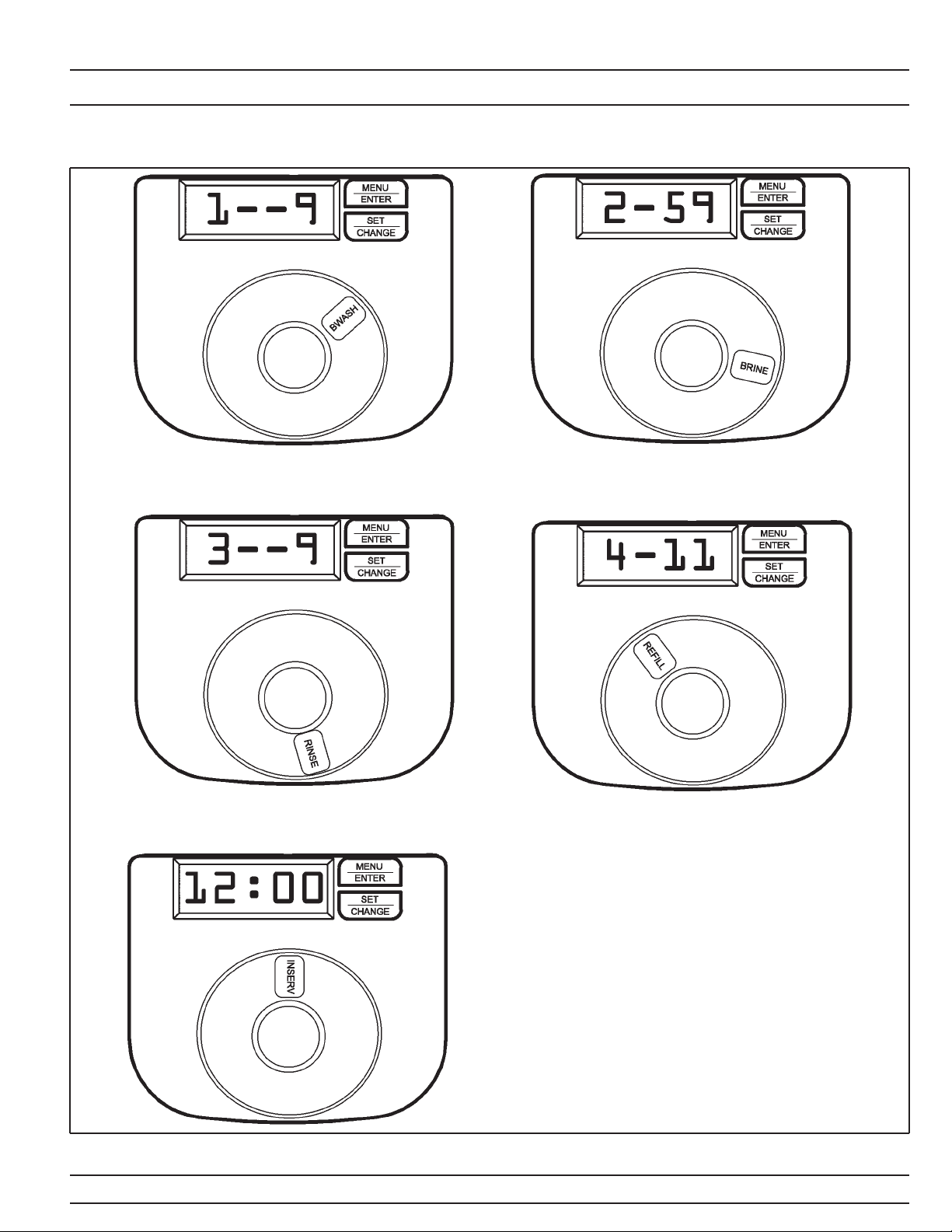
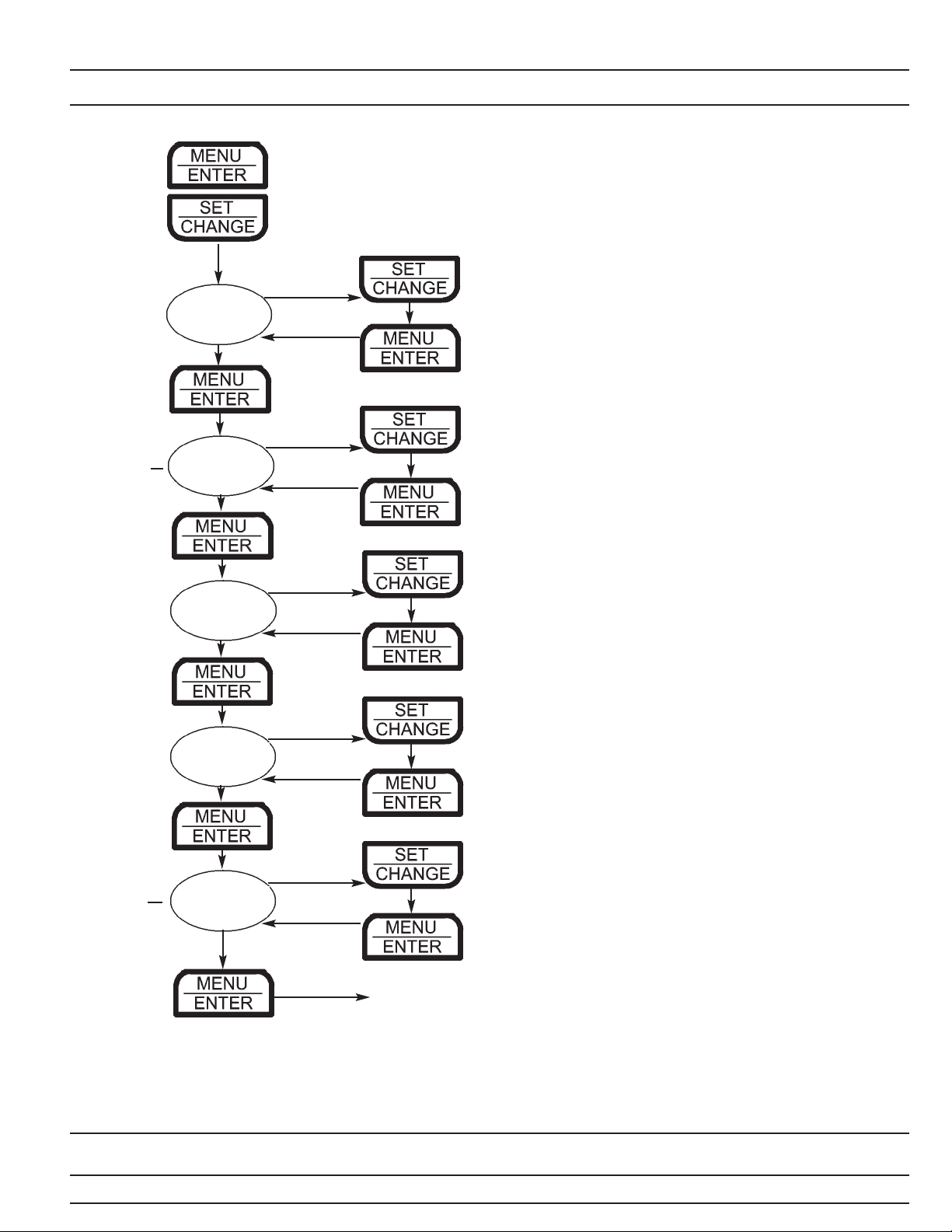
4. Regeneration Cycle Step Programming (1)(2)(3)(4)
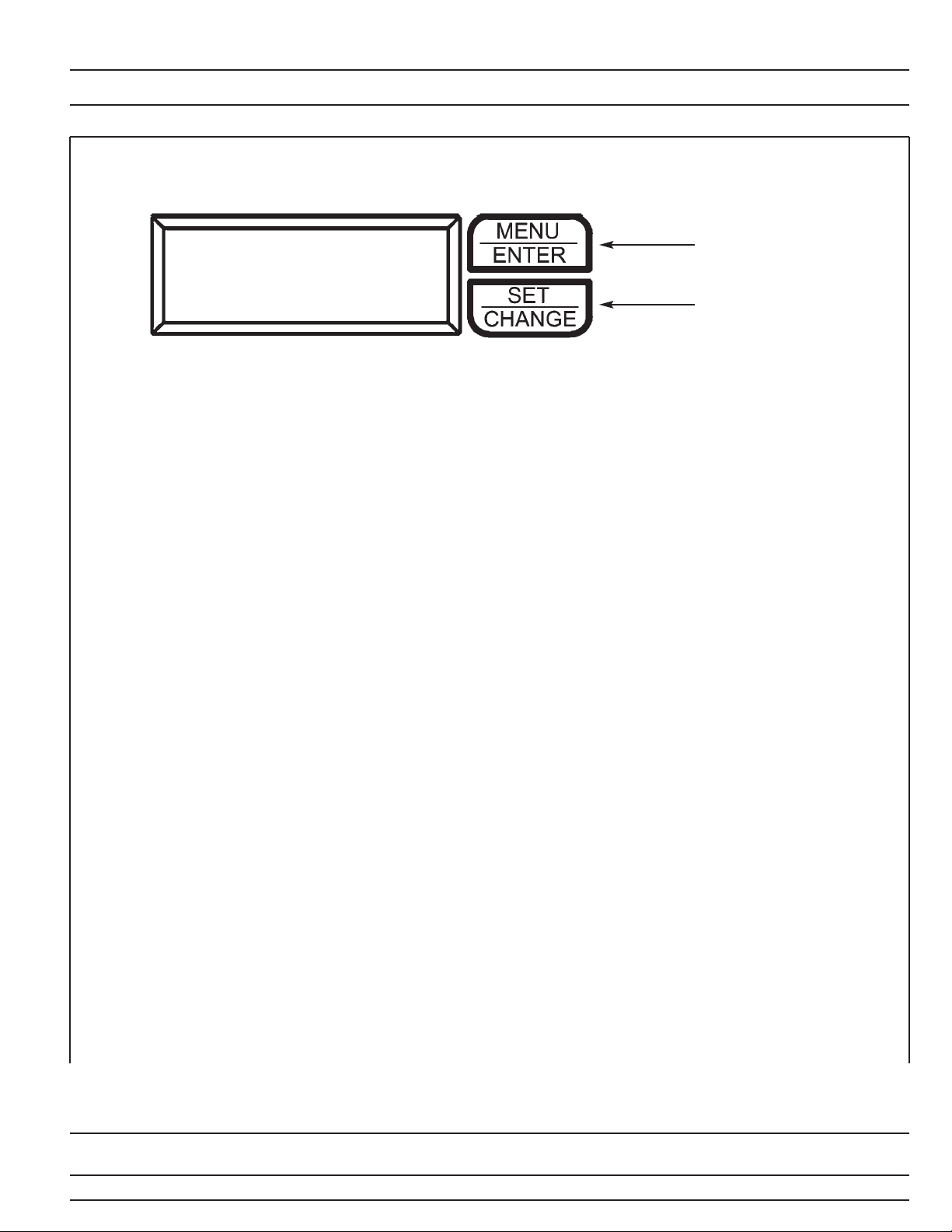
Press the Menu/Enter Button. The next 4 displays viewed are part of a series of
option settings used to program the Regeneration Cycle. Up to 4 steps can be
programmed. Each display is used to set the duration time in minutes for that specific
step in a regeneration cycle. A step # will turn on for the regeneration cycle step being
programmed. Regeneration steps are skipped by setting the display to 0 as shown
below:
Examples: Regeneration Cycle Step #1 - 10 minutes - [ 1 - 10 ] (Factory Setting)
Regeneration Cycle Step #2 - skipped - [ 2 - - 0 ]
Desired lbs. salt ÷ 3 ÷ (Brine Line Flow Control) size (gpm) = refill time in minutes
12 lbs. salt ÷ 3 ÷ .50 = 8 minute refill
* All units are preprogrammed for full salting at factory
Softener Capacity Softener Capacity
24K, 32K, 48K, 64K (.50 gpm BLFC) 90K, 96K, 120K (1.0 gpm BLFC)
Desired Brine Refill Time Desired Brine Refill Time
Salting (lbs.) (minutes) Salting (lbs.) (minutes)
9 lbs. 6 minutes 15 lbs. 5 minutes
12 lbs. 8 minutes 24 lbs. 8 minutes
15 lbs. 10 minutes 30 lbs. 10 minutes
24 lbs. 16 minutes 45 lbs. 15 minutes
30 lbs. 20 minutes 60 lbs. 20 minutes
5. System Capacity in Grains (c) - Meter Mode Only
Press the Menu/Enter Button. This display is used to set the system capacity in grains
and is used in conjunction with the hardness setting to calculate total gallons of treated
water available between regenerations. This option is identified by the letter ‘c’ in the left
digit. This option will only be available when Meter Delay is selected in Step 1. The
maximum value for this item is 399.
Example: 32,000 grain capacity [ c 0 3 2 ]
Exiting the Master Programming Mode
Press the Menu/Enter Button until all steps have been viewed. The Program Mode will
be exited and normal operation resumed. If no buttons are pressed for 60 seconds or
longer in Master Programming Mode it will be exited automatically.
Signature Series
Page 8
Master Programming Mode