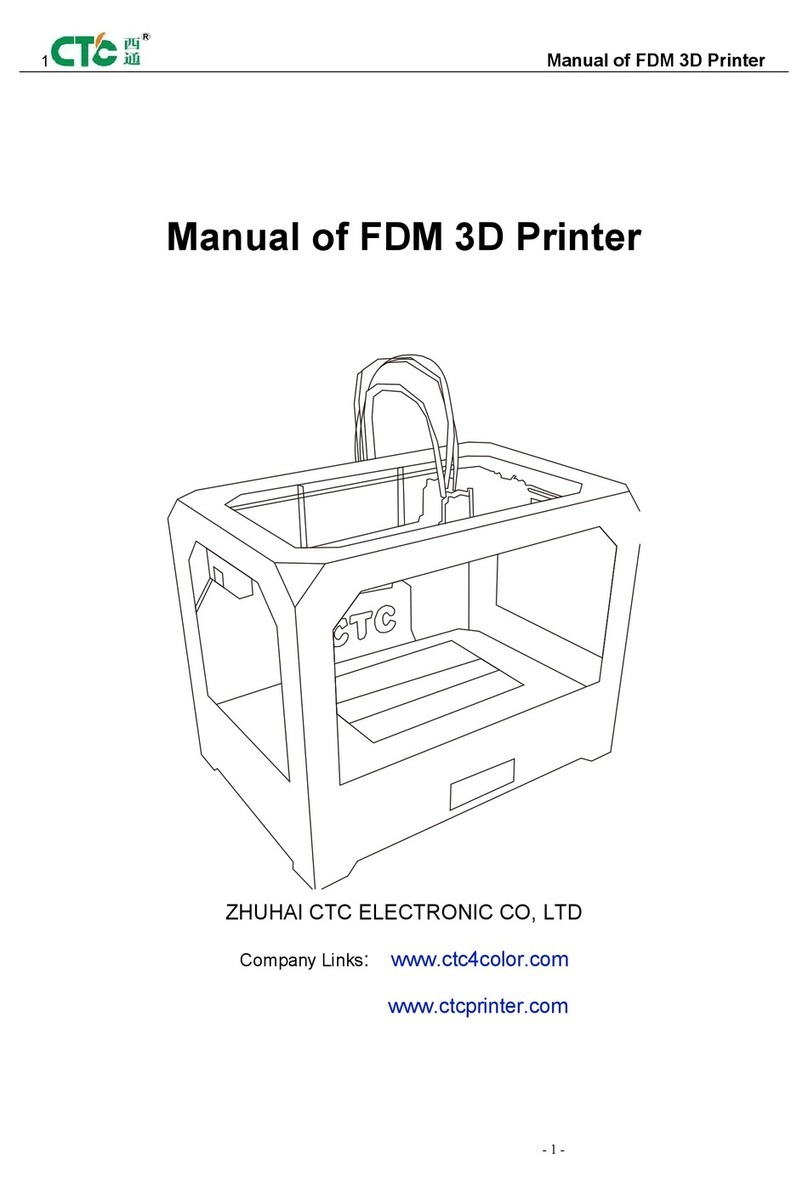
CTC Union DIYFDM 1 Guide

ZHUHAI CTC ELECTRONIC CO., LTD
CTC DIY Printer Installation and Use
Manual
A mature brand that has been tested
by 10-years’ time
focus on high-end science and technology, focus on 3D
printing
Thank you for purchasing the DIY 3D printer manufactured by Zhuhai CTC
Electronic Co., Ltd.
Please carefully read this installation and use manual before installation and use.
Website: www.ctcprint.com

Zhuhai CTC Electronic Co., Ltd DIY Printer Installation and Use Manual
I
Contents
Introduction....................................................................................... 1
1. Safety Issues.............................................................................1
2. Materials and Parts...................................................................1
3. Notes........................................................................................ 3
Installation of Motherboard............................................................... 4
1. A1 Assembly............................................................................ 4
2. A2 Assembly............................................................................ 4
3. A3 Assembly............................................................................ 5
Motherboard Structure Installation and Connection of Power Cable
Ports...................................................................................................6
Commissioning and Notes............................................................... 15
Finished Product Display.................................................................21
Use Instructions............................................................................... 24
1. Proposed Environment........................................................... 24
2. Printer Parameters.................................................................. 24
3. Chinese/English Operations................................................... 24
4. Use Instructions......................................................................26
4.1 Offline Printing...............................................................26
4.2 Online Printing............................................................... 34
5. Installing Series Ports Driver................................................. 41
6. Online Printing.......................................................................43
Maintenance.................................................................................... 47
1. Cleaning Nozzle.....................................................................47
2. Tightening Belt.......................................................................47
3. Shaft and Threaded Rod Maintenance....................................47
4. Fault Shooting........................................................................ 47
5. Common Problems and Solutions.......................................... 48
6. Warranty Statement and Permit Agreement............................49
Appendix 1: Bill of Materials for DIY Printer.................................51

Zhuhai CTC Electronic Co., Ltd DIY Printer Installation and Use Manual
1
Introduction
Because the voltage under which this printer is used varies from one region to another, please
first confirm the voltage of your region before using this printer (110V or 220V).
Printer maintenance conducted by customer is required after this printer is used for sometime.
Frequent and correct maintenance can extend the using lifetime of printer.
1. Safety Issues
In order to obtain the best 3D printing effect, we do not recommend you to use the
consumables of other brand other than the exclusive consumables provided by us. The
maintenance and repairs caused by using consumables not provided by Zhuhai CTC Electronic
Co., Ltd is not valid for the product warranty of our company.
When it is printing or has just finished printing, the temperature of module,
nozzle, print bed or the other parts within printer body, so do not touch with
hand.
When the printer is powered, it is forbidden to touch the power source,
power port cable, or motherboard cable with hand or conductive article
It is forbidden to print directly on the heating bed. A piece of glass plate is
required to be put on the bed under this condition.
If you need to contact the after-sales service for 3D printer offered by Zhuhai
CTC Electronic Co., Ltd, you can directly request to be added into the enterprise
group (the group No. Is 102304634) about 3D printing of our company to obtain
online technical support. You can also get relevant information about 3D printer use
and fault shooting in the use manual offered with printer
2. Materials and Parts
Note: Only large assemblies are listed in table 1. Other parts are listed in
appendix 1: Bill of Materials for DIY Printer
Table 1:
No.
Name
Description
Qty
Remark

Zhuhai CTC Electronic Co., Ltd DIY Printer Installation and Use Manual
2
1
A4 Assembly
1
Figure 12
2
A5 Assembly
1
Figure 13
3
LED Assembly
1
Figure 14
4
Q Assembly
1
Figure 15

Zhuhai CTC Electronic Co., Ltd DIY Printer Installation and Use Manual
3
5
P Assembly
1
Figure 16
3. Notes
Before installation, find A1 board, A2 board and A3 board, then align the holes
of each board. Use ○
3 , ○
4and ○
6to install each board for assembling a main
framework. The installation direction must comply with the following figures (Figure
1 to Figure 5). The connection of each board and assemblies are shown in Figure 6.
Figure 1. Front View of A1 Board Figure 2 Front View of Main Framework
Figure 3 Back View of Main Framework Figure 4 Right View of Main Framework
Left
Side
Right
Side
Left
Side
Right
Side
Left
Side
Right
Side

Zhuhai CTC Electronic Co., Ltd DIY Printer Installation and Use Manual
4
Figure 5 Left View of Main Framework Figure 6 Connection of Boards and Assemblies
Installation of Motherboard
1. A1 Assembly
Accessories: ○
20 ,○
7 ×4,○
8 ×4,○
3 ×4,○
4 ×4.
Install cooling fan to the back of left cooling outlet of A1 board of main
framework with accessories ○
7 ,○
3and ○
4. The fan label should face to the back
of A1 board. It is required to install 4 piece of support columns ○
8.Note that the
installation direction is shown in figure 5 and the following figure.
2. A2 Assembly
Accessories: ○
22 ,○
5×3,○
13 ,○
6×2,○
3×4,○
4×4.
The installation of A2 assembly is shown in Figure 7.1. As instructed in figure
7.2,fix the motherboard ○
22 onto the A2 board on the right side of main framework
with 3 pieces of ○
5screw. Then follow figure 7.4 to fix power source socket onto
A2 board with screw ○
6 , nut ○
4and washer ○
3. The connected power source
socket and motherboard cables are shown in figure 7.3.
Right
Side
Left
Side
6 X 4
3 X 2 4 X 2

Zhuhai CTC Electronic Co., Ltd DIY Printer Installation and Use Manual
5
Figure 7.1 A2 Assembly Figure 7.2 Motherboard on the Back and Tightening
Screws
Figure 7.3 Connection of Power Source Socket and
Motherboard Cables
Figure 7.4 Power Source Socket and
Tightening Screw
3. A3 Assembly
Accessories: ○
23 ,○
5 ×4, ○
9 ×4.
As shown in figure 8.1 and figure 8.2, insert the four support columns of
motherboard into the A3 board on the left side of main framework with 4 pieces of
○
5screws. Then follow figure 8.3, press motherboard ○
23 with its holes in
alignment with the 4 columns and pay attention to the installation direction.

Zhuhai CTC Electronic Co., Ltd DIY Printer Installation and Use Manual
6
Figure 8.1 Figure 8.2 A3 Assembly
Figure 8.3
Motherboard Structure Installation and
Connection of Power Cable Ports
The major effect of main structure is shown in figure 9 and figure 10. The cable
ports of motherboard and their functions are shown in figure 11(Back direction from
the Y-axis, right and left X-axis direction, the vertical direction of the Z axis). In order
to have better installation, it is advisable that user should see the finished product
display pictures to generally know of the overall fitting effects and to identify the
installation directions and positions.

Zhuhai CTC Electronic Co., Ltd DIY Printer Installation and Use Manual
7
Figure 9 Back View Figure 10 Front View
Figure 11 Motherboard Cable Ports
1. power source of motherboard; 2. heating bed; power 3. L nozzle power (spare) ; 4.L nozzle
power; 5. L nozzle driver(spare); 6. R nozzle driver ;7.Z shaft driver; 8. Y shaft driver; 9.X shaft
driver; 10.motor power of L nozzle(spare); 11. motor power of R nozzle; 12. motor power of Z
shaft; 13. motor power of Y shaft; 14. motor power of X shaft; 15. spare power source of cooling
R
16. same as 12 (motor power of Z shaft)

Zhuhai CTC Electronic Co., Ltd DIY Printer Installation and Use Manual
8
fan; 17. Z shaft stopper; 18. Y shaft stopper; 19. X shaft stopper; 20. LED. 21 bar cable ports
of.SD card display; 22.temperature sensor socket of R nozzle; 23.temperature sensor socket of L
nozzle 24.temperature sensor of heating bed(spare); 25.function reset key of motherboard.
1. collect all the assemblies before installation: A4, A5, LED, P,Q(different
colors) as shown in the following figures.
Figure 12 A4 Assembly Figure 13 A5 Assembly
Figure 14. LED (front side on the left and back side on the right)
Table of contents
Other CTC Union 3D Printer manuals