manuals.online logo
Brands
  1. Home
  2. •
  3. Brands
  4. •
  5. CyberData
  6. •
  7. Speakers
  8. •
  9. CyberData 011185 User manual

CyberData 011185 User manual

Other CyberData Speakers manuals

CyberData 011394 SERIES User manual

CyberData

CyberData 011394 SERIES User manual

CyberData 011505 Manual

CyberData

CyberData 011505 Manual

CyberData Alteva User manual

CyberData

CyberData Alteva User manual

CyberData 011487 Manual

CyberData

CyberData 011487 Manual

CyberData 011504 Manual

CyberData

CyberData 011504 Manual

CyberData 11182 User manual

CyberData

CyberData 11182 User manual

CyberData TN083 User manual

CyberData

CyberData TN083 User manual

CyberData 11098 User manual

CyberData

CyberData 11098 User manual

CyberData 011511 Manual

CyberData

CyberData 011511 Manual

CyberData InformaCast 011505 Manual

CyberData

CyberData InformaCast 011505 Manual

CyberData 011394 SERIES User manual

CyberData

CyberData 011394 SERIES User manual

CyberData 011520 Manual

CyberData

CyberData 011520 Manual

CyberData 011121 Manual

CyberData

CyberData 011121 Manual

CyberData VoIP Ceiling Speaker User manual

CyberData

CyberData VoIP Ceiling Speaker User manual

CyberData 10844 User manual

CyberData

CyberData 10844 User manual

CyberData InformaCast 011521 User manual

CyberData

CyberData InformaCast 011521 User manual

CyberData 011487 Manual

CyberData

CyberData 011487 Manual

CyberData 011588 Manual

CyberData

CyberData 011588 Manual

CyberData 011396 User manual

CyberData

CyberData 011396 User manual

CyberData 010844D User manual

CyberData

CyberData 010844D User manual

CyberData 11098 User manual

CyberData

CyberData 11098 User manual

CyberData 10844 User manual

CyberData

CyberData 10844 User manual

CyberData 011523 Manual

CyberData

CyberData 011523 Manual

CyberData 011487 Manual

CyberData

CyberData 011487 Manual

Popular Speakers manuals by other brands

Electro-Voice LR4S engineering data

Electro-Voice

Electro-Voice LR4S engineering data

Definitive Technology Sound Cylinder user guide

Definitive Technology

Definitive Technology Sound Cylinder user guide

AudioSource LS545 user manual

AudioSource

AudioSource LS545 user manual

Paso C402-T Instructions for use

Paso

Paso C402-T Instructions for use

Altec Lansing 416-8C LF SPEAKER manual

Altec Lansing

Altec Lansing 416-8C LF SPEAKER manual

Kenwood KFC-1072 Servise manual

Kenwood

Kenwood KFC-1072 Servise manual

Peavey ProSys 112 user guide

Peavey

Peavey ProSys 112 user guide

JBL Control Contractor 60 Series installation instructions

JBL

JBL Control Contractor 60 Series installation instructions

Aura STORM-8 owner's manual

Aura

Aura STORM-8 owner's manual

Oontz ANGLE 3 PLUS quick start guide

Oontz

Oontz ANGLE 3 PLUS quick start guide

Electro-Voice LR4A engineering data

Electro-Voice

Electro-Voice LR4A engineering data

Rave RK-650-ICA-B owner's manual

Rave

Rave RK-650-ICA-B owner's manual

Flux Reference Series installation manual

Flux

Flux Reference Series installation manual

Lanzar AQAWBS64BK installation manual

Lanzar

Lanzar AQAWBS64BK installation manual

DAPAudio DCS-6230 manual

DAPAudio

DAPAudio DCS-6230 manual

Aluratek ABS03F quick start guide

Aluratek

Aluratek ABS03F quick start guide

Kenwood KES-5A instruction manual

Kenwood

Kenwood KES-5A instruction manual

Sonance ORIGINAL SERIES instruction manual

Sonance

Sonance ORIGINAL SERIES instruction manual

manuals.online logo
manuals.online logoBrands
  • About & Mission
  • Contact us
  • Privacy Policy
  • Terms and Conditions

Copyright 2025 Manuals.Online. All Rights Reserved.

The IP Endpoint Company
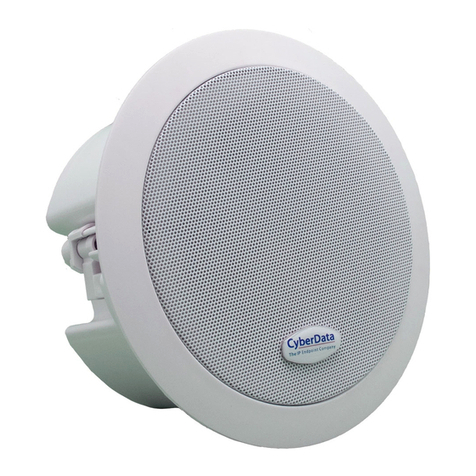
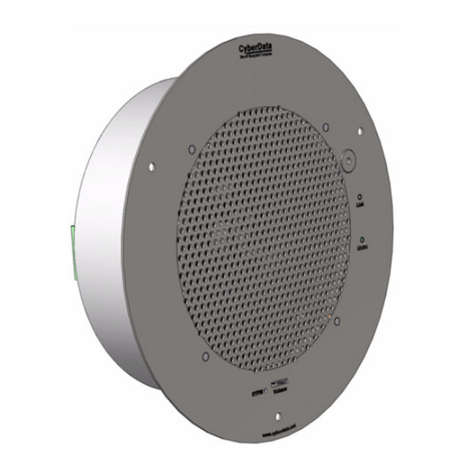
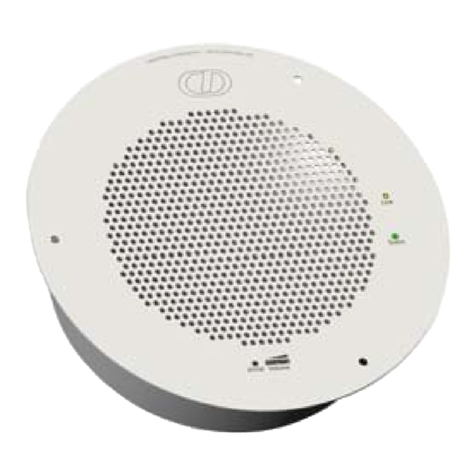
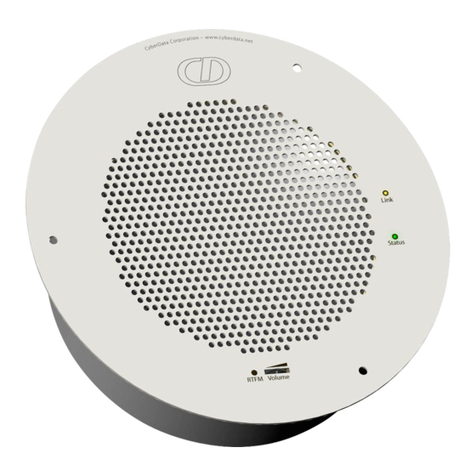
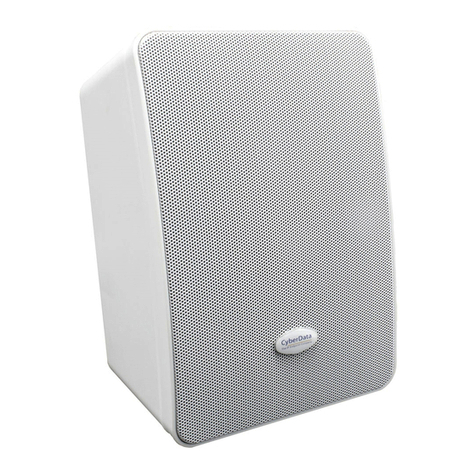
CyberData’s new SIPTalk-Back Speaker enables two-way conversations in
settings such as classrooms, offices, medical facilities and clinics.By use
of remote call button (sold separately, part# 011185), calls to a
predetermined extension can be initiated from the room with the speaker.
During the active calls, the LED light on the switch can be programmed to
blink to show call activity. Alternatively, a call can be placed to the speaker
to initiate either a page or two-way conversation.
The SIP Talk-Back Speaker easily connects into local area networks with a
single CAT5/6 cable from your PoE switch.Its small footprint allows the
speaker to be mounted almost anywhere with multiple mounting options
available.
SIP Talk-Back Speaker
New Features
 Full-duplex (SIP) or half-duplex (push to talk)
 Support for security code to prevent unwanted SIP calls
 Optional red/green/blue/white strobe kit connection
available (coming soon)
 Autoprovisioning via HTTP, HTTPS, orTFTP
 HTTPS or HTTP web based configuration.HTTPS is
enabled by default.
 802.11q VLAN tagging
 Configurable sense input for use with fault detection or
with optional lighted button kit
 Configurable event generation for device health and
status monitoring
 Support for G.722 codecs
 Powered via PoE (802.3AF or 802.3AT)
or 24V auxiliary power supply (not included)
 Enhanced interoperability for hosted environments
Features
 SIP (RFC 3261) compatible
 Simultaneous SIP and multicast
 Web-based configuration
 Paging prioritization
 Web-based firmware upgradeable
 Plenum-rated enclosure
 Autoprovisioning
 High efficiency speaker driver
 DTMF-controlled relay
 Line-out connection
 Network and manual speaker volume control
 Can drive one external analog speaker
for greater coverage
 User-uploadable ring and alert tones
Ethernet I/F 10/100 Mbps
Dimensions 9 in. [228.6 mm] x 2.4 in.[60.96 mm]
Specifications
Power Input PoE 802.3af/802.3at
Protocol SIP RFC 3261 Compatible
Payload Types
-10oC to 50oC (14oF to 122oF)Operating Temperature
2 years limitedWarranty
Part Number
Boxed Weight 4.0 lbs
011397*, Standard Color, RAL 9002, Gray White
011398*, Optional Color, RAL 9003, Signal White
*This number replaces the 011180 and 011181 Speaker number.
G.711 u-law, G.711 a-law, and G.722
Audio Output 802.3af - SPL 109.2 dB @ 1 meter
802.3at - SPL 111.9 dB @ 1 meter
VoIPon www.voipon.co.uk [email protected] Tel: (0)330 088 0195 Fax: +44 (0)1245 808299

931254B
SIP Talk-Back
Speaker
Remote Call Button
Part #011185
(sold separately)
Optional Remote
Call Button
Part #011185
(sold separately)
IP-PBX Server IP Phone
Talkback Speaker with Remote Call Button
When the Remote Call Button is pressed, the speaker would
initiate a call to a pre-determined extension managed by the
IP PBX Server.
Optionally, when the speaker is called from a remote phone,
the LED on the remote button can be programmed to blink
to show that a call is in progress.
Mounting Options
Wall Mount
011151
011152
Clock Kit
011153
011154
Conduit Mount
011039 Tile Reinforcement
010991
IP Speaker
SIP Talk-Back Speaker
SIP Talk-Back
Speaker
Typical Installation
802.3af/at Compliant Ethernet Switch
IP-PBX Server
IP Phone
VoIPon www.voipon.co.uk [email protected] Tel: (0)330 088 0195 Fax: +44 (0)1245 808299