manuals.online logo
Brands
  1. Home
  2. •
  3. Brands
  4. •
  5. D-Link
  6. •
  7. Antenna
  8. •
  9. D-Link ANT24-0230 - Xtreme N Antenna User manual

D-Link ANT24-0230 - Xtreme N Antenna User manual

Other D-Link Antenna manuals
D-Link ANT70-1800 - Dualband 2.4GHz & 5GHz Indoor/Outdoor... User manual

D-Link

D-Link ANT70-1800 - Dualband 2.4GHz & 5GHz Indoor/Outdoor... User manual

D-Link ANT24-1202 User manual

D-Link

D-Link ANT24-1202 User manual

D-Link ANT24-0401 User manual

D-Link

D-Link ANT24-0401 User manual

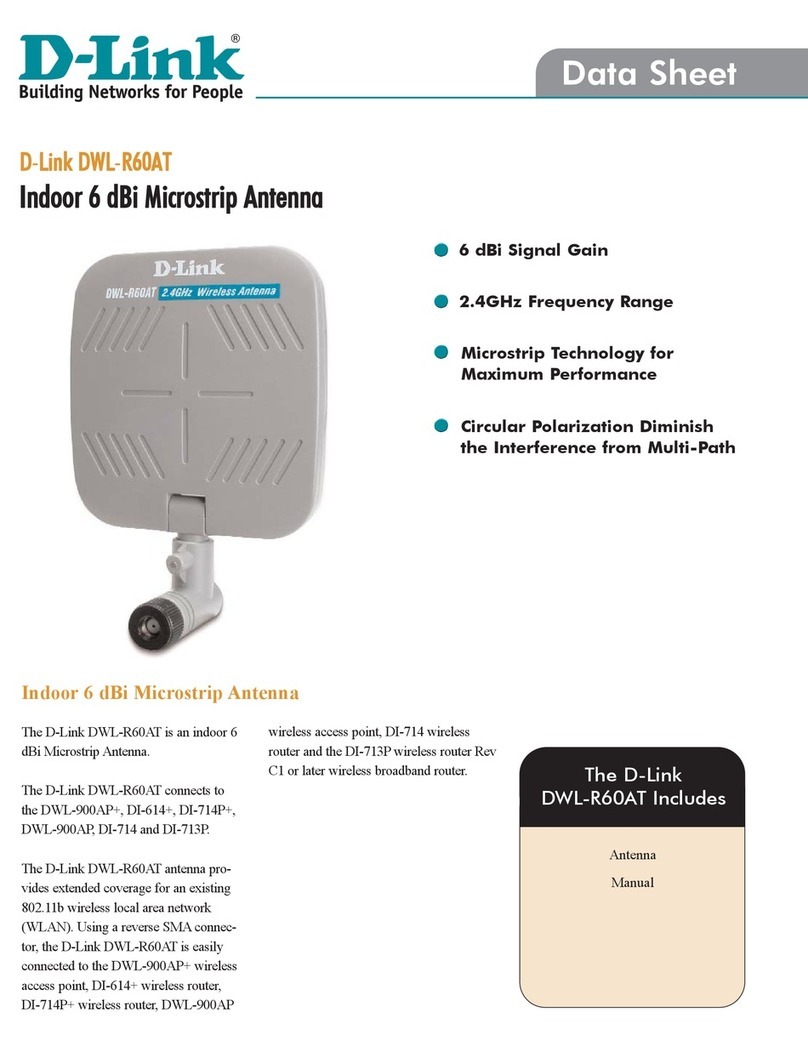
D-Link DWL-R60AT User manual

D-Link

D-Link DWL-R60AT User manual

D-Link ANT24-0801 User manual

D-Link

D-Link ANT24-0801 User manual

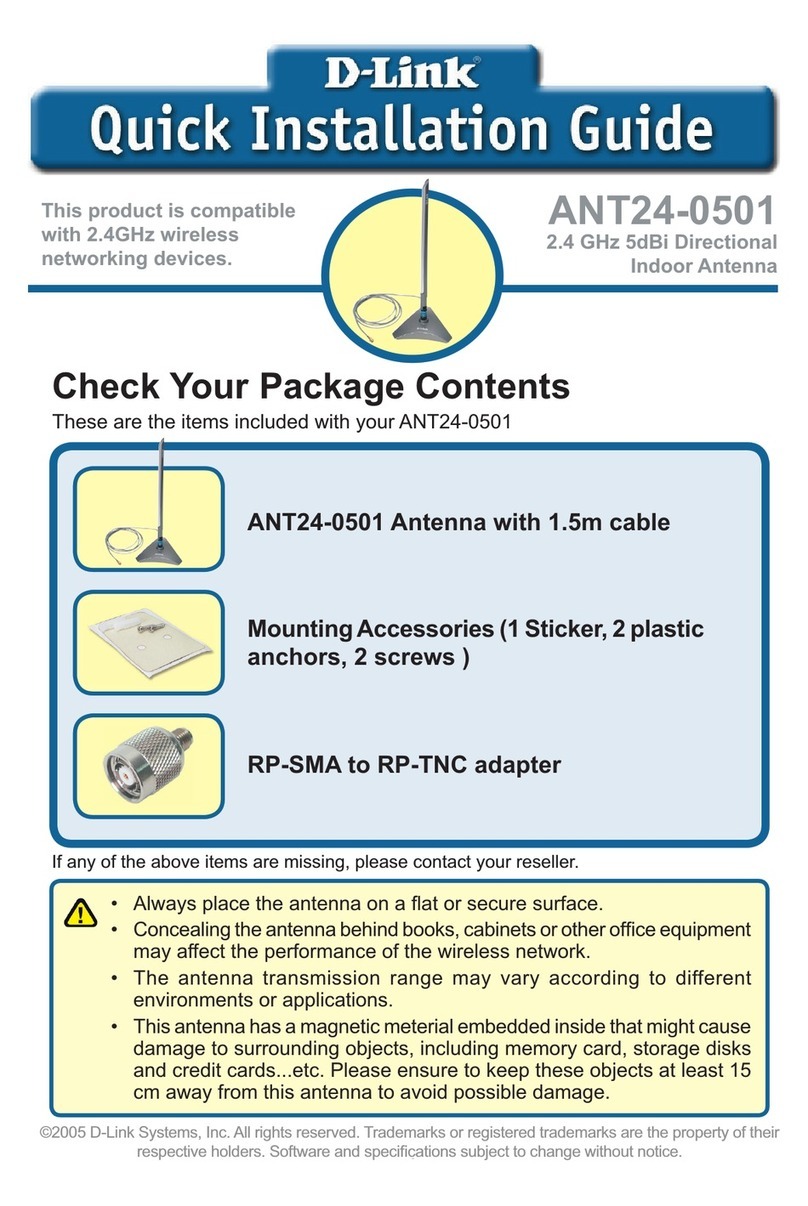
D-Link ANT24-0501 User manual

D-Link

D-Link ANT24-0501 User manual

D-Link DAP-3712 User manual

D-Link

D-Link DAP-3712 User manual

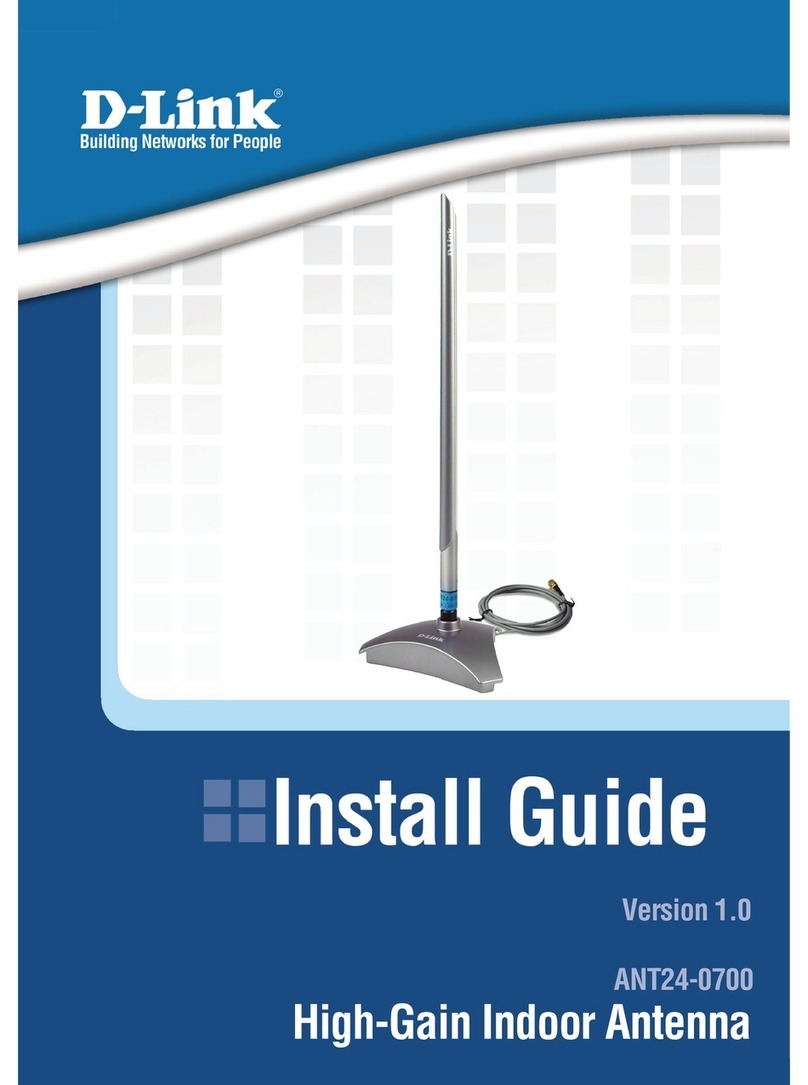
D-Link ANT24-0700 User manual

D-Link

D-Link ANT24-0700 User manual

D-Link DWP-902 User manual

D-Link

D-Link DWP-902 User manual

D-Link ANT24-1400 User manual

D-Link

D-Link ANT24-1400 User manual

D-Link ANT24-1500 - 5.4 ft Antenna User manual

D-Link

D-Link ANT24-1500 - 5.4 ft Antenna User manual

D-Link ANT24-0600 User manual

D-Link

D-Link ANT24-0600 User manual

D-Link ANT24-1800 User manual

D-Link

D-Link ANT24-1800 User manual

D-Link DWL-M60AT User manual

D-Link

D-Link DWL-M60AT User manual
D-Link 50AT - DWL Antenna User manual

D-Link

D-Link 50AT - DWL Antenna User manual

D-Link ANT24-0802 User manual

D-Link

D-Link ANT24-0802 User manual
D-Link ANT24-0600 User manual

D-Link

D-Link ANT24-0600 User manual
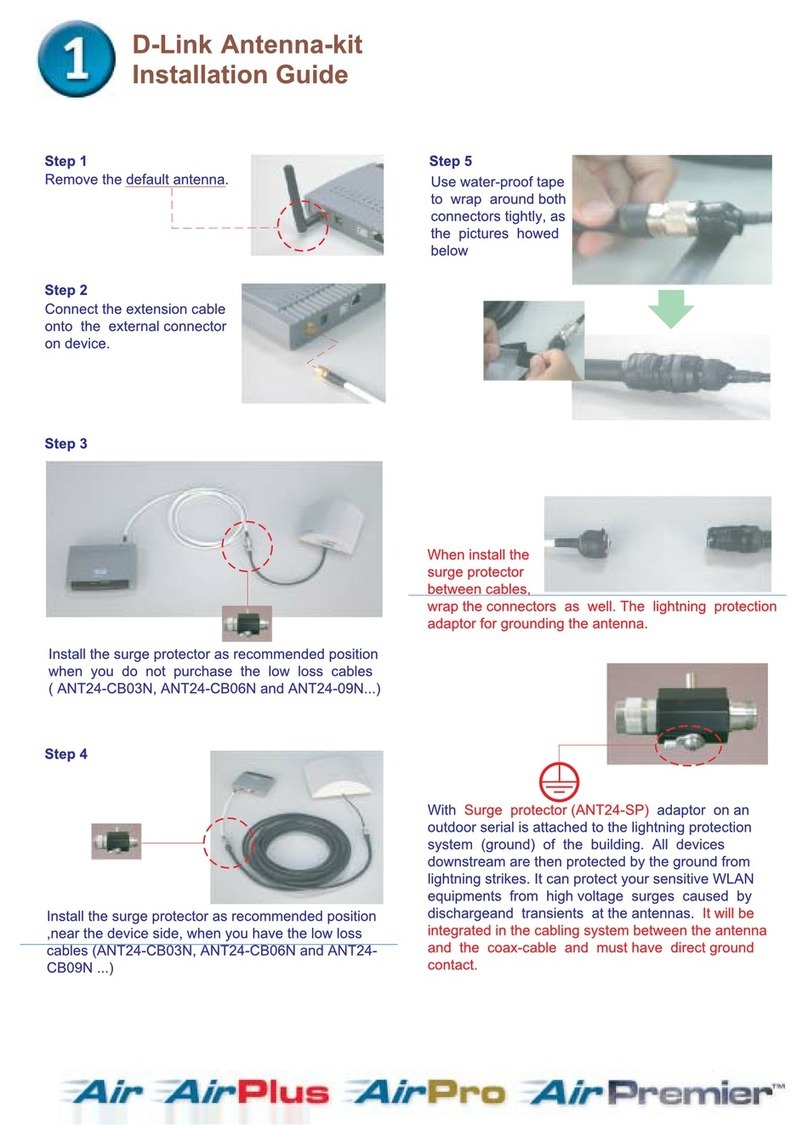
D-Link ANT24-0700 User manual

D-Link

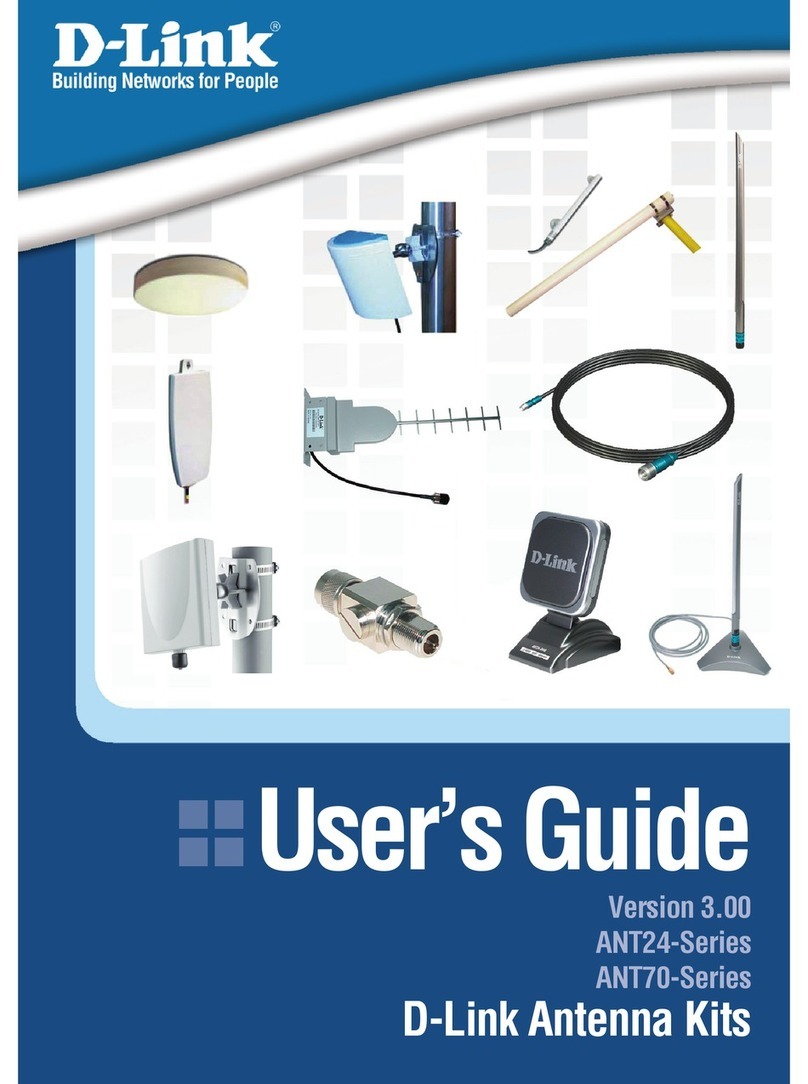
D-Link ANT24-0700 User manual
Popular Antenna manuals by other brands

DAVIS Windex AV 3160 installation instructions

DAVIS

DAVIS Windex AV 3160 installation instructions

Belden Hirschmann BAT-ANT-N-14G-IP23 Mounting instruction

Belden

Belden Hirschmann BAT-ANT-N-14G-IP23 Mounting instruction

Vtronix YHK Fitting instructions

Vtronix

Vtronix YHK Fitting instructions

KVH Industries TracVision 6 Technical manual

KVH Industries

KVH Industries TracVision 6 Technical manual

Leica Geosystems GS10 user manual

Leica Geosystems

Leica Geosystems GS10 user manual

Sirio Antenne Gain-Master manual

Sirio Antenne

Sirio Antenne Gain-Master manual

Sony VCA-41 Installation/connections

Sony

Sony VCA-41 Installation/connections

ZCG Y100 Series installation guide

ZCG

ZCG Y100 Series installation guide

Advantech Wireless INTREPID120 Assembly instructions

Advantech Wireless

Advantech Wireless INTREPID120 Assembly instructions

Cerio ANT-10AO installation guide

Cerio

Cerio ANT-10AO installation guide

Alfa Network APA-L01 Specifications

Alfa Network

Alfa Network APA-L01 Specifications

Naval PR-422CA Operation manual

Naval

Naval PR-422CA Operation manual

Feig Electronic ID ISC.ANTH200/200 Series manual

Feig Electronic

Feig Electronic ID ISC.ANTH200/200 Series manual

TERK Technologies TV44 owner's manual

TERK Technologies

TERK Technologies TV44 owner's manual

TERK Technologies SIR3 owner's manual

TERK Technologies

TERK Technologies SIR3 owner's manual

Directive Systems & Engineering DSE2324LYRMK quick start guide

Directive Systems & Engineering

Directive Systems & Engineering DSE2324LYRMK quick start guide

HP J8999A instructions

HP

HP J8999A instructions

MobilSat MSP-S Mounting instructions

MobilSat

MobilSat MSP-S Mounting instructions

manuals.online logo
manuals.online logoBrands
  • About & Mission
  • Contact us
  • Privacy Policy
  • Terms and Conditions

Copyright 2025 Manuals.Online. All Rights Reserved.

Compatible with D-Link Xtreme N
Desktop Adapters and Routers
Use with D-Link RangeBooster N®
PCI Adapter and Router
Extended cable allows versatile
placement for optimal coverage
GREATER PERFORMANCE
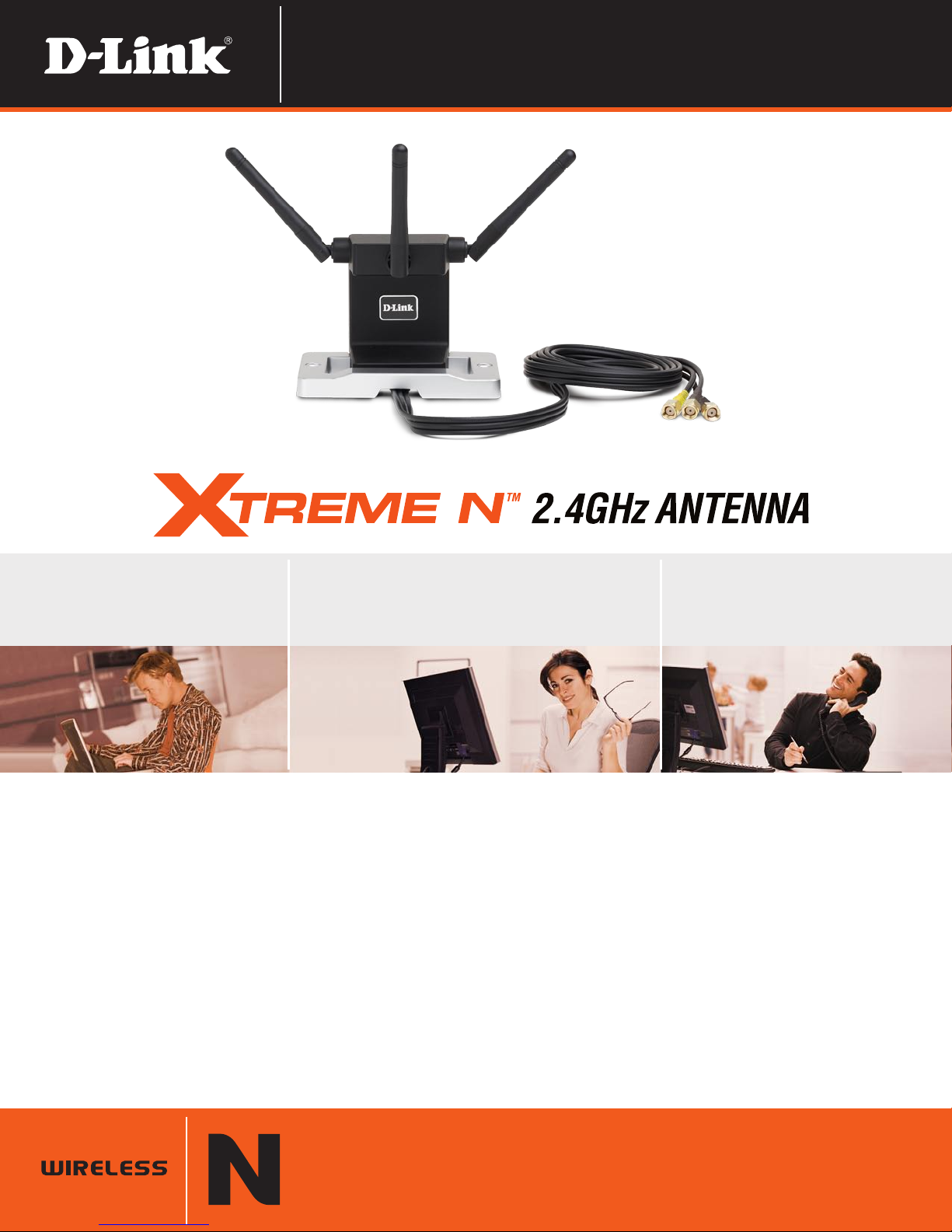
The D-Link Xtreme N™ 2.4GHz Antenna (ANT24-0230) is a versatile antenna that is designed to help improve the performance of D-Link Xtreme N Desktop
Adapters (DWA-552 & DWA-556) and Routers (DIR-655 & DIR-660) as well as the D-Link RangeBooster N Desktop Adapter (DWA-542) and Router (DIR-625).
VERSATILE PLACEMENT WITHIN YOUR HOME
The D-Link Xtreme N 2.4GHz Antenna (ANT24-0230) comes with an extended color-coded cable, which allows for flexible placement around your Xtreme N
Desktop Adapter or Xtreme N Router. Hide your desktop computer underneath your desk and maintain wireless performance by situating the ANT24-0230 on top
of your desk or mounted onto a wall. Alternatively, you can hide your router in your closet or in an enclosed space and still achieve optimal coverage by using the
flexible Xtreme N 2.4GHz Antenna.
The D-Link Xtreme N Antenna increases placement flexibility for your Xtreme N Desktop Adapter (DWA-552 & DWA-556) or Xtreme N Router (DIR-655 & DIR-660),
enabling you to improve performance to your wireless network.
ANT24-0230
TECHNICAL SPECIFICATIONS
MINIMUM SYSTEM
REQUIREMENTS
+
2.4GHz (draft 802.11n) Networking
Device with Detachable RP-SMA
Antenna Connectors
PACKAGE CONTENTS
+
Xtreme N 2.4GHz Antenna
+
Wall Mounting Kit
+
Quick Installation Guide
FREQUENCY RANGE
+
2.4GHz - 2.5GHz
IMPEDENCE
+
50 Ohms Nominal
VSWR
+
1.92 Max.
RADIATION
+
Omni-directional
POLARIZATION
+
Linear Vertical
CONNECTOR
+
SMA Plug Reverse
OPERATING TEMPERATURE
+
-4°F to 149°F (-20°C to 65°C)
STORAGE TEMPERATURE
+
-22°F to 167°F (-30°C to 75°C)
OPERATING HUMIDITY
+
90% Maximum (Non-condensing)
DIMENSIONS
+
Item (WxDxH): 2.8” x 4.1” x 5.4”
+
Packaging (WxDxH): 8.2” x 10.9” x 2.7”
CABLE LENGTH
+
3.8ft (1.16m)
WEIGHT
+
Item: 0.25 lbs
+
Packaging: 1.31 lbs
WARRANTY
+
1-Year Limited
1
ANT24-0230
WHAT THIS PRODUCT DOES
The D-Link Xtreme N™ Antenna (ANT24-0230)
is a versatile antenna designed to help improve
the performance of D-Link Xtreme N Desktop
Adapters (DWA-552 & DWA-556), particularly if
the adapter is in an area that is not ideal to send
and receive radio signals (e.g. when installed in
a PC that is underneath a desk). It can also be
used with Xtreme N router (DIR-655 & DIR-660) for
greater placement flexibility, allowing the router
to be placed near a modem or switch while the
antenna is situated at a more ideal location.
XTREME N™ ANTENNA BENEFITS
+ Extended cable for flexible placement
+ Works with Xtreme N Desktop Adapters and
Routers
+ Also Works with RangeBooster N®PCI Adapter
and Router
+ Color-coded cables for easy installation
11-Year Limited Warranty available only in the USA and Canada
Compatibility with draft 802.11n devices from other manufacturers is not guaranteed. All references to speed and range are for comparison purposes only. Product specifications,
size, and shape are subject to change without notice, and actual product appearance may differ from that depicted herein.
©2006-2008 D-Link Corporation/D-Link Systems, Inc. All rights reserved. D-Link and the D-Link logo, Xtreme N and RangeBooster N are trademarks or registered trademarks
of D-Link Corporation or its subsidiaries in the United States and/or other countries. Other trademarks or registered trademarks are the property of their respective owners.
Visit www.dlink.com for more details.
YOUR NETWORK SETUP