D-BOX | 5
Benefit: Want to dart between mono and stereo a few times quickly? [toggle mode] Or need to leave it in mono to see what’s
ailing the mix? [latch mode]
Need to step between monitors to see if that distortion is emanating from the speakers or the mix? [toggle mode] Or
listen to one set for an extended period? [latch mode]
Need to say, “rolling!” over the talkback mic to the talent? [toggle mode] Or leave it open for a lengthy discussion
between the singer in the tracking room and the drummer in the control room. [latch mode]
Operation: latch mode. If the buttons are pressed and released quickly, they will latch.
toggle mode. If pressed and held for more than a second, the function remains engaged until the button is released.
Tip:,Be certain the talkback switch is not latched on when finished addressing the artist. For example: To the artist “Okay,
we got it.” To the second engineer “How are we going to get him to sing in key?” Click. Oops. A talkback remote
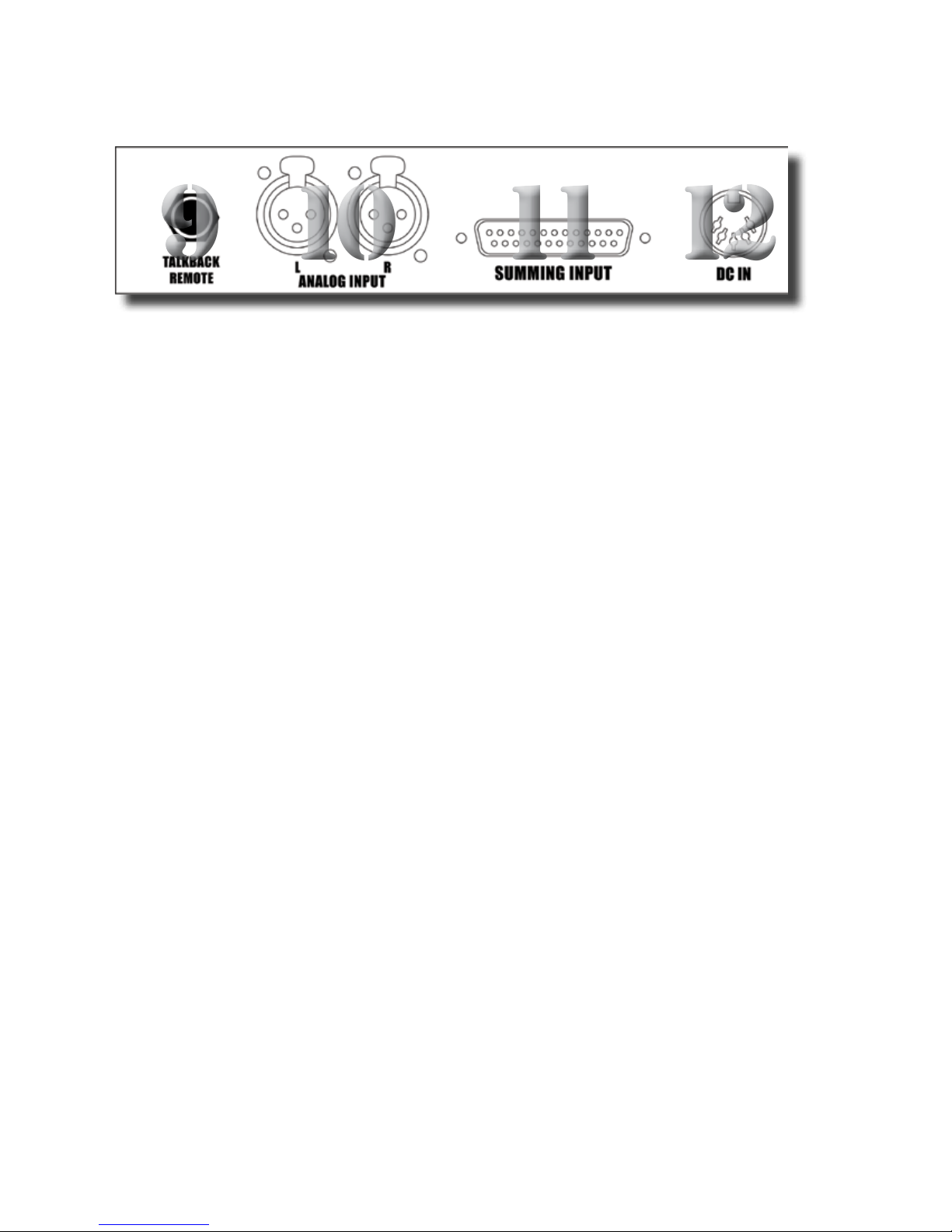
switch plugged into the jack on the rear panel (9) will not latch, thus keeping this scenario from happening.
3B. SETUP BUTTONS (MONO, ALT SPKR)
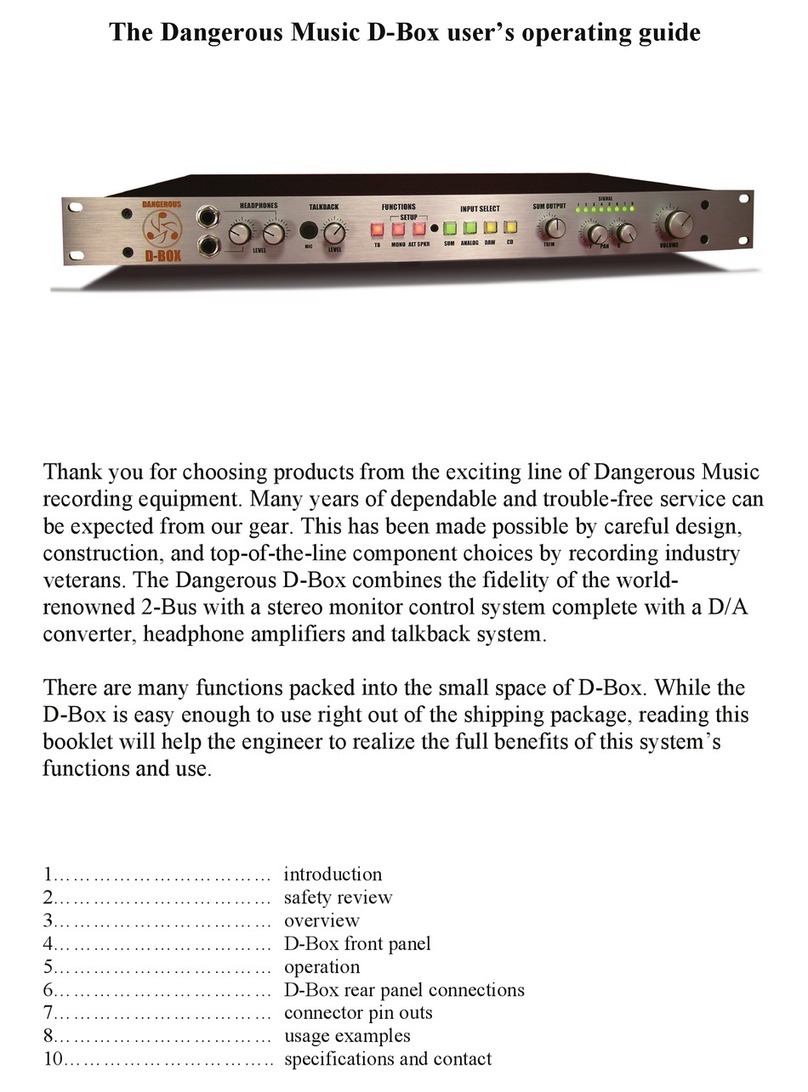
Setup Mode: To enter setup mode press the mono and alt spkr buttons simultaneously (3). Both switches will flash alternately
indicating that the D-Box is waiting to set the input selection mode and the analog input gain. To exit setup mode press
one of the flashing switches. The D-Box is now reset and any input selection mode and/or analog input gain mode
changes will be saved.
Sum Switch: To monitor from up to three sources simultaneously (instead of the default single source), enter setup mode (above)
and press the sum switch (4). It will light up. Next, exit setup mode and like magic, monitor a combination of inputs
mixed together. When in setup mode, pressing the lit sum switch (4) extinguishes the light and returns the D-Box back
to normal monitoring mode. (i.e. one input at a time.) So for example, monitor from the sum switch, analog switch and
either the daw or cd switch. (The digital switches will not combine).
Analog Input Gain: The analog input gain is factory calibrated for +4dBu sources. To accommodate consumer and other -10dBV
devices, first enter setup mode (see above) and then press the analog switch (4). The switch will light and add 11.7dB
of gain. Pressing the lit analog switch (4) while in setup mode extinguishes the light and returns the calibration to
+4dBu.
4. INPUT SELECT BUTTONS (SUM, ANALOG, DAW, CD)
Tip:,The Input Select section has two analog and two digital sources to choose from. The selected input is sent to both the
speakers and headphone amplifiers.
Feature: The sum switch selects monitoring from the stereo summing mix output. (i.e. the summed combination of the 8
inputs).
Benefit: Hear your mix BEFORE it hits external processing or A/D conversion.
Feature: The analog switch selects the analog input source from the rear panel.
Benefit: Connect all sorts of devices here! Samplers, synths, drum machines, an iPod, virtual instruments, a Sound Effects
Library or two track editor fed from an alternative computer output.
Tip: ,Either +4dBu or -10dBV analog devices may be utilized (see: setup mode).
Tip: ,Plugging in a submixer to this input allows all the aforementioned devices simultaneous connection.
Feature: Both daw & cd buttons are digital inputs that feed the D-Box’s D/A converter.
Benefit: Monitoring from the same D/A allows mix decisions to be made, unbiased by different converters. “Wow, where’s all