EnglishDeutsch
 logo
Brands
  1. Home
  2. •
  3. Brands
  4. •
  5. DaytonAudio
  6. •
  7. Amplifier
  8. •
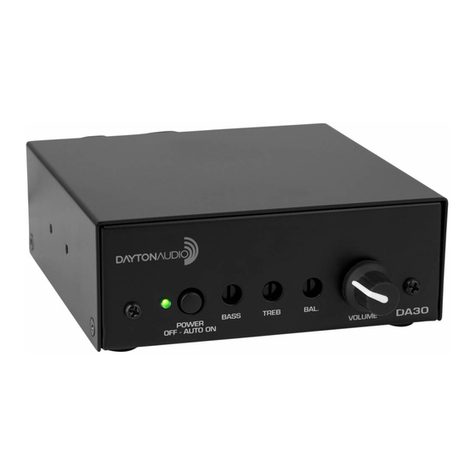
  9. DaytonAudio DA30 User manual

DaytonAudio DA30 User manual

Other DaytonAudio Amplifier manuals

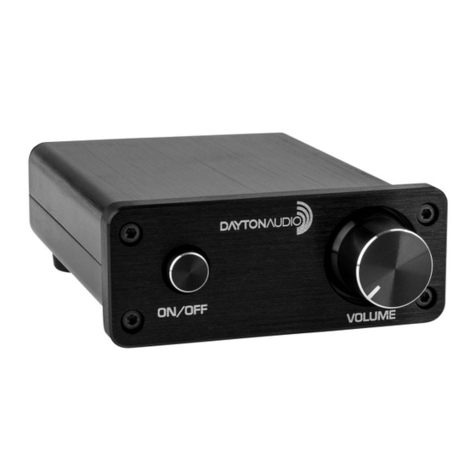
DaytonAudio DA30 User manual

DaytonAudio

DaytonAudio DA30 User manual

DaytonAudio SPA300-D User manual

DaytonAudio

DaytonAudio SPA300-D User manual

DaytonAudio HTA200BT User manual

DaytonAudio

DaytonAudio HTA200BT User manual

DaytonAudio WF150A User manual

DaytonAudio

DaytonAudio WF150A User manual

DaytonAudio SPA1200DSP User manual

DaytonAudio

DaytonAudio SPA1200DSP User manual

DaytonAudio Class-T User manual

DaytonAudio

DaytonAudio Class-T User manual

DaytonAudio MCWA60 User manual

DaytonAudio

DaytonAudio MCWA60 User manual

DaytonAudio SA70 User manual

DaytonAudio

DaytonAudio SA70 User manual

DaytonAudio WF60PA User manual

DaytonAudio

DaytonAudio WF60PA User manual

DaytonAudio DAX88 User manual

DaytonAudio

DaytonAudio DAX88 User manual

DaytonAudio MCA3545 User manual

DaytonAudio

DaytonAudio MCA3545 User manual

DaytonAudio WB40A User manual

DaytonAudio

DaytonAudio WB40A User manual

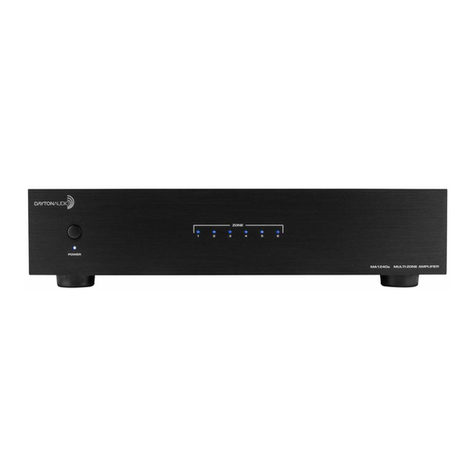
DaytonAudio MA1240a User manual

DaytonAudio

DaytonAudio MA1240a User manual

DaytonAudio SA1000 User manual

DaytonAudio

DaytonAudio SA1000 User manual

DaytonAudio SA25 User manual

DaytonAudio

DaytonAudio SA25 User manual

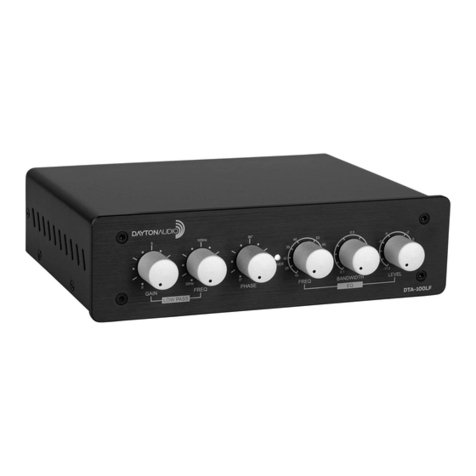
DaytonAudio DTA-100LF User manual

DaytonAudio

DaytonAudio DTA-100LF User manual

DaytonAudio DA240R User manual

DaytonAudio

DaytonAudio DA240R User manual

DaytonAudio MA1240 User manual

DaytonAudio

DaytonAudio MA1240 User manual

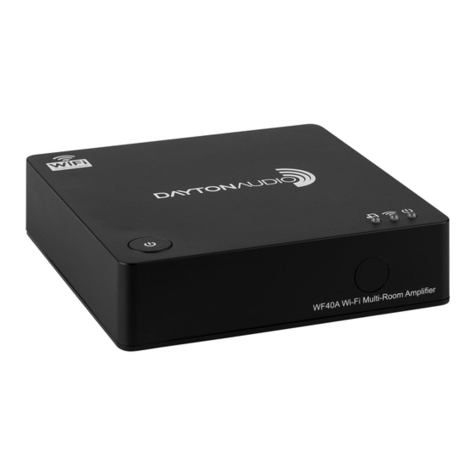
DaytonAudio WF40A User manual

DaytonAudio

DaytonAudio WF40A User manual

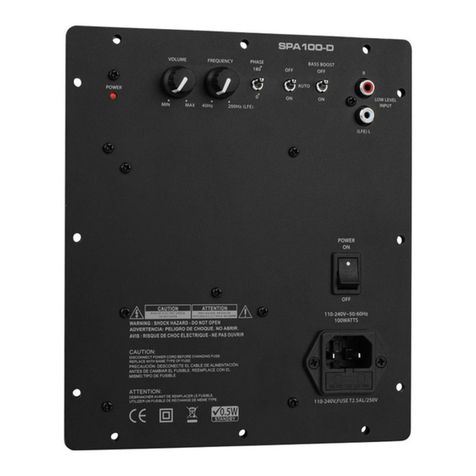
DaytonAudio SPA100-D User manual

DaytonAudio

DaytonAudio SPA100-D User manual

DaytonAudio DTA3116S User manual

DaytonAudio

DaytonAudio DTA3116S User manual

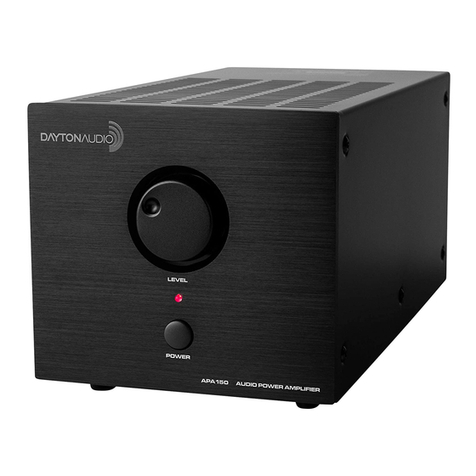
DaytonAudio APA150 User manual

DaytonAudio

DaytonAudio APA150 User manual

DaytonAudio PMA800DSP User manual

DaytonAudio

DaytonAudio PMA800DSP User manual

DaytonAudio DA60R User manual

DaytonAudio

DaytonAudio DA60R User manual

Popular Amplifier manuals by other brands

ASTRO HVO V40 P operating manual

ASTRO

ASTRO HVO V40 P operating manual

Marantz SUPERSCOPE BLA-545 Service data

Marantz

Marantz SUPERSCOPE BLA-545 Service data

NAD CI980 Quick setup guide

NAD

NAD CI980 Quick setup guide

Technics SE-CH770 Service manual

Technics

Technics SE-CH770 Service manual

Harman Kardon HK6300 instruction manual

Harman Kardon

Harman Kardon HK6300 instruction manual

NAD T975 owner's manual

NAD

NAD T975 owner's manual

McIntosh MA6850 Brochure & specs

McIntosh

McIntosh MA6850 Brochure & specs

Electro-Harmonix ENGLISH MUFF’N manual

Electro-Harmonix

Electro-Harmonix ENGLISH MUFF’N manual

Viatron Autrix Technical manual

Viatron

Viatron Autrix Technical manual

GME GA9800 instruction manual

GME

GME GA9800 instruction manual

Atlas CP700 Specification sheet

Atlas

Atlas CP700 Specification sheet

Roland KC-1000 owner's manual

Roland

Roland KC-1000 owner's manual

Pyle PFMRA350BW user manual

Pyle

Pyle PFMRA350BW user manual

Advantage S-250 manual

Advantage

Advantage S-250 manual

IRT Electronics DVA-3007 manual

IRT Electronics

IRT Electronics DVA-3007 manual

Dimavery BA-100 Series user manual

Dimavery

Dimavery BA-100 Series user manual

Sony XM-S400D operating instructions

Sony

Sony XM-S400D operating instructions

Schertler ROY X quick guide

Schertler

Schertler ROY X quick guide

https://manuals.online logo
https://manuals.online logoBrands
  • About & Mission
  • Contact us
  • Privacy Policy
  • Terms and Conditions

Copyright 2026 Manuals.Online. All Rights Reserved.

Warranty Information
Dayton Audio®products are constructed by industry experts, and are thoroughly tested before shipment.
Dayton Audio products are warranted for the period of one year. This warranty is limited to manufacturer
defects, either in materials or workmanship. Dayton Audio is not responsible for any consequential on incon-
sequential damage to any other unit or component or the cost for installation or extraction of any component
of the audio system. In the rare case of a product failure, please contact your place of purchase or call our
Customer Support Department at (937) 743-8248.
Warranty Limitations
There are no other warranties, either express or implied, which extend the foregoing, and there are no warranties
of merchantability or fitness for any particular purpose. The warranty will not cover incidental or consequential
damage due to defective or improper use of products.
This warranty gives you specific legal rights and you may also have other rights which vary from state to state.
Non-Warranty Service: If non-warranty service is required, the product may be sent to the Company for repair/
replacement, transportation prepaid, by calling (937) 743-8248 for details, complete instructions, and service
fee charges.
© Dayton Audio®Last Revised: 11/21/2012
User Manual
Model: DA30
daytonaudio.com
Designed and Engineered in USA
daytonaudio.com
Designed and Engineered in USA
705 Pleasant Valley Drive • Springboro, OH • 45066 • Phone: (937) 743-8248
2X15W Class D Bridgeable
Mini Amplifier
Mounting
The DA30 can be permanently mounted to a desk, shelf, or wall using the provided brackets. Use
the 1/4" long machine screws to connect the brackets to the case. Use the 9/16" long wood screws
to attach the amplifier and brackets to a wood desk or shelf. If mounting to a desktop, first remove
the feet from the bottom of the amplifier and discard.
The Dayton Audio DA30 is the ideal amplifier for commercial audio installations; such as classrooms,
where a small, low wattage amplifier is required.This Class D amplifier can sit on a desktop, or can be
mounted on a wall or under cabinets using the included mounting brackets. In stereo mode the DA30
delivers 2 X 15 W and in bridged mode 1 X 30 W. Two stereo audio inputs increase versatility; 2-RCA
or a single 3.5mm jack. Separate Treble and Bass controls allow the sound to be tailored to the room.


The DA30’s Auto-on feature means the unit will not sit idle wasting power when not in use.
Connection
(1) Set the MODE switch to Bridge Mono or Stereo
(2) Connect your Speakers using the detachable “Phoenix” connector
(2a) For stereo operation connect the Left and Right speaker wires to the corresponding terminals
(2b) For bridge-mono operation connect the positive speaker wire to the L+ and the negative
speaker wire to the R+ terminals
(3) Connect a source device to the INPUT terminals; 3.5 or RCA*
(3a) 3.5mm male plug to the 3.5mm jack
(3b) 2-RCA plugs to the two RCA jacks
(4) Connect the power supply to the 12 VDC input
*NOTE: When connected, the 3.5mm input will override the RCA inputs.
Operation
Once input and output connections are made it is time to use the DA30.
● Press the POWER button to turn on the amplier. A green LED indicator shows the amplier is
ready to use, a red LED indicator shows the amplier is in the “Auto-On” state to conserve power.
●Turn on the source device and set the source output level. A green LED indicator shows the
amplier is ready to use, a red LED indicator shows the amplier is in the “Auto-On” state to
conserve power.
● Adjust the VOLUME on the DA30 using the rotary volume control; turning clock-wise will
increase the volume level.
● Adjust the BASS and TREBLE to set the audio to a more realistic tone using a small at-blade
screwdriver.
● Adjust the BALANCE so the sound is evenly distributed through the room using a small
at-blade screwdriver.
After 10 minutes of inactivity the DA30 will go into the “Auto-On” state.
POWER
OFF - AUTO ON
DA
BASS TREB BAL.
VOLUME
30
VOLUME
BASS TREBBAL.
POWER
OFF-AUTOON
DA30
VOLUME
BASS TREB BAL.
POWER
OFF-AUTOON
DA30
DA30
VOLUME
BASSTREB BAL.
Specifications
● Power: 2 X 15 W (RL = 4 Ohms), 1 X 30 W (RL = 8 Ohms)
●Efficiency: 92%
● Total Harmonic Distortion: 0.015% typical
●Class D Topology
● Input Impedance: 100K Ohms
● Auto-On Sensitivity: <0.8V
● Stand-by Current: 0.6mA
● Operating Current, No-Load: 40mA typical, 80mA max
●Power Supply: 24 VDC, 2000mA
● Dimensions: 1-5/8" (H) x 4-7/16" (W) x 5-1/2" (D)
Troubleshooting
If the DA30 does not turn on with a source connected and playing try these troubleshooting tips:
●Does the source device have a 3.5mm output (such as a PC or laptop)? Connect headphones
to the headphone jack and check for an output signal.
●Does the source device have RCA line output (such as a DVD player)? Connect a known
working amplifier and speakers to the line outputs to check for a signal. Refer to the DVD player
manual to switch output to L&R stereo line level if necessary.
●Check the power switch, when depressed the DA30 is in “auto-on” mode and the power
indicator should be lit.
●Check the power supply; verify it is plugged into a working receptacle and is firmly plugged into
the 24 VDC power jack.