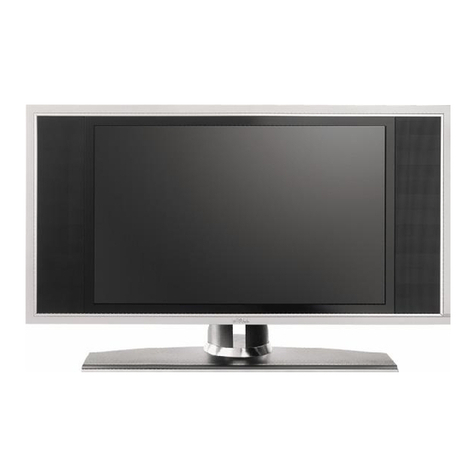
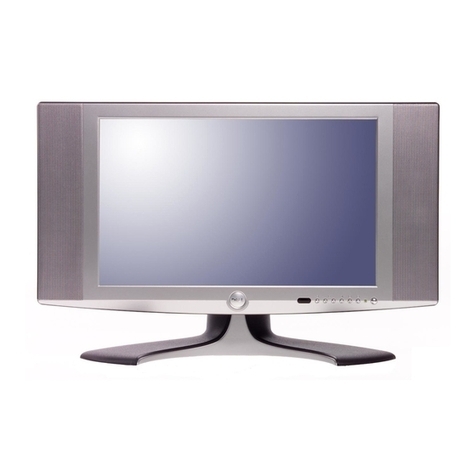
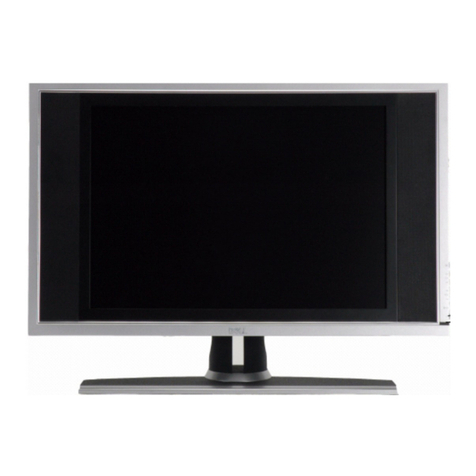
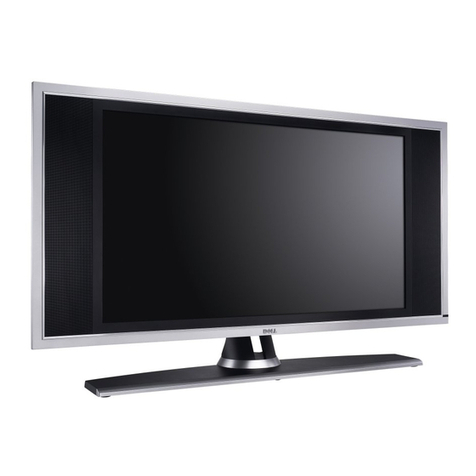
8About Your TV
www.dell.com | support.dell.com
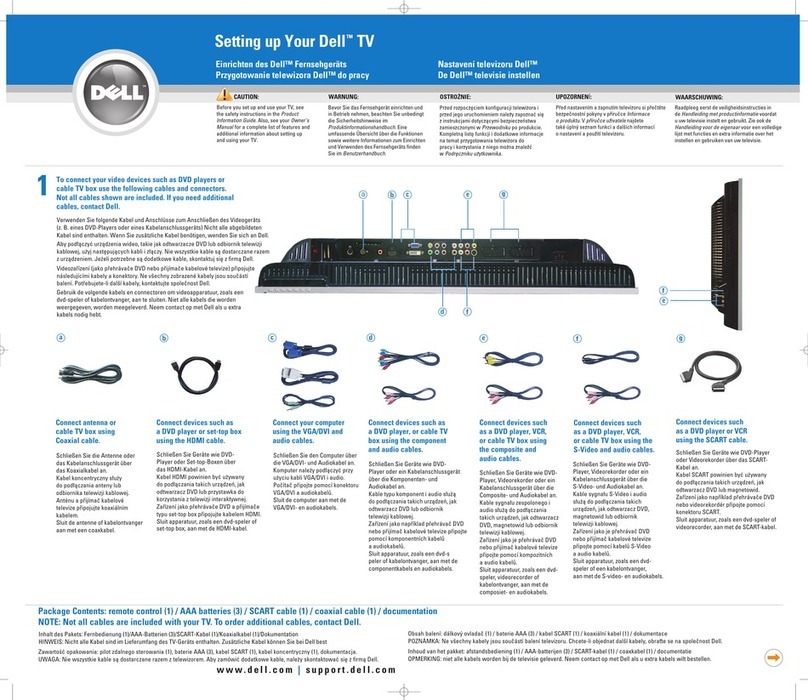
Package Contents
NOTE: If you need additional cables, contact Dell.
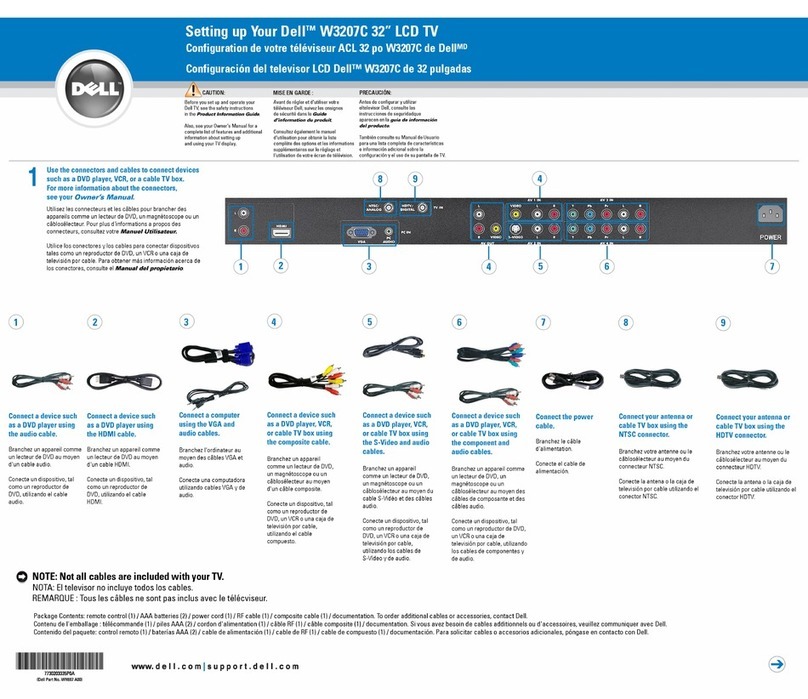
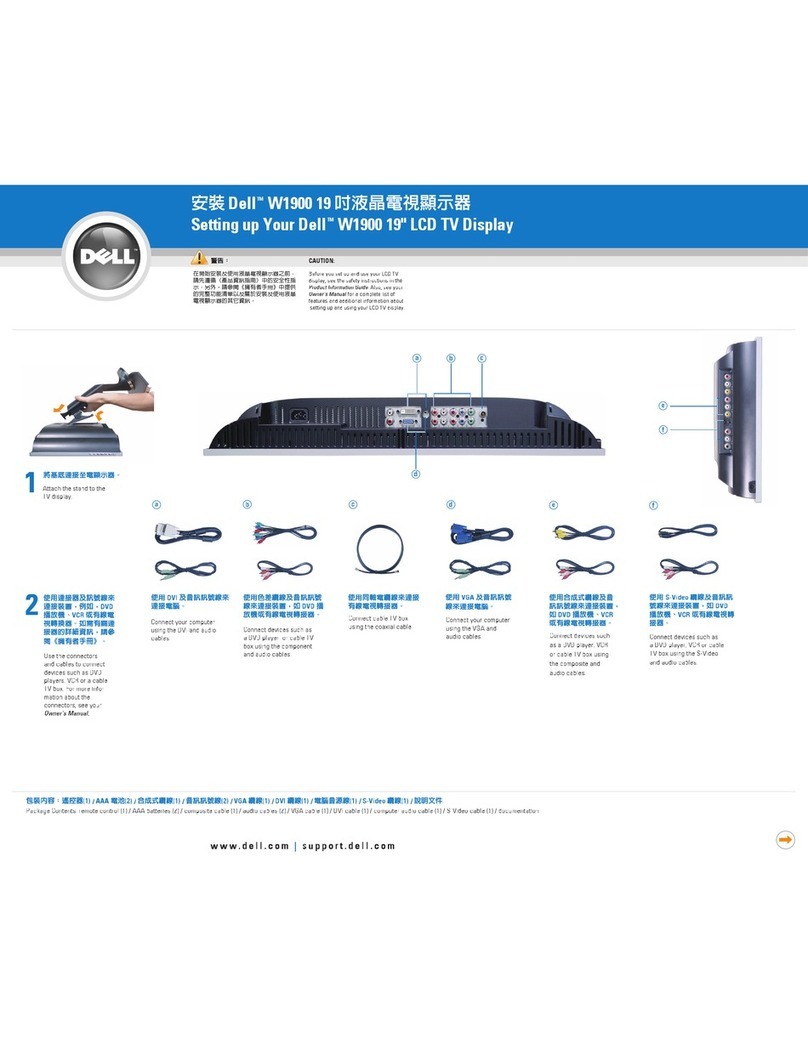
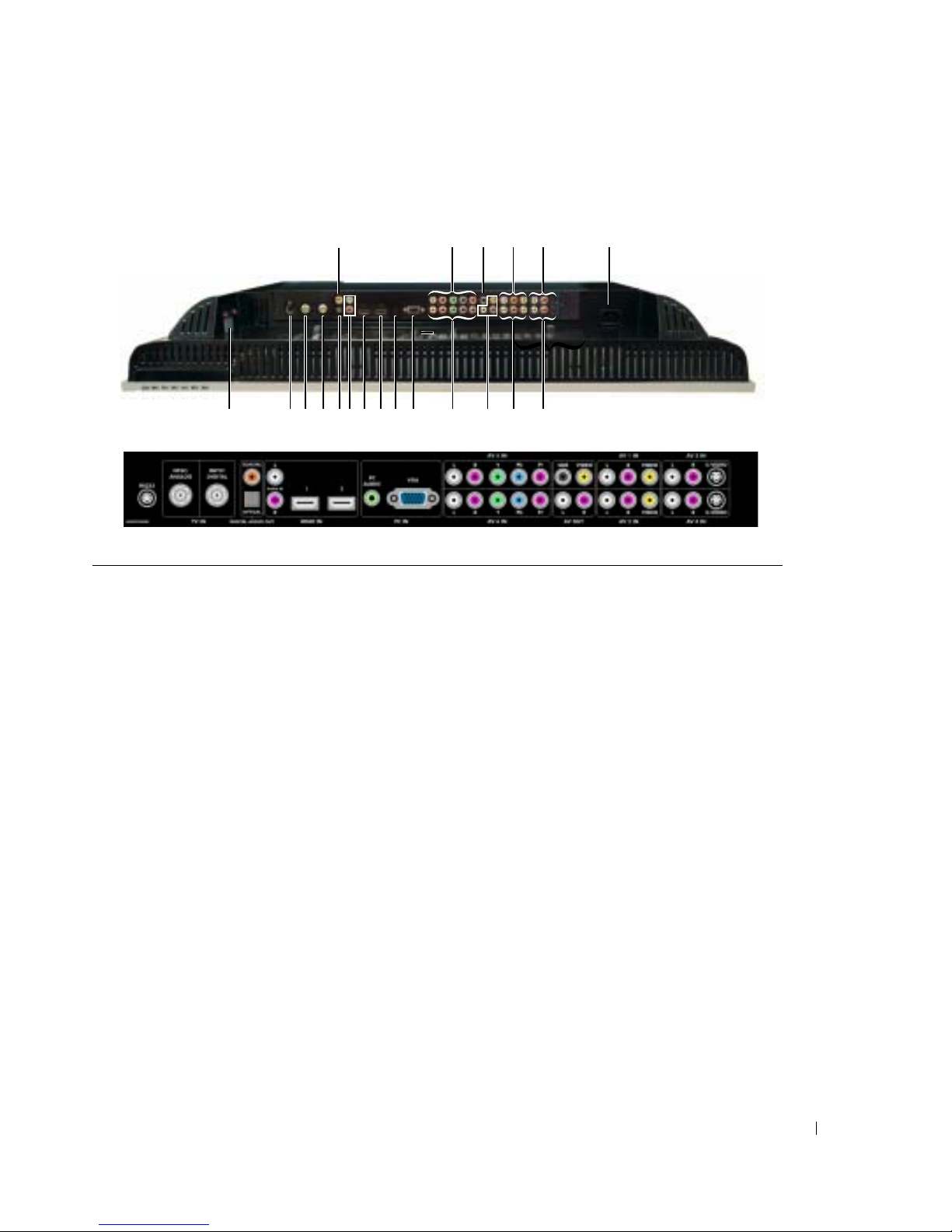
10 PC Audio connector for VGA Connect the audio cable from your computer to the TV
11 VGA connector Connect to the VGA cable from your computer to the TV
12 Component audio and video
connectors (AV5 IN) Connect devices such as a DVD player, set-top box, or cable TV
box
13 Component audio and video
connectors (AV6 IN) Connect devices such as a DVD player, set-top box, or cable TV
box
14 Subwoofer audio out connector
(SUB) Connect an optional powered subwoofer to the TV
15 Composite video and audio-out
connectors (Video/L/R) Connect a device such as a VCR if you have connected an antenna
or cable TV through the NTSC or HDTV connector
It is valid only for the Composite, S-Video or Analog TV input
16 Composite video and audio
connectors (AV1 IN) Connect a device such as a VCR or DVD player
17 Composite video and audio
connectors (AV2 IN) Connect a device such as a VCR or DVD player
18 S-Video and audio connectors
(AV3 IN) Connect devices such as a video game system or a DVD player
19 S-Video and audio connectors
(AV4 IN) Connect devices such as a video game system or a DVD player
20 Power connector Connect your power cord
Remote control