EnglishDeutsch
 logo
Brands
  1. Home
  2. •
  3. Brands
  4. •
  5. Denver
  6. •
  7. Speakers System
  8. •
  9. Denver DSB-2010MK2 User manual

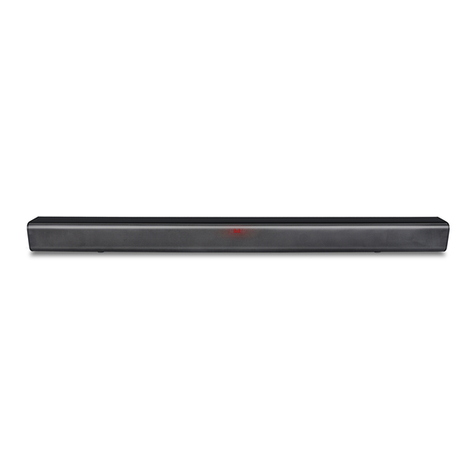
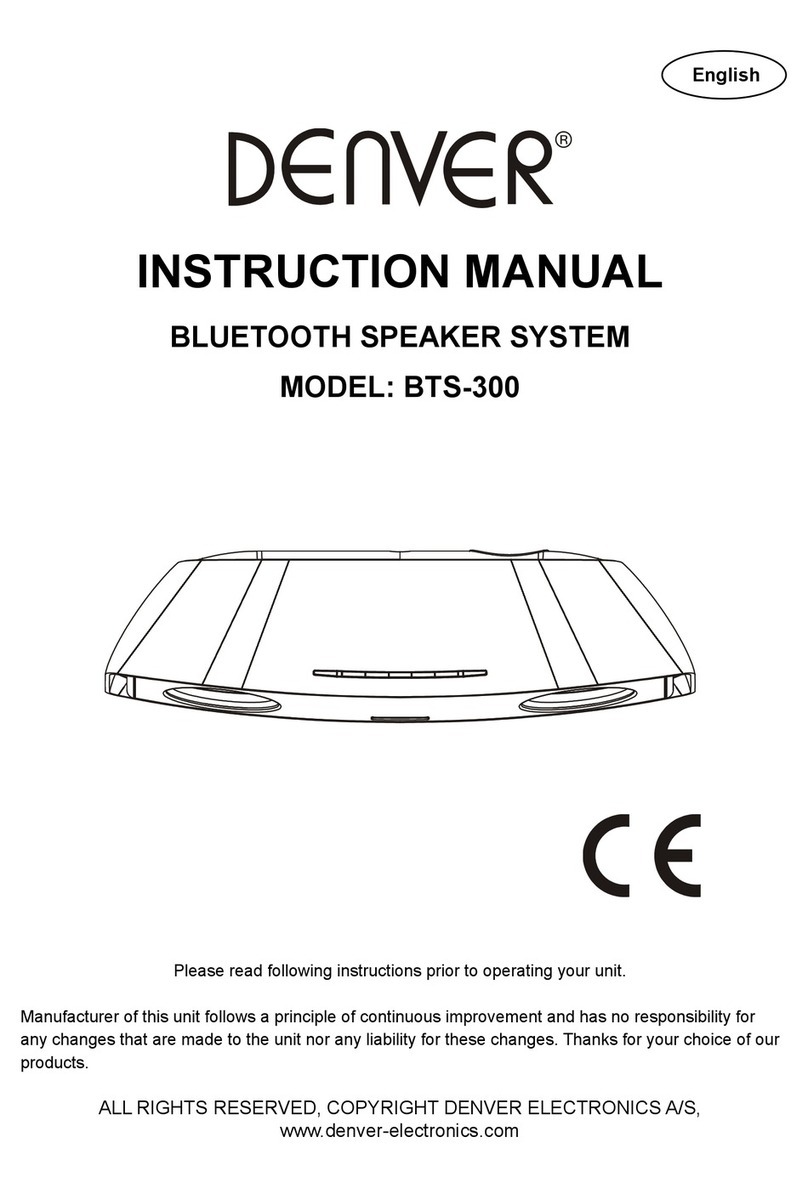
Denver DSB-2010MK2 User manual

Other manuals for DSB-2010MK2

1

Other Denver Speakers System manuals

Denver DSB-4020 User manual

Denver

Denver DSB-4020 User manual

Denver BTS-300 User manual

Denver

Denver BTS-300 User manual

Denver DSB-2010 User manual

Denver

Denver DSB-2010 User manual

Denver BTS-300 User manual

Denver

Denver BTS-300 User manual

Denver DJ-200 User manual

Denver

Denver DJ-200 User manual

Denver DSB-4010 User manual

Denver

Denver DSB-4010 User manual

Denver DSS-7030 User manual

Denver

Denver DSS-7030 User manual

Denver TP04-180200E User manual

Denver

Denver TP04-180200E User manual

Denver DSB-4020 User manual

Denver

Denver DSB-4020 User manual

Denver DSS-7020 User manual

Denver

Denver DSS-7020 User manual

Denver DSB-2010MK2 User manual

Denver

Denver DSB-2010MK2 User manual

Denver IFI-160 User manual

Denver

Denver IFI-160 User manual

Popular Speakers System manuals by other brands

JVC MX-KA3 - Mini Shelf System null

JVC

JVC MX-KA3 - Mini Shelf System null

JVC CA-MXK5R instructions

JVC

JVC CA-MXK5R instructions

LG NB4532B owner's manual

LG

LG NB4532B owner's manual

JVC CA-FSH100 instructions

JVC

JVC CA-FSH100 instructions

5Core Pro Series Operation manual

5Core

5Core Pro Series Operation manual

EAW MQV1394e Specifications

EAW

EAW MQV1394e Specifications

Lynx GXR-LA10A user manual

Lynx

Lynx GXR-LA10A user manual

iLive ITB066B user guide

iLive

iLive ITB066B user guide

RDX QuickStation 4 product manual

RDX

RDX QuickStation 4 product manual

Electro-Voice S-122 Specifications

Electro-Voice

Electro-Voice S-122 Specifications

Sven SPS-619 GOLD Operation manual

Sven

Sven SPS-619 GOLD Operation manual

Pioneer CS-7070 instruction manual

Pioneer

Pioneer CS-7070 instruction manual

EAW UB82e Technical specifications

EAW

EAW UB82e Technical specifications

Sondpex Active Speaker System and Digital Music... User manual and installation instructions

Sondpex

Sondpex Active Speaker System and Digital Music... User manual and installation instructions

JVC NX-PN7 instructions

JVC

JVC NX-PN7 instructions

Yamaha NX-A01 - Speaker Sys Product bulletin

Yamaha

Yamaha NX-A01 - Speaker Sys Product bulletin

SE Audiotechnik I-LINE manual

SE Audiotechnik

SE Audiotechnik I-LINE manual

Gemini WRX-843 Series user manual

Gemini

Gemini WRX-843 Series user manual

https://manuals.online logo
https://manuals.online logoBrands
  • About & Mission
  • Contact us
  • Privacy Policy
  • Terms and Conditions

Copyright 2026 Manuals.Online. All Rights Reserved.

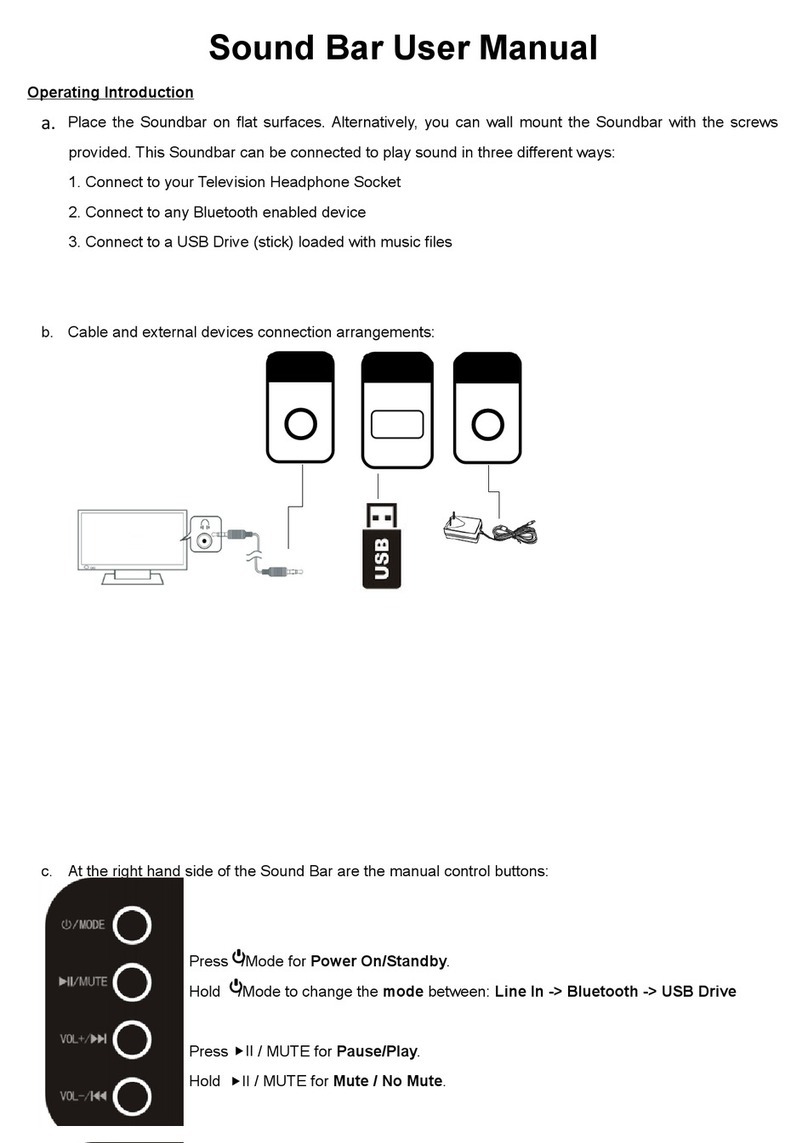
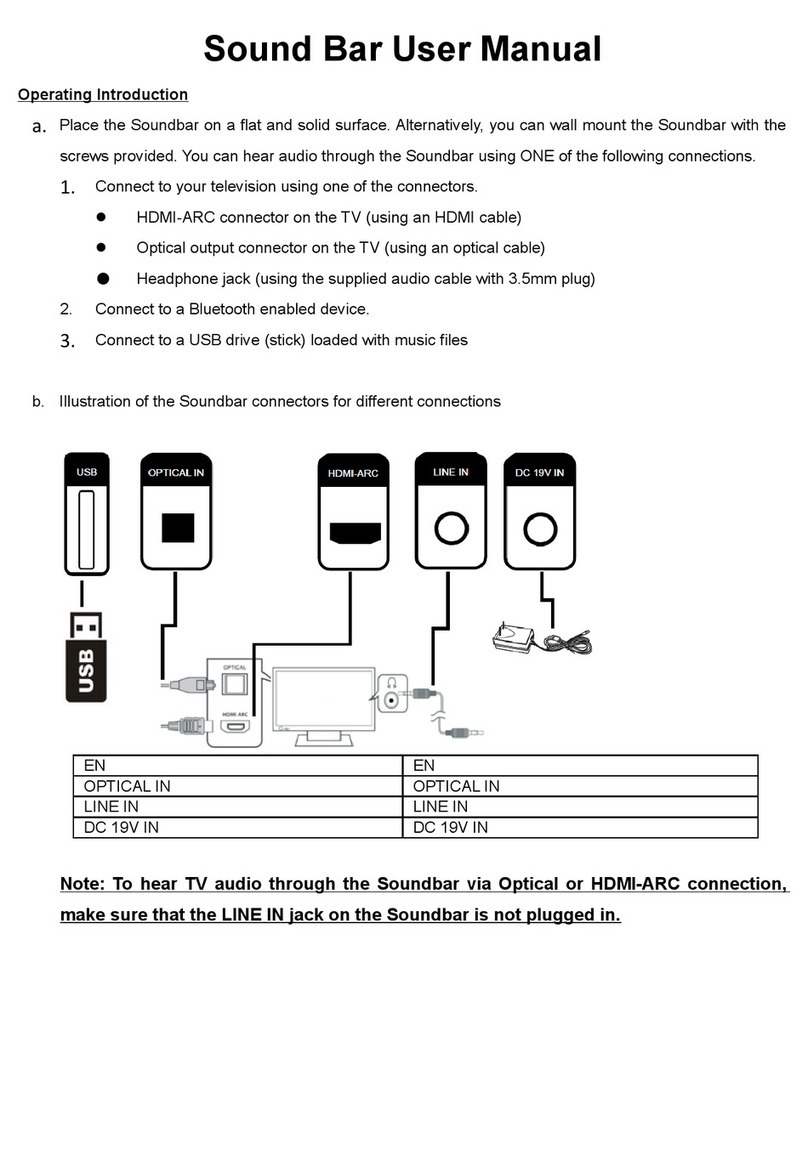
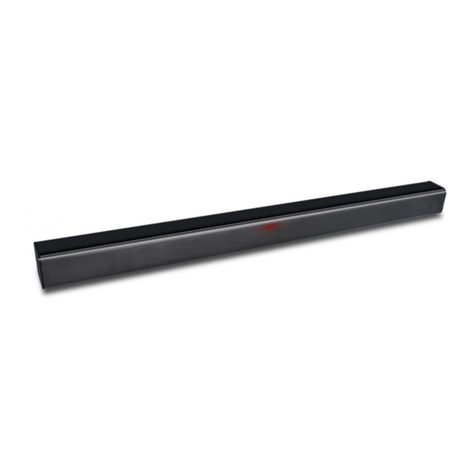
Sound Bar User Manual
Operating Introduction
a. Place the Soundbar on flat surfaces. Alternatively, you can wall mount the Soundbar with the screws
provided. This Soundbar can be connected to play sound in three different ways:
1. Connect to your Television Headphone Socket
2. Connect to any Bluetooth enabled device
3. Connect to a USB Drive (stick) loaded with music files
b. Cable and external devices connection arrangements:
EN
EN
LINE IN
LINE IN
DC 12V IN
DC 12V IN
c. At the right hand side of the Sound Bar are the manual control buttons:
d. Front LED Display showing the different input modes
Line In
EN
EN
Hold down /MODE for Power
On/Standby.
Hold down /MODE for Power
On/Standby.
Press /MODE to change the
mode between: Line In ->
Bluetooth -> USB Drive
Press /MODE to change the
mode between: Line In ->
Bluetooth -> USB Drive
Press/Hold down II / MUTE for
Pause/Play. (USB Drive)
Press/Hold down II / MUTE for
Pause/Play. (USB Drive)
Press/Hold down II / MUTE for
Mute / No Mute. (Line In)
Press/Hold down II / MUTE for
Mute / No Mute. (Line In)
Hold down VOL+ /I for Volume
up.
Hold down VOL+ /I for Volume
up.
Press VOL+ /I for Next USB
Drive Song.
Press VOL+ /I for Next USB
Drive Song.
Hold down VOL- / I for Volume
down.
Hold down VOL- / I for Volume
down.
Press VOL- / I for Previous
Drive Song.
Press VOL- / I for Previous
Drive Song.
USB
LINE IN
DC 12V IN
Bluetooth
USB drive when USB Drive in (no USB drive
will flash Lod and skip to next mode in
seconds)
Front indicator Lights:
Red dot: Soundbar in standby
bt font: Flashing means Bluetooth is waiting to pair with your Bluetooth enabled device.
bt lit and static means a Bluetooth device is paired.
e. Remote control buttons
* EQ (Equalizer) Preset Music tone settings to suit personal taste
While playing music continually press the EQ button to toggle between the
different presets
f. Importance Notice for soundbar mounting on the wall:
1) Wall- mounted installation must be carried out by qualified personnel only.
Incorrect assembly can result in severe personal injury and property damage! (If you intend to
install this product yourself, you must check for installations such as electrical wiring and plumbing,
which may be hidden inside or behind the wall.)
2) It is the installer’s responsibility to verify and confirm that the wall will safely support the total load of
the unit and wall brackets.
3) Additional tools (not included) are required for the installation.
4) Do not overtighten screws.
5) Use an electronic stud finder to check the wall type before drilling and mounting
6) The proposed height on the wall is 1.0~1.5meters
Technical Specification
Power/Amps: Input: AC110~240V, 50/60Hz, Output: DC12V, 2.0A
Power consumption: 18W
Max output power: 20W
Power on / Standby
Mute
+
Volume up
-
Volume down
I
Previous (USB drive audio)
I
Next (USB drive audio)
II
Play/Pause(USB drive audio)
Repeat (USB drive audio)
EQ
Equalizer selection
Mode
Audio source selection
Display
EQ mode
Eq0
Normal
Eq1
Rock
Eq2
Pop
Eq3
Classic
Eq4
Jazz
Eq5
Country
Working temperature: 0~35o C
Bluetooth version: 5.0
Operating frequency range: 2402-2480Mhz
Soundbar measurement: 60cm x 6cm x 6cm
Bluetooth name: DSB-2010MK2
Packing List
. Sound bar
. Manual
. 3.5mm to 3.5MM audio cable
. Flat head screws (D7.5 * L25mm) x 2
. Remote control with batteries
. Mains Power supply
Please notice - All products are subject to change without any notice. We take
reservations for errors and omissions in the manual.
ALL RIGHTS RESERVED, COPYRIGHT DENVER ELECTRONICS A/S
Electric and electronic equipment contains materials, components and
substances that can be hazardous to your health and the environment, if the
waste material (discarded electric and electronic equipment) is not handled
correctly.
Electric and electronic equipment is marked with the crossed out trash can
symbol, seen above. This symbol signifies that electric and electronic equipment
should not be disposed of with other household waste, but should be disposed of
separately.
All cities have established collection points, where electric and electronic
equipment can either be submitted free of charge at recycling stations and other
collection sites, or be collected from the households. Additional information is
available at the technical department of your city.
Hereby, Inter Sales A/S declares that the radio equipment type DSB-2010MK2 is
in compliance with Directive 2014/53/EU. The full text of the EU declaration of
conformity is available at the following internet address:
www.denver-electronics.com and then click the search ICON on topline of website.
Write modelnumber: DSB-2010MK2.Now enter product page, and red directive is
found under downloads/other downloads
Operating Frequency Range:2402-2480Mhz
Max Output Power: 20W
DENVER ELECTRONICS A/S
Omega 5A, Soeften
DK-8382 Hinnerup
Denmark
www.facebook.com/denverelectronics