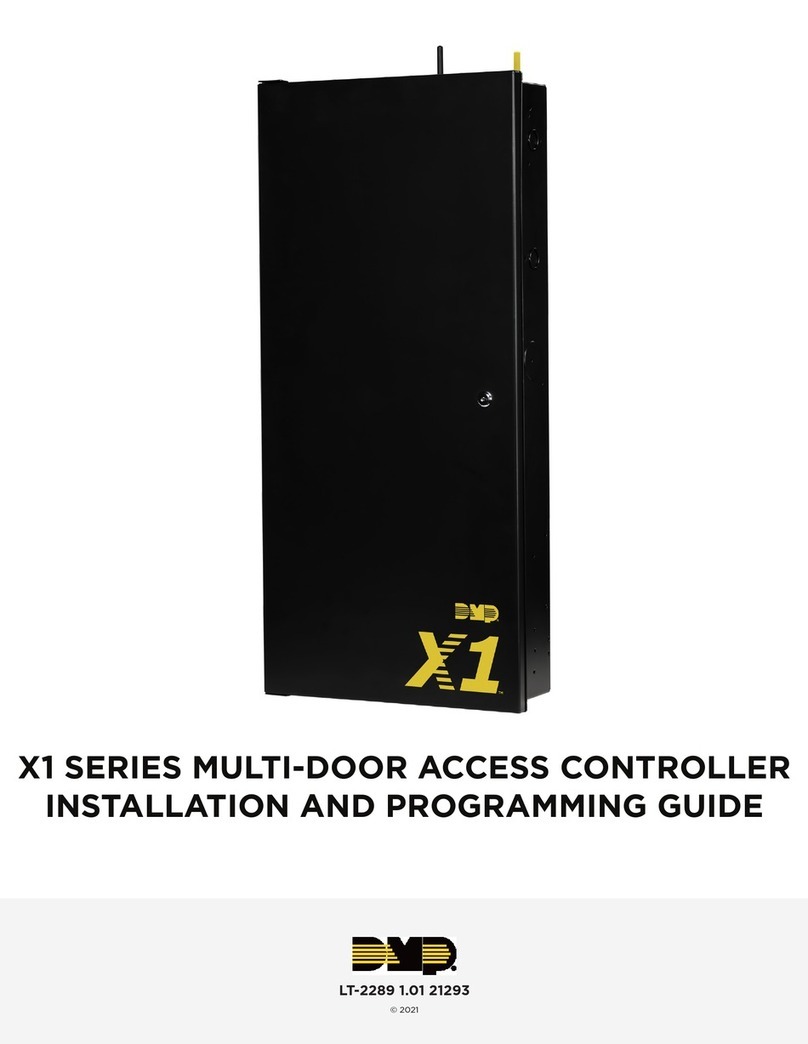
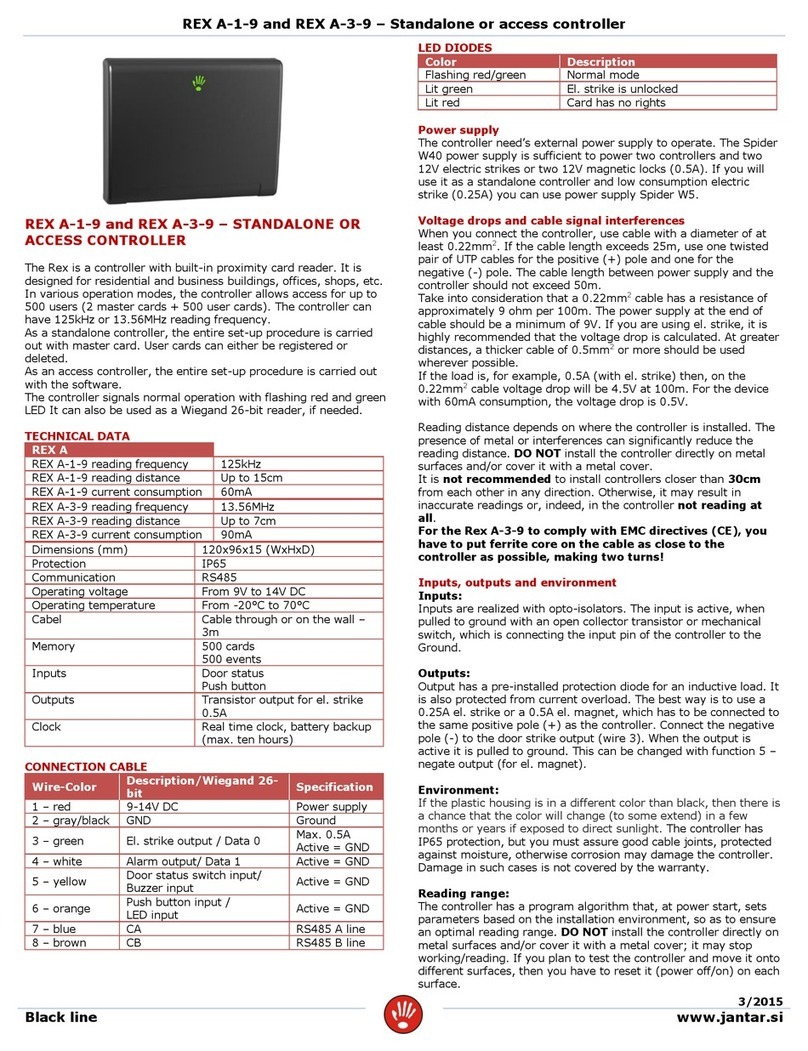
DMP Electronics 1134 Installation guide

INSTALLATION AND PROGRAMMING GUIDE
1134 Access
Control Module


About the 1134 ............................................ 1
Power Supply......................................................... 1
Zone Terminals ...................................................... 1
Annunciators.......................................................... 1
LED Indicators ...................................................... 2
LED Survey ............................................................ 2
Form C Relay......................................................... 3
Programming Connection................................ 3
Dry/Wet Contact ................................................. 3
PCB Features...............................................4
Program the 1134 ........................................5
Device Setup ......................................................... 5
Zone Information................................................. 6
TABLE OF CONTENTS
Install the 1134 ............................................7
Mount the 1134...................................................... 7
Wire the Electronic Lock.................................. 8
Isolation Relay .....................................................10
Install the 333 Suppressor ...............................11
Wire the Zone Terminals..................................12
Connect a Card Reader....................................14
Connect the Power Supply.............................17
Program the 1134 ...................................... 18
Custom Card Definitions ........................ 24
Public Card Formats ................................ 31
Product Specifications ............................32
Readers and Credentials .........................33
FCC Information .......................................35
Industry Canada Information................. 36
Compatibility ............................................37


Digital Monitoring Products, Inc. | 1134 Installation and Programming Guide 1
Zone Terminals
The 1134 has four onboard zones that can
be programmed for a variety of burglary
or access control applications.
Annunciators
An on-board programmable piezo
provides local annunciation at the 1134.
You can also connect a variety of switched
ground annunciators to the 1134 for remote
annunciation.
The 1134 Access Control Module allows you to use the powerful built-in access control
capability of DMP panels. DMP panels provide access control, arming, and disarming
using proximity, mag-stripe, biometric, or other Wiegand-output authentication devices.
The 1134 connects and operates wirelessly with DMP panels. A keypad may be plugged
directly into the 1134 for local programming. The 1134 includes the following features:
Power Supply
The 1134 operates at 12/24VDC from
the power supply supporting a door’s
magnetic lock or door-strikes.
Warning: To avoid the risk of
equipment damage, do not exceed
750mA total output current for zones
connected to the module.
ABOUT THE 1134

2 1134 Installation and Programming Guide | Digital Monitoring Products, Inc.
LED Indicators
The 1134 provides two indicator LEDs. The
red LED turns on for the same duration as
the door strike relay. The yellow LED turns
on for one second to indicate receipt of a
valid Wiegand input.
LED Survey
The 1134provides survey LED capability
that allows one person to confirm
communication with the panel or receivers
while the cover is removed.
1. With the cover removed, hold the
module in the desired location.
2. Press the survey button to send a
signal to the panel and determine
if communication is confirmed or
faulty.
Confirmed: For each press of the
survey button, the transmitter
LED blinks immediately on
and immediately o. The LED
remains o when the transmitter
is synced with the panel. Repeat
this test to confirm five separate
consecutive LED blinks. Any
indication otherwise means proper
communication has not been
established.
Faulty: If communication is faulty,
the transmitter LED remains on for
about 8seconds or flashes multiple
times in quick succession.
3. If the transmitter is not
communicating with the panel,
start by confirming that it is
correctly wired and programmed,
then look for items that might
cause interference such as large
metal objects or electronic
equipment. Relocate the
transmitter or receiver until the
LED confirms clear communication.

Digital Monitoring Products, Inc. | 1134 Installation and Programming Guide 3
Form C Relay
The 1134’s 10Amp Form C relay draws up
to 35mA of current. Refer to the NC/C/
NO (Dry Contact Relay) and the Isolation
Relay sections in this document for more
information.
Programming Connection
The 1134 provides a keypad programming
connection that allows you to use a
standard DMP LCD keypad for initial setup.
Dry/Wet Contact
Apply power to the door relay (WET
setting) or leave it unpowered (DRY
setting).

4 1134 Installation and Programming Guide | Digital Monitoring Products, Inc.
1234 5 6 7 810 11 12 13 14
9
LC ASRED WHT GRN BLK Z1 Z2 Z3 Z4RA GND GND
NC
C
NO
SURVEY
WIEGAND
PROG
DRY
WET
RESET TAMPER
DISABLE
SURVEY
GND
LED
Survey
Button
Piezo
Wiegand
Inputs
Status
Indicator
Outputs
Zones
Reset
Tamper
LED
Indicators
Keypad
Programming
Header
Power
Supply
Door
Relay
Terminal
Dry/Wet
Contact
PCB FEATURES
Figure 1: PCB Features

Digital Monitoring Products, Inc. | 1134 Installation and Programming Guide 5
PROGRAM THE 1134
Refer to the panel programming guide as needed.
1. Reset the panel.
2. At the keypad, enter 6653 (PROG) to access the PROGRAMMER menu.
Device Setup
1. In DEVICE SETUP, press CMD until you get to DEVICE NO: -.
2. Enter a DEVICE NO:- and press CMD.
3. Enter a DEVICE NAME and press CMD.
4. (XT30/XT50 only) Select YES when WIRELESS? displays.
5. (XR150/XR550 only) Select DOOR for DEVICE TYPE and press CMD.
6. (XR150/XR550 only) Select WLS at COMM TYPE and press CMD.
Note: Panel version 191 or higher software is required.
7. Enter the eight-digit SERIAL#:- and press CMD.
Note: Enter the Type 14 serial number found on the 1134 PCB or by connecting a
keypad to the header on the 1134.
8. Enter the SUPRVSN TIME and press CMD.

6 1134 Installation and Programming Guide | Digital Monitoring Products, Inc.
Zone Information
1. In ZONE INFORMATION, enter the wireless ZONE NO: - and press CMD.
2. Enter the ZONE NAME and press CMD.
3. Select the ZONE TYPE and press CMD.
4. At NEXT ZN?, select NO.
5. Select YES when WIRELESS? displays.
6. Enter the eight-digit SERIAL#:- and press CMD.
Note: Enter the Type 08 serial number found on the 1134 PCB or by connecting a
keypad to the header on the 1134.
7. Enter the CONTACT number being used.
8. Enter the SUPRVSN TIME and press CMD.
9. At the NEXT ZN? prompt, select YES and continue to program up to three more
zones.
Note:Zones must be entered sequentially. See Table 1.
Other manuals for 1134
2
Table of contents
Other DMP Electronics IP Access Controllers manuals