www.doro.com 3
English
Area of use
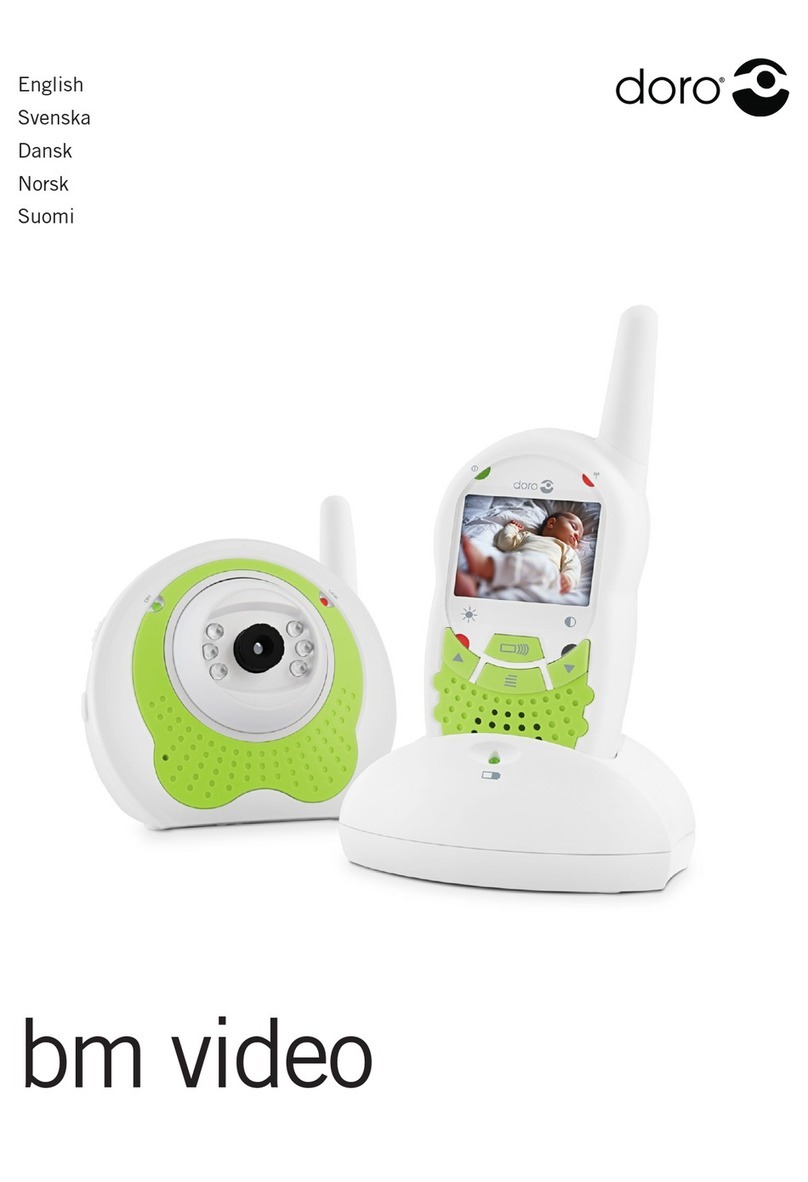
The handset is intended for both indoor and outdoor use, it is NOT resistant to rain, water,
rough or other careless treatment.
In ideal conditions ie: line of sight with no obstructions between handset/s and monitor, the
range can be up to 3 km.
Batteries
1. Remove the belt clip by lifting the small locating tab and pushing the clip upwards.
2. Before removing the battery cover release the locking clasp at the base of the handset.
3. Insert the rechargeable battery pack ensuring correct battery polarity is observed.
4. Ret the battery cover and belt clip. Charge the handset for 24 hours before use.
Please note!
The rechargeable battery pack has been installed the handset must be charged for 24 hours before use.
Charging bm35 (using adapter)
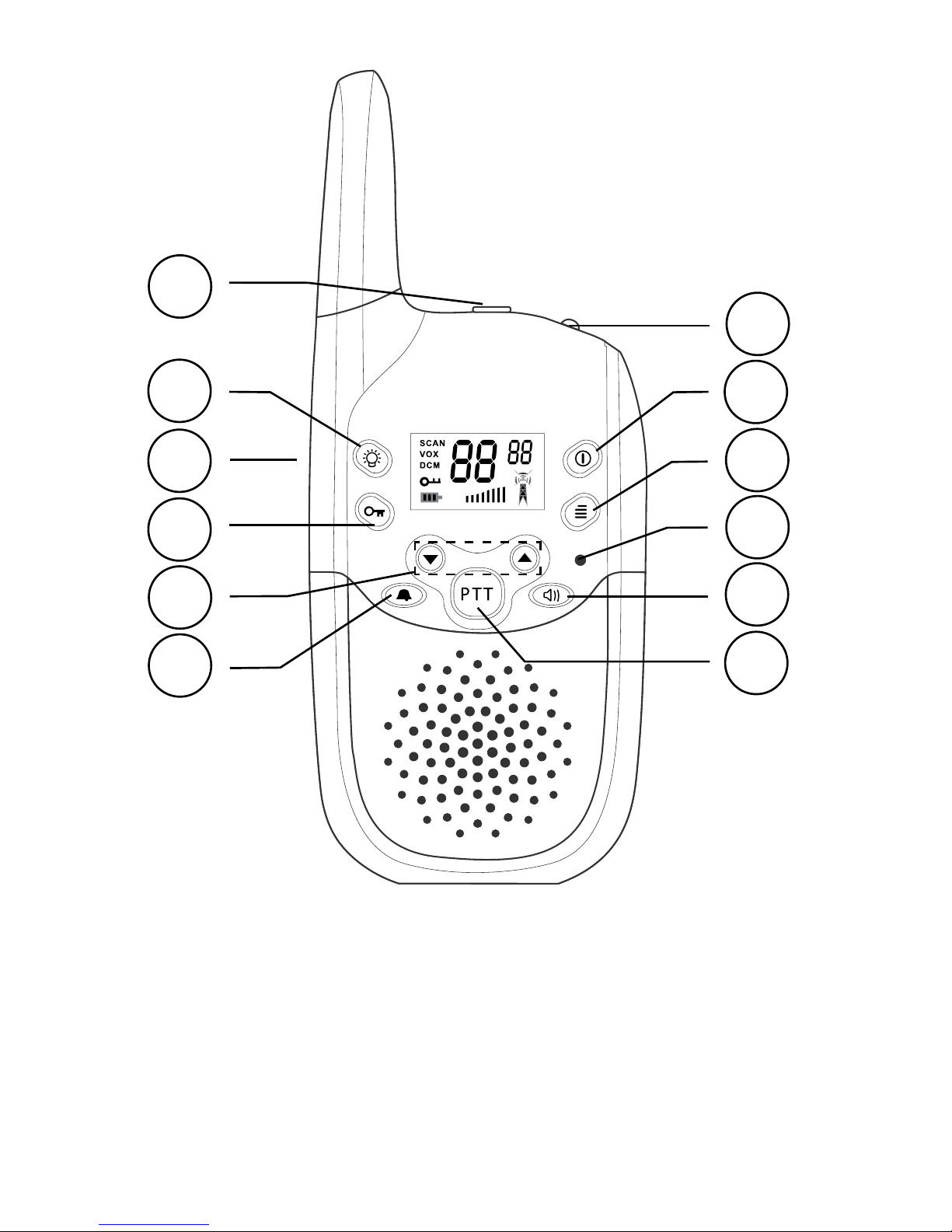
Connect the mains adapter to the socket on the left of the handset and an electrical wall socket.
Charging bm35+1 (with charging stand)
Connect the mains adapter to the socket on the rear of the charging stand and to an electrical
wall socket. Place the handset in the charger with the buttons facing out.
Battery indicator and charging
The symbol | in the display indicates when the batteries require charging. The indicator has
three segments which disappear as the battery charge decreases, and will ash when the battery
is running low. Charge the equipment as soon as possible when the indicator ashes!
The battery indicator will stop ashing when charging is complete (approximately 14 hours/
initially 24 hours). Fully-charged batteries will last for approximately 30 hours in standby or 2
hours operational time. These times apply at normal room temperature.
Please note!
Never charge ordinary (non-rechargeable) batteries in the handset, since this will ruin the equipment. The
guarantee does not cover this type of damage. The equipment must be charged initially for 24 hours before use
during which time the handset cannot be used. The recharging system used in this model may result in it becoming
warm. This is normal and will not damage the equipment.
Important!
Although the baby monitor offers a practical solution in looking after a child it
cannot replace a parent or guardian.
Make sure the equipment is always out of reach, never place the unit in the
child’s bed or playpen.
To avoid acoustic feedback by not placing the handset and baby monitor close
to one another.
Radio signals can be blocked if the equipment is used in areas with high
sources of interference from other electronic equipment.
Regardless of the selected channel or transfer code, you may experience ‘radio
chatter’ from other PMR units within the operating range.