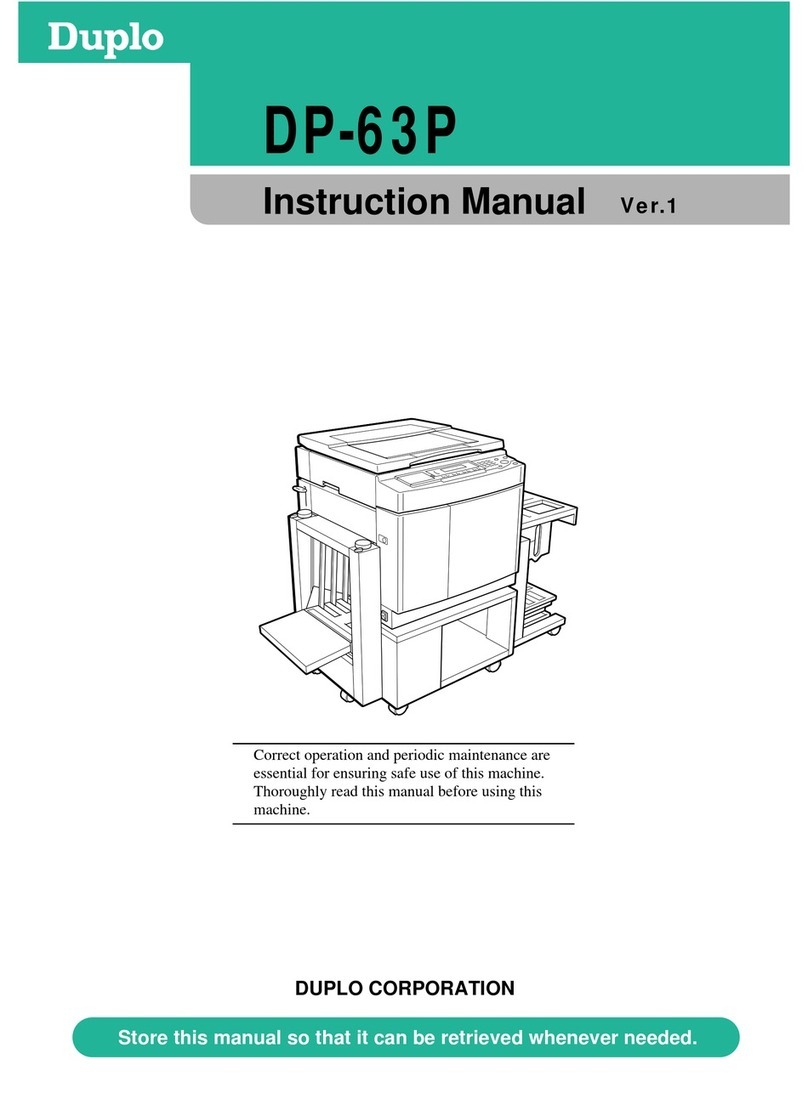
Duplo Duprinter DP-203 User manual

For this machine to be used safely, it MUST be
operated correctly and serviced regularly. Therefore,
read this Instruction manual thoroughly before using
the machine.
Keep this manual in a safe place where it can be consulted at any time.
DUPLO CORPORATION
DUPRINTER
DP-203 /203A ,DP-205 /205A
Instruction Manual
Ver.1

Complies with the provisions defined by the regulations listed below.
EC Low Voltage Directive ( 73 / 23 / EEC )
EC Electromagnetic Compatibility Directive ( 89 / 336 / EEC )
Copyright 2004
DUPLO SEIKO CORPORATION
All Rights Reserved

- 1 -
Introduction
Thank you for your purchase of the DUPRINTER DP-203
22
/ 203A
22
, DP-205
22
/ 205A
22
.
To ensure safe and efficient prolonged use of this machine, read and thoroughly unders
tand
this manual before using this machine. After using this manual, be sure to keep it in a
place to handy reference.
PLEASE NOTE
In the interest of upgrading our products, specifications and other data given in this
manual are subject to change without notice. If the manual contains anything that you
do not understand, contact the manufacturer for clarification.
Precautions for printing and duplicating
There are restrictions on what you may print on the printer.
Please be aware that there are some printed materials that are illegal
even to possess.
1. Printed matters banned by law
¡¡Paper money, currency, government bonds and national and local
bonds cannot be duplicated, even if they are stamped with the
"sample" seal.
¡¡Paper money, currency and bonds, etc. that are valid in foreign
country cannot be duplicated.
¡¡Unused postage stamps and postcards cannot be duplicated
without governmental consent.
¡¡Government-issued papers pertaining to stamps, liquor and sales
tax laws cannot be duplicated.
2. Printed matters that need caution
¡¡Private-issued securities(stocks, bills and checks, etc.), passes and
tickets needs caution in duplicating unless a business is
duplicating them for needed amounts for their business needs.
¡¡Government-issued passports, public-and private-issued driver`s
licenses, permits, identifications, food stamps, etc. will need
caution in duplicating.
3. Copyrighted materials
Books, music, artwork, prints, maps, diagrams, movies, photography,
etc. are banned from duplicating outside the limits of private home
use and their related non-sale usage.

4. Various functions 24
3. Platemaking and printing procedure 19
2. Easy printing 17
Safety Precautions 44
- 2 -
Contents
Making plates of text/photographs ………24
Adjusting the plate darkness ………………24
Changing the printing speed ………………25
Adjusting the printing position ……………25
Setting the enlargement and reduction …26
Setting the document size …………………27
Changing the image quality
in photograph mode………………………28
Entering the number of sets ………………29
Setting the number of copies
for separate documents …………………31
Using a thick or thin paper
(Adjusting the feeder pressure) ………33
When using a thick paper and/
or misfeed occurs …………………………33
When using a thin paper and/or
double feed occurs ………………………33
Confidential safeguard function……………34
To set confidential safeguard function ……34
To clear ………………………………………34
On-Line Print Function
(model : DP-203A
22
/ 205A
22
only) ……35
Drum unit ……………………………………36
Changing the drum unit ……………………36
Setting the drum unit ………………………37
Tape cluster setting the tape cluster ……39
Setting the paper tray ………………………19
Setting the paper stacker …………………20
Turning the power on ………………………21
Checking the control panel …………………21
Setting the document ………………………22
Pressing the platemaking key ……………22
Entering the number of printed copies……23
Pressing the print key ………………………23
Easy printing …………………………………17
1. Before using the machine 11
Part names and their functions ……………11
Control panel …………………………………14 Printing process………………………………16

6. Troubleshooting 46
5. Replacing of consumable 40
- 3 -
Changing the ink pack………………………40
Changing the master roll……………………42 Changing the master ejection core ………45
OK Monitor……………………………………46
Removing a left paper jam
(feed tray side) ……………………………51
Removing a right paper jam
(print tray side) …………………………52
Removing a master(eject error) ……………54
Removing a master(set error)………………56
Removing a jammed document ……………58
Trouble shooting for machine malfunction
…59 2
3
4
5
1
6
7
8
7. Maintenance and inspection 60
Maintenance …………………………………60 Total counter …………………………………61
8. Specifications 62
Specifications …………………………………62 Original document/
copy paper specification …………………63

- 4 -
Safety Precautions
Various symbols and pictures are used in this manual and on the stickers affixed
to the machine. These symbols and pictures provide warnings and instructions to
prevent danger to you or other personnel, and to prevent damage to office
property. The meanings of these symbols and pictures are explained below.
Indicates a high degree of potential danger. If the warning is
ignored, death or serious injury may result.
Indicates a medium degree of potential danger. If the
caution is ignored, medium injury or damage to property
may result.
WARNING:
CAUTION:
A circle with a line through it indicates a prohibited action. The particular
act prohibited
is indicated by a picture inside the circle. (In the example
shown here, the prohibited act is disassembly.)
A black disc indicates an instruction, or sometimes a prohibited action.
The instruction
itself is indicated by pictorial symbols drawn in white on
the disc. (In the example shown here, the instruction is "Remove the
plug from the outlet.")
About Machine Safety
Examples of pictorial symbols

- 5 -
Safety Precautions
WARNING
¡¡If the machine is used after foreign matter (metal fragments,
water, or other liquid) has gotten inside the machine, fire or
electrical shock can result.
aaTurn the main unit`s power switch to OFF.
Pull the power plug from the outlet.
Contact the sales distributor (or maintenance service
company).
¡¡
If the machine is used after heat, smoke, strange smell, or other
abnormality is detected, fire or electrical shock can result.
aaTurn the main unit`s power switch to OFF.
Pull the power plug from the outlet.
Contact the sales distributor (or maintenance service
company).
¡¡Use only the power cord that is provided among the
accessories.
Insert the power cord plug firmly into the socket, so that
proper electrical contact is effected.
aaUse of any other power cord could result in imperfect
grounding.
If grounding is imperfect and electrical leakage occurs, fire or
electric shock could result.

¡¡Do not modify the machine.
Fire or electrical shock can result.
¡¡Do not remove the rear lid, cabinet, or cover from the
machine.
The interior contains high-voltage parts, which can cause
electrical shock.
¡¡Do not remove or insert the power plug if your hands are wet.
You can get electrically shocked.
¡¡Do not damage, break, or modify the power cord.
Do not place heavy objects on it, yank it, or unreasonably
bend it.
Fire or electrical shock can result.
- 6 -
WARNING

¡¡Do not insert or drop metal, burnable material, or other matter
through the ventilation holes into the machine interior.
Fire or electrical shock can result.
¡¡Do not place flower vases, flowerpots, cups, or water
containers (including metal containers) on top of the
machine.
Fire or electrical shock can result if the liquid spills.
¡¡Do not use a source voltage other than that specified.
Do not connect multiple loads to a single outlet.
Fire or electrical shock can result.
¡¡Before cleaning, pull the power plug from the outlet.
¡¡Prevent water and neutral cleansers from getting inside the
machine.
This action prevents not only breakdowns but electrical shock.
Maintenance aa Refer to page 60
- 7 -
Safety Precautions
WARNING

¡¡Before moving the machine, pull the power plug from the
outlet.
If the cord is damaged, fire or electrical shock can result.
¡¡Pull the power plug itself, not the cord.
If you yank the cord, you can damage it (cause exposed
conductor, disconnection, etc.), resulting in fire or electrical
shock.
¡¡Do not place the machine in an unstable position, such as on
an unsteady support or sloping area.
If the machine drops or falls over, a person could get injured.
¡¡Do not place the machine in a humid or dusty area.
Fire or electrical shock can result.
- 8 -
WARNING
This manual suits for next models
3
Table of contents
Other Duplo Printer manuals
Duplo
Duplo DSF-2000 User manual

Duplo
Duplo Duprinter DP-43E User manual
Duplo
Duplo ULTRA 200PRO User manual
Duplo
Duplo DUPRINTER DP-C100 User manual
Duplo
Duplo DSC-10/20 User manual
Duplo
Duplo DC-646 User manual
Duplo
Duplo DP-J450 User manual

Duplo
Duplo DP-U850 User manual
Duplo
Duplo DUPRINTER DP-L220 User manual
Duplo
Duplo DUPRINTER DP-440 User manual