manuals.online logo
Brands
  1. Home
  2. •
  3. Brands
  4. •
  5. Durabrand
  6. •
  7. CD Player
  8. •
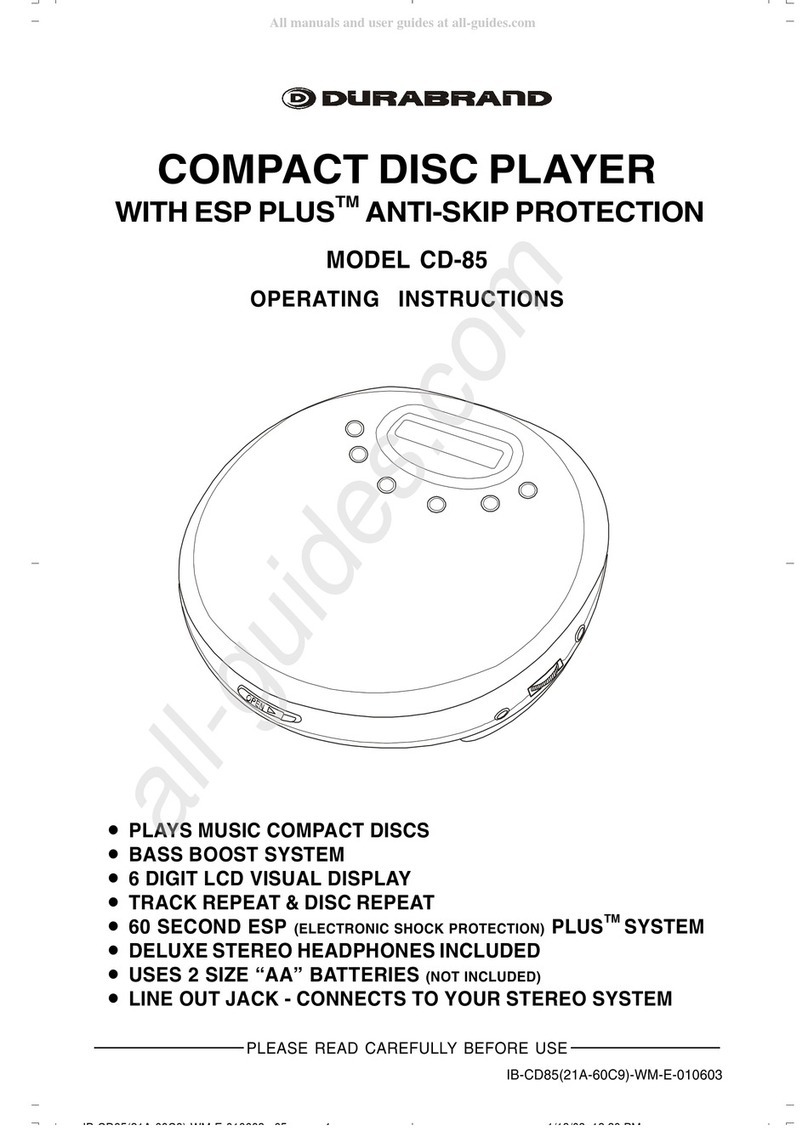
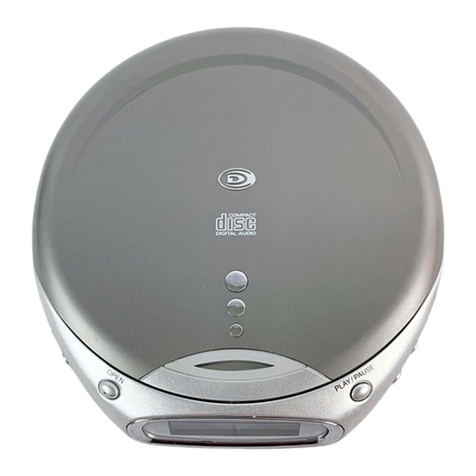
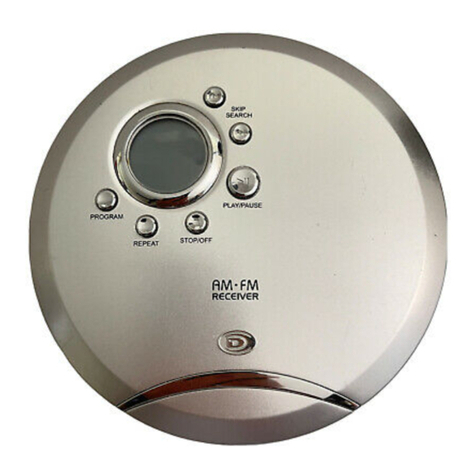
  9. Durabrand CD-89 User manual

Durabrand CD-89 User manual

Other Durabrand CD Player manuals

Durabrand CD-56 User manual

Durabrand

Durabrand CD-56 User manual

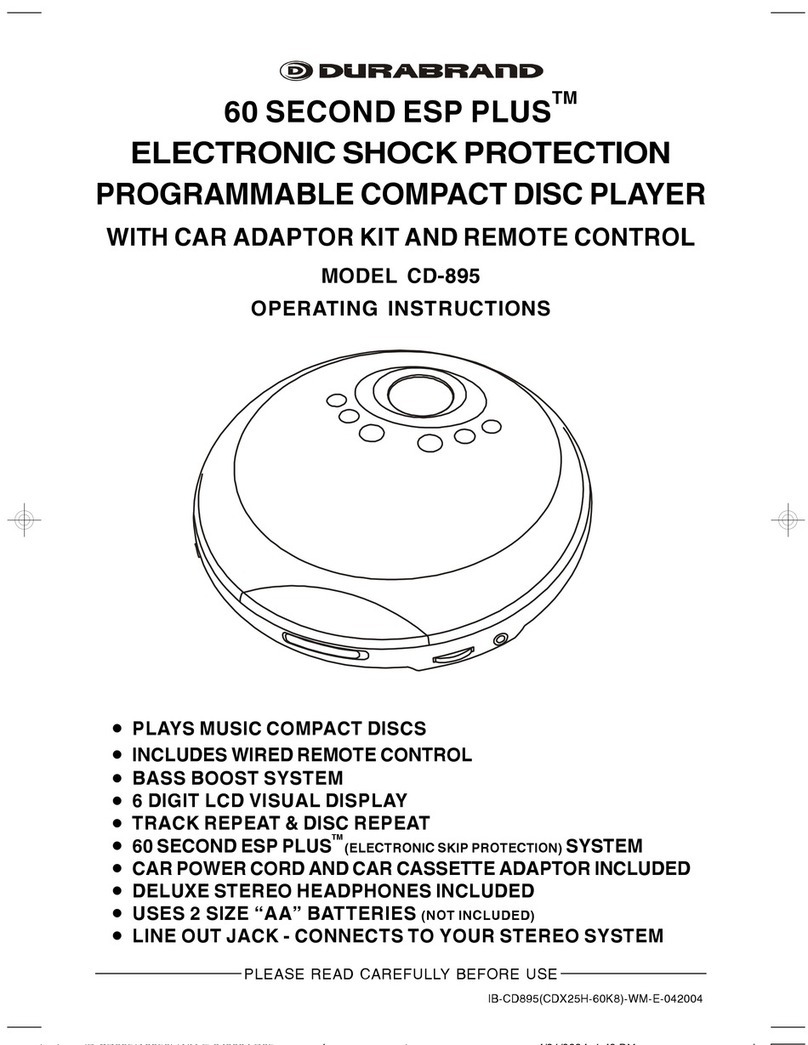
Durabrand 60 SECONDS ESP PLUS CD-89 User manual

Durabrand

Durabrand 60 SECONDS ESP PLUS CD-89 User manual

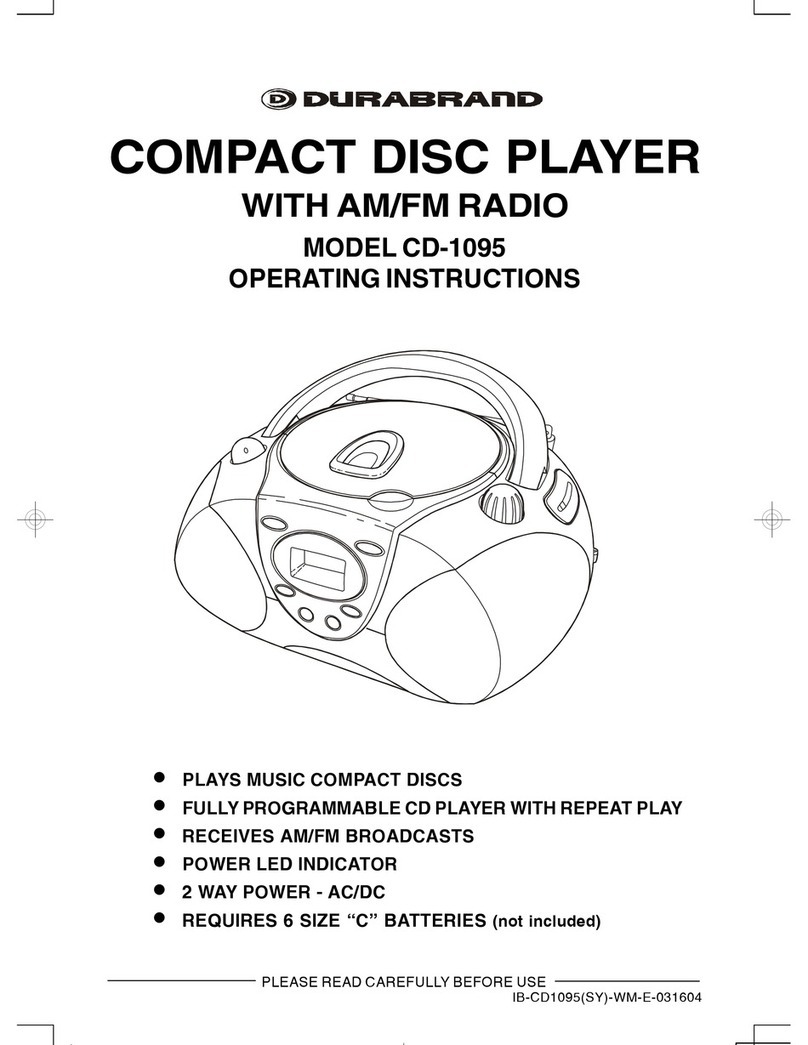
Durabrand CD-1095 User manual

Durabrand

Durabrand CD-1095 User manual

Durabrand CD-56 User manual

Durabrand

Durabrand CD-56 User manual

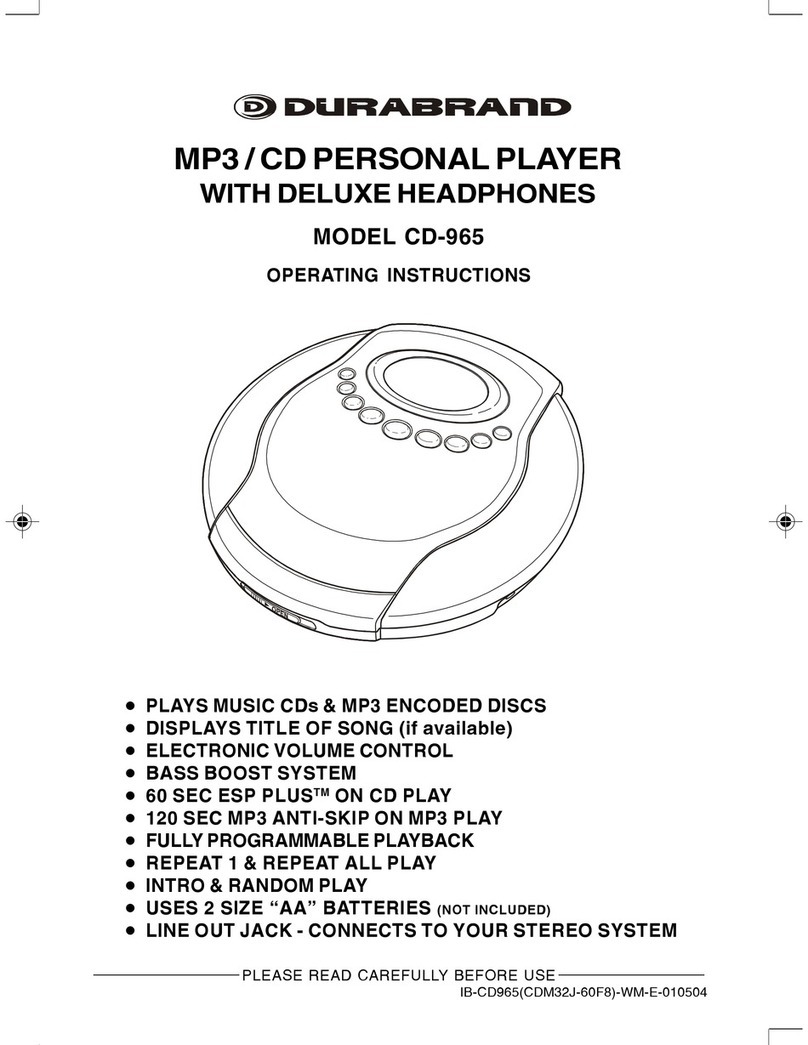
Durabrand CD-965 User manual

Durabrand

Durabrand CD-965 User manual

Durabrand CD-915 User manual

Durabrand

Durabrand CD-915 User manual

Durabrand CD-916 User manual

Durabrand

Durabrand CD-916 User manual

Durabrand CD-855 User manual

Durabrand

Durabrand CD-855 User manual

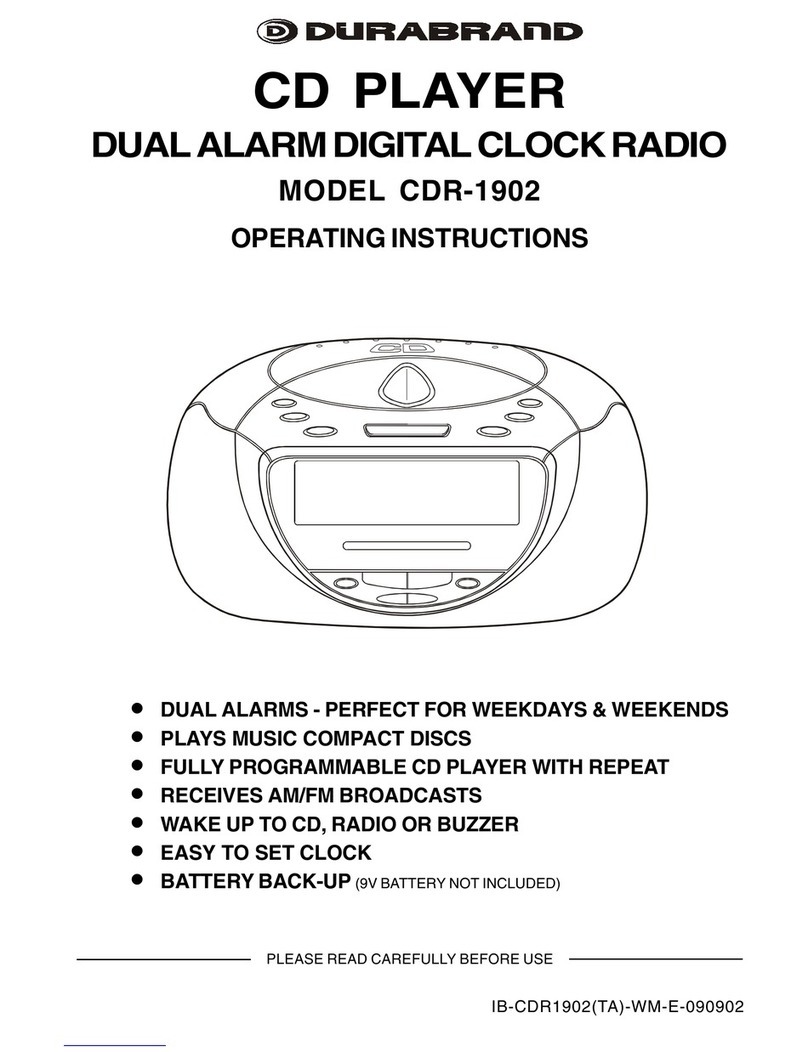
Durabrand CDR-1902 User manual

Durabrand

Durabrand CDR-1902 User manual

Durabrand CD-565 User manual

Durabrand

Durabrand CD-565 User manual

Durabrand CD-1493 User manual

Durabrand

Durabrand CD-1493 User manual

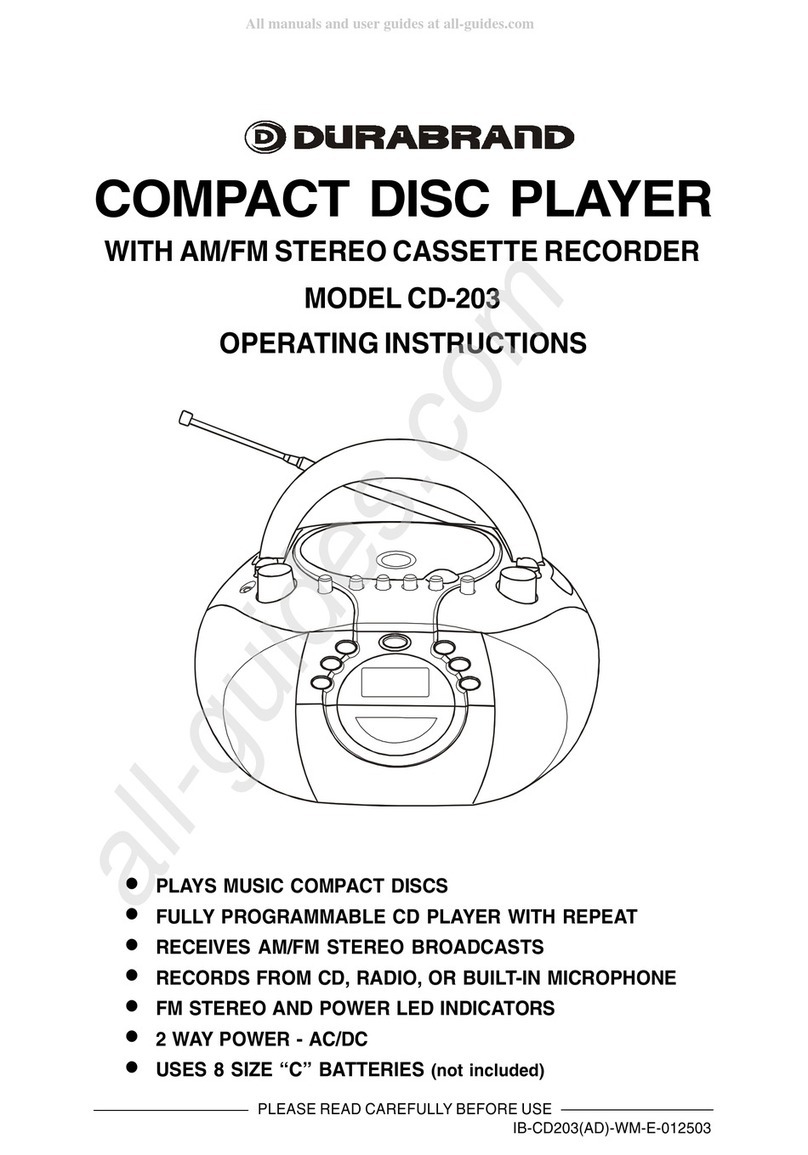
Durabrand CD-203 User manual

Durabrand

Durabrand CD-203 User manual

Durabrand CD-855 User manual

Durabrand

Durabrand CD-855 User manual

Durabrand CD-96 User manual

Durabrand

Durabrand CD-96 User manual

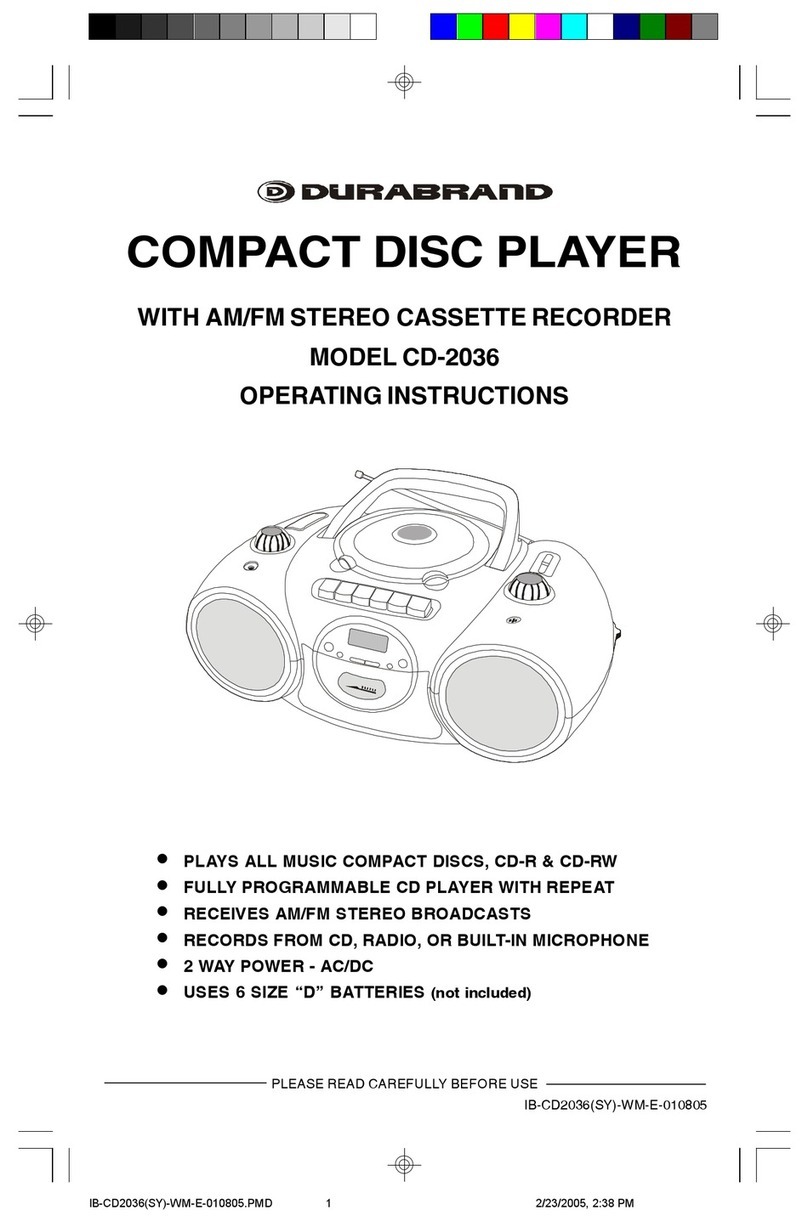
Durabrand CD-2036 User manual

Durabrand

Durabrand CD-2036 User manual

Durabrand CD-2086 User manual

Durabrand

Durabrand CD-2086 User manual

Durabrand CD-62 User manual

Durabrand

Durabrand CD-62 User manual

Durabrand CD-208 User manual

Durabrand

Durabrand CD-208 User manual

Durabrand 60 SECOND ESP PLUS CD-855 User manual

Durabrand

Durabrand 60 SECOND ESP PLUS CD-855 User manual

Durabrand CD-625 User manual

Durabrand

Durabrand CD-625 User manual

Durabrand CDR-1902 User manual

Durabrand

Durabrand CDR-1902 User manual

Durabrand CD-203 User manual

Durabrand

Durabrand CD-203 User manual

Durabrand CD-109 User manual

Durabrand

Durabrand CD-109 User manual

Durabrand 60 SECONDS ESP PLUS CD-89 User manual

Durabrand

Durabrand 60 SECONDS ESP PLUS CD-89 User manual

Popular CD Player manuals by other brands

Arcam CD23 Handbook

Arcam

Arcam CD23 Handbook

Sanyo MCD-Z1F Service manual

Sanyo

Sanyo MCD-Z1F Service manual

JVC RC-ST3SL instructions

JVC

JVC RC-ST3SL instructions

Technics SL-P9066 operating instructions

Technics

Technics SL-P9066 operating instructions

Marantz HD-CD1 quick start guide

Marantz

Marantz HD-CD1 quick start guide

Sony DVP-FX850 Service manual

Sony

Sony DVP-FX850 Service manual

Philips AZ1140 Instrukcja obs?ugi

Philips

Philips AZ1140 Instrukcja obs?ugi

Alpine 7909 owner's manual

Alpine

Alpine 7909 owner's manual

JVC CH-X350 instructions

JVC

JVC CH-X350 instructions

RCA RP-7923 instruction manual

RCA

RCA RP-7923 instruction manual

Pioneer DEH-P3550MP XM Operation manual

Pioneer

Pioneer DEH-P3550MP XM Operation manual

Philips Shockproof AX2102 brochure

Philips

Philips Shockproof AX2102 brochure

Philips CD582 user manual

Philips

Philips CD582 user manual

Philips AZ 6821 operating manual

Philips

Philips AZ 6821 operating manual

Lasonic MSU-2020 user manual

Lasonic

Lasonic MSU-2020 user manual

Denon DCD-1420 Service manual

Denon

Denon DCD-1420 Service manual

Panasonic SJ-MR100 operating instructions

Panasonic

Panasonic SJ-MR100 operating instructions

Onkyo DX-7210 instruction manual

Onkyo

Onkyo DX-7210 instruction manual

manuals.online logo
manuals.online logoBrands
  • About & Mission
  • Contact us
  • Privacy Policy
  • Terms and Conditions

Copyright 2025 Manuals.Online. All Rights Reserved.

IB-CD89(21B-60C9)-WM-E-010603
OPERATING INSTRUCTIONS
PLEASE READ CAREFULLY BEFORE USE
MODEL CD-89
60 SECOND ESP PLUSTM
ELECTRONIC SHOCK PROTECTION
PROGRAMMABLE COMPACT DISC PLAYER
WITH CAR ADAPTOR KIT AND REMOTE CONTROL
INCLUDES CD FEATURE REMOTE CONTROL
PLAYS MUSIC COMPACT DISCS
BASS BOOST SYSTEM
6 DIGIT LCD VISUAL DISPLAY
TRACK REPEAT & DISC REPEAT
60 SECOND ESP (ELECTRONIC SKIP PROTECTION) PLUSTM SYSTEM
CAR POWER CORD AND CASSETTE ADAPTOR INCLUDED
DELUXE STEREO HEADPHONES INCLUDED
USES 2 SIZE AA BATTERIES (NOT INCLUDED)
LINE OUT JACK - CONNECTS TO YOUR STEREO SYSTEM
IB-CD89(21B-60C8)-WM-E-010603.p65 1/17/03, 11:04 AM1
IB-CD89(21B-60C9)-WM-E-010603
INTRODUCTION
Your new DURABRAND Model CD-89 portable compact disc player, uses the latest
technology to give you crisp clean sound from all your compact discs.
Please read these operating instructions completely to take advantage of all the features
of this set.
ACCESSORIES INCLUDED
REMOTE CONTROL
STEREO HEADPHONES CAR CASSETTE ADAPTOR
CAR CIGARETTE LIGHTER ADAPTOR
NOTE: Adaptor may look slightly different from
above illustration.
1
IB-CD89(21B-60C8)-WM-E-010603.p65 1/17/03, 11:04 AM2
IB-CD89(21B-60C9)-WM-E-010603
LOCATION OF CONTROLS
1. CD DOOR OPEN BUTTON (slide to open)
2. CD DOOR
3. PROGRAM BUTTON (for programmed play)
4. BACKWARD SKIP/SEARCH BUTTON
5. STOP AND POWER OFF BUTTON
6. LCD DISPLAY
7. PLAY/PAUSE & POWER ON BUTTON
8. FORWARD SKIP/SEARCH BUTTON
9. REPEAT BUTTON
10. AC ADAPTOR JACK (AC ADAPTOR not included)
11. BASS BOOST SWITCH
12. LINE OUT JACK (for home stereo connection)
13. VOLUME CONTROL
14. PHONES/REMOTE JACK (headphones jack, also for REMOTE CONTROL connection)
15. BATTERY DOOR
2
15
4
5
7
8
10
9
11
1
3
2
13
12
14
6
IB-CD89(21B-60C8)-WM-E-010603.p65 1/17/03, 11:04 AM3
IB-CD89(21B-60C9)-WM-E-010603
POWER SOURCES
3
ALKALINE BATTERY LIFE
Bear in mind that battery life expectancy is based upon volume and bass listening
levels.
Maximum battery power consumption happens at maximum settings. Typical life
for 2 size AA alkaline batteries is above 8 hours of continuous use for CD play.
NOTE: You may use rechargeable batteries on this set. However, because
rechargeable batteries generally have lower voltage (1.2 volts instead of
1.5 volts). Your playing time will be much less than normal fresh alkaline
batteries.
Power your CD player by connecting an optional AC ADAPTOR or by inserting 2 size
AA fresh alkaline batteries, or using the provided Cigarette Lighter Adaptor.
NOTE: Before you buy an optional AC Adaptor, please note the only AC ADAPTOR
suitable for this player is DC 4.5V 600mA with polarity , others may
damage your player. Please check voltage and current (mA) before buying an
AC ADAPTOR.
TIPS ON BATTERY USE
Reversing polarities will damage the batteries and possibly your set. Be sure to
follow polarity ( + and - ) as indicated.
Do not mix different types together (Alkaline, Carbon-Zinc, Nickel-Cadmium etc.),
or old batteries with new ones.
When not in use for an extended period of time, or while internal batteries will not
be used, remove them to prevent possible acid leakage or corrosion resulting in
damage to your player.
When the batteries have become discharged, they must be disposed of in a safe
manner that complies with all applicable laws.
Installation of batteries should only be done by an adult (for safety).
1. Using with Batteries
Insert 2 size AA alkaline batteries
according to the + and - markings in
the BATTERY COMPARTMENT.
While CD playing, if the alkaline batteries are weak and discharged, this symbol
  shows or flashes in the display, then the power automatically turns off. If this
occurs, replace the alkaline batteries (also if the display does not show anything,
the batteries are dead).
WHEN SHOWS IN THE DISPLAY
IB-CD89(21B-60C8)-WM-E-010603.p65 1/17/03, 11:04 AM4
IB-CD89(21B-60C9)-WM-E-010603
2. Using Cigarette Lighter Adaptor
CAUTION:
Use this set only with the supplied cigarette lighter adaptor. Use with other cigarette
lighter adaptors could damage the set.
When the inside of the cigarette lighter socket is dirty with ashes, the plug section
may become hot due to poor contact. Be sure to clean your car cigarette lighter
socket before use.
After use, disconnect the cigarette lighter adaptor plugs from both the set and the
cigarette lighter socket.
The cigarette lighter adaptor may cause interference with reception to the car
radio. If this happens, disconnect the cigarette lighter adaptor from the cigarette
lighter socket.
Do not leave the cigarette lighter adaptor plugged in without your cars motor
running, your cars battery may drain in some models of cars that supply power
to the cigarette lighter adaptor even with the cars keys removed.
Use the cigarette lighter adaptor to supply
power to your player and conserve battery life
when using the CD player in a car (no batteries
are needed).
Plug the adaptor into the car cigarette
lighter. Insert firmly, and the cigarette lighter
indicator will light up.
Plug the other end into the DC 4.5V jack on
the right rear of the set.
If there is no power, your fuse may have
blown. To change fuse on cigarette lighter
adaptor, unscrew the tip. Replace only with
same 1A 250V fuse.
4
Cigarette Lighter
Indicator
IB-CD89(21B-60C8)-WM-E-010603.p65 1/17/03, 11:04 AM5
IB-CD89(21B-60C9)-WM-E-010603
5
CONNECTING TO HOME STEREO SYSTEMS
The LINE OUT jack is made to accept a stereo mini plug (3.5mm). Simply connect the
cables mini plug to the LINE OUT jack on your player, and the other appropriate end
usually RCA JACKS to the CD/AUX INPUTS of your home stereo.
Remove two
large screws
with a dime or
screwdriver
Move cord to
desired position
(three cord
positions)
The car cassette adaptor allows you to use your CD player with your car stereo
cassette system.
1. Insert the car cassette adaptor in the same direction
as you would insert an audio cassette tape, with the
side marked THIS SIDE UP facing upwards.
2. If the car cassette adaptor cord is on the wrong side
of the tape, reposition the cord by following the
instructions below.
3. Insert the car cassette adaptor stereo plug into the
LINE OUT jack on the right side of the CD player.
4. Turn on the cassette player. Press the PLAY button
on the cassette player.
5. Press the PLAY button on the CD player.
6. Adjust the VOLUME control on your cassette player.
7. When done, leave the cassette player on and first
eject the adaptor, then turn off cassette player.
Reposition the cord
The cord should extend out from the cassette player
when the cassette is inserted (direction depending on
your tape player).
1. To reposition the cord, remove the top plate by
removing 2 screws with a dime (see Fig. 1).
2. Reposition the cord so that it comes out from other
positions (see Fig. 2).
3. Replace the cover and the screws.
TO LINE OUT JACK
CASSETTE ADAPTOR
Fig. 1 Fig. 2
OPTIONAL CABLE (3.5mm)
TO RCA JACKS
YOUR CD PLAYER
TO AUX IN JACKSTO LINE OUT JACK
YOUR STEREO
SYSTEM
NOTE: The car cassette adaptor has the play head on one side only. If the cassette
adaptor keeps ejecting out, or the sound is weak, press the REVERSE button on
your cassette player to change direction or reverse the adaptor.
IB-CD89(21B-60C8)-WM-E-010603.p65 1/17/03, 11:04 AM6
IB-CD89(21B-60C9)-WM-E-010603
REMOTE CONTROL
You can control the CD PLAYER with the provided remote control (including the functions
of PLAY/PAUSE AND POWER ON, STOP/OFF, SKIP/SEARCH and VOLUME CONTROL).
1. PLAY/PAUSE & POWER ON
2. STOP/OFF
3. SKIP/SEARCH BACKWARD
4. SKIP/SEARCH FORWARD
5. VOLUME CONTROL
6. BELT CLIP (at back)
7. HEADPHONES JACK
PLAYING WITH THE REMOTE CONTROL
The PHONES/REMOTE jack is made to play your set with the included REMOTE
CONTROL. Simply connect the REMOTE CONTROLs plug to the PHONES/REMOTE
jack on right side of your player, and plug the STEREO HEADPHONESs plug into the
PHONES jack on the top of the REMOTE CONTROL.
TO PHONES/REMOTE JACK TO PHONES JACK
(on top of the REMOTE CONTROL)
NOTE: You can only adjust the volume
by rotating the VOLUME CON-
TROL when you play the set with
the remote control.
6
3
5
7
4
1
2
6
CD PLAYER
STEREO
HEADPHONES
REMOTE CONTROL
IB-CD89(21B-60C8)-WM-E-010603.p65 1/17/03, 11:04 AM7
IB-CD89(21B-60C9)-WM-E-010603
CD PLAYING
4Adjust the Volume.
1Load the Disc.
2Connect the Headphones.
3Press the PLAY/PAUSE button.
1234
1234
1234
1234
Push
here
Disc
Label side up
Slide right to open
To PHONES jack
NOTE: The ESP PLUSTM function will turn on automatically when the PLAY/PAUSE
button is pressed.
7
Stereo Headphones
PLAY/PAUSE
button
VOLUME CONTROL
TOTAL TRACKS TOTAL PLAYING
TIME OF THE CD
TRACK NUMBER
CURRENTLY
PLAYING
ELAPSED PLAYING
TIME OF THE
CURRENT TRACK
IB-CD89(21B-60C8)-WM-E-010603.p65 1/17/03, 11:04 AM8
IB-CD89(21B-60C9)-WM-E-010603
OTHER OPERATIONS
Operation Press Display window shows
To pause play
To release pause and resume
play
To stop
To skip to the next track(s)
To skip to the previous track(s)
SKIP(SEARCH) FORWARD button once (or
repeatedly).
SKIP(SEARCH) BACKWARD button once (or
repeatedly).
To go ahead at high speed
(search)
Keep SKIP(SEARCH) FORWARD button
depressed and release when the desired music
section of the disc is found.
To go back at high speed
(search).
Keep SKIP(SEARCH) BACKWARD button
depressed and release when the desired music
section of the disc is found.
BASS BOOST switch
This switch enhances the low frequency
(bass) sounds at low listening levels.
Switch the BASS BOOST switch ON or
OFF to suit your taste.
PLAY/PAUSE
button
PLAY/PAUSE
button
STOP button
To turn off the power STOP button once and wait 30 seconds, or press
STOP button twice.
BASS BOOST switch
TRACK NUMBER
CURRENTLY PLAYING
PLAYING TIME
FLASHES
TRACK NUMBER
CURRENTLY PLAYING
PLAYING TIME
ADVANCES
8
TOTAL TRACKS TOTAL PLAYING TIME
IB-CD89(21B-60C8)-WM-E-010603.p65 1/17/03, 11:04 AM9
IB-CD89(21B-60C9)-WM-E-010603
Single Track Repeat
Plays one song over and over till you press STOP.
During play, select the song you want to repeat with
either of the SKIP/SEARCH buttons ( or ), then
press the REPEAT button once, the symbol
REPEAT
ONE
will appear in the display.
The song currently playing will repeat over and over,
until you press STOP.
All Tracks Repeat
Repeats all songs in order, till you press STOP.
During play, press the REPEAT button twice, the symbol
REPEAT ALL
will show in the display.
All songs will keep playing in sequence 1, 2, 3, etc., and
when finished, will start all over again until you press the
STOP.
REPEAT, INTRO AND RANDOM PLAY
You may have repeat, intro or random play using the REPEAT button. Press the REPEAT
button several times, and the display will show the followings in turn:
Intro Play
This plays the first 10 seconds of songs in sequential
order.
1. During play, press the REPEAT button three times,
the word INTRO will flash in the display.
2. Press the PLAY button, the word INTRO will stop
flashing and the first 10 seconds of each song on the
CD will play in sequential order.
3. When you find a song you like, press the PLAY button
again, the symbol INTRO will disappear from the
display, normal play will be resumed, that song (and
the following songs) will play NORMALLY.
Random Play
This plays the songs on the disc in a random order.
1. During play, press REPEAT button four times the word
RND
will flash.
2. Press the PLAY button, this will play all of the songs
in random order selected by the CD player. The word
RND
will stop flashing.
3. Press the SKIP/SEARCH button to skip to the
next random song.
9
X 1
REPEAT
REPEAT ONE --> REPEAT ALL --> INTRO --> RND --> NORMAL PLAY
REPEAT ONE
REPEAT ALL
INTRO
RND
X 2
REPEAT
X 3
REPEAT
X 4
REPEAT
IB-CD89(21B-60C8)-WM-E-010603.p65 1/17/03, 11:04 AM10