4
Technical Specifications
For information about our other scale products, visit www.dymo.com.
Troubleshooting
If you need further assistance, contact Technical Support at (877) 724-8324. You can also
obtain support at www.dymo.com.
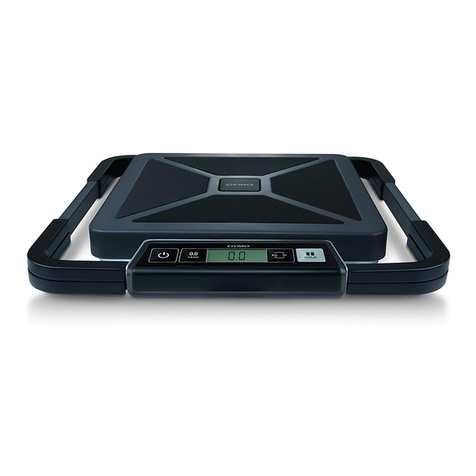
Model S150
Capacity 150 pounds (68 kg)
Resolution 0.2 lb. (0.1 kg)
Units lb. (kg)
Auto Shut Off After two minutes of inactivity
Operating Temperature 40° - 104° F (4.5° - 40° C)
Power 110 V AC adapter or 9-volt
alkaline battery
Problem/Error Message Solution
No display Ensure the scale is plugged in, or replace the battery.
is displayed Replace the 9-volt battery.
Negative number is displayed A tare value is displayed as a negative number when the items
are removed from the scale. Press ZERO/HOLD to reset the
scale to zero.
is displayed The item on the scale platform exceeds the maximum capacity
of the scale. Remove the item immediately to prevent damage
to the scale.
Display reads 0.0 with an item on the
platform
This can happen because:
•The ZERO/HOLD button was pressed while an item was on
the scale.
•Power to the scale was disconnected or turned off and then
on again with an item on the scale.
In both of these cases, remove the item from the platform and
press the ZERO/HOLD button to return the display to 0.0.
S150 is displayed With the scale off, do one of the following:
•Make sure nothing is on the scale platform, make sure the
scale is on a flat surface, and then turn the scale on.
•Rotate the power adapter in the power outlet, plug the
power adapter into a different outlet, or switch to battery
power and then turn the scale on.
•Unplug the coiled cable from the scale display, plug the cable
back into the scale display, making sure the connector clicks
into place, and then turn the scale on.