manuals.online logo
Brands
  1. Home
  2. •
  3. Brands
  4. •
  5. Dymo
  6. •
  7. Scale
  8. •
  9. Dymo PS2R1-1P Guide

Dymo PS2R1-1P Guide

This manual suits for next models

1

Other Dymo Scale manuals

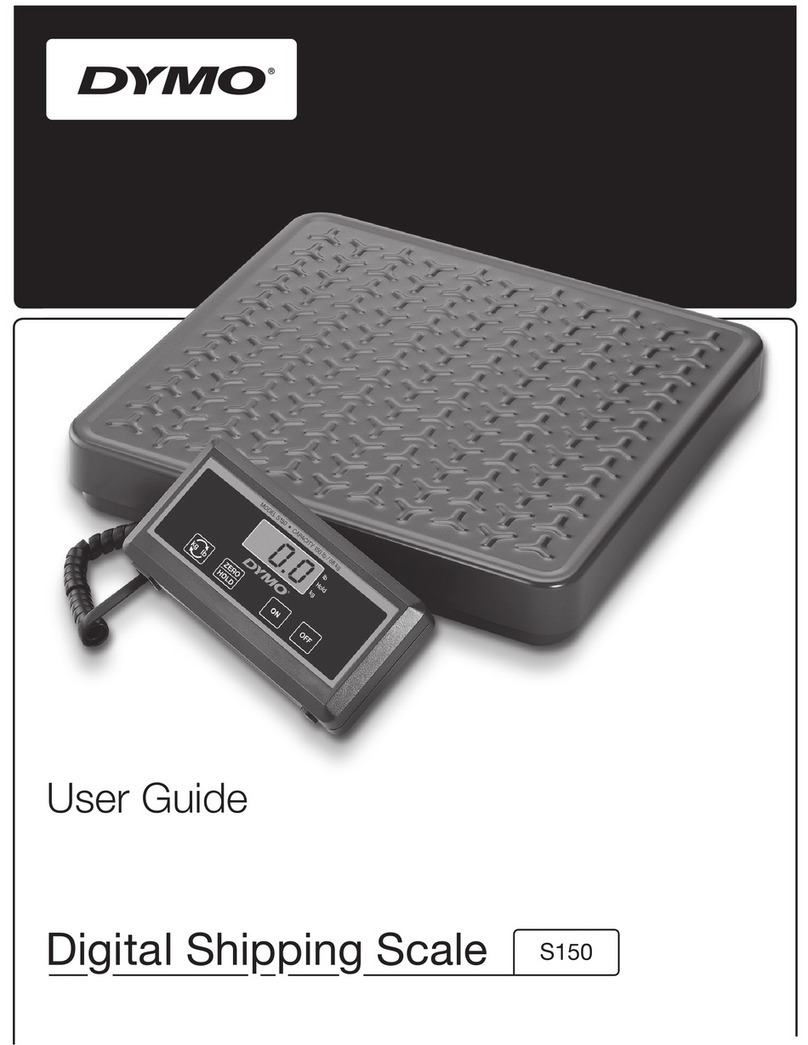
Dymo DYMO S150 Digital Shipping Scale and 4XL Label... User manual

Dymo

Dymo DYMO S150 Digital Shipping Scale and 4XL Label... User manual

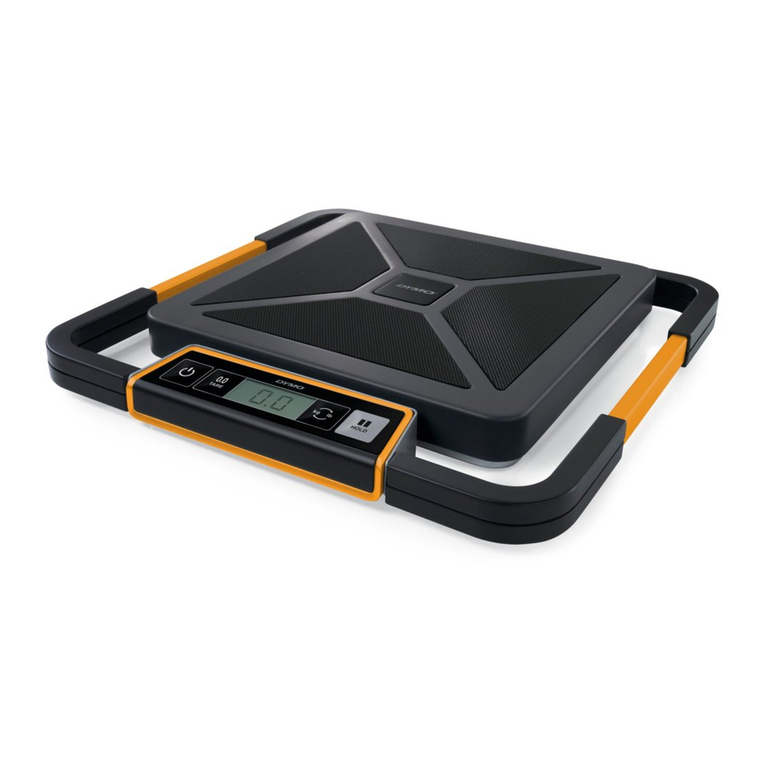
Dymo S100 User manual

Dymo

Dymo S100 User manual

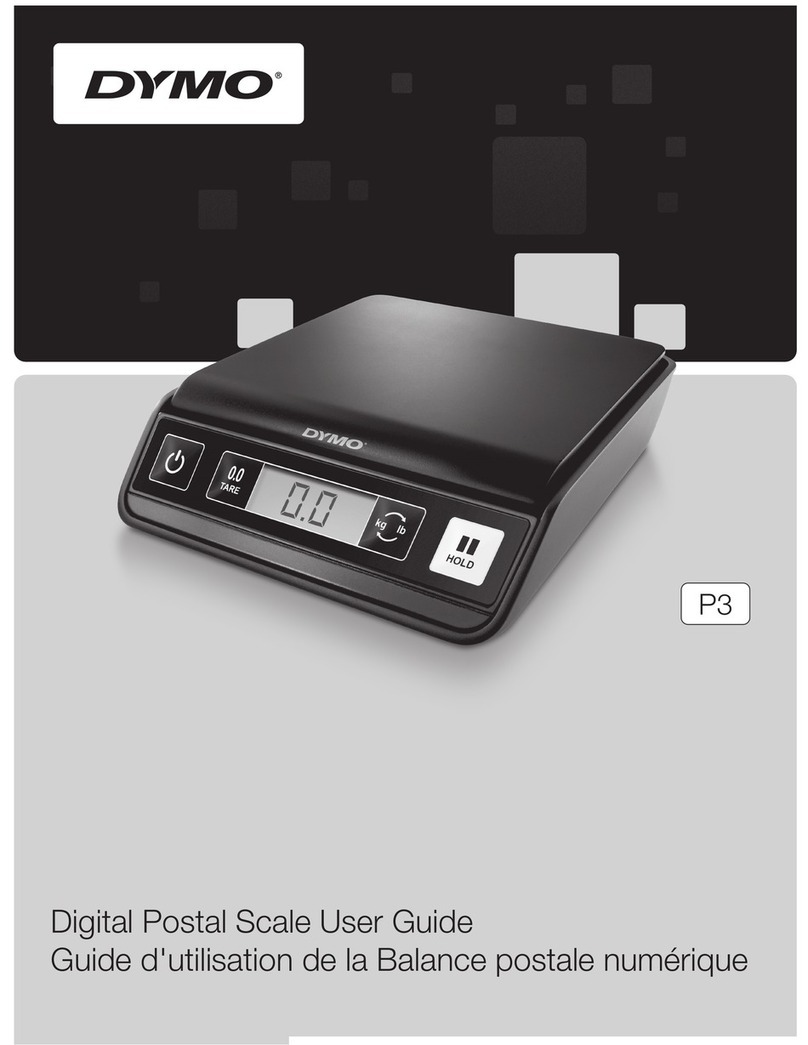
Dymo P3 User manual

Dymo

Dymo P3 User manual

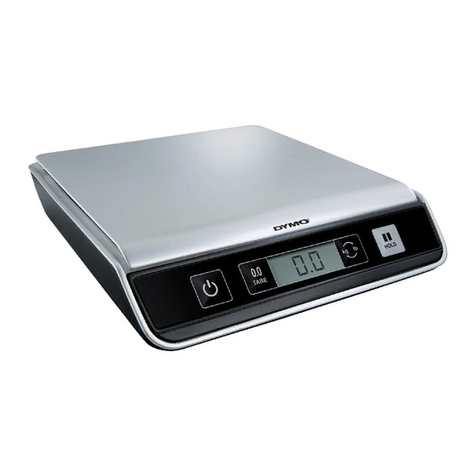
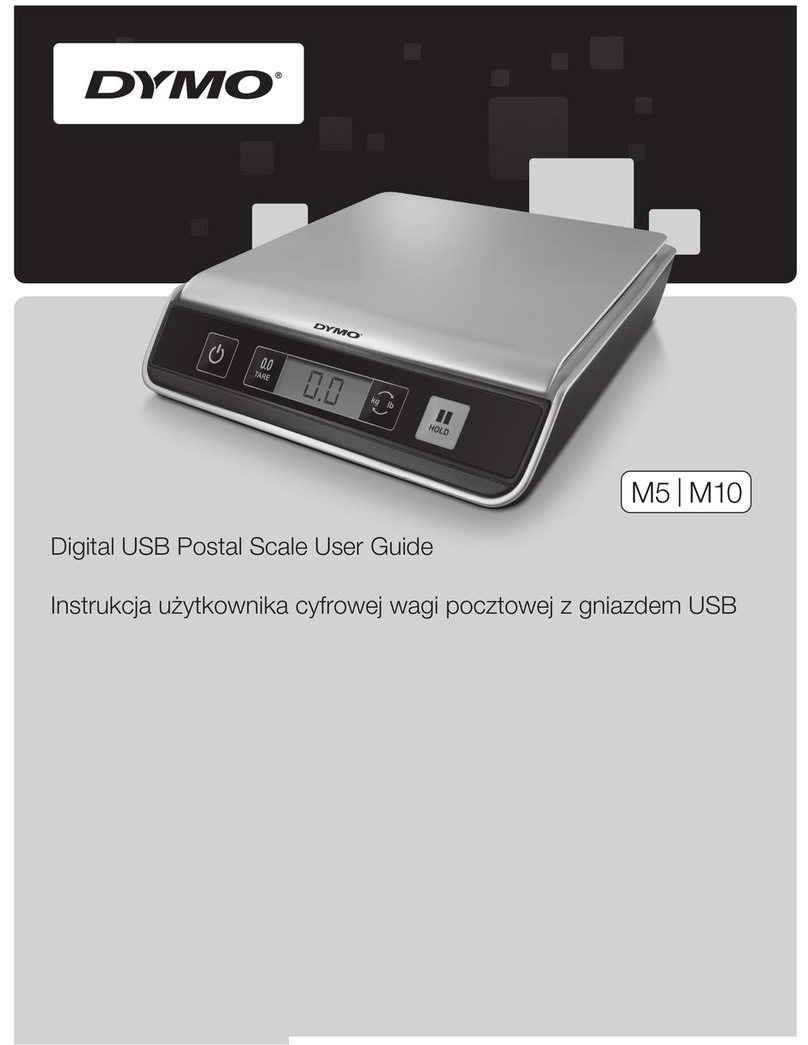
Dymo M10 User manual

Dymo

Dymo M10 User manual

Dymo K5 Guide

Dymo

Dymo K5 Guide

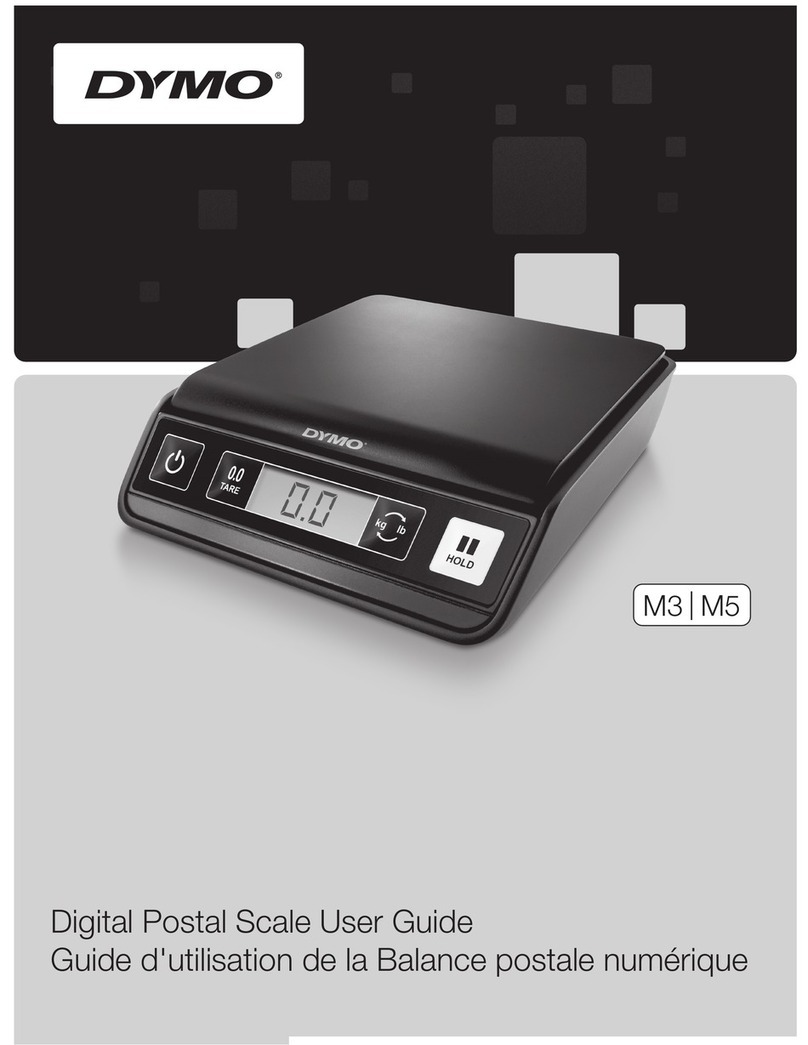
Dymo M5 User manual

Dymo

Dymo M5 User manual

Dymo M5 User manual

Dymo

Dymo M5 User manual

Dymo 40149 User manual

Dymo

Dymo 40149 User manual

Dymo M3 User manual

Dymo

Dymo M3 User manual

Dymo PS20DL User manual

Dymo

Dymo PS20DL User manual

Dymo S50 User manual

Dymo

Dymo S50 User manual

Dymo S100 User manual

Dymo

Dymo S100 User manual

Popular Scale manuals by other brands

KERN MCC-M operating instructions

KERN

KERN MCC-M operating instructions

Little Balance SB MECA 8113 user manual

Little Balance

Little Balance SB MECA 8113 user manual

Fitbit Zip Aria Wi-Fi Smart Scale user manual

Fitbit Zip

Fitbit Zip Aria Wi-Fi Smart Scale user manual

KERN MPU 250K100 operating instructions

KERN

KERN MPU 250K100 operating instructions

Steinberg Systems SBS-PF-200 user manual

Steinberg Systems

Steinberg Systems SBS-PF-200 user manual

Total TP2000 user guide

Total

Total TP2000 user guide

A&D HL-200i operating instructions

A&D

A&D HL-200i operating instructions

OHAUS Courier 3000 user guide

OHAUS

OHAUS Courier 3000 user guide

Scarlett SC-KS57P97 instruction manual

Scarlett

Scarlett SC-KS57P97 instruction manual

BASETech LS-40S operating instructions

BASETech

BASETech LS-40S operating instructions

SR Instruments SR Scales SR565i-H Operating and service manual

SR Instruments

SR Instruments SR Scales SR565i-H Operating and service manual

Gallet PEP 301ART instruction manual

Gallet

Gallet PEP 301ART instruction manual

AWS ZEO-50 user manual

AWS

AWS ZEO-50 user manual

Gima Glass Body Fat Analyzer Use and maintenance book

Gima

Gima Glass Body Fat Analyzer Use and maintenance book

Seca 374 user manual

Seca

Seca 374 user manual

EDLUND BBPZ-20 quick start guide

EDLUND

EDLUND BBPZ-20 quick start guide

TEC TEC SL59 SERIES owner's manual

TEC

TEC TEC SL59 SERIES owner's manual

Alecto ACW-40 user manual

Alecto

Alecto ACW-40 user manual

manuals.online logo
manuals.online logoBrands
  • About & Mission
  • Contact us
  • Privacy Policy
  • Terms and Conditions

Copyright 2025 Manuals.Online. All Rights Reserved.

PS2R1-P Chip Replacement Instructions
The PS2R1-1P is a rate programmable scale. It is not necessary
for you to buy a chip. Let’s take a look at how to change the chip
if you decide to purchase a new chip.
First turn the scale on. The scale must remain on while
changing the rate chip to retain the memory.
Turn the scale upside down
Remove the battery rate chip compartment cover
from the bottom of the scale.
Note the direction of the old chip.
You will see the notch on the top surface of the chip.
Using a flat head screwdriver gently pry one side up
and the other side to remove the chip.
Lift the chip straight up and out of the socket.
Be careful that the notch is on the correct side of the socket.
Check that each pin will slip into the socket.
Now place the new rate chip in the socket.
Gently press down to seat the chip into the socket.
Replace the battery rate chip compartment cover.
Turn the scale over, press the count key…
The scale will show ACCP , AD10 or PC.
Turn the scale off.
Turn the scale back on.
If the new rate chip has been installed correctly the scale will
automatically go through its self check operation
showing a four digit version code number …
and then 0.0.
Your scale is now ready for use.