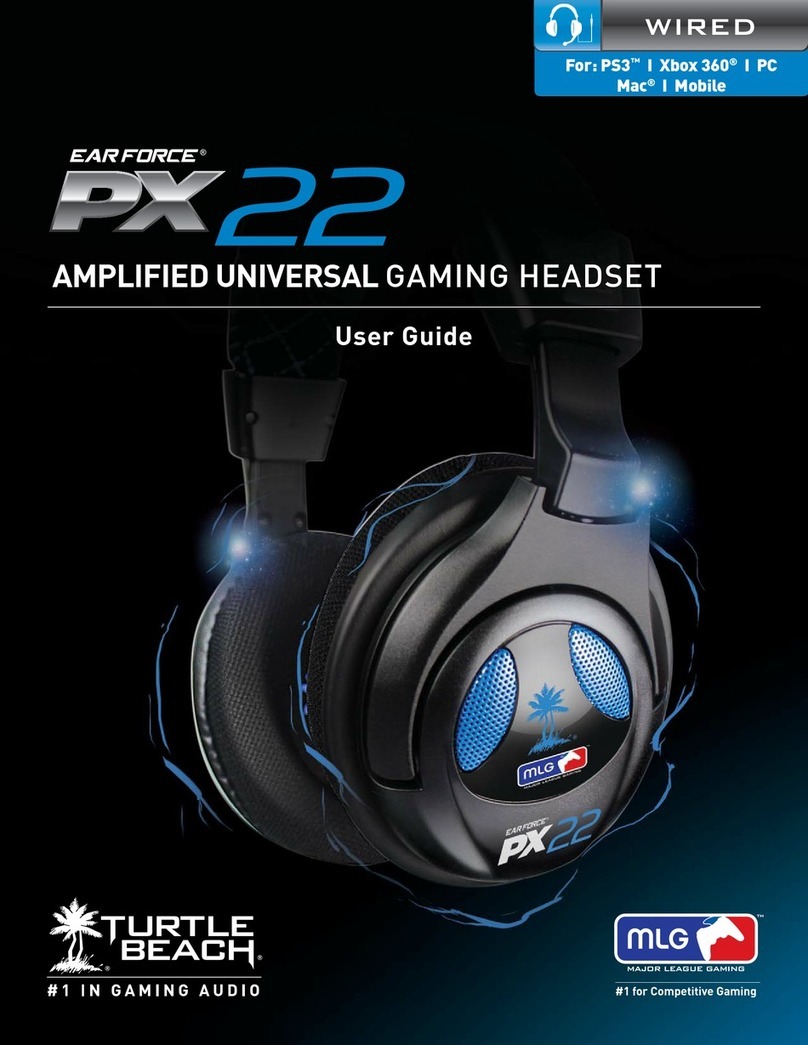
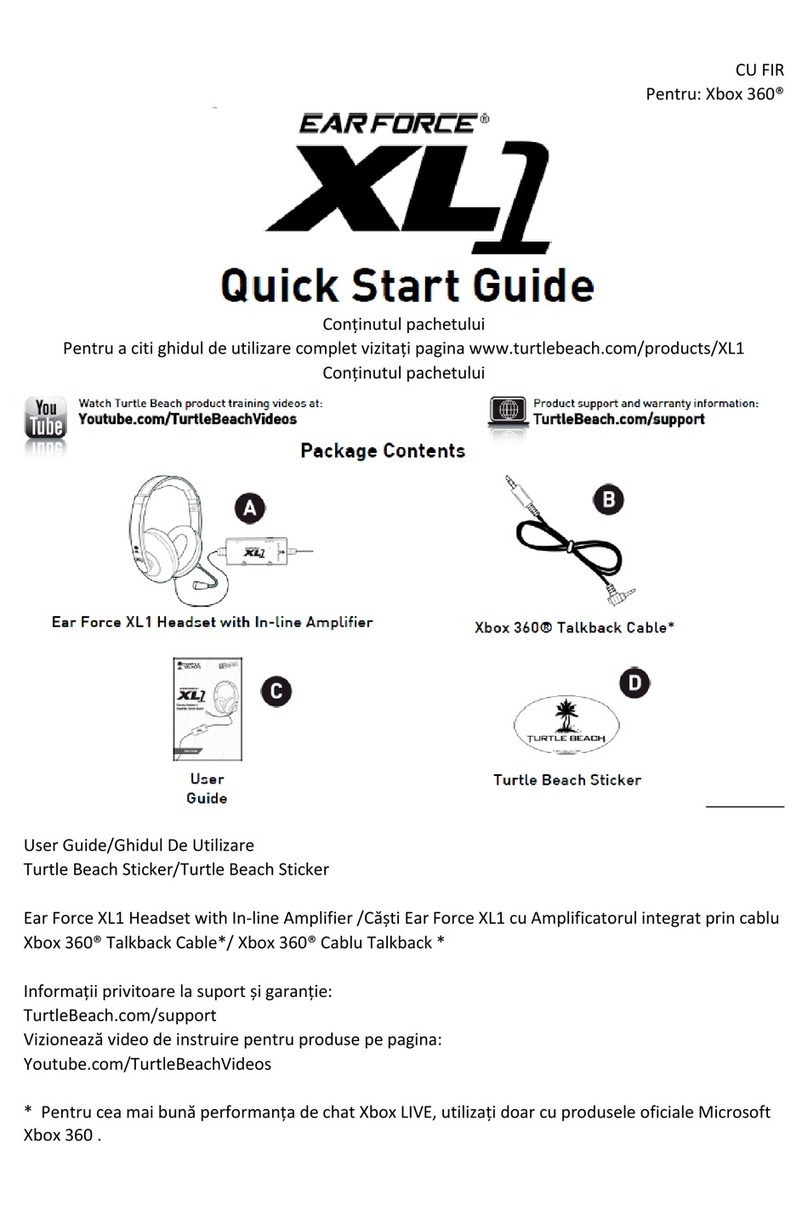
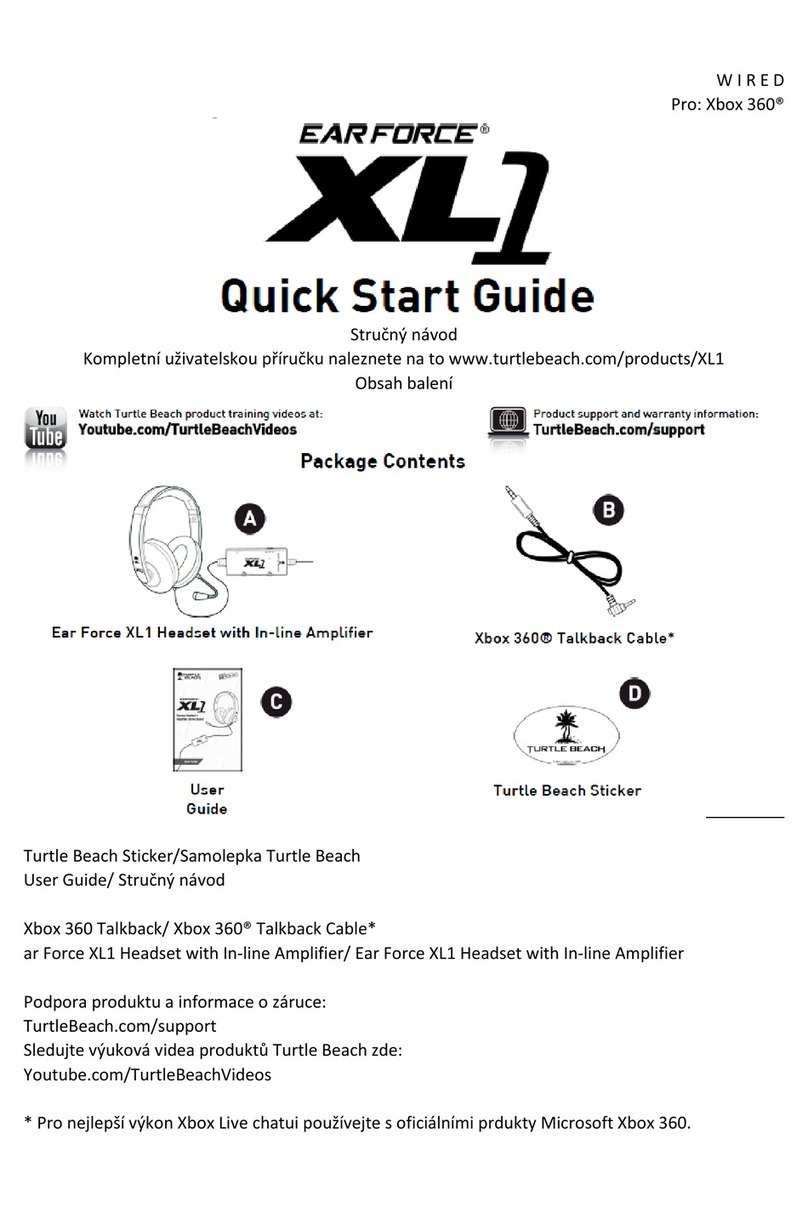
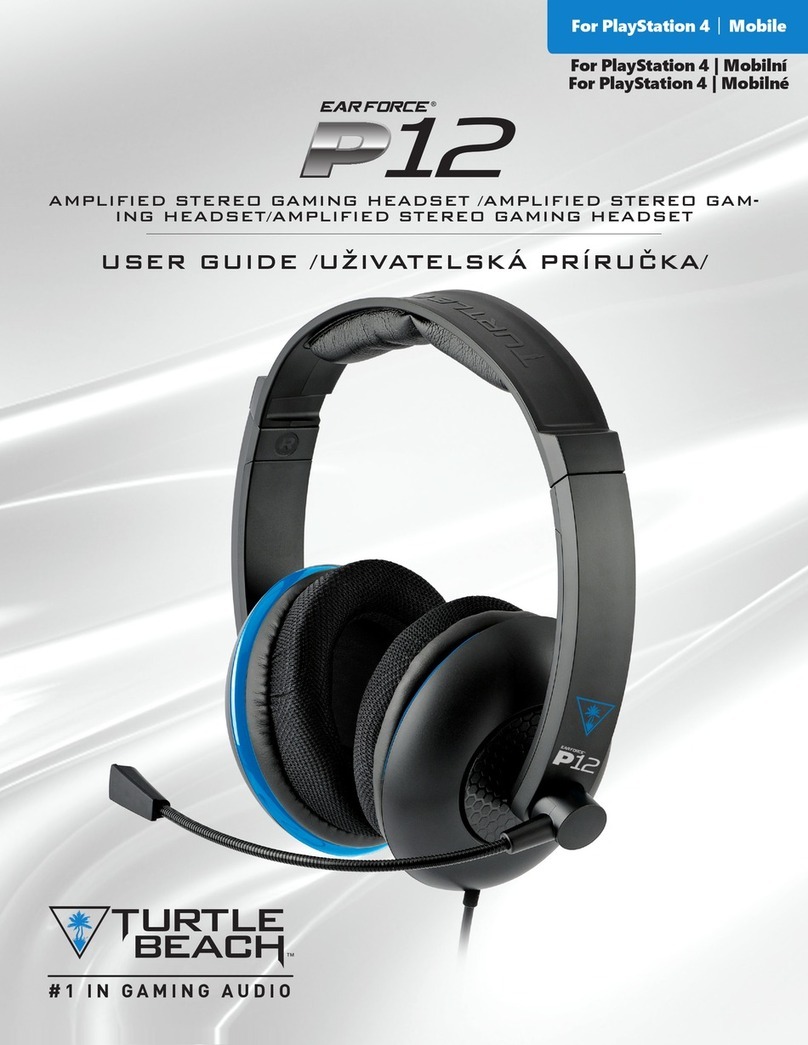
Ear Force P12 User manual
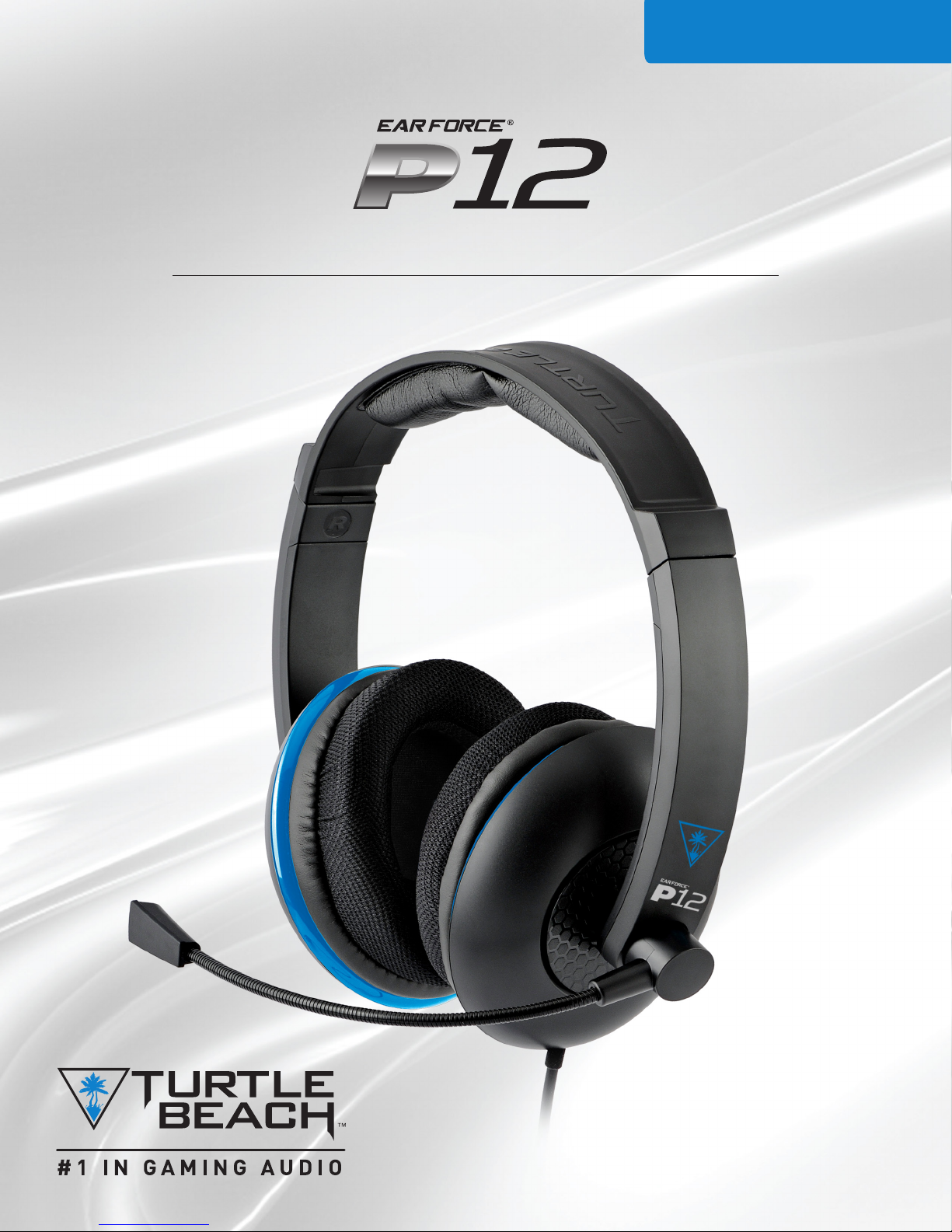
USER GUIDE/ GHIDUL UTILIZATORULUI
AMPLIFIED STEREO GAMING HEADSET/ CASTI STE-
REO AMPLIFICATE
For PlayStation 4 |Mobile
Pentru PlayStation 4 | Mobile

Congratulations on your purchase of the Ear Force®P12 headset
from Turtle Beach. You’ll enjoy powerful gaming audio and chat
on the PlayStation 4. Turtle Beach brings over 35 years of expertise
to transforming your listening experience.
Felicitări pentru achiztionarea căștilor Ear Force® P12 headset
de la Turtle Beach. Bucurați-vă de efectele audio și chat pe
PlayStation 4. Turtle Beach are 35 de ani de experiența în
îmbunătățirea călității de sunet.
WELCOME TO TURTLE BEACH!/
BINE ATI VENIT LA TURTLE BEACH!

Table of Contents/ Cuprins
Package Contents P4
About the Ear Force P12 Headset P5
Parts and Controls P6
Setup and Connections: PlayStation 4 P7
Setup and Connections: Mobile Sources P9
Specications P10
Troubleshooting Tips P11
Important Safety Information P12
Compliance / Conformity P13
Warranty P16
Conținutul pachetului P4
Despre Ear Force P12 Headset P5
Parți și controlere
Congurare și Conectare: PlayStation 4 P7
Congurare și Conectare: Mobile Sources P9
Specicații P10
Depanare sfaturi P11
Informațiile importante despre sigurantă P12
Conformitate P13
Garanție P16

4
Go to Table of Contents
Package Contents/ Conținutul pachetului
B CA
Ear Force P12 Headset/
Ear Force P12 Headset
Turtle Beach Sticker/
Turtle Beach Sticker
For our Knowledgebase and Technical Support please visit
turtlebeach.com/support
Pentru intrebări și asistența tehnică vă rugăm să vizitați
turtlebeach.com/support
Ear Force P12 In-line Amplier
5
Go to Table of Contents
About the Ear Force P12 Headset/ Despre the Ear Force P12
Headset
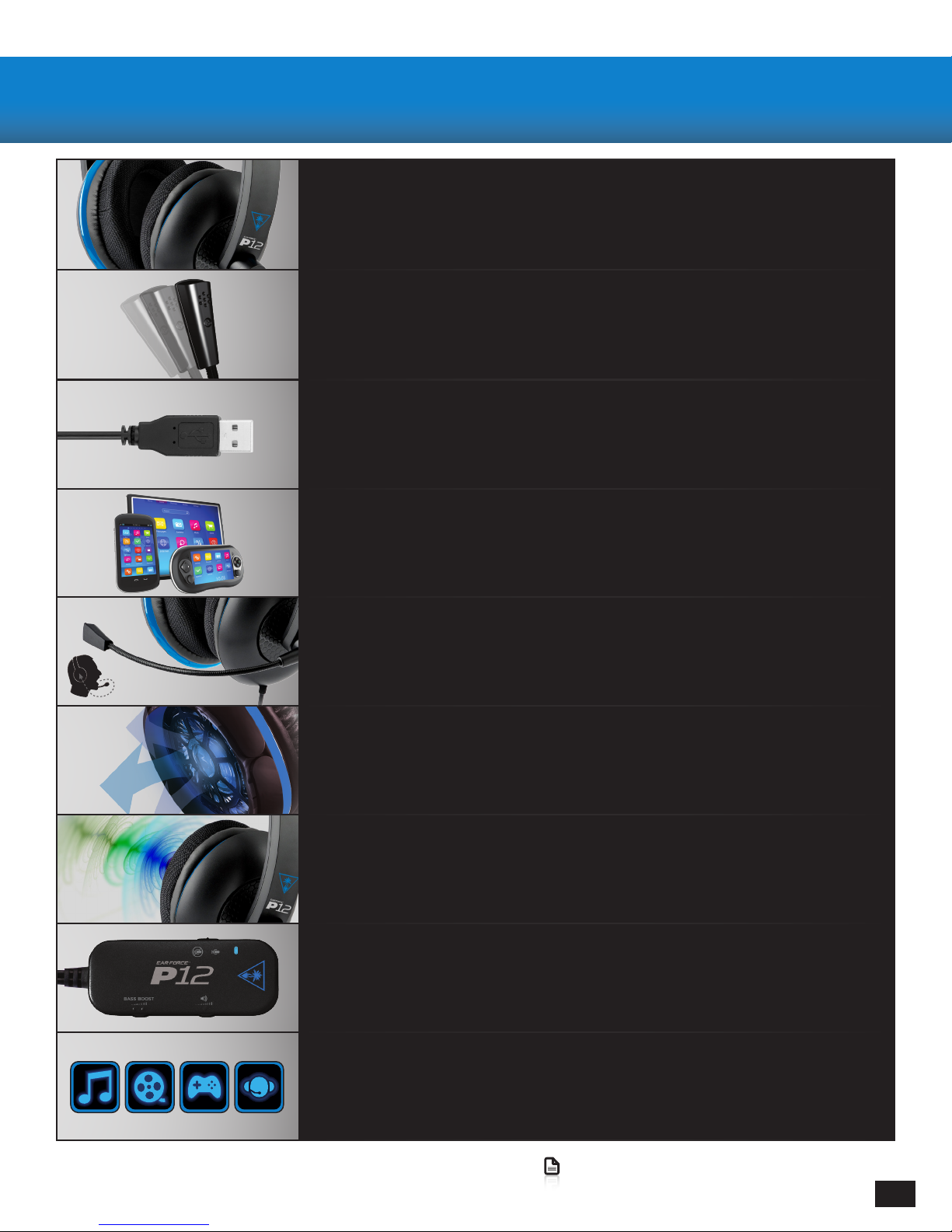
Amplied Stereo Sound/ Sunetul Stereo Amplicat
P12 delivers high-quality digital game and chat for an enhanced
audio experience./ P12 furnizează călitate superbă de sunet pentru chat și efectele
audio în jocuri.
High-Quality Chat/ Chat de călitate înaltă
High-sensitivity microphone on a exible boom keeps you heard loud and clear./
Microfonul de înalta călitate amplasat pe un braț exibil îți permite să i auzit clar.
Simple Setup/ Congurarea usoară
One simple USB connection delivers all game and chat audio./ Conectarea la
calculator folosind un singur cablu USB.
Mobile Gaming Versatility/ Versatilitatea Gaming-ului Mobil
Disconnect from the in-line amp to use the P12 on the go with your mobile devices
including PS Vita™./ Deconectați P12 de amplicatorul in-line pentru a l folosi
cudispozitivele dvs. Mobile încluzând PS Vita™.
Microphone Monitor/ Monitor Microfon
Hear your voice in the headset so you don’t have to shout./ Aude-ți volumul vocii în
căști pentru a nu striga
Amazing Sound & Comfort/ Sunet și Comfort incredibil
Full-range 50mm speakers supported by breathable, around-the-ear mesh ear
cushions for hours of comfort and noise-isolation./ Difuzoarele 55mm cu perne de
urechi respirabile confortabile cu izolare anti-zgomot
Adjustable Bass Boost/Bass Boost Ajustabil
Dial up the thump with variable Bass Boost. Întărește sunetele bass-ului cu Bass
Boost
Convenient In-Line Controls/ Controlere integrate prin cablu
Master volume, Bass Boost and mic mute controls at your ngertips./ Volum Master,
Bass boost și mic mute controlere la îndemână
For All Your Audio Needs/ Oriunde ai nevoie de un sunet de călitate
Headsets aren’t just great for games. Use the P12 for enjoying streaming movies and TV from Netix™
and Hulu Plus™ or Blu-Ray Disc. Crank up your tunes on music services like Pandora™ and then chat with
friends or make mobile calls!/ Căștile noastre nu sunt doar pentru jocuri video. Folosește P12 când
te uiți la TV sau la lme online, când asculți muzica sau faci apeluri de pe dispozitive mobile

6
Go to Table of Contents
Parts and Controls/ Părți și Controlere
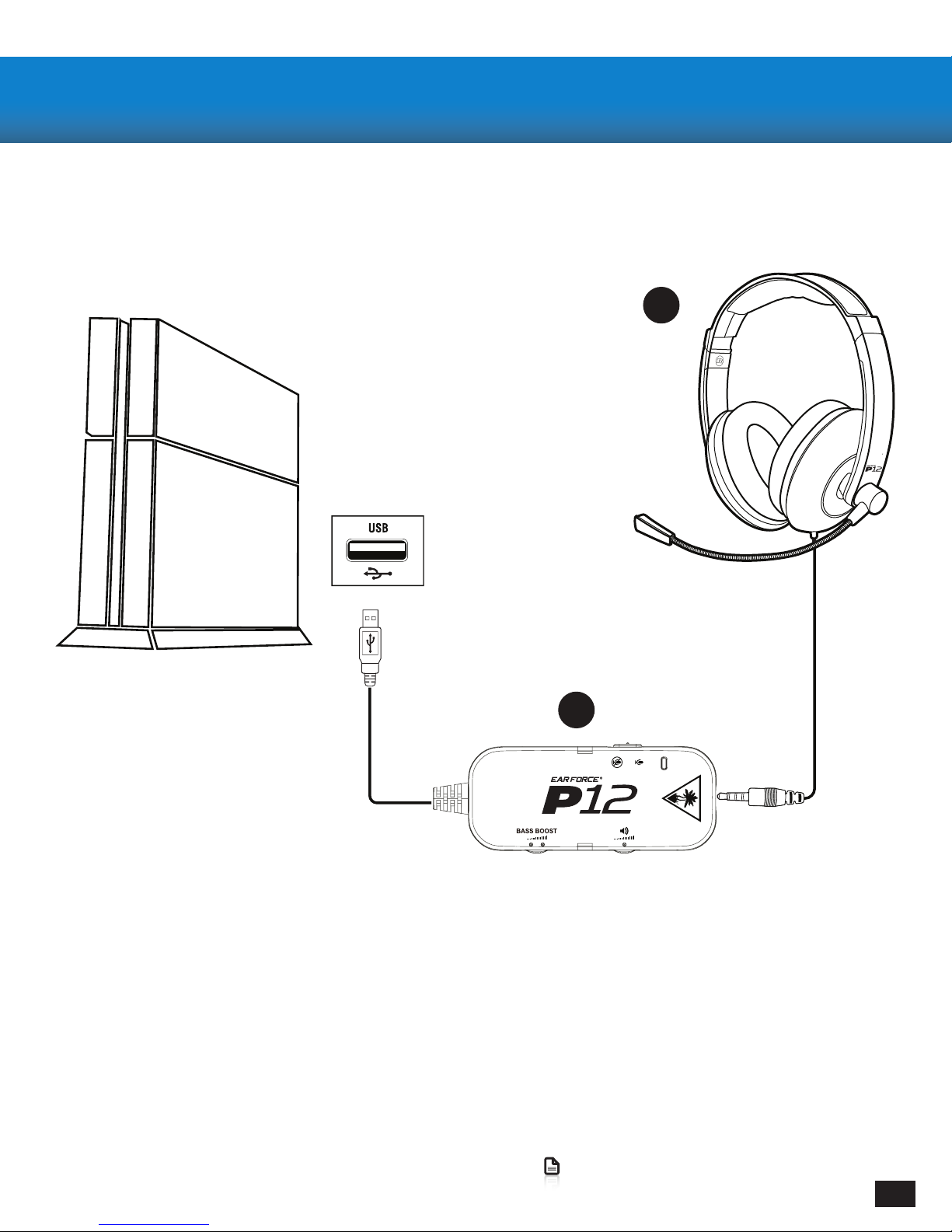
Adjustable High
Sensitivity
Omni-Directional
Microphone/
Înalțime ajustabilă
Sensibilitate
Multidirecțional
Microfon
Removable
Over-Ear Noise
Isolating
Earpads/ Amo-
vibil
Funcția de anu-
lare a zgomotu-
lui
Izolare
Pernițe
Articulating
Earcups
Containing
50mm Drivers/
Articularea
Earcups
Conținutul pa-
chetului
Drivere 50mm
Adjustable
Headband for
a Perfect Fit/ Ajust-
abil
Braț pentru
Confort Maxim
3.5mm Headset
Plug for
Multi-Platform
Compatibility/
3.5mm Căști
Fișa pentru
Compatibilitatea
cu Mai Multe Plat-
forme
Mic Status LED
Mic On
Mic Muted
Mic Switch
Master
Volume Control/
Master
Control al. volu-
mului
Bass
Boost Control/
Bass
Boost Control
7
Go to Table of Contents
Connecting to your PlayStation 4
1. Connect the 3.5mm Headset Plug into the P12 In-Line Amplier
2. Connect the USB Plug on the P12 In-Line Amplier to a USB Port on the front of the PS4
Conectare la PlayStation 4
1. Conectați șa 3.5mm la ieșirea P12 In-Line Amplier
2. Conectați Fișa USB a Amplicatorului P12 In-Line la Portul USB pe panelul front al consolei PS4
Setup and Connections: PlayStation 4/ Conexiuni și Congu-
rare: PlayStation 4
A
B
8
Go to Table of Contents
Setup and Connections: PlayStation 4/ Conexiuni și Congu-
rare: PlayStation 4
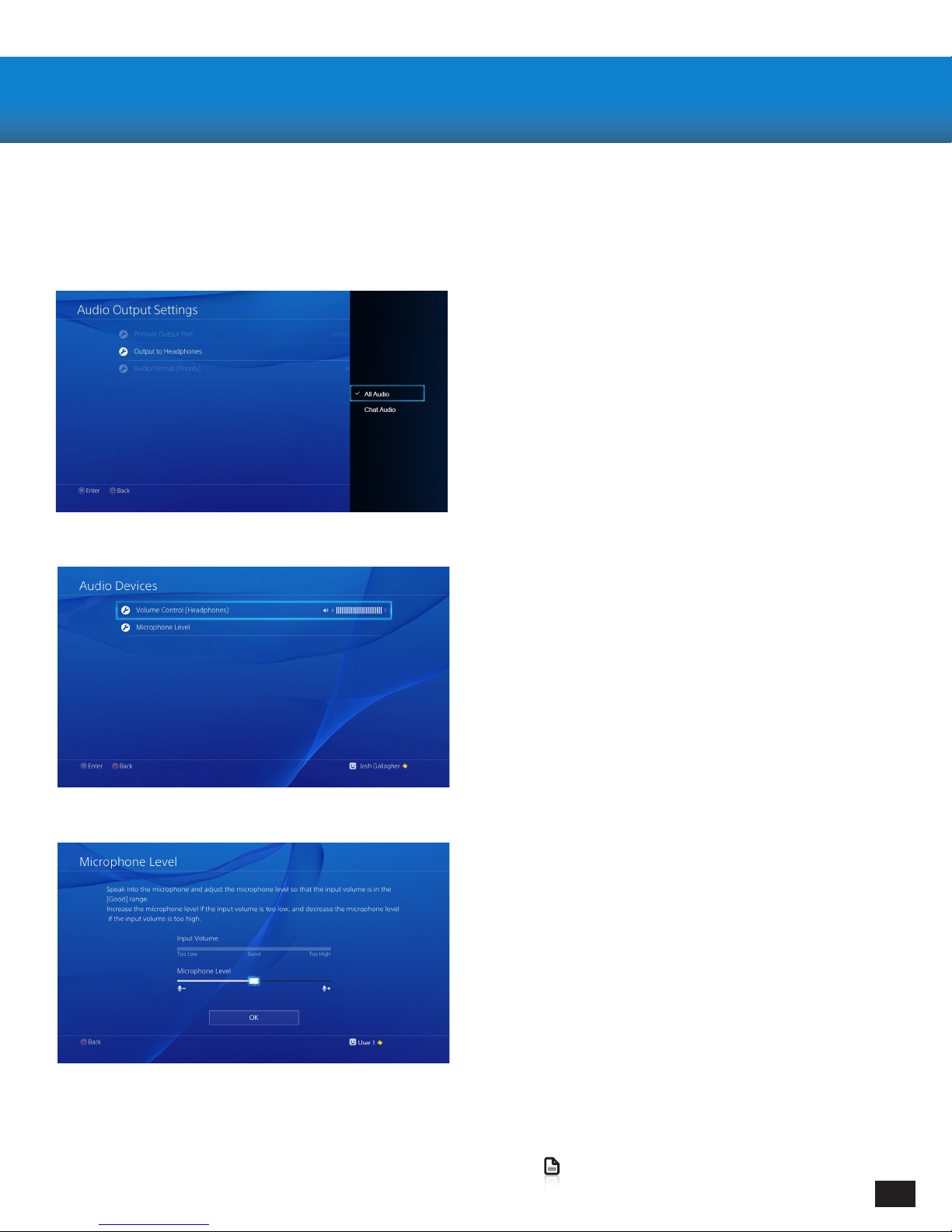
3. Go to Settings >> Devices >> Audio Devices >>
Headsets and Headphones >> Volume Control
(Headphones)
4. Turn up the volume level to maximum
3. Accesează Setări >> Dispozitive >> Dispozitive Audio
>>
Căști>> Volum Control
(Căști)
4. Setează volumul până la nivelul maxim
5. Go to Settings >> Devices >> Audio Devices >>
Headsets and Headphones >> Microphone Level
6. Follow the on-screen instructions to calibrate
your microphone
5. Accesează Setări >> Dispozitive >> Dispozitive
Audio >>
Căști>> Volum Control >> Nivel Microfon
6. Urmați instrucțiunile de pe ecran pentru a calibra
microfonul
1. Go to Settings >> Sound and Screen >>
Audio Output Settings >> Output to Headphones
2. Select “All Audio”
1. Accesează Setări >> Sunet și Așare >>
Setări Audio Ieșire >> Ieșire Căști
2. Selectați “All Audio”
Conguring your PlayStation 4/ Congurare
PlayStation 4
9
Go to Table of Contents
Setup and Connections: Mobile Sources/ Congurare și Con-
exiuni: Dispozitive Mobile
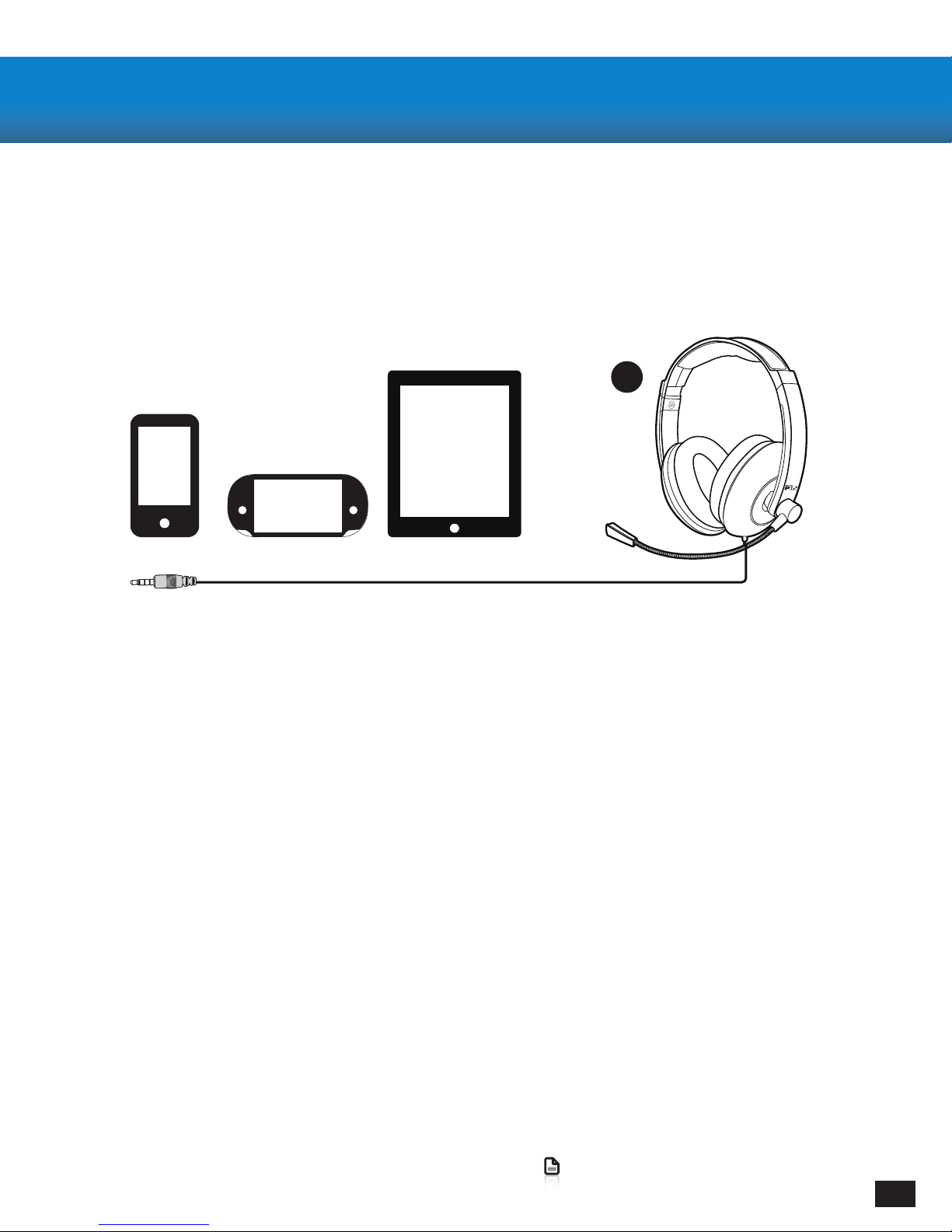
Connecting to your Mobile Devices
· Connect the Headset Plug from your Headset to the Headset Jack on your preferred mobile device
Note: For reliable sound, conrm that all connections are rmly inserted.
Conguring your Mobile Device
· Your P12 should be automatically detected and will be used as the Primary Headphones/Microphone
for all Calls, Video, and Music.
Conectarea Dispozitivelor Mobile
Conectați Căștile de dispozitiv mobil ales de Dvs. folosind șa Jack.
Nota: Pentru cea mai buna calitate de sunet asigurați-vă că toate cablurile sunt conectate corect.
Congurarea Dispozitivului Mobil
Căștile P12 vor detectate în mod automat și folosite ca Difuzor/Microfon Principal
pentru toate Apelurile, Fișierele Video și Audio.
A

10
Go to Table of Contents
Specications/ Specicații
· Speakers 50mm Diameter Drivers with Neodymium Magnets
· Frequency Response 20 Hz – 20kHz
· Microphone Design Flexible Omni-Directional
· Headset Input 3.5mm 4-Pole
· P12 Amplier Interface USB-A, 3.5mm 4-Pole
· Headset Weight 6.5oz(186g)
· Difuzoare cu Diametru 50mm fabricate din Magneți Neodymium
· Răspuns în frecvența 20 Hz – 20kHz
· Microfon cu Braț Flexibil
· Fișa Input 3.5mm 4-Pin
· P12 Amplicator Interfață USB-A, 3.5mm 4-Pin
· Cășți greutate 6.5oz(186g)
Other manuals for P12
2
Other Ear Force Headset manuals