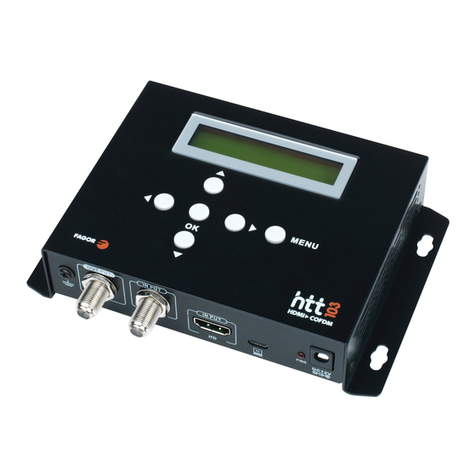
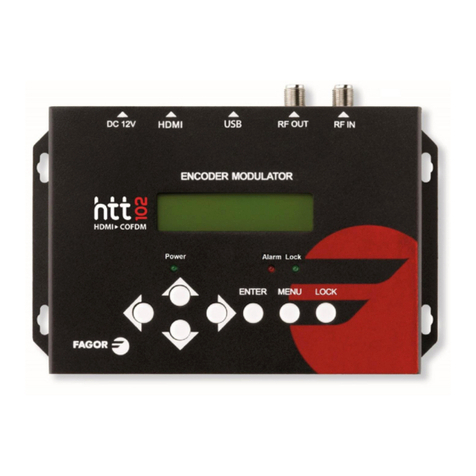
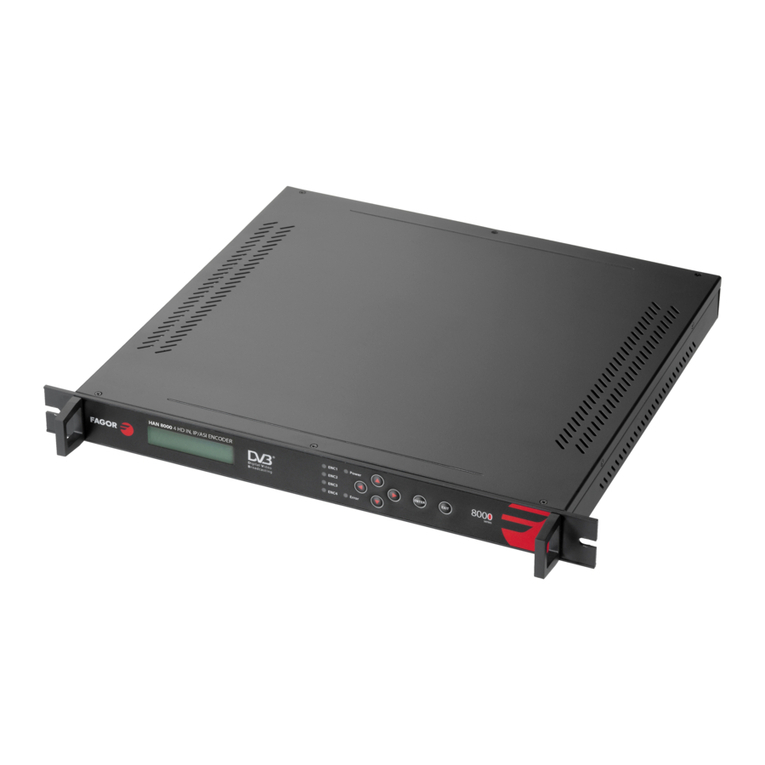
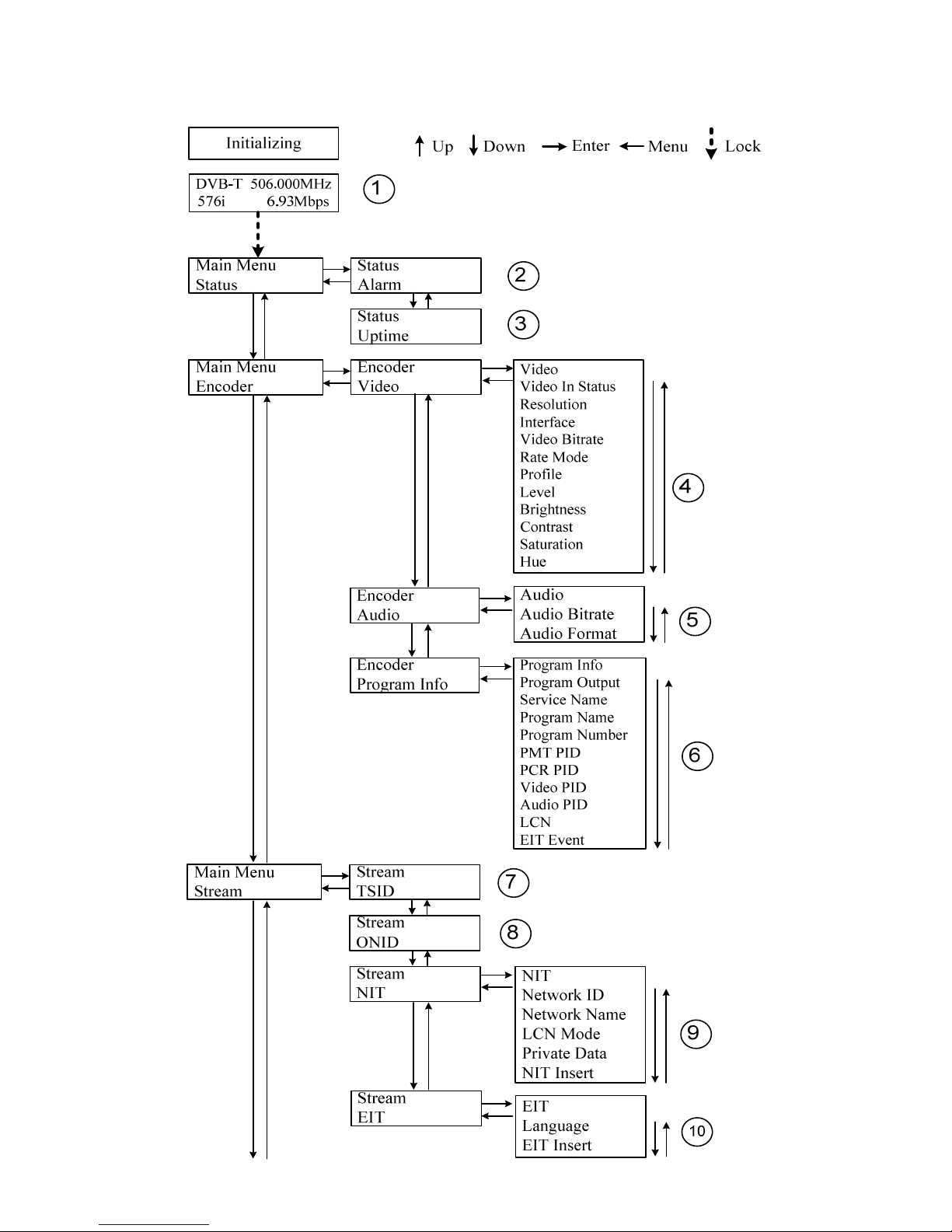
1) DVB-T: odulating standard; XX.XXX MHz: the current output frequency; 576i: video
resolution of signal source; X.XX Mbps: the current encoding bit rate
2) Alar Status: For exa ple, if the CVBS cable disconnected, it will display Video 1 Not Lock
under this enu.
3) Upti e: It displays the working ti e duration of the device. It ti es upon power on.
4) Video Para eters: User can enter the ite s respectively to view the video status and signal
source resolution, and set the input interface. User can also adjust values of rest ite s (Bit
rate: 0.500~19.500 Mbps; Brightness & Contrast & Saturation: 0-255; Hue: -128 - +127)
5) Audio Bit rate: Select audio bit rate a ong 64, 96, 128, 192, 256, 320, 384 kbps.
Audio For at: Select audio for at a ong MPEG2, LC-AAC and HE-AAC.
6) Progra Infor ation: User can enable or disable the progra output under enu Program
Output. User can also enter the other ite s to edit the Service Name, Program Name,
Program Number, and PIDs of PMT, PCR, Video and Audio, and edit LCN (Logical channel
nu ber). EIT Eve t – User can enter this enu to setup EIT (Event Infor ation Table) for the
current and next progra event. The EIT contains Start Year, Start Ti e, Duration, and Event
Na e of the event. All the EIT infor ation can be displayed on the TV screen on condition
that the EIT is chosen to insert (see explanation 10.).
7) TSID: (Transport Strea ID) User can view or adjust after enter this enu.
8) ONID: (Original Network ID)-User can view or adjust after enter this enu.
9) NIT: (Network Infor ation Table) NIT table is a very i portant table for describing the
network and TS. User can enter the sub enus displayed and edit the values or select the LCN
(Logical channel nu ber) ode, and choose whether to insert the NIT. If user chooses to
insert the NIT, infor ation (Network ID, Network Na e, LCN Mode, Private Data and LCN
nu ber of the progra entioned in explanation 6) will be added to the transport strea .
NOTE: when the Private Data is set as 0*0, it is invalid.
10) EIT: EIT Insert - As entioned above (6), the event infor ation table can be chosen
whether to insert into the TS or not under this enu. If yes, the EIT infor ation set above (6)
will be displayed on the TV screen. Language Code – to set the EIT language For exa ple,
code of the English language is e g. If you set the code as e g, the EIT displayed will be in
English language.
11) Bandwidth: choose between 6M, 7M and 8M.
12) Constellation: DVB-T odulator contains 3 constellation odes – 64 QAM, QPSK and 16
QAM.
13) FFT (Trans ission Mode): Select between 2K and 8K.
14) Guard Interval: Select a ong 1/32, 1/16, 1/8 and 1/4.
15) Code Rate: It refers to FEC-Forward Error Correction rate. It contains 1/2, 2/3, 3/4, 5/6 and
7/8.
NOTE: The different co bination of bandwidth, constellation, guard interval and code
rate (FEC) will for a different output code rate. Please refer to appendix table 2.
16) RF Frequency: Adjust it at range of 30 to 999 MHz. Set it according your regional situation
or inquire your local services.