manuals.online logo
Brands
  1. Home
  2. •
  3. Brands
  4. •
  5. FLIR
  6. •
  7. Transducer
  8. •
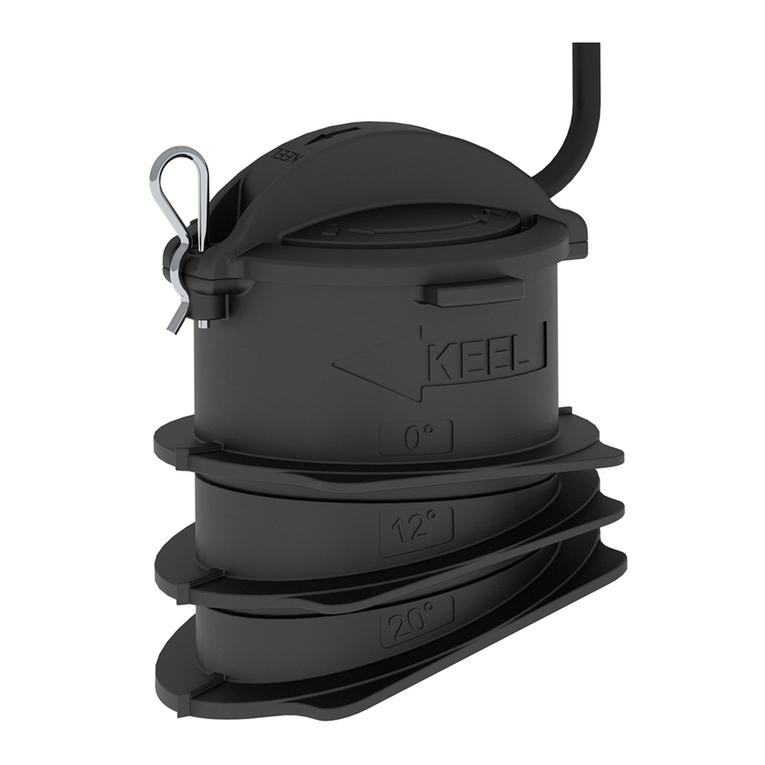
  9. FLIR Raymarine CPT-90DVS User manual

FLIR Raymarine CPT-90DVS User manual

This manual suits for next models

1

Other FLIR Transducer manuals

FLIR Raymarine CPT-S Assembly instructions

FLIR

FLIR Raymarine CPT-S Assembly instructions

Popular Transducer manuals by other brands

LEM DK series installation guide

LEM

LEM DK series installation guide

HBM AD101B quick start guide

HBM

HBM AD101B quick start guide

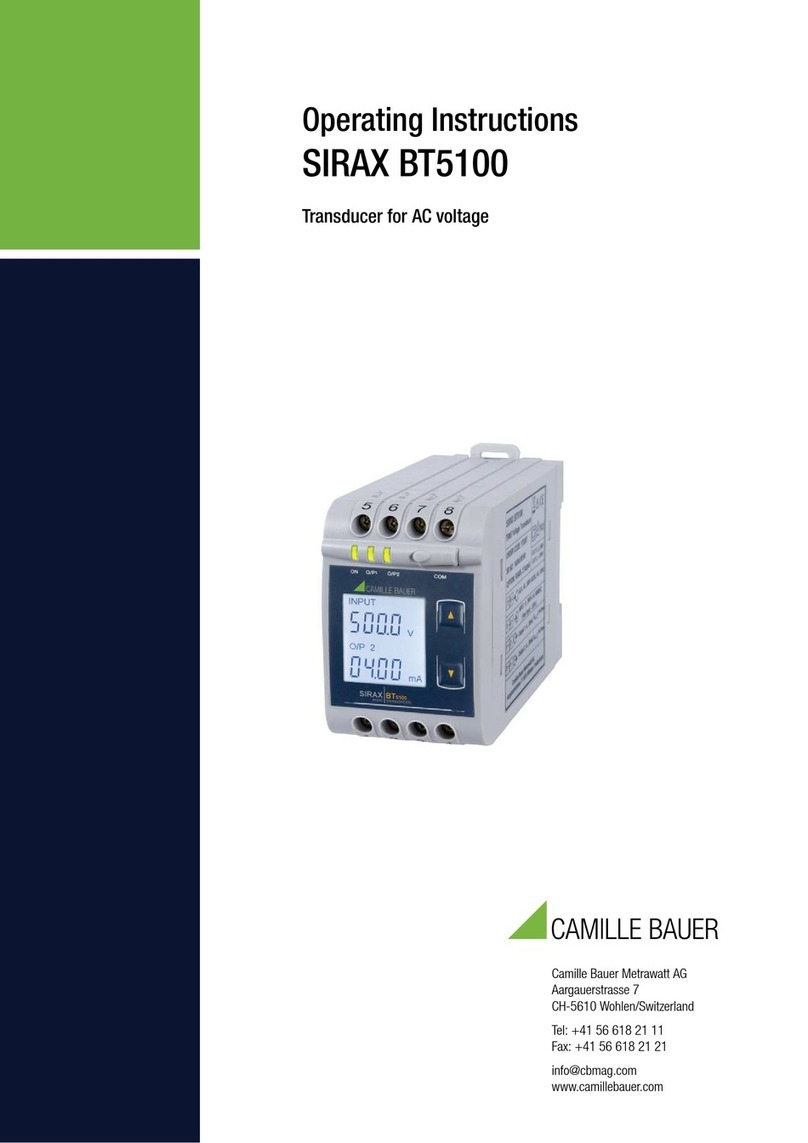
Camille Bauer SINEAX F534 operating instructions

Camille Bauer

Camille Bauer SINEAX F534 operating instructions

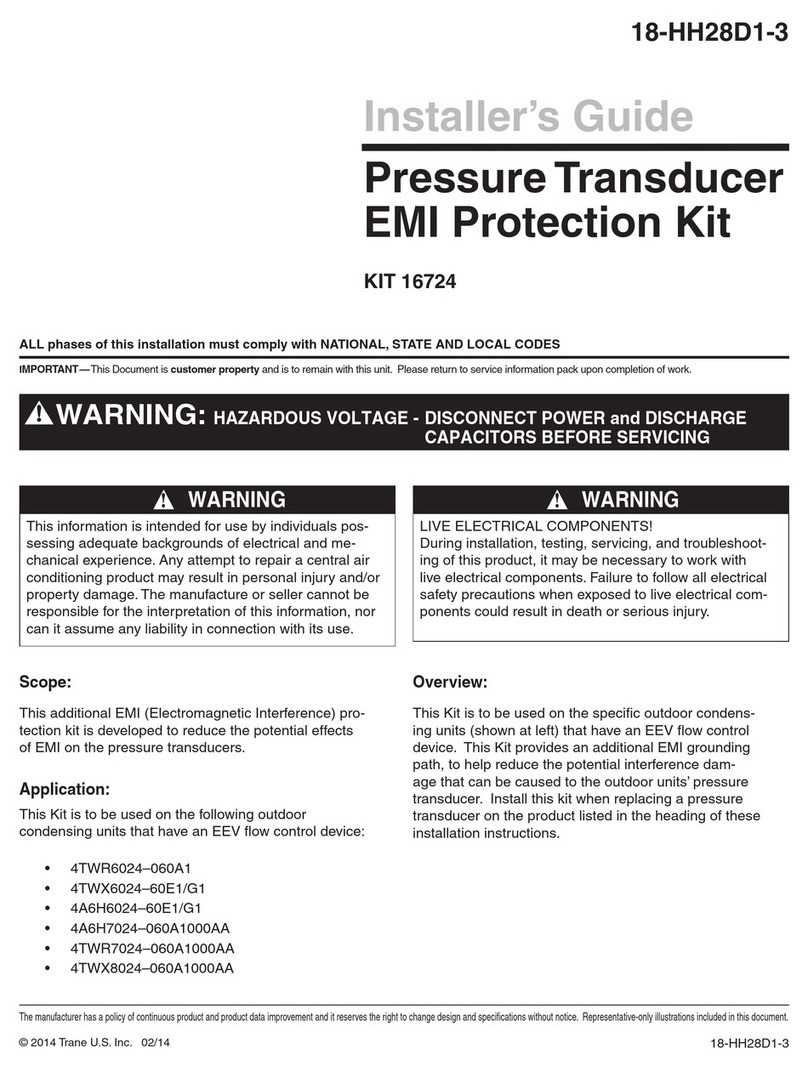
Trane KIT 16724 Installer's guide

Trane

Trane KIT 16724 Installer's guide

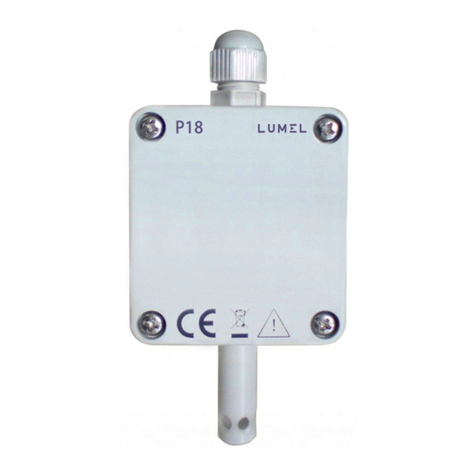
Lumel P18 user manual

Lumel

Lumel P18 user manual

B&C Speakers DE75PTN datasheet

B&C Speakers

B&C Speakers DE75PTN datasheet

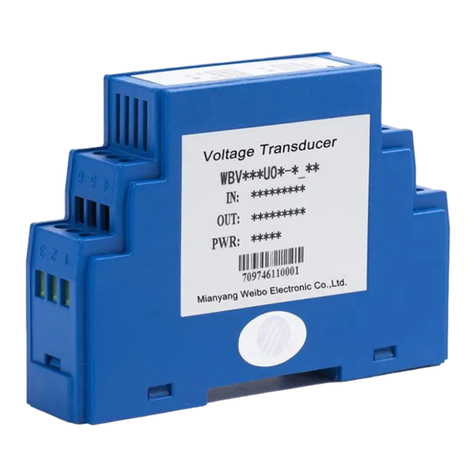
Mianyang Weibo Electronic WB Series user manual

Mianyang Weibo Electronic

Mianyang Weibo Electronic WB Series user manual

ProMinent Dulcometer DMT operating instructions

ProMinent

ProMinent Dulcometer DMT operating instructions

Camille Bauer SIRAX CH-5610 operating instructions

Camille Bauer

Camille Bauer SIRAX CH-5610 operating instructions

Veris Industries PW Series installation guide

Veris Industries

Veris Industries PW Series installation guide

HBM TJ1-S6 installation manual

HBM

HBM TJ1-S6 installation manual

Simrad ES120-7C -  REV D Dimensions

Simrad

Simrad ES120-7C - REV D Dimensions

HBM C18 Mounting instructions

HBM

HBM C18 Mounting instructions

Spirax Sarco ITV1030 Installation and maintenance instructions

Spirax Sarco

Spirax Sarco ITV1030 Installation and maintenance instructions

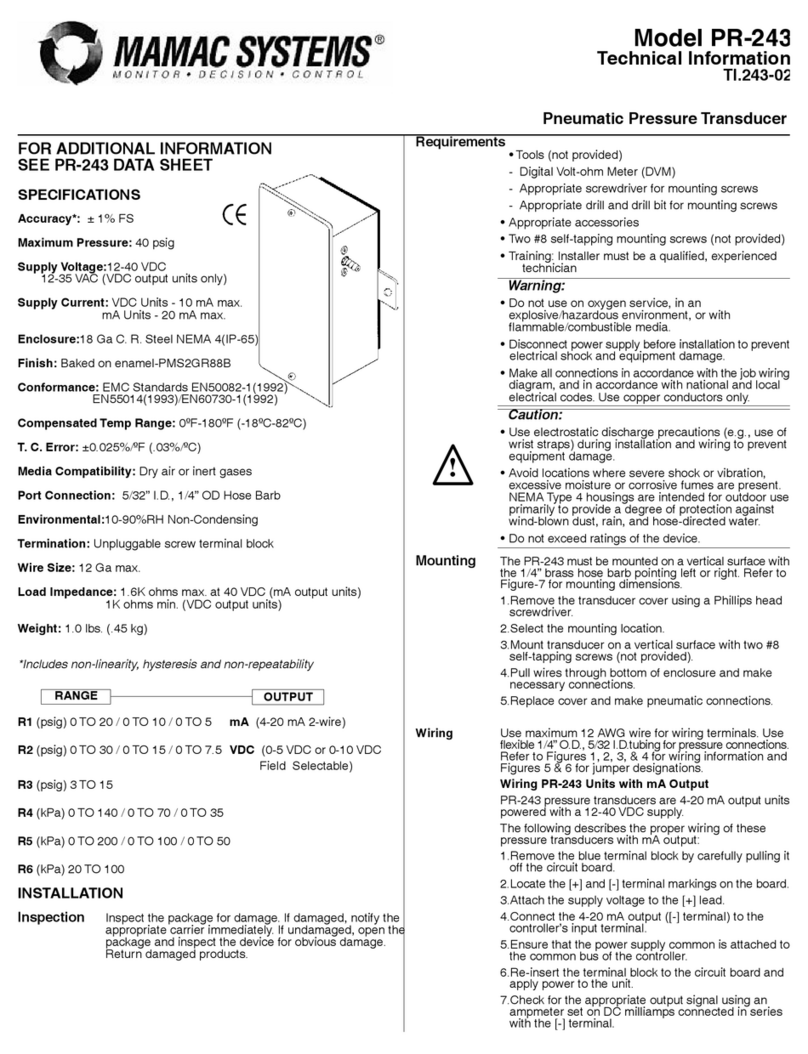
MAMAC SYSTEMS PR-243 technical information

MAMAC SYSTEMS

MAMAC SYSTEMS PR-243 technical information

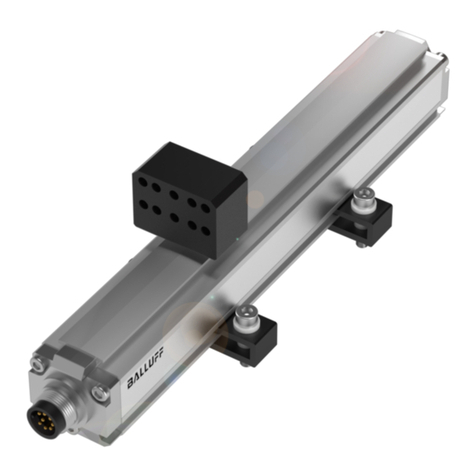
Balluff BTL5-P user guide

Balluff

Balluff BTL5-P user guide

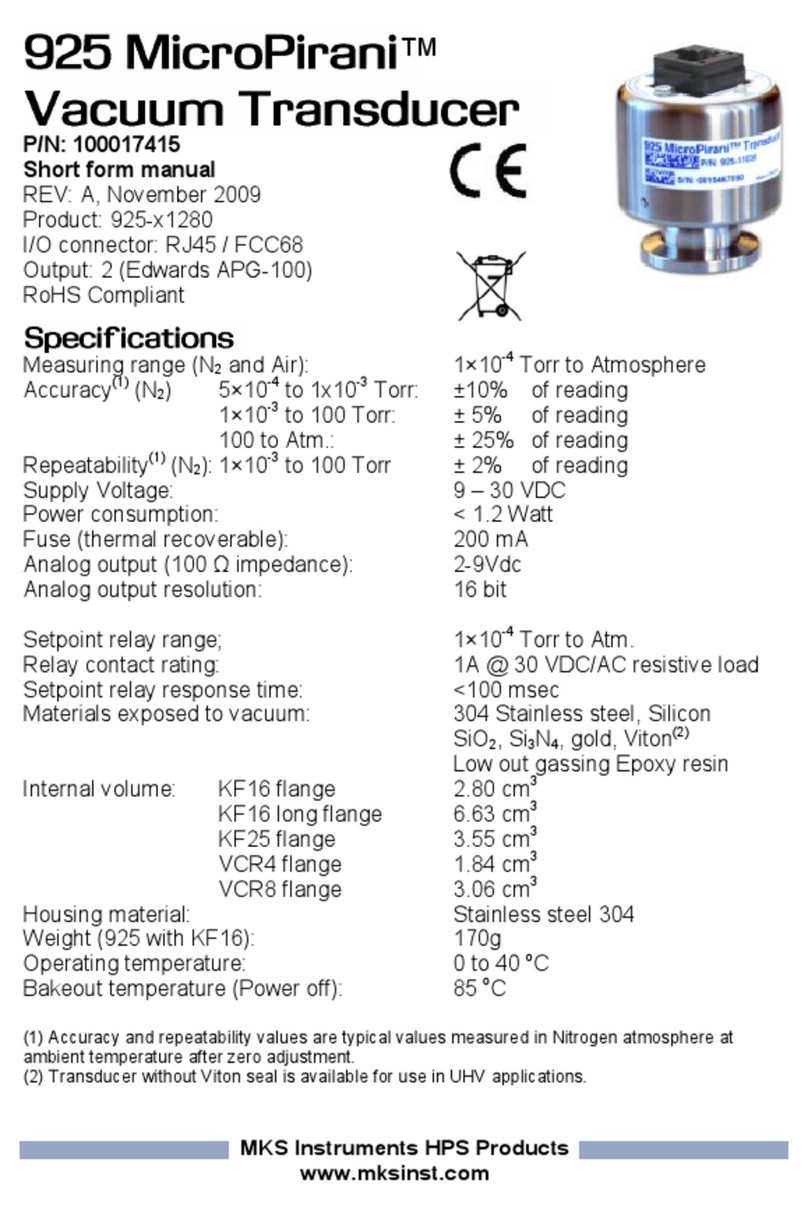
MKS MicroPirani 925 Series Short form manual

MKS

MKS MicroPirani 925 Series Short form manual

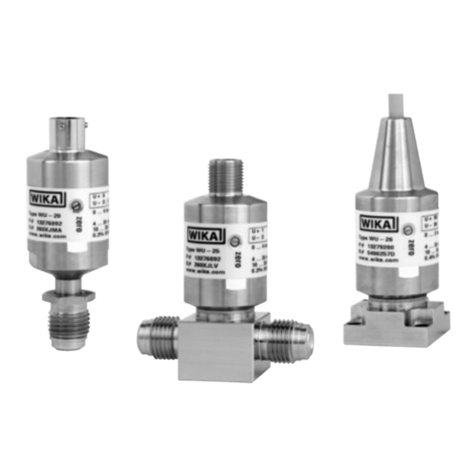
WIKA WU-20 operating instructions

WIKA

WIKA WU-20 operating instructions

manuals.online logo
manuals.online logoBrands
  • About & Mission
  • Contact us
  • Privacy Policy
  • Terms and Conditions

Copyright 2025 Manuals.Online. All Rights Reserved.

CPT-90DVS/CPT-100DVS
Installationinstructions
Warning:Productinstallationand
operation
•Thisproductmustbeinstalledandoperatedin
accordancewiththeinstructionsprovided.Failure
todosocouldresultinpersonalinjury,damageto
yourvesseland/orpoorproductperformance.
•Raymarinerecommendscertiedinstallation
byaRaymarineapprovedinstaller.Acertied
installationqualiesforenhancedproduct
warrantybenets.ContactyourRaymarinedealer
forfurtherdetails,andrefertotheseparate
warrantydocumentpackedwithyourproduct.
Warning:Highvoltages
Thisproductmaycontainhighvoltages.DoNOT
removeanycoversorotherwiseattempttoaccess
internalcomponents,unlessspecicallyinstructed
inthedocumentationprovided.
Warning:Switchoffpowersupply
Ensurethevessel’spowersupplyisswitchedOFF
beforestartingtoinstallthisproduct.DoNOT
connectordisconnectequipmentwiththepower
switchedon,unlessinstructedinthisdocument.
Caution:Serviceandmaintenance
Thisproductcontainsnouserserviceable
components.Pleasereferallmaintenance
andrepairtoauthorizedRaymarinedealers.
Unauthorizedrepairmayaffectyourwarranty.
Caution:Transducercable
•DoNOTusethetransducercabletoliftor
suspendthetransducer;alwayssupportthe
transducerbodydirectlyduringinstallation.
•DoNOTcut,shorten,orsplicethetransducer
cable.
•DoNOTremovetheconnector.
Ifthecableiscut,itcannotberepaired.Cutting
thecablewillalsovoidthewarranty.
Caution:Productcleaning
Whencleaningproducts:
•Lightlyrinseorushwithclean,coolfresh
water.
•Ifyourproducthasadisplayscreen,doNOT
wipethescreenwithadrycloth,asthiscould
scratchthescreencoating.
•DoNOTuse:abrasive,acidic,ammonia,
solventofchemicalbasedcleaningproducts.
•DoNOTuseajetwash.
Partssupplied
1.Mountingbracket
2.Ratchetarm
3.M5Hexratchetbolt
4.Ratchetplate
5.Compressionwasher
6.M5washer
7.M5lockingnut
8.*Escutcheon(forthrough-transomcablerouting),plus2
screws
9.*P-clipsand3screws
10.Documentation
11.Transducerwithcable
Note:*NOTsuppliedwithCPT-90DVSvariant.
Selectingalocationforthetransducer
Thisproductissuppliedwithatransommounttransducer.The
guidelinesbelowshouldbefollowedwhenselectingalocation
forthetransducer.
Note:Thetransducerisnotsuitableformountingonvessels
wherethetransomisaftofthepropeller(s).
Forbestperformancethetransducermustbeinstalledina
locationwiththeleastturbulenceandaeration.Themosteffective
waytodeterminethisisbycheckingthewaterowaroundthe
transomwhilstunderway.
•Mountclosetothekeel(centerline),inapositionwherethe
transducerelementwillbefullysubmergedwhenthevessel
isplaningandturning.
•Mountasuitabledistancefromthepropeller(s)toavoidwake.
•Forclockwiserotatingpropellers,mountthetransduceronthe
starboardside,forcounter-clockwise,mountontheportside.
•Onatwinenginevesselmountthetransducerbetweenthe
engines.
•Turbulencecanbecausedbyanumberofotherfactorssuch
assteps(1),ribs(2),rowsofrivets(3)andstrakes(4).The
turbulenceappearsaftoftheselocations.
Documentnumber:88065-2AA;3945;2017-05-11T09:30:39Date:05-2017

•Airtrappedunderthefrontofthevesselcantravelunderthe
hullandappearasaerationaft.
•Ifinstallingonthestepofasteppedtransom,allowsufcient
roomabovethetransducerfortransducerkickup.
Note:Optimumtransducerlocationwillvarydependingon
vesseltype.Optimumtransducerheightandangleshould
beobtainedbytestingthetransducerwiththevesselin
thewater.
Productdimensions–CPT-DV/CPT-DVS/
CPT-100DVS/CPT-90DVS
Thetransducer’sdimensionsincludingthetransommounting
bracketareshownbelow.
•TheCPT-DVcablelengthis4m(13.1ft.)
•TheCPT-DVScablelengthis6m(19.7ft.)
•TheCPT-90DVScablelengthis6m(19.7ft.)
•TheCPT-100DVScablelengthis10m(32.8ft.)
Cablerouting
Cableroutingrequirementsforthetransducercable.
Important:Toavoidinterference,thecablemustberoutedas
farawayfromVHFradioantennacablesaspossible.
•Thecablecanberoutedthroughoroverthetransom.
•Checkthatthecableislongenoughtoreachtheequipment
thatitwillbeconnectedto.Anoptional4m(13.1ft)extension
cableisavailableifrequired.
•Ensurethereisenoughslackinthetransducercable,atthe
transducerend,toallowthetransducertopivotupanddown.
•Securethecableatregularintervalsusingcableclips.Please
note,cableclipsarenotsuppliedwithalltransducervariants.
•Fillalltransommountingholeswithmarine-gradeneutralcure
polyurethanesealantpriortotighteningsecuringscrews.
•Fillthetransomcableholewithmarine-gradeneutralcure
polyurethanesealantafterroutingthecable(ifroutingthrough
thetransom).
•Useanescutcheontocoveroverthetransomcablehole(if
routingthroughthetransom).Pleasenote,anescutcheonis
notsuppliedwithalltransducervariants.
•Anyexcesscablecanbecoiledupataconvenientlocation.
Note:DoNOTusesealantscontainingacetateorsilicone,
whichcancausedamagetoplasticparts.
Maximumtransducercablelength
Themaximumrecommendedcablelengthfromthetransducerto
theunitisshownbelow.
CPT-DV8m(26.2ft.)—4m(13.1ft.)
suppliedcable+4m(13.1ft.)
extensioncable
CPT-DVS10m(32.8ft.)—6m(19.7ft.)
suppliedcable+4m(13.1ft.)
extensioncable
CPT-90DVS10m(32.8ft.)—6m(19.7ft.)
suppliedcable+4m(13.1ft.)
extensioncable
CPT-100DVS14m(45.9ft.)—10m(32.8ft.)
suppliedcable+4m(13.1ft.)
extensioncable
Note:Extendingthetransducercablebeyondthemaximum
statedlengthwillcausepoorperformance.
Mountingthetransommountbracket
Thetransducermustbemountedonthetransomusingthe
mountingbracketprovided.Thestepsbelowdescribethe
initialmountingstepsrequiredinordertotestyourtransducers
performance.Aftertestingthetransduceryoumustnishthe
mountingfollowingtheinstructionsintheFinishingthetransducer
mountingsection.
1.Fixthetransducermountingtemplatetotheselectedlocation,
usingmaskingorself-adhesivetape.
1Transducermountingtemplate
2Waterline
3Mountingawayfrompropeller
2.Ensurethetemplateisparalleltothewaterline.
3.Drill2xholesfortheadjustmentslotscrewsasindicatedon
thetemplate.
Note:DoNOTdrillthethirdmountingholeatthisstage.
2CPT-90DVS/CPT-100DVSInstallationinstructions
4.Fillthe2holeswithmarinegradesealant.
5.Usingapozi-drivescrewdriverandthescrewsprovided,
securethetransommountbracketusingthe2adjustment
slots.
Note:Thethirdlockingscrewisnotuseduntilthetransducer
hasbeensuccessfullytested.
Mountingthetransducer
Thetransducermustbemountedonthetransomusingthe
mountingbracketprovided.Thestepsbelowdescribethe
initialmountingstepsrequiredinordertotestyourtransducers
performance.Aftertestingthetransduceryoumustnishthe
mountingfollowingtheinstructionsintheFinishingthetransducer
mountingsection.
1.Feedthetransducercablebetweenthepostsonthemounting
bracketasshown.
2.Slidetheratchetarmintotheguideonthetopofthe
transducer,ensuringitlocksinplace.
3.Holdtheratchetplateinplaceontheratchetarmasshown.
4.Inserttheratchetarmbetweenthemountingbracketposts,
aligningthecenterholewiththeholesintheposts.
5.SlidetheM5washerandthenthecompressionwasheronto
theratchetbolt.
6.Slidetheratchetboltthroughthemountingbracketassembly.
7.InserttheM5lockingnutintothecaptivehousingonthe
mountingbracket.
8.Usinga4mmHexwrench(allenkey)tightentheratchet
boltuntiltheratchetmechanismisengagedbutcanstillbe
adjustedbyhand.
9.Positionthetransducersothatthebottomfaceofthe
transducerwillbeparallelwiththewaterlineandtightenthe
ratchetbolt.
Thetransducerpositionwillbeadjustedfurtherduringtesting.
Testingandadjustingthetransducer
Oncetheinitialmountingprocedureshavebeencarriedout,the
transducermustbetestedpriortonishingthemounting.
Thetestingshouldbecarriedoutwithyourvesselinthewater,
withadepthgreaterthan0.7m(2.3ft)butlessthanthemaximum
depthrangeofthetransducer.
Important:TheSonarchannelwillbeabletomaintain
readingsathighervesselspeedsandatgreaterdepthsthan
theDownVision™application.
1.PressandholdthePowerbuttontopowertheuniton.
2.CompletetheStart-upwizardandtutorial.
3.Opentherelevantapplication.
Thebottomshouldbevisibleonscreenandadepthreading
displayed.
4.Startmovingyourvesselatalowspeed,ensuringyouhavea
depthreadingandaclearimageisdisplayed.
5.Graduallyincreasethevesselspeedwhilstcheckingthe
display,iftheimagebecomespoororthebottomismissingat
lowerspeedsthenthetransducerneedstobeadjusted.
6.Angleandheightadjustmentsshouldbemadeinsmall
incrementsandre-testedeachtimeuntilyouobtainoptimum
performance.
7.Loosentheratchetarmbolttoadjustthetransducerangle.
8.Loosenthe2mountingbracketscrewstoadjustthetransducer
height.
9.Re-tightentheratchetarmboltandmountingscrewsbefore
re-testing.
Note:
•Itmaynotalwaysbepossibletoobtaindepthreadings
athigherspeedsduetoairbubblespassingunderthe
transducer.
•Itmaybenecessarytomakeseveraladjustmentstothe
transducerbeforeobtainingoptimumperformance.
•Ifthetransducerrequiresrepositioningensurealloldholes
arelledwithmarinegradesealant.
Removingthetransducer
Thetransducercanbereleasedfromthebracketbyinsertinga
smallmetalrodsuchasapaperclipintothetransducerrelease
holelocatedasshown.
CPT-90DVS/CPT-100DVSInstallationinstructions3
1.Insertthemetalrodintothetransducerreleasehole.
2.Slidethetransduceroffofthebracket.
Finalizingthetransducermounting
Onceyouhaveachievedoptimumperformanceatthedesired
vesselspeedsthetransducermustbelockedintopositionto
completetheinstallation.
1.Drillthelockingholelocationtakingcarenottodamagethe
mountingbracket.
2.Fillthelockingholewithmarinegradesealant.
3.Securethetransducerandbracketbyfullytighteningall3
mountingscrews.
4.Securetheratchetarmbolt,bytighteninguntilthe
compressionwasheriscompressedandthenaddanother1/4
turn.Ifthetransducerkicksupatspeedthentightenfurther.
Important:Takecaretoensurethatthepivotboltisnot
overtightenedasthiswillpreventkick-upandmaycause
damage.
4CPT-90DVS/CPT-100DVSInstallationinstructions