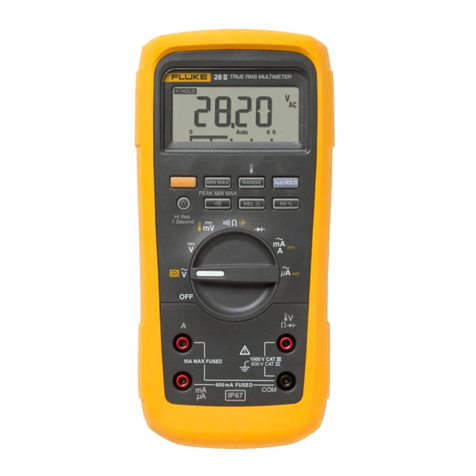
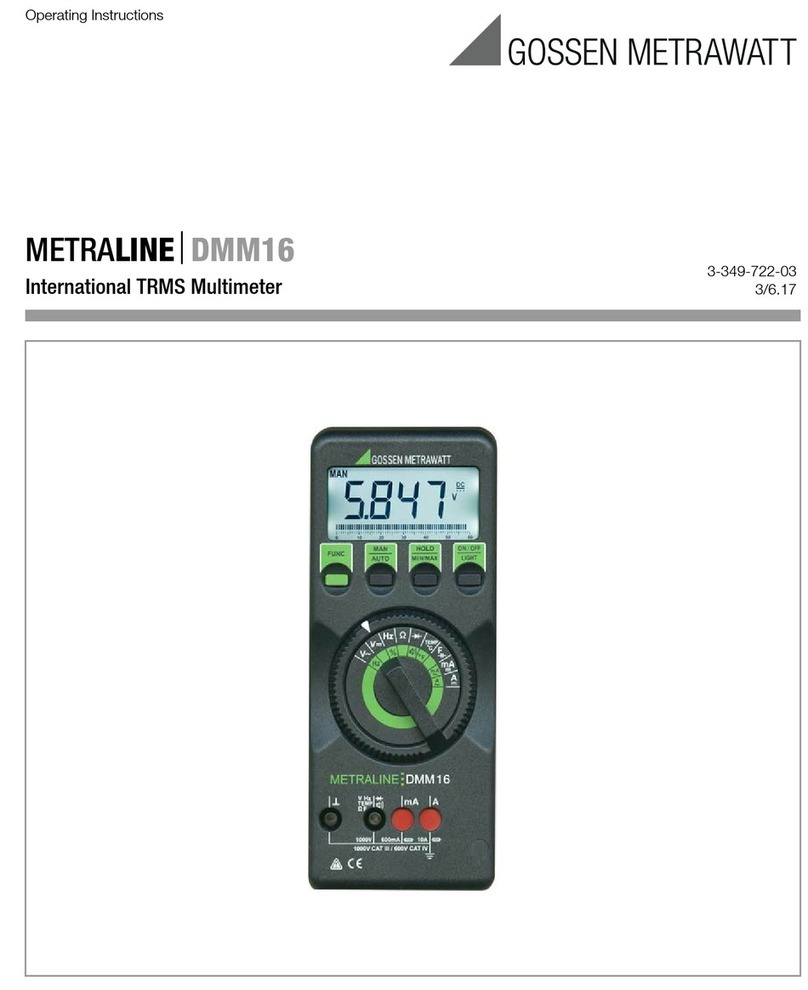
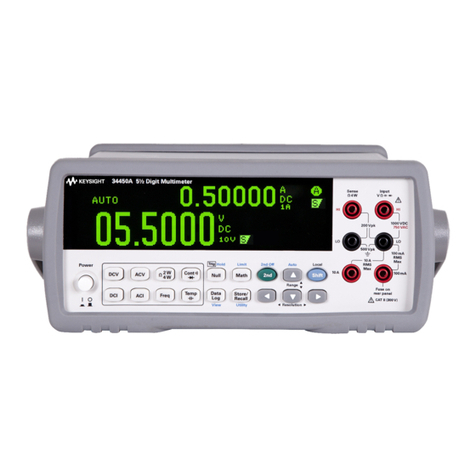
HOW TO USE THE METER
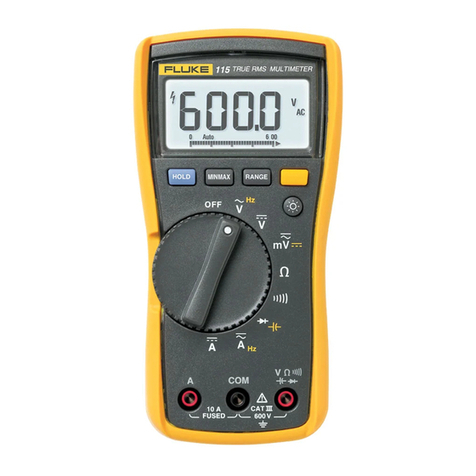
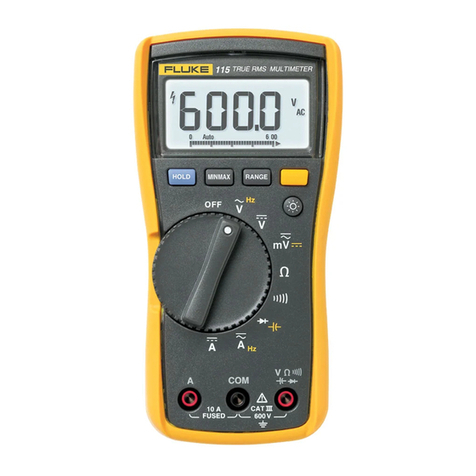
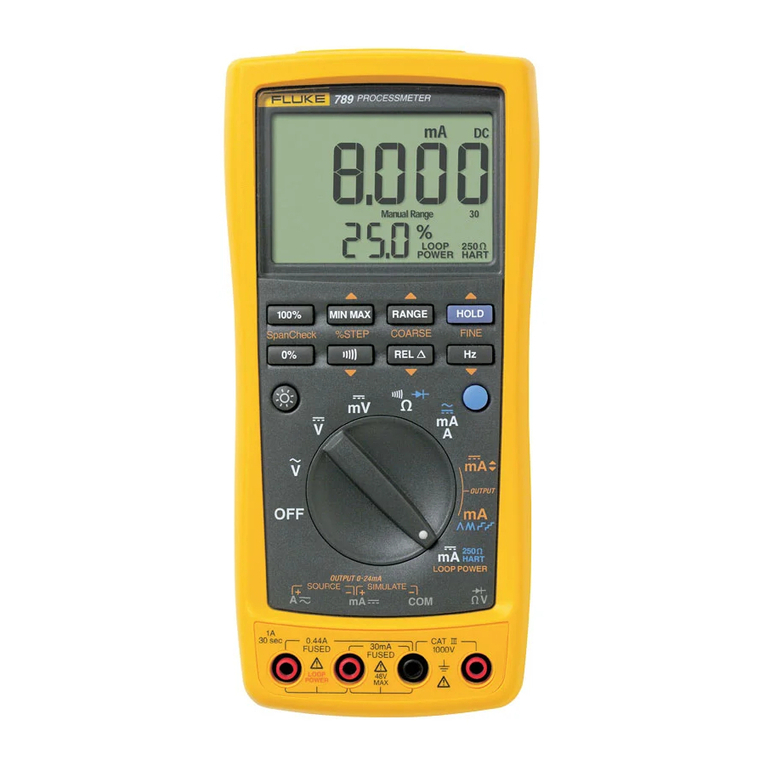
•To operate the MIN MAX and RANGE buttons: press to
select, press again to scroll or increment, and press and
hold for two seconds to exit.
•To operate the Hz button: press to select the frequency
mode, press again to select duty cycle, and press again
to exit.
•To operate the back-lit display, press the YELLOW but-
ton. The back-light automatically turns off in 68 seconds
to conserve battery life.
•To operate the remaining buttons: press to select and
press again to exit.
NOTE
The response of the display and the pushbuttons
slows down in the capacitance mode.
An annunciator is displayed when amode has been selected.
Aquick way to reset all the pushbuttons to their default state is
to turn the rotary switch to an adjacent function and then back
to the function you are using.
4. To take ameasurement, use the test lead probes to make
the proper contacts. Remember, insert the meter in the
circuit in parallel for voltage and in series for current
4
measurements. Read the measurement on the display. If
you did not manually select arange (by using the
RANGE button), the rangethat provides the best resolu-
tion is automatically selected.
5. To run aperformance check of the meter, turn the
rotary switch to Qarid connect atest lead from the
VO-w-input to the mA //A input. (If you are using atest
probe, touch the half of the input contact nearest the
LCD.) The display should read 1.000 kQ ±5digits. With
the rotary switch still at Q, test the Afuse (15A) by
inserting the plug end of the test lead into the Ainput
and test the mA //A fuse (1 A) by inserting the plug end
of the test lead into the mA fjA input. The beeper emits
an Input Alert if the fuses are good.
Although this procedure will allow you to get started quickly,
we suggest that you take the time to read the remainder of this
manual so that you can learn to take full advantage of your
meter's capabilities.
HOW TO USE THE METER
This section describes your meter and how to use it. FOR
EASEOFREFERENCE, EACH DESCRIPTIONIS NUMBERED
AND KEYED TO THE ILLUSTRATION INSIDE THE FRONT
COVER.