Fluke VT02 User manual

FLUKE CORPORATION
EVERETT, WA USA
US PAT:
www.patentlabel.com/uke
IMAGINGIR
THERMOMETER
VT02
FLUKE CORPORATION
EVERETT, WA USA
US PAT:
www.patentlabel.com/uke
IMAGINGIR
THERMOMETER
VT02
> 9 in / 23 cm≤ 9 in / 23 cm
5:12
˚C
20˚C
0
VT02 VT04
0 % 25 % 50 % 100 %75 %
3
VT04 VT02
VT04
6
2
4
5
1
9
10
12
13
11
7
8
Visual IR Thermometer
VT02, VT04
Quick Reference Guide
PN 4257700 October 2012, Rev.2, 7/13
© 2012-2013 Fluke Corporation. All rights reserved.
LCD Display Rotating Lens Cover
Power On/Off and Menu Visual Camera
SD Memory card slot Trigger for Image Capture
Lanyard Battery Cover
Tripod Mount Micro USB Connector (VT04)
Select/Enter Battery Charge Status LED
Infrared Lens
Power On and Off
2 sec.
Image Blending
Capture and Save
Menu Functions and Basic Navigation
Battery Charge Level
Up/Down to
Change Values
Select/Enter
Open Display
Menu
Yellow Highlight
Icon Description VT02 VT04
Play Stored images • •
Emissivity • •
Color Palette • •
Background Temperature • •
Temperature Markers • •
Temperature Units • •
Clock (Time and Date) • •
Hi/Lo Temperature Alarm •
Time-Lapse Image Capture •
Auto-Monitor •
First time use:
enter date and time
Visual Image Alignment Control
Near Mode Far Mode Grayscale (White hot)
Grayscale (Black hot)
High Contrast
Ironbow
Rainbow
Hot Metal (VT04 only)
Measurement Display
Color Palette
SD Card
No SD card in slot
SD card error
SD card empty
SD card full
Center-point
Measurement
Center-point Cursor
Blend Icon
Battery Status
Emissivity
Color Palette

1
2
(-10 °C to +250 °C)
(-10 °C to +250 °C)
(15 min, 30 min,
1 hr, 2 hr, 4 hr, 8 hr)
(30 sec, 1 min, 2 min, 5 min,
15 min, 30 min, 1 hr)
(15 min, 30 min,1 hr,
2 hr, 4 hr, 8 hr)
Battery Care (VT02) Safety Information
A Warning identies hazardous conditions and procedures that are dangerous to the
user. A Caution identies conditions and procedures that can cause damage to the
Product or the equipment under test.
XW Warning
To prevent possible electrical shock, re, or personal injury:
●Read all safety information before you use the Product.
●Carefully read all instructions.
● Use the Product only as specied, or the protection supplied by the Product can be
compromised.
●Replace the batteries when the low battery indicator shows to prevent incorrect
measurements.
●Do not use the Product around explosive gas, vapor, or in damp or wet environments.
●Do not use the Product if it operates incorrectly.
●Do not use and disable the Product if it is damaged.
● See emissivity information for actual temperatures. Reective objects result in lower
than actual temperature measurements. These objects pose a burn hazard.
●Remove the batteries if the Product is not used for an extended period of time, or if
stored in temperatures above 50 °C. If the batteries are not removed, battery leakage
can damage the Product.
● Use only specied replacement parts.
●Use only Fluke approved power adapters to charge the VT04 battery.
WWarning
To prevent personal injury and for safe operation and maintenance of the Product:
● Batteries contain hazardous chemicals that can cause burns or explode. If exposure to
chemicals occurs, clean with water and get medical aid.
●Be sure that the battery polarity is correct to prevent battery leakage.
●Do not short the battery terminals together.
●Keep cells and battery packs clean and dry. Clean dirty connectors with a dry, clean
cloth.
●Do not disassemble or crush battery cells and battery packs.
● Do not put battery cells and battery packs near heat or re. Do not put in sunlight.
Specications
Battery Type
VT04: Li-Ion Rechargeable 3.6 V, 2250 mAh, 8.1 Wh
VT02: 4 AA, LR6 1.5 V
Battery Life: 8 hrs
Operating Temperature: -5 °C to +45 °C
Storage Temperature: -20 °C to +60 °C
Operating Altitude: 2,000 meters
Rechargeable Battery (VT04)
The table below is a list of symbols used on the Product or in this guide.
Symbol Description
WImportant information. See manual.
XHazardous voltage. Risk of electrical shock.
;Conforms to relevant Australian standards.
PConforms to requirements of European Union and European Free Trade
Association.
ÃConforms to relevant South Korean EMC standards.
This camera contains a Lithium-ion battery. Do not mix with the solid waste
stream. Spent batteries should be disposed of by a qualied recycler or
hazardous materials handler per local regulations. Go to Fluke’s website for
recycling information.
~This product complies with the WEEE Directive (2002/96/EC) marking
requirements. The afxed label indicates that you must not discard this
electrical/electronic product in domestic household waste. Product Category:
With reference to the equipment types in the WEEE Directive Annex I, this
product is classed as category 9 “Monitoring and Control Instrumentation”
product. Do not dispose of this product as unsorted municipal waste. Go to
Fluke’s website for recycling information.
LIMITED WARRANTY AND LIMITATION OF LIABILITY
This Fluke product will be free from defects in material and workmanship for two years from the
date of purchase. This warranty does not cover fuses, disposable batteries, or damage from
accident, neglect, misuse, alteration, contamination, or abnormal conditions of operation or
handling. Resellers are not authorized to extend any other warranty on Fluke’s behalf. To obtain
service during the warranty period, contact your nearest Fluke authorized service center to obtain
return authorization information, then send the product to that Service Center with a description of
the problem.
THIS WARRANTY IS YOUR ONLY REMEDY. NO OTHER WARRANTIES, SUCH AS FITNESS
FOR A PARTICULAR PURPOSE, ARE EXPRESSED OR IMPLIED. FLUKE IS NOT LIABLE
FOR ANY SPECIAL, INDIRECT, INCIDENTAL OR CONSEQUENTIAL DAMAGES OR LOSSES,
ARISING FROM ANY CAUSE OR THEORY. Since some states or countries do not allow the
exclusion or limitation of an implied warranty or of incidental or consequential damages, this
limitation of liability may not apply to you.
Fluke Corporation Fluke Europe B.V.
P.O. Box 9090 P.O. Box 1186
Everett, WA 98206-9090 5602 BD Eindhoven
U.S.A. The Netherlands
11/99
VT04 Features
Turn On
Turn Off
Hi/Lo Temperature Alarm
Auto Monitor
Time-Lapse Image Capture
Other manuals for VT02
5
This manual suits for next models
1
Other Fluke Thermometer manuals

Fluke
Fluke 62 Mini User manual
Fluke
Fluke 61 User manual

Fluke
Fluke 51-54 Series II Operating and safety instructions

Fluke
Fluke Hart Scientific 1523 Quick start guide

Fluke
Fluke 61 Instruction manual
Fluke
Fluke 51 User manual
Fluke
Fluke Comark C20 Series User manual
Fluke
Fluke 566 User manual

Fluke
Fluke 62 MAX User manual
Fluke
Fluke 56 Series User manual

Fluke
Fluke FoodPro Plus Food Safety Therm User manual

Fluke
Fluke 56X User manual

Fluke
Fluke 54 Series II User manual
Fluke
Fluke 65 User manual
Fluke
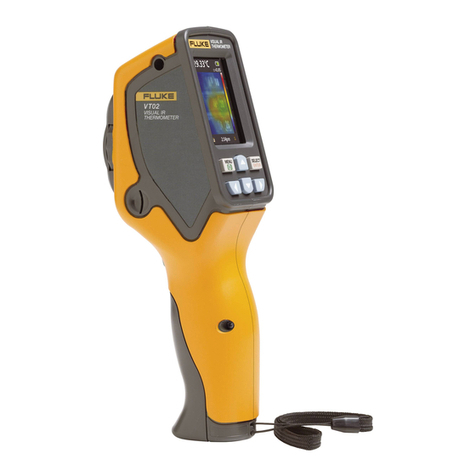
Fluke VT02 User manual
Fluke
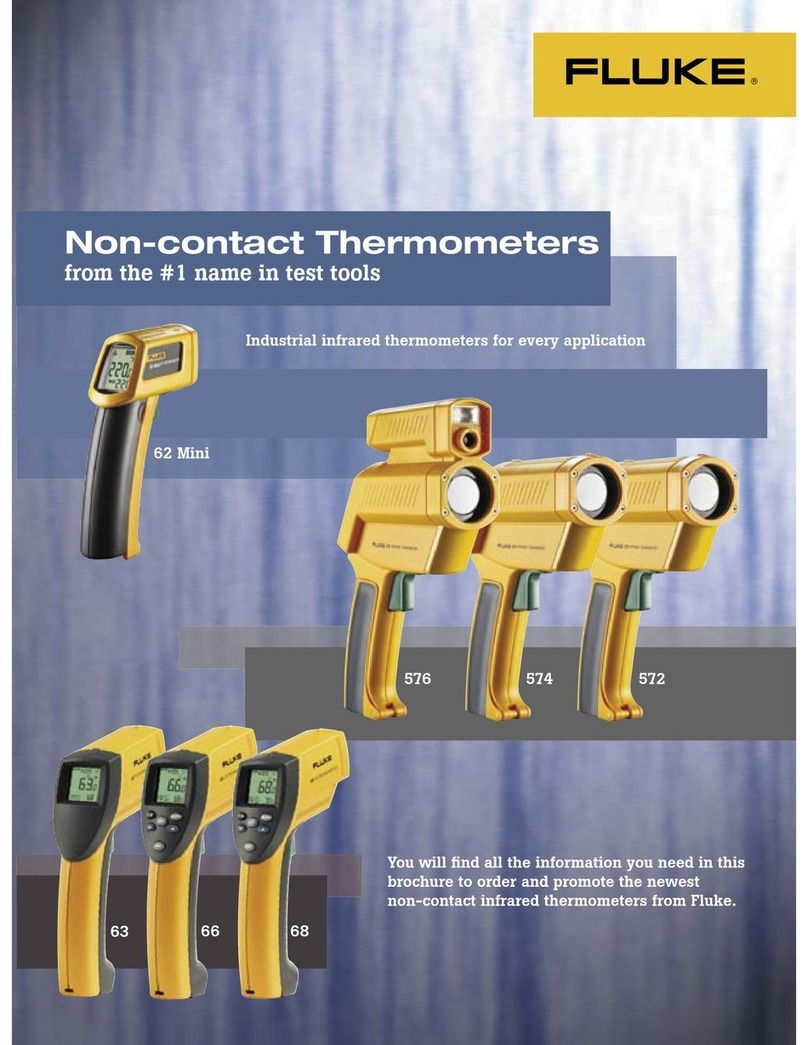
Fluke 572 User manual

Fluke
Fluke 572-2 User manual
Fluke
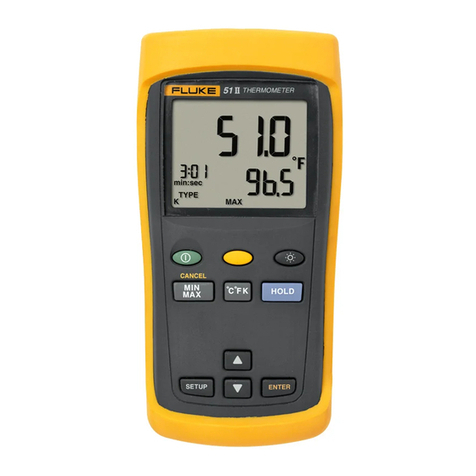
Fluke 51 User manual
Fluke
Fluke 1551A Ex User manual

Fluke
Fluke 53 Instruction Manual