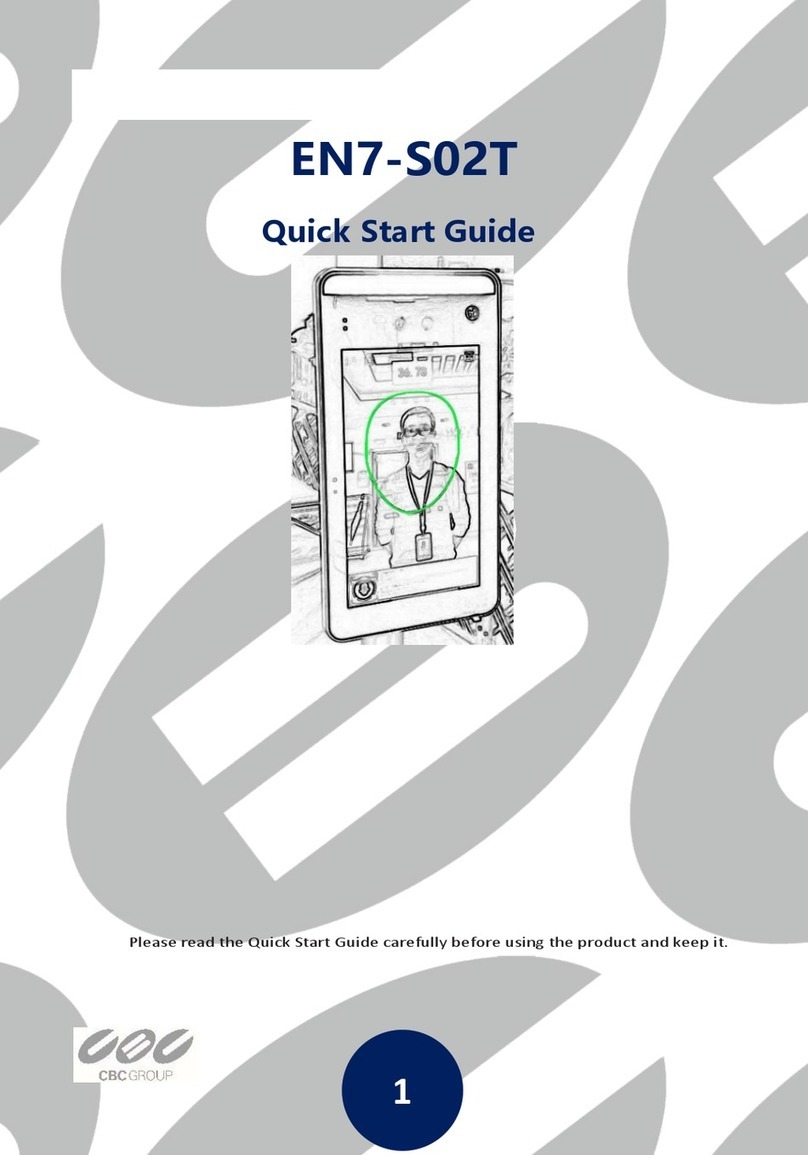
1. Quick Start Guide
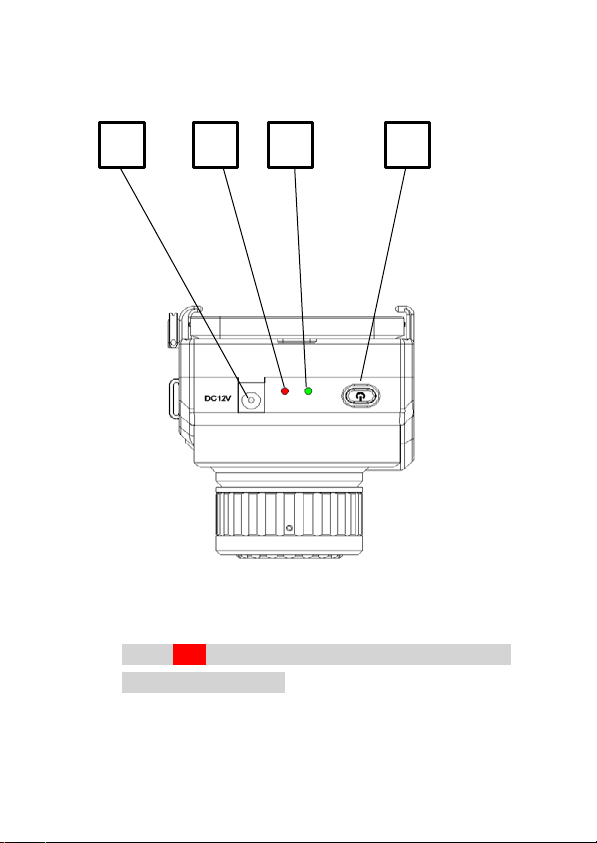
1. Charge Fotric thermal camera fully for 3 hours.
Ensure the camera is fully charged (charge
indicator light turns off) before using it for the
first time.
2. Download and install Fotric LinkIR APP and/or
AnalyzIR computer software.
3. Use the appropriate (OTG) USB cable to
connect the camera with mobile device or
computer.
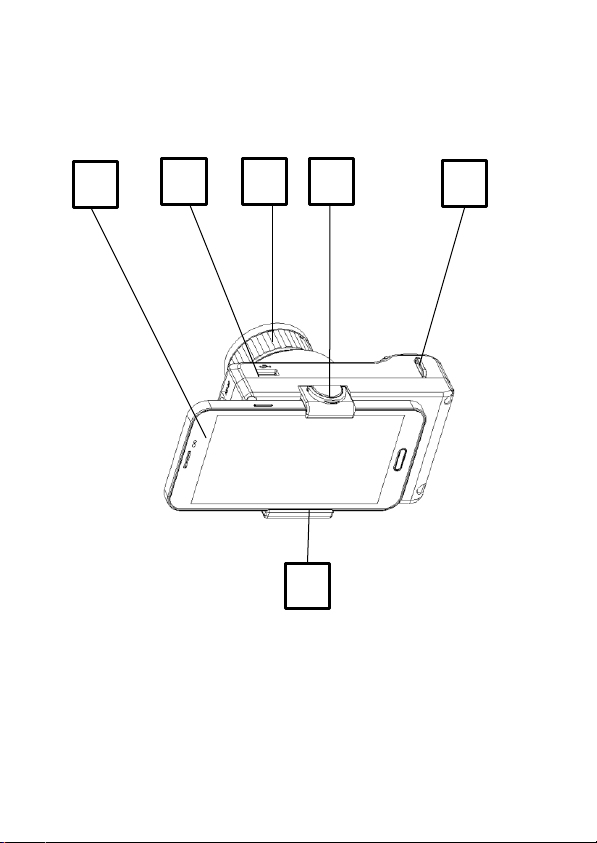
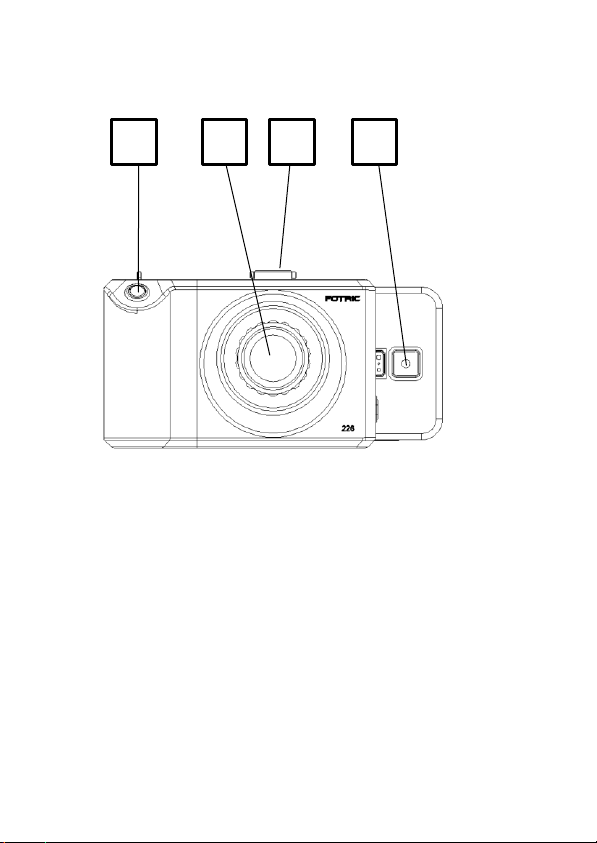
4. Turn on the camera by holding down the
On/Off button until the green light is
on.
5. Focus manually by rotating the focus ring of the
lens.
Note: If the target object is not in focus, the
temperature measurement accuracy and imaging
results will be affected.
6. Take a thermal picture by pressing and holding
the shutter button for 3 seconds.
1