USE
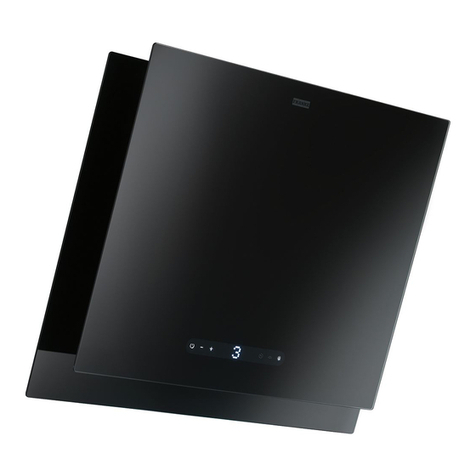
Control panel
Button Function Display
A Turns the suction motor on and off at the
last speed used. Displays the speed set.
B Decreases the working speed. Decreases the lighted segments.
C Increases the working speed. Increases the lighted segments.
D Activates intensive speed from any other
speed, including motor off. This speed is
timed to run for 10 minutes, after which
the system will return to the speed that
was previously set. Suitable for dealing
with severe cooking fumes.
Iflashes and the segments on the Display are
all lit.
It is disabled by pressing the Button.
E Starts the motor at a speed that allows a
suction of 100 m3/h for 10 minutes every
hour, after which the motor stops.
Displays 24 and the segments on the Display,
initially all lit, turn off one at a time in cycle.
It is disabled by pressing the Button.
F Activates automatic switch-off with a 30’
delay. Suitable to complete elimination of
residual odours. Can be activated from any
position, it is deactivated by pressing the
button of turning the motor off.
Displays a flashing Clock symbol.
It is disabled by pressing the Button.
G Performs a Reset of the Filter saturation
alarm when the button is pressed for ap-
proximately 2 seconds.
After 100 hours operation the Drop symbol is
displayed to indicate saturation of the Metal
Grease Filters.
After 200 hours operation the letter Cis dis-
played to indicate saturation of the Activated
Charcoal Filters.
H Turns the Lighting System on and off.
Keyboard Lock Command: it is possible to lock the keyboard, for example when cleaning the
Glass, when the Hood Motor and Lights are turned off.
Press F(Delay) for approximately 5 seconds to enable or disable Keyboard Locking, which is
always confirmed by a Beep and an animated signal on the display motor bar.
B
AD
CEH
G
F