manuals.online logo
Brands
  1. Home
  2. •
  3. Brands
  4. •
  5. Franklin Water Treatment
  6. •
  7. Water Dispenser
  8. •
  9. Franklin Water Treatment SWS1C-30-HE Quick start guide

Franklin Water Treatment SWS1C-30-HE Quick start guide

This manual suits for next models

12

Other Franklin Water Treatment Water Dispenser manuals

Franklin Water Treatment PTS1 Series Quick start guide

Franklin Water Treatment

Franklin Water Treatment PTS1 Series Quick start guide

Franklin Water Treatment SWS1 Series Quick start guide

Franklin Water Treatment

Franklin Water Treatment SWS1 Series Quick start guide

Franklin Water Treatment PSCF1 Quick start guide

Franklin Water Treatment

Franklin Water Treatment PSCF1 Quick start guide

Popular Water Dispenser manuals by other brands

IBC Water AST0715MP-960 Installation & operating instructions

IBC Water

IBC Water AST0715MP-960 Installation & operating instructions

Lancaster Water Treatment X FACTOR LX15 Series Installation, operating and service manual

Lancaster Water Treatment

Lancaster Water Treatment X FACTOR LX15 Series Installation, operating and service manual

Elkay EMABF8 Series Installation & use manual

Elkay

Elkay EMABF8 Series Installation & use manual

Oasis Osmosis Home installation manual

Oasis

Oasis Osmosis Home installation manual

Monarch Water ULTIMATE MINI AQUA HE install guide

Monarch Water

Monarch Water ULTIMATE MINI AQUA HE install guide

Haier HLM-109B instruction manual

Haier

Haier HLM-109B instruction manual

GE GXOF18G Owner's manual and installation instructions

GE

GE GXOF18G Owner's manual and installation instructions

Kenmore 625.385560 UltraFilter 650 owner's manual

Kenmore

Kenmore 625.385560 UltraFilter 650 owner's manual

Aries Hydra DI Operation & maintenance manual

Aries

Aries Hydra DI Operation & maintenance manual

Avanti WD31EC instruction manual

Avanti

Avanti WD31EC instruction manual

GE GNCF02H owner's manual

GE

GE GNCF02H owner's manual

Avanti WD360 instruction manual

Avanti

Avanti WD360 instruction manual

ProFlo PFB Series Installation & operation manual

ProFlo

ProFlo PFB Series Installation & operation manual

Frakco Travelsoft RV 2400HD Operation instructions

Frakco

Frakco Travelsoft RV 2400HD Operation instructions

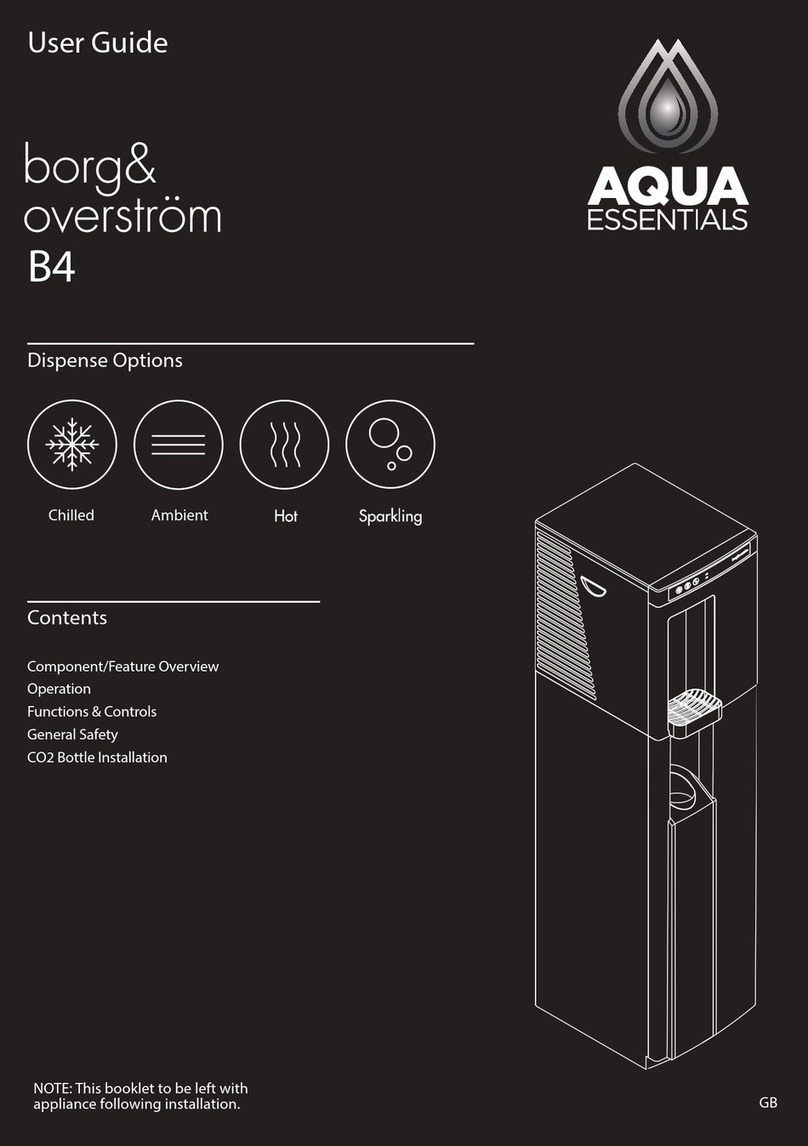
Aqua Essentials Borg & Overström B4 user guide

Aqua Essentials

Aqua Essentials Borg & Overström B4 user guide

KENT 11063 Instruction handbook

KENT

KENT 11063 Instruction handbook

Calmat Plus user manual

Calmat

Calmat Plus user manual

Igloo MWC529 instruction manual

Igloo

Igloo MWC529 instruction manual

manuals.online logo
manuals.online logoBrands
  • About & Mission
  • Contact us
  • Privacy Policy
  • Terms and Conditions

Copyright 2025 Manuals.Online. All Rights Reserved.

Franklin Water Treatment, LLC.
12630 US Highway 33 N
Churubusco, IN 46723
Phone (260) 693-1972 Fax (260) 693-0602
SWS1 Series Instruction Manual 230120.docx
SWS1 Series
Water Softening System
Installation Instructions and Owner’s Manual
1
Pre-installation Instructions
Page 3
Detailed Installation
Page 5
Brine Tank Components
Page 6
Bypass Valve Operation
Page 7
General Operation & Set Time of Day
Page 8
Installer Settings & Regeneration Display
Page 9
Manual Regeneration
Page 10
Specifications
Page 11
Component Parts Breakdown & List
Page 12
Control Valve Exploded Parts Diagram
Page 13
Control Valve Parts List
Page 14
Installation Fitting Assemblies
Page 15
Troubleshooting
Page 18
Ten Year Limited Warranty
Page 21
Table of Contents
2
This page intentionally left blank
3
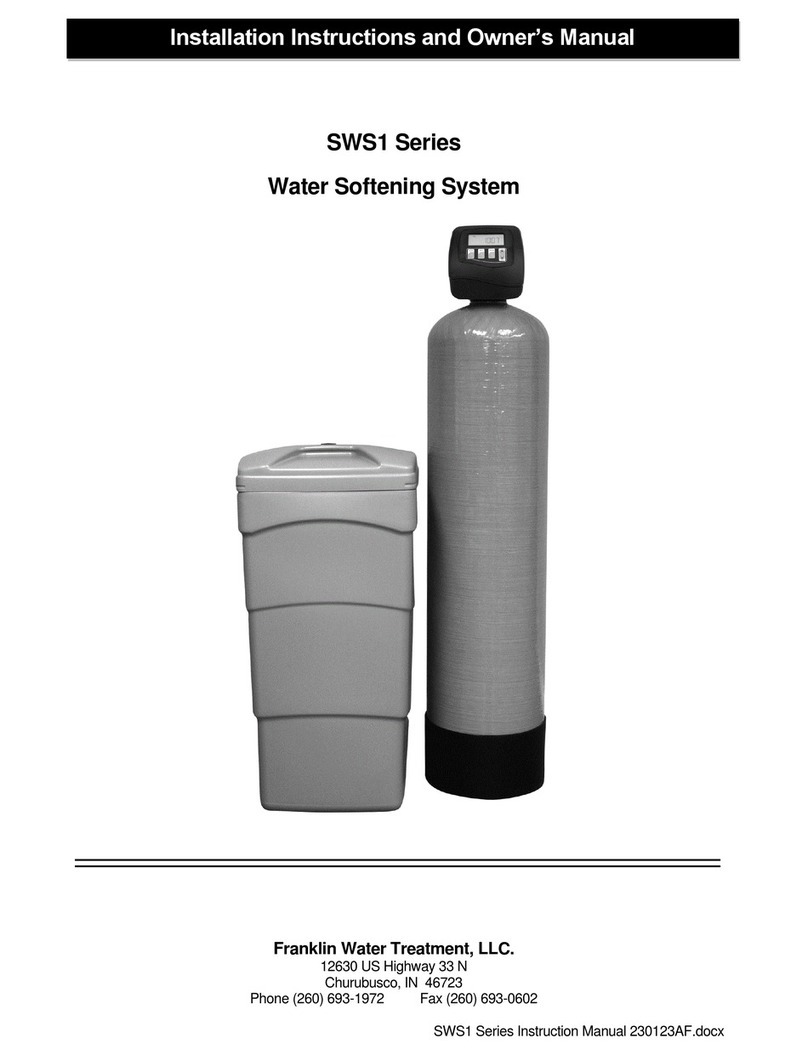
Description of the water softener system
This water softener system includes a brine (salt) tank and a resin (media) tank with a backwashing control
valve. Incoming water flows into the control valve and is directed down through the ion exchange softening
resin. This resin exchanges the hardness ions for softer ions. The softened water then returns to the control
valve where it is directed into the service lines.
Periodically the control valve will go through a regeneration cycle. The frequency of this regeneration process
will depend on the size of water softener, incoming water quality and amount of water used. This cycle is
factory preset to begin at 2:00 A.M. At this time the control valve will backwash, draw the brine solution out of
the salt tank and flush both the accumulated hardness and excess salt to the drain, followed by a rinse. Prior to
the next regeneration cycle the softener will put water back into the brine tank and allow it to dissolve salt for the
regeneration.
Water Quality
The water should be tested to determine the concentration, or levels of the items listed below:
Hardness - Hardness in drinking water is defined as those minerals that dissolve in water having a
positive electrical charge (cat ions). The primary components of hardness are calcium (Ca++) and
magnesium (Mg++) ions. But dissolved iron (Fe++) and manganese (Mn++) also contribute to total
“adjusted” hardness.Hardness produces scale, soap scum and white mineral deposits which shorten
the life of water using appliances, plumbing and fixtures. Water that has less than 1 grain of hardness is
considered “soft” water.
pH - A measurement of the acidity of the water. pH is reported on a scale from 0 to 14. Neutral water has a pH
of 7.0, lower values indicate acidic water. If your pH is below 6.8 you may consider installing an acid neutralizer
before the water softener to elevate the pH.
Iron - A naturally occurring metallic element. Iron levels in excess of 0.3 milligrams/liter (mg/l) combine with
oxygen causing orange or red (rust) stains on plumbing fixtures. Iron exists in some water sources in clear
water (ferrous) state, red water (ferric) state or bacterial form. Iron levels that exceed 2.0 mg/l require special
ion exchange resin for reduction, or if bacterial or ferric (red water) iron is present or iron level exceeds 3.0 mg/l,
an iron filter should be installed ahead of this water softener.
Manganese - A naturally occurring metallic element. Manganese levels as low as 0.05 milligrams/liter (mg/l)
can combine with oxygen to cause dark brown or black staining on fixtures. Additionally, manganese can cause
an odor in the water similar to a “rotten egg” smell. This water softener may reduce manganese as well as iron;
however, an iron filter may be required in some cases.
Tannin - A naturally occurring humic acid. Tannin is caused by water passing through decaying vegetation.
Coffee and Tea are prime examples of tannin in water. Tannin levels as low as 0.5 milligrams per liter can
cause a yellow discoloration in water. Consult your dealer for a system designed to remove both tannin and
hardness.
Hydrogen Sulfide - A naturally occurring gas. Hydrogen sulfide, more commonly referred to as sulfur gas,
causes a distinct odor similar to “rotten eggs.” Due to its gaseous nature, hydrogen sulfide must be tested at the
well site within 1 minute of drawing the sample. If sulfur is present additional equipment will be required. Air
injection iron filters can typically treat up to 2 ppm of sulfur gas if regenerated daily. Specialized filter media may
reduce sulfur up to 6 ppm. Beyond 6 ppm and up to 10 ppm require chemical injection. Beyond 10 ppm may
be impractical to treat.

Pre-installation Instructions
4
Location Considerations
The proper location to install the water softener system will ensure optimum performance and satisfactory water
quality. The following factors should be considered in selecting the location of the equipment.
1. The water softener should be installed after the pressure tank on a private well system or after the
water meter on municipal water. Operating pressure of the softener must be limited to within 30 –
100 psi range.
2. The water softener should be installed as close as possible (preferably within 15’) to an adequate
floor or laundry drain capable of handling the backwash cycle volume and flow rate (refer to unit
specifications).
3. All water conditioning equipment should be installed prior to the water heater. Water temperatures
exceeding 100°F can damage the internal components of the control valve and filter tank. Install
with at least 10’ of pipe before the water heater to prevent thermal damage to the equipment. An
expansion tank may need to be installed in the line to the water heater to allow for thermal
expansion and comply with local plumbing codes.
4. The water softener should not be subject to freezing temperatures.
5. Ensure that any cartridge or in-line type filter installed prior to the water softener does not restrict
the water flow and pressure available for backwash and interfere with normal operation.
6. Appliances requiring extended periods of continuous or high flow water use (i.e. geothermal heat
pumps, swimming pools, lawn irrigation, outside hose bibs, etc.) should bypass the water softener.
(see installation diagram Fig. 1).
Water Heater
Inlet from
water
supply
Softened
Cold Water
Iron Free Water
Softened
Hot Water
Untreated Water
Water Softener
Iron Filter
(if required)
Pressure Tank
(well system only)
10’ Minimum Distance
Grounding Straps
Pre-installation Instructions (cont.)
FIGURE 1: Typical Installation
Cartridge
Filter
Expansion
Tank
5
STEP 1: Carefully remove all components from packaging. DO NOT DISCARD PACKAGING until all
water softener components and fittings have been located.
STEP 2: Using the integrated coupling nuts, attach the bypass valve to the inlet/outlet of the control
valve and put handles in the bypass position (Figure 2).
STEP 3: Place unit at desired installation position.
STEP 4: Shut off water at main supply. Relieve pressure by opening nearest faucet. On private well
systems, turn off power to pump and drain pressure tank. SHUT OFF POWER OR FUEL
SUPPLY TO WATER HEATER.
STEP 5: Cut main supply line as required to fit plumbing to inlet and outlet of bypass valve. DO NOT
PLUMB INLET AND OUTLET BACKWARDS. Piping should be supported. Do not apply heat
to any fitting attached to the bypass or control valve.
STEP 6: Use the provided polyethylene tubing (NO VINYL TUBING) to run drain line from control valve
drain fitting (Figure 2) to floor drain or sump pit capable of handling the backwash rate of the
softener (refer to specifications on Page 11). THE DISCHARGE END OF THE DRAIN LINE
MUST BE FIRMLY SECURED! There must be an air gap at the end of the drain line to
prevent siphoning of wastewater and meet plumbing code. Total length of drain line should be
15’ or less. AVOID OVERHEAD DRAINS.
Detailed Installation Instructions
FIGURE 2: Top View of Control Valve
Meter
Union
Nuts
Plumbing Adapter 1”
MNPT Elbows
Included
Bypass Valve
(in service position)
Brine Refill Elbow
(Retainer Clip Not Shown)
Drain Fitting,
3/4” MNPT
(Compression
fitting not
shown)
Injector
Housing
Control
Valve
Cover
Drain Fitting
Retainer Clip
6
STEP 7: Connect one end of the 3/8” brine line to the control valve quick connect brine refill elbow
(Figure 2, Page 5). Insert the other end of the brine line through the hole in the brine tank and
into the quick connect fitting on the top of the safety brine valve (Figure 3). Remove the quick
connect collet retainer clip (if included) before inserting the brine line into each fitting, press the
tube in very firmly and replace the retainer clip behind the collet. NOTE: THE BRINE TUBING
SHOULD BE INSERTED 5/8” INTO THE FITTING. DO NOT PUT SALT INTO THE BRINE
TANK AT THIS TIME.
STEP 8: If desired, install overflow tubing (not provided) from overflow elbow on brine tank (Figure 3) to
floor drain. Tubing must be lower than the overflow elbow at all times. DO NOT CONNECT
DRAIN LINE FROM SOFTENER CONTROL VALVE TO BRINE TANK OVERFLOW. DO
NOT CONNECT BRINE TANK DRAIN LINE TO THE SOFTENER DRAIN LINE.
STEP 9: Plug the transformer into an un-switched electrical outlet. Ensure the control valve is in
“Service” mode (time of day is displayed on the screen {refer to page 8 for Home Screen
Display}).
STEP 10: Place the bypass valve in the “Service” position (refer to Figure 2, Page 5; Figure 4, Page 7)
and open main supply valve or turn on power to pump on private well systems. Allow the unit
to fill with water and pressurize, then place the bypass valve in the “Bypass” position.
STEP 11: Add water in the brine tank to slightly above the top level of the salt grid (approx. 6 gallons).
DO NOT ADD SALT TO THE BRINE TANK AT THIS TIME.
FIGURE 3: Brine Tank Components
Detailed Installation Instructions (continued)
Insert brine tube into quick
connect fitting
Remove brine tube
from quick connect
fitting
Insert brine
tubing here
through
hole in brine
tank shell
Safety
Brine Valve
Assembly
Brine
Tank Lid
Brine Well
Lid
Brine Well
Salt Grid
Overflow
Elbow
Brine Tank
Shell
7
STEP 12: With the bypass valve in the “Bypass” position (refer to Figure 2, Page 5; Figure 4, Page 7),
press and hold the REGEN button until the motor starts. Then use the REGEN button to
advance the control valve to the BACKWASH cycle (refer to page 10 for details) to release
pressure and purge air from the mineral tank.
STEP 13: Refer to Figure 4 bypass valve operation. Rotate the INLET knob of the bypass valve slowly
to the “Service”position. If any air spurts or any softener resin is expelled to the drain, stop
turning the knob until only water flows to the drain, then continue turning the knob fully to the
“Service” position.
STEP 14: When all air has been purged from the system and only water is running to the drain, turn the
OUTLET knob of the bypass valve to the “Service” position also. Allow the system to
backwash for a few minutes or until the drain water runs clear.
STEP 15: Using the REGEN button, advance the control valve to the BRINE DN (downflow brine draw)
cycle. Verify that the water level in the brine tank is slowly dropping (less than ½ gpm). Allow
water level to drop below the top of the salt grid before continuing. If the water level does not
drop, refer to page 18 for Troubleshooting. After verifying water level is dropping advance the
control valve past the BACKWASH 2, RINSE AND 5 second FILL cycle to the time of day,
using the REGEN button.
ADD SALT TO BRINE TANK NOW. Any type of water softener salt may be used.
STEP 16: Check for leaks and correct as necessary.
STEP 17: Turn power or fuel supply back on to water heater.
STEP 18: Press and hold the NEXT and UP buttons together until the screen changes to input the
adjusted hardness level water (refer to Installer Settings, Page 9, for details), then press NEXT
repeatedly until the time of day is displayed.
STEP 19: Press the CLOCK button to set the current time of day. (Page 8, note AM and PM).
FIGURE 4: Bypass Valve Operation
Detailed Installation Instructions (continued)
8
General Operation
Set Time of Day
When the system is operating one of two
displays will be shown. Pressing NEXT
will alternate between the displays. One
of the displays is always the current time
of day. The second display is gallons
remaining. This is the number of gallons
that can be treated before the system
needs to go through a regeneration
cycle.
The user can scroll between the displays
as desired. If the system has called for a
regeneration that will occur at the preset
time of regeneration, the words “REGEN
TODAY” will appear on the display.
When water is being treated (i.e. water is
flowing through the system) the word
“SOFTENING” flashes on the display.
Step 1 - Press CLOCK.
Step 2 - Current Time (hour): Set the
hour of the day using ▲or ▼buttons.
AM/ PM toggles after 12. Press NEXT to
go to step 3.
Step 3 - Current Time (minutes): Set the
minutes ofday using ▲or ▼buttons.
Press NEXT to exit Clock. Press REGEN
to return to previous step.
Power Loss - Lithium battery on circuit
board provides up to 8 hours of time
clock backup during power outages.
After 8 hours, only the time of day needs
to be reset, all other values are stored in
non-volatile memory. If a power loss last
less than 8 hours and time of day is
flashing, replace coin type 2032 battery.
Do not forget to reset for daylight savings
time
9
Installer Settings
Regeneration Display
Step 1 - Press NEXT and ▲simultaneously for 3 seconds.
Step 2 - Hardness: Set the amount of adjusted hardness in
grains per gallon (hardness gpg + (iron ppm x 3) +
(manganese ppm x 5)) using ▲or ▼buttons. The default is
20 with value ranges from 1 to 150 in 1 grain increments. If
this display shows “nA –“, then system is either set-up in
“time clock” or “filter” modes. Press NEXT to go to Step 3.
Press REGEN to exit Installer Settings.
Step 3 - Day Override: This sets the maximum number of
days between regenerations. If value set to “oFF”
regeneration is initiated automatically solely on gallons used.
If value is set as a number (allowable range from 1 to 28) a
regeneration will be initiated automatically on that day even if
metered gallon usage does not trigger a regeneration. Press
NEXT to go to step 4. Press REGEN to return to previous
step.
Step 4 - Regeneration Time (hour): Set the hour of day for
regeneration using ▲or ▼buttons. AM/PM toggles after 12.
The default time is 2:00 a.m. This display will show “REGEN”
on 0 GAL if system is set for immediate regeneration. Press
NEXT to go to step 5. Press REGEN to return to previous
step.
Step 5 - Regeneration Time (minutes): Set the minutes for
the regeneration time using ▲or ▼buttons. This display will
not be shown if system is set for immediate regeneration.
Press NEXT to exit Installer Displays/Settings. Press REGEN
to return to previous step.
Typically, a system is set to regenerate at a time of low water usage. An
example of a time with low water usage is when the household is asleep. If
there is a demand for water when the system is regenerating, untreated
water will be supplied. When the system begins to regenerate, the display
will change to include information about the step of the regeneration process
and the time remaining for that step to be completed. The system runs
through the steps automatically and will reset itself to provide treated water
when the regeneration has been completed.