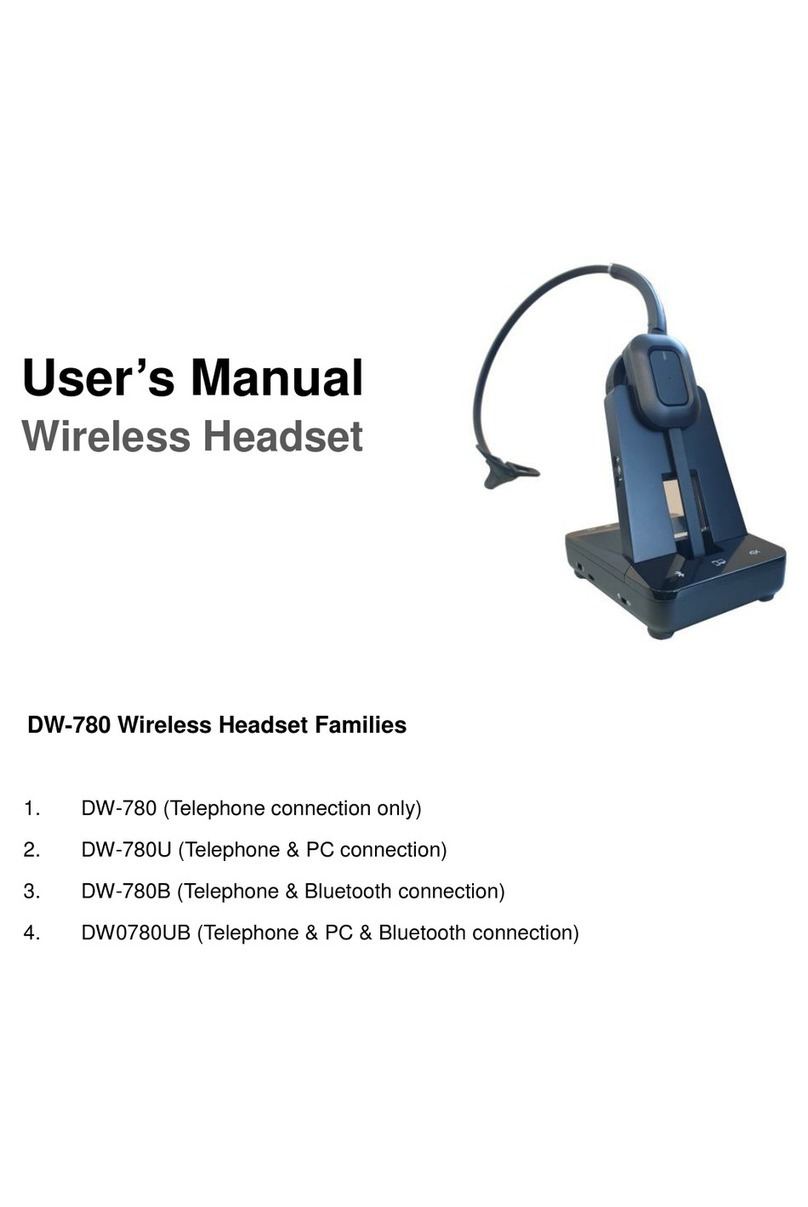
freemate DW-775 User manual

User’s Manual
DW-775
Wireless Headset
DW-775
Ear-Hook Type

CONTENTS
1 Introduction
2 Features –headset and base unit
3 Features –base unit back
4 Setting up the unit
5 Battery Charging
6 Operation
- Pairing your Headset and Base Unit
- Checking for compatibility
- Making and ending a call using a telephone with Lifter attached
- Answering a call using a telephone with Lifter attached
- Adjusting the TX(transmit) volume
- Adjusting the RX(receive) volume
- Muting the microphone on the headset
- VoIP with PC(Optional)
- Using multi-headsets
- De-registering all headsets
- Electronic Hook Switch
7 Replacing the battery
8 Technical features
9 Optional accessories

INTRODUCTION
Thank you for purchasing this product
The unit has been developed using the latest wireless technology.
With the unit we are confident you will experience a great level of comfort and freedom
compared to using a standard telephone for making and receiving your calls.
READ THE USER GUIDE
The unit is very easy to use and set-up, although to get the best from your new purchase,
we recommend you read this User Guide before getting down to any calls.
UNPACKING
Remove the unit from its packaging and ensure that along with this User Guide you have
the correct mains plug fitted to the power supply unit for your supply and the correct
specified accessories.
Retain the packing carton for storage of your unit, and also in the unlikely event that the
unit needs to be returned for service or repair.
IMPORTANT
Ensure that all electrical connections (including extension leads and interconnections
between pieces of equipment) are properly made and in accordance with the relevant
manufacturers instructions.
1. INTRODUCTION

Do not continue to operate the equipment if you are in any doubt about it working normally,
or if it is damaged in any way.
Switch off, withdraw the mains plug and consult your dealer.
Do not allow electrical equipment to be exposed to rain or moisture.
Never push anything into holes, slots or any other opening as this could result in fatal
electrical shock.
Never guess or take chances with electrical equipment.
Do not open the telephone housing as doing so will void your warranty.
WARNING
Telephone headsets are capable of producing high levels of sound. Prolonged exposure to
high sound levels can cause damage to hearing.

- Ear-Hook
2. Feature –Base and Headset Unit
CALL On/Off
RX volume/Mute
/ Pairing
IN-USE
Charging LEDs
Microphone
IN-USE LED
PC Selection S/W
TEL Selection
Pairing
Mute LED

- Plastic Band & Headset Holder
3. Feature –Base Unit Back

Despite the sophistication behind the unit, the set-up and operation of the unit is
remarkably simple. Please follow these steps in the following pages and refer to the
drawings on the previous pages and you will be up and running with your new wireless
headset in a very short time.
Important: Before first use, please charge the headset fully for up to 2~3 hours to
maximize your battery operational life.
1Connect the TELEPHONE HANDSET TO THE UNIT
Unplug the handset cord from your telephone base unit and plug it into the
HANDSET port located on the back of unit.
2Connect the TELEPHONE BASE UNIT TO THE UNIT
Use the supplied telephone cord and connect on end to the HANDSET port on
your telephone base unit. The other end should be connected to the TELEPHONE
port located on the back of the unit.
3Connect the POWER SUPPLY UNIT
Plug the Power Supply Unit to the DC Input Jack on the back of the unit. Then
connect the Power Supply Unit to your wall supply.
4. Setting up the Unit

4Place the headset on the base unit to charge
Important: Before first use, please charge the headset fully for up to 2~3 hours to
maximize your battery operational life.
!Place the headset on the base unit to charge
Always place the headset on the base unit when not in use to allow your headset
to be charged and ensure the talk-time and life of the battery.
Before first use, please charge the headset fully for up to 2~3 hours to maximize
your battery operational life.
Only use the base unit fitted with the original power supply unit to charge your
headset, or damaged and incorrect operation may occur.
When charging the LEDs on the front of the base unit will illuminate in WHITE. The
following are the status and colors expected during the charging process.
Charging Status
LEDs status(BASE)
Charged status
Charged status with 3 white LEDs
Charging
Indicator light will flash while charging
Full Charged
3 while LEDs are blinking at the same time
5. Battery Charging

Before operation your headset must be paired with your base unit, this can be confirmed
by the following check:
After power on the Base and Headset unit, it takes 5 seconds to be paired
automatically. If your headset unit LED is constantly blinking, you need to pair your
headset with your base unit.
Headset Action
Audio indicator
Low battery
2 rapid beeps + 20 second pause
Volume up/down
1 quick beep
Volume max/min reached
3 beeps
Incoming call with LIFTER
melody
Telephone line (open/close)
1 beep
Headset out of range
1 beep + 10 second pause(repeats)
Mute activation/deactivation
1 beep
Base Action
Visual indicator
Pairing Mode
In-use LED is blinking fast
TX Mute
Mute LED(RED) is ON
In use
In-use LED is blinking slowly
6. Operation

1Power ON/OFF the headset
1. Power OFF - Press and hold the ON/OFF button on the headset until RED
LED is blinking twice. Release the button.
2. Power ON - Press ON/OFF button on the headset shortly or place the
headset on the Base unit.
2Pairing your Headset and Base Unit
1. Press and hold the pairing button on left side of the front panel of the Base
unit about 2 seconds. Release the button.(RED LED is blinking faster)
2. Press and hold the mute button on the headset until RED LED is blinking.
Release the button.
Check the LED status when you push the ON/OFF button of headset.
BASE LED
HEADSET LED
IN USE Mode
BLINKING
OFF
Stand-by Mode
ON
BLINKING every 10 seconds
Not paired
BLINKING
OFF
This manual suits for next models
1
Table of contents
Other freemate Headset manuals