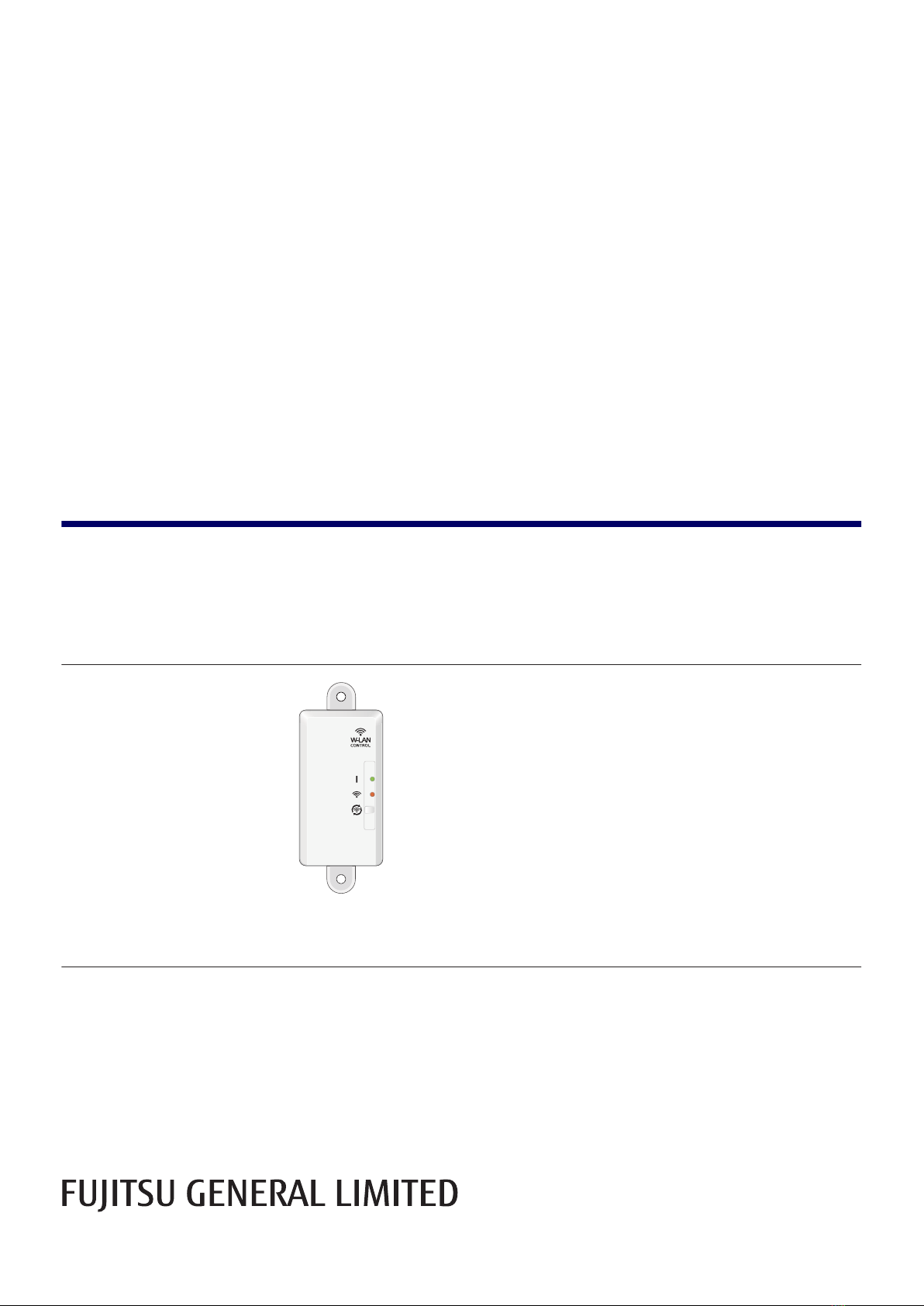
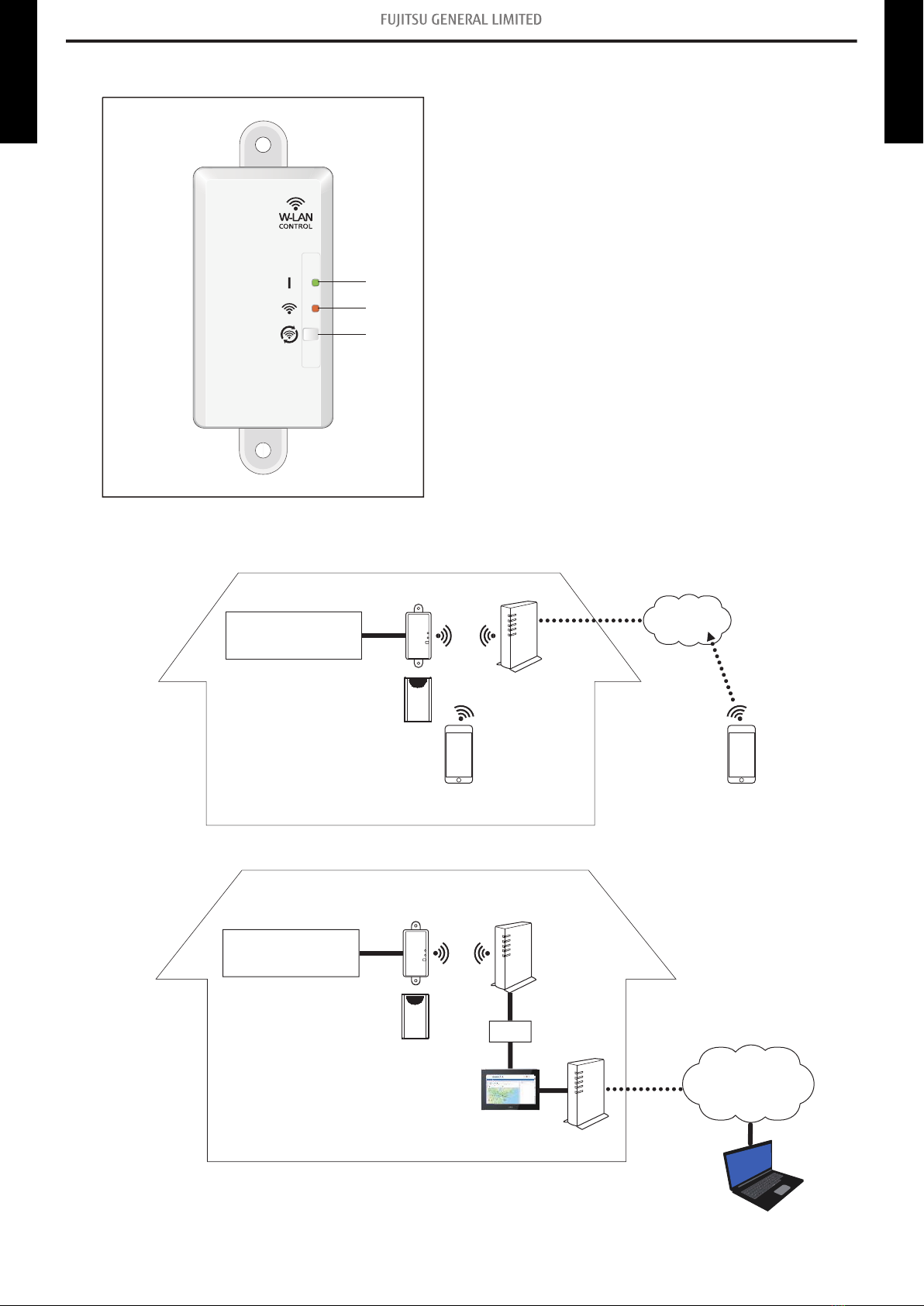
2-1. Wireless LAN control
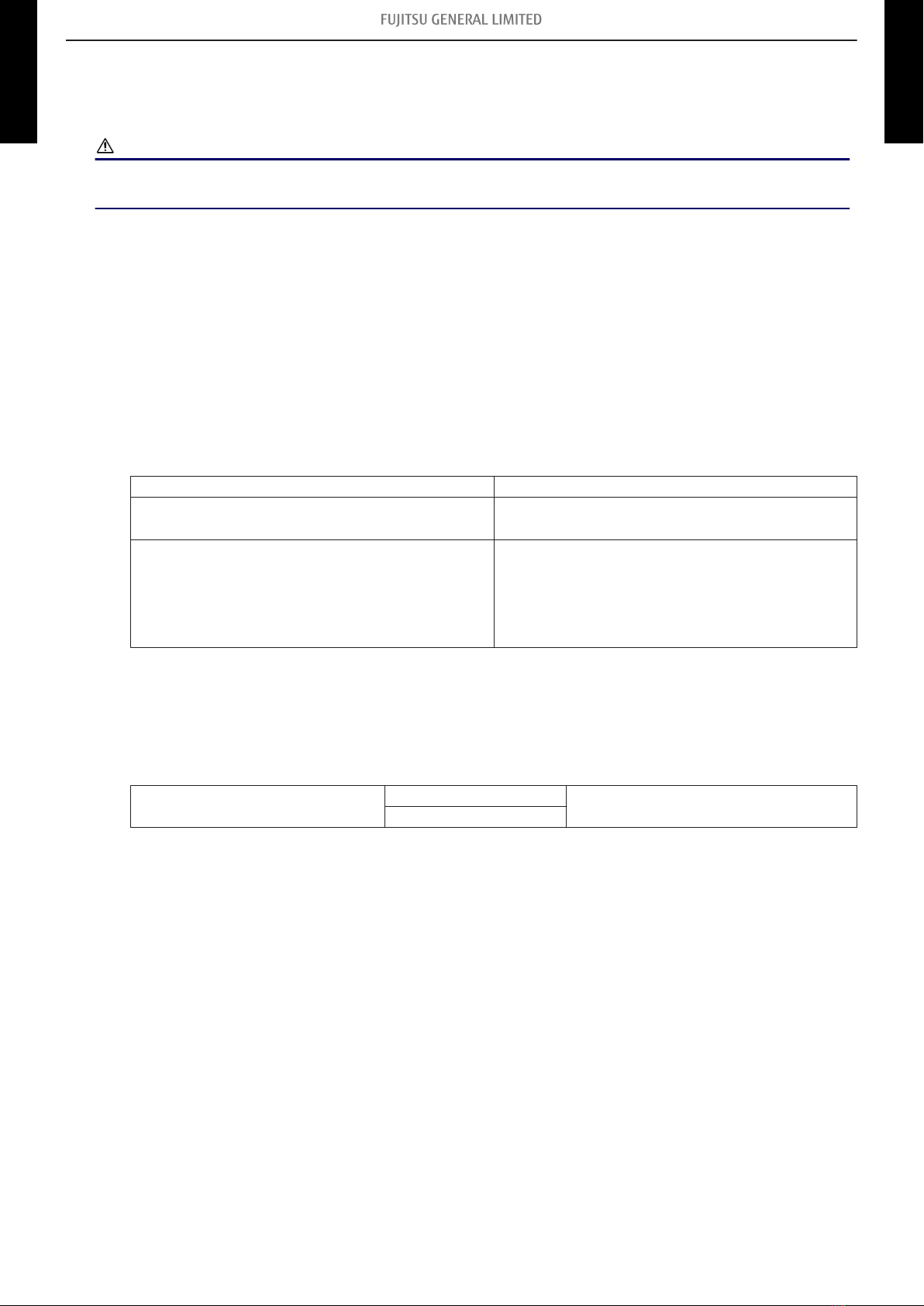
By installing AIRSTAGE Mobile on a smart device, several functions can be controlled from outside
the house.
CAUTION
To prevent personal injury, property damage, or product malfunction, read the setting manual at-
tached with the product carefully, and be sure to comply with the safety and usage precautions.
¢Easy setup by mobile application
Initial setup can be done by using AIRSTAGE Mobile.
Refer to the setting manual attached with the product for information on the initial setup, operat-
ing tips, and troubleshooting.
¢System requirement
•AIRSTAGE Mobile (mobile application)
Before using this application, prepare the following items:
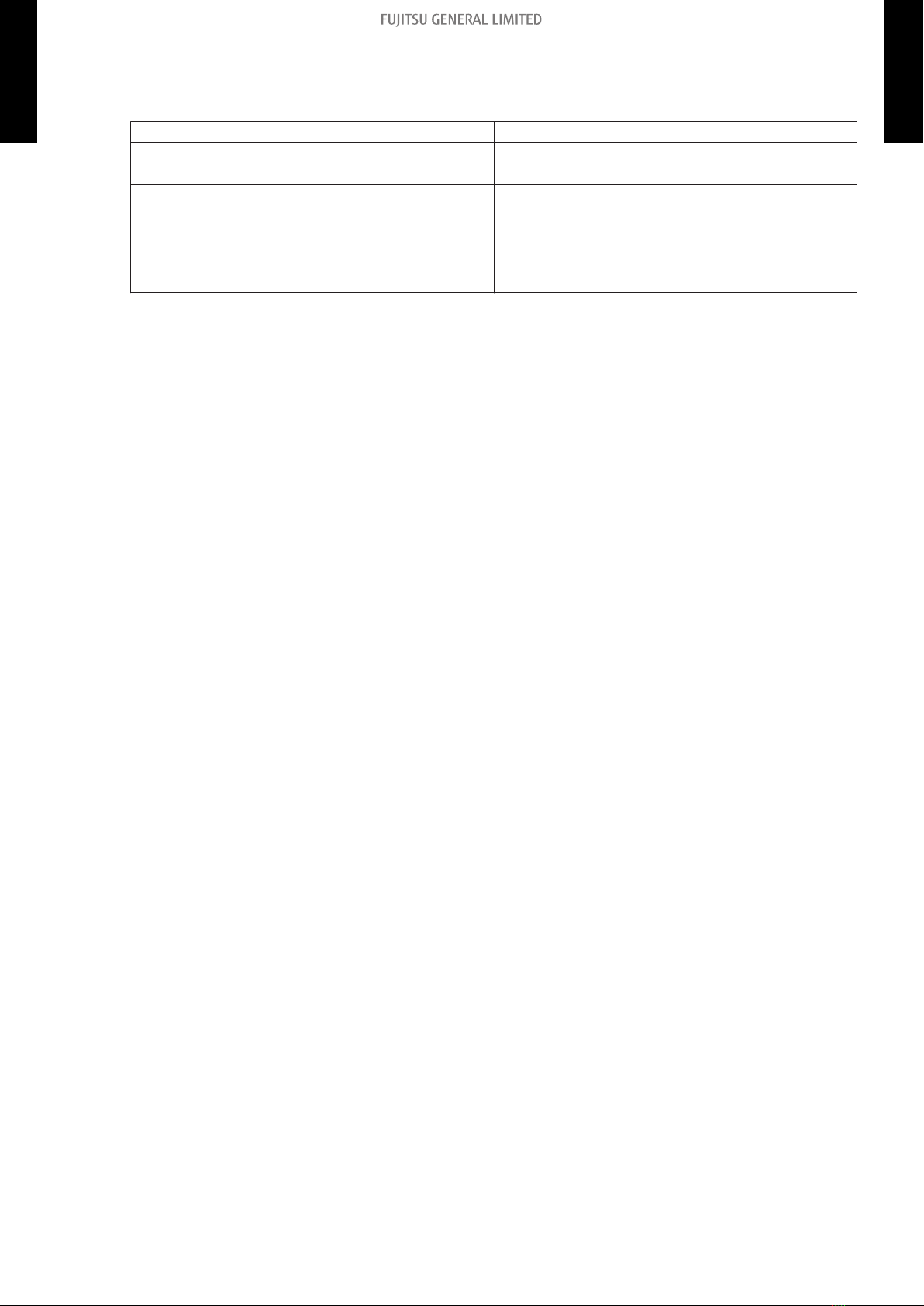
–Wireless router:
Wireless LAN standard IEEE802.11b/g/n
Frequency bands* • U.S.A., Canada: 2.4 GHz (1ch—11ch)
• Other countries: 2.4 GHz (1ch—13ch)
Network security standard
• Open
• WEP
• WPA (PSK)
• WPA2 Personal (PSK)
• WPS for same-LAN registration
*: Usable only in the country or region where you purchased the product.
To check whether your wireless router complies with the network security standards listed
above, refer to the operation manual.
–Smartphone:
App-compliant operating system iOS Check the latest version of supported OS
at Google Play store or App Store.
Android
–User registration:
Mobile app is available on Google Play store or on App Store.
After installation of mobile app, user registration is required. For user registration and setup in-
formation, refer to SETTING MANUAL attached with the product.
- 4 -
2-1. Wireless LAN control 2. Overview
WLAN
ADAPTER
WLAN
ADAPTER