manuals.online logo
Brands
  1. Home
  2. •
  3. Brands
  4. •
  5. Galaxy Audio
  6. •
  7. Speakers
  8. •
  9. Galaxy Audio LA4D User manual

Galaxy Audio LA4D User manual

Other Galaxy Audio Speakers manuals

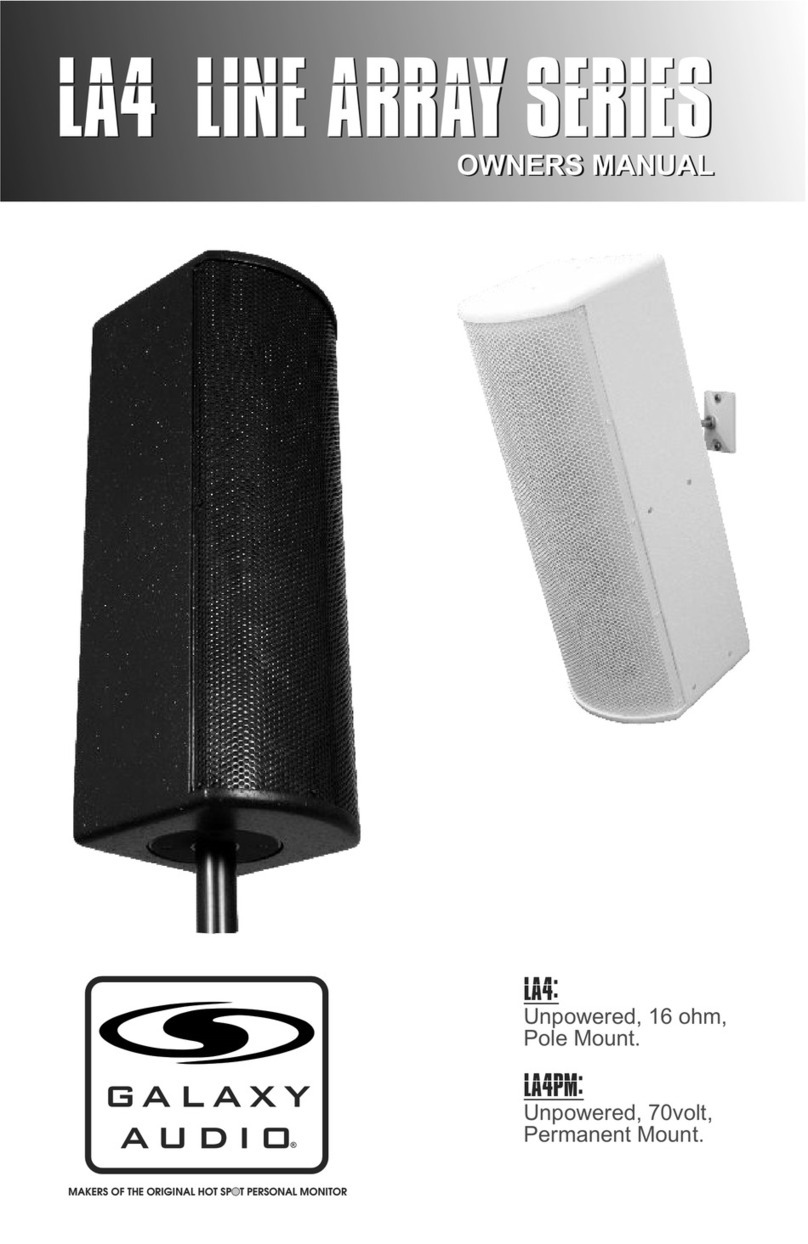
Galaxy Audio LA4 User manual

Galaxy Audio

Galaxy Audio LA4 User manual

Galaxy Audio HS4 User manual

Galaxy Audio

Galaxy Audio HS4 User manual

Galaxy Audio HOT SPOT User manual

Galaxy Audio

Galaxy Audio HOT SPOT User manual

Galaxy Audio Core PA8X140 User manual

Galaxy Audio

Galaxy Audio Core PA8X140 User manual

Galaxy Audio HOT SPOT User manual

Galaxy Audio

Galaxy Audio HOT SPOT User manual

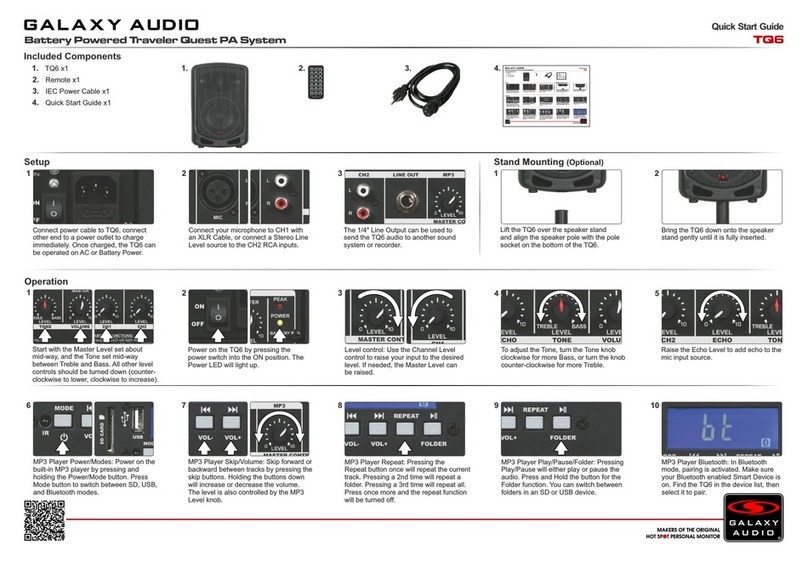
Galaxy Audio TQ6 User manual

Galaxy Audio

Galaxy Audio TQ6 User manual

Galaxy Audio TV10 User manual

Galaxy Audio

Galaxy Audio TV10 User manual

Galaxy Audio HS7 User manual

Galaxy Audio

Galaxy Audio HS7 User manual

Galaxy Audio HS7 User manual

Galaxy Audio

Galaxy Audio HS7 User manual

Galaxy Audio TV10 User manual

Galaxy Audio

Galaxy Audio TV10 User manual

Galaxy Audio PA6BT User manual

Galaxy Audio

Galaxy Audio PA6BT User manual

Galaxy Audio Any Spot Traveler AS-TV8 User manual

Galaxy Audio

Galaxy Audio Any Spot Traveler AS-TV8 User manual

Galaxy Audio AS_TV10 User manual

Galaxy Audio

Galaxy Audio AS_TV10 User manual

Popular Speakers manuals by other brands

Electro-Voice LR4S engineering data

Electro-Voice

Electro-Voice LR4S engineering data

Definitive Technology Sound Cylinder user guide

Definitive Technology

Definitive Technology Sound Cylinder user guide

AudioSource LS545 user manual

AudioSource

AudioSource LS545 user manual

Paso C402-T Instructions for use

Paso

Paso C402-T Instructions for use

Altec Lansing 416-8C LF SPEAKER manual

Altec Lansing

Altec Lansing 416-8C LF SPEAKER manual

Kenwood KFC-1072 Servise manual

Kenwood

Kenwood KFC-1072 Servise manual

Peavey ProSys 112 user guide

Peavey

Peavey ProSys 112 user guide

JBL Control Contractor 60 Series installation instructions

JBL

JBL Control Contractor 60 Series installation instructions

Aura STORM-8 owner's manual

Aura

Aura STORM-8 owner's manual

Oontz ANGLE 3 PLUS quick start guide

Oontz

Oontz ANGLE 3 PLUS quick start guide

Electro-Voice LR4A engineering data

Electro-Voice

Electro-Voice LR4A engineering data

Rave RK-650-ICA-B owner's manual

Rave

Rave RK-650-ICA-B owner's manual

Flux Reference Series installation manual

Flux

Flux Reference Series installation manual

Lanzar AQAWBS64BK installation manual

Lanzar

Lanzar AQAWBS64BK installation manual

DAPAudio DCS-6230 manual

DAPAudio

DAPAudio DCS-6230 manual

Aluratek ABS03F quick start guide

Aluratek

Aluratek ABS03F quick start guide

Kenwood KES-5A instruction manual

Kenwood

Kenwood KES-5A instruction manual

Sonance ORIGINAL SERIES instruction manual

Sonance

Sonance ORIGINAL SERIES instruction manual

manuals.online logo
manuals.online logoBrands
  • About & Mission
  • Contact us
  • Privacy Policy
  • Terms and Conditions

Copyright 2025 Manuals.Online. All Rights Reserved.

GAL A X Y AUDIO Quick Start Guide
Included Components
1. LA4D x1
2. IEC Power Cable x1
3. Quick Start Guide x1
1. 2.
Connect power cable to LA4D, connect
other end to a power outlet.
2
Choose the input needed:
XLR for microphone or line level.
1/4" for balanced/unbalanced line level.
1/8" for stereo from a media player etc.
3
For a microphone, plug the XLR male
end of the cable into the XLR female
connector on the LA4D. If the
microphone is a condenser that requires
phantom, turn on phantom power switch.
4
For line level with an XLR cable, move
the 0,20dB switch to the 20dB PAD
position. Plug the XLR male end of the
cable into the XLR female connector on
the LA4D.
5
For line level with a 1/4" cable, plug into
the 1/4" input that is to the left of the
XLR. This can be a balanced TRS or an
unbalanced TS input.
Setup
1
For a stereo signal from an MP3 player,
attach 1/8" stereo cable into the 1/8"
input, this input will sum left and right.
Stand Mounting
1
With a firm grip, align the LA4D up with
the speaker stand.
2
Carefully bring the LA4D down onto the
speaker stand.
6
2
Level control: turn clockwise to raise the
level. Turn counter-clockwise to lower
the level.
3
Tone controls: To increase the low
frequencies, turn the “Low” tone control
clockwise. To decrease, turn
counter-clockwise.
4
Tone controls: To increase the high
frequencies, turn the “high” tone control
clockwise. To decrease, turn
counter-clockwise.
5
Max. level is reached when the yellow
“Comp” light only flashes at peak levels.
If the light is on constantly, turn the level
control down to avoid damage to the
LA4D.
3.
3
Operation
Insure the input level control is turned
down (fully counter-clockwise) Turn the
power switch on.
1
GAL AX Y AUDIO Quick Start Guide
Included Components
1. LA4D x1
2. IEC Power Cable x1
3. Quick Start Guide x1
1. 2.
Connect power cable to LA4D, connect
other end to a power outlet.
2
Choose the input needed:
XLR for microphone or line level.
1/4" for balanced/unbalanced line level.
1/8" for stereo from a media player etc.
3
For a microphone, plug the XLR male
end of the cable into the XLR female
connector on the LA4D. If the
microphone is a condenser that requires
phantom, turn on phantom power switch.
4
For line level with an XLR cable, move
the 0,20dB switch to the 20dB PAD
position. Plug the XLR male end of the
cable into the XLR female connector on
the LA4D.
5
For line level with a 1/4" cable, plug into
the 1/4" input that is to the left of the
XLR. This can be a balanced TRS or an
unbalanced TS input.
Setup
1
For a stereo signal from an MP3 player,
attach 1/8" stereo cable into the 1/8"
input, this input will sum left and right.
Stand Mounting
1
With a firm grip, align the LA4D up with
the speaker stand.
2
Carefully bring the LA4D down onto the
speaker stand.
6
2
Level control: turn clockwise to raise the
level. Turn counter-clockwise to lower
the level.
3
Tone controls: To increase the low
frequencies, turn the “Low” tone control
clockwise. To decrease, turn
counter-clockwise.
4
Tone controls: To increase the high
frequencies, turn the “high” tone control
clockwise. To decrease, turn
counter-clockwise.
5
Max. level is reached when the yellow
“Comp” light only flashes at peak levels.
If the light is on constantly, turn the level
control down to avoid damage to the
LA4D.
3
Operation
Insure the input level control is turned
down (fully counter-clockwise) Turn the
power switch on.
1
3.

3. Q. Will I get left and right when plugging my MP3 player into the 1/8" jack?
A. Yes. It sums the two together.
Specifications subject to change without notice.
V20151208
601 E. Pawnee Wichita, KS 67211 316. 263.2852 FAX 316.263.0642 www.galaxyaudio.com
Distributed in Canada by Audio Distributors International (ADI) 1275 Newton, unit 6 Boucherville, QC J4B 5H2 Canada
450.449.8177 FAX 450.449.8180
Other Helpful Sources
LA4D
Manual
(PDF Download)
LA4D
Product Page
LA4D
Cutsheet
(PDF Download)
YouTube
How To Video
Quick Start Guide
TM
FAQ
1. Q. My condenser mic does not work.
A. Make sure the Phantom Power switch is on.
2. Q. I’m using the XLR input, but it is distorted and I can barely turn it up before it is too loud.
A. Engage the 20dB PAD.
Printed in USA