LOGIQ 7 Quick Guide Direction 2291859-100 Rev. 1 4
LOGIQ 7 Control Panel Tour
1. Touch Panel. Touch the Touch Panel to adjust
controls.
At the bottom of the Touch Panel, there are five
combination rotary dials/push buttons. The
functionality of these keys changes, depending
upon the currently displayed menu. Press the
button to switch between controls (as with
Focus Position/Number), or rotate the dial to
adjust the value.
2. Touch Panel Brightness. Rotate to adjust.
3. Video. Press to control the VCR.
4. Audio Volume. Press to turn microphone on/off;
rotate to adjust speaker volume.
5. TGC. Move slide pots left/right to adjust TGC.
6. Reverse. Press to invert the image left/right.
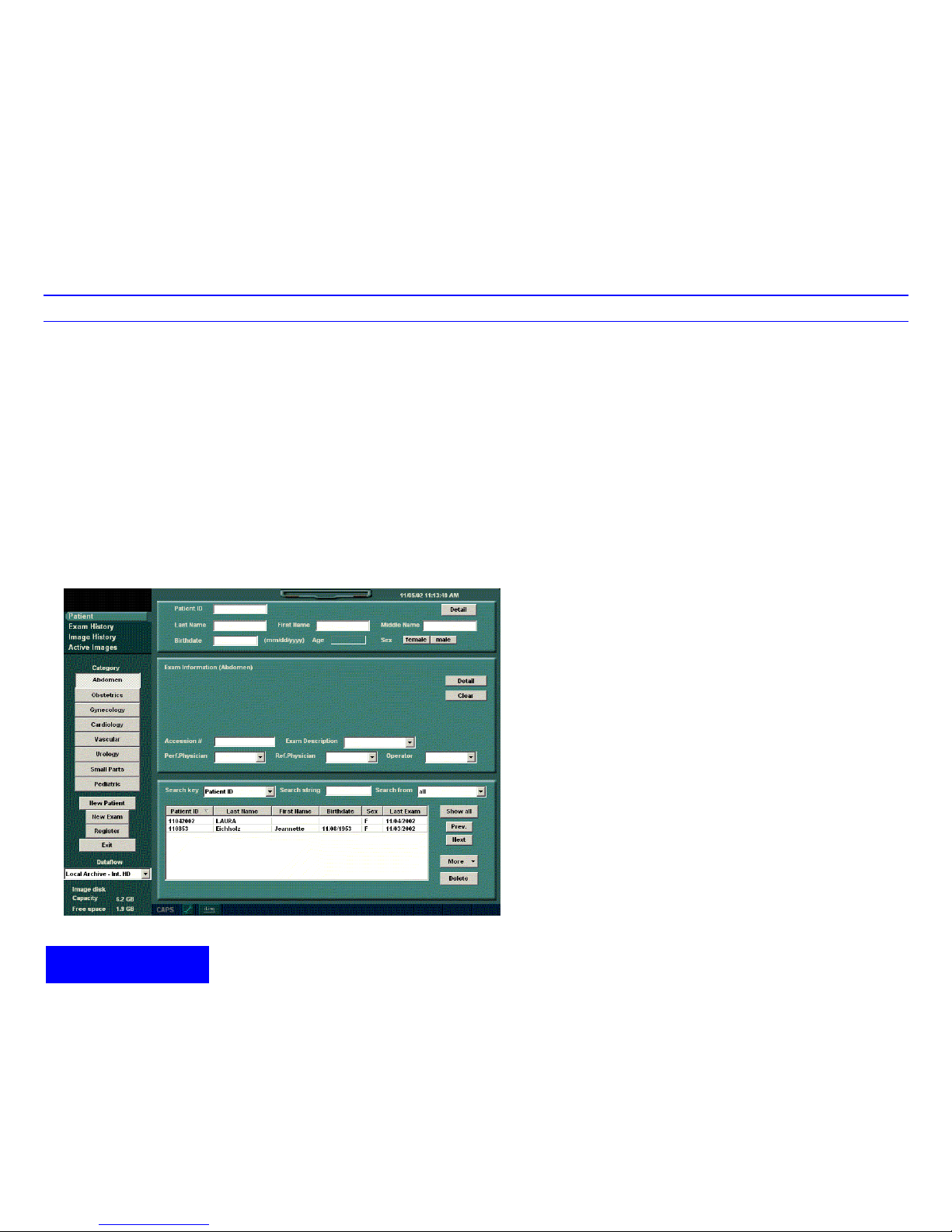
7. Additional Feature Keys. Patient, LOGIQView,
3D, Contrast, Harmonics. Press to activate
these controls.
8. Keyboard. Use the keyboard to enter patient
information and annotations.
9. Mode/Gain Keys: M Mode, Pulsed Wave
Doppler (PW) Modes, Power Doppler Imaging
(PDI) Mode, Color Flow (CF) Mode, B Mode,
and B Flow. Press these key to activate the
mode; rotate the key to adjust the Gain.
10. Imaging/Measurement Keys: Clear, Comment,
Body Pattern, Ellipse, Measure, Zoom, M/D
Cursor, Scan Area, Set. Press or rotate these
keys, as necessary.
11. Depth. Rotate to adjust the Depth.
12. Imaging Feature Keys: Auto Optimize On/Off, B
Pause, Multi Image Left/Right Select. Press
these keys to activate/deactivate these
functions.
13. Freeze and Print Keys. Press Freeze to
freeze the image; press the Pkeys to archive,
print, or send the image.
14. Probe Holder.
15. Gel Holder.
2
14
4
8
3
15
15
14
7
10 912
13
11
6
15