Geemarc CLA-30 User manual

IN-LINE AMPLIFIER
CLA-30/40CLA-30/40
CLA-30/40CLA-30/40
CLA-30/40
CAUTION:THIS PRODUCT IS SPECIFICALLY DESIGNED FOR PEOPLE WITH
HEARING DIFFICULTIES. IT HAS VOLUME AND TONE CONTROLS AND WHEN
ATTACHED TO YOUR TELEPHONE IT WILL ALLOW YOU TO ADJSUST YOUR
TELEPHONE ACCORDING TO YOUR INDIVIDUAL REQUIREMENTS. DUE CARE
MUST BETAKEN BY ALLUSERS TO ENSURETHATTHE VOLUME CONTROL IS
SET TO ACOMFORTABLE LEVEL FOR EACH USER. CARE SHOULD BE TAKEN
EXERCISED TO ENSURE THAT ANY NEW USERS ARE FAMILIAR WITH THIS
REQUIREMENT.
ATTENTION: CE PRODUIT EST DESTINE AUX PERSONNES AYANT DES
PROBLEMES D’AUDITION. IL POSSEDE UN REGLAGE DE VOLUME ET DE
TONALITE. A LA PREMIEREUTILISATION, ASSUREZ VOUSQUELEBOUTONDE
REGLAGEDUVOLUMESOITPOSITIONNESURLAPOSITIONVOLUMEMINIMUM.
LES PERSONNES MALENTENDANTES POURRONT PAR LASUITEAUGMENTER
LE VOLUME POUR L’ADAPTER A LEUR AUDITION.
User guide index p.2
Sommaire de la notice d’utilisation p.3
F
GB

DESCRIPTION CLA-30/40 4
INSTALLATION 8
SETTINGS 9
Volume control 9
Tone control 9
Boost switch (CLA-40 only) 9
Battery LED 9
TROUBLE SHOOTING 10
GUARANTEE 11
WALL MOUNT TEMPLATE 16
INDEX
For product support and help
visit our website at www.geemarc.com
telephone 01707 384438
or fax 01707 372529
GB
2

SOMMAIRE
DESCRIPTION CLA-30/40 4
INSTALLATION 12
REGLAGES 13
Contrôle du volume 13
Contrôle de la tonalité 13
Bouton d’amplification (CLA-40 seulement) 13
LED pile 13
PROBLEMES DE FONCTIONNEMENT 14
GARANTIE 15
GABARIT DE MONTAGE MURAL 16
TEL. SERVICE APRES VENTE :
03 28 58 75 99
Pour tout renseignement technique ou toute autre
commande visitez notre site web sur www.geemarc.com
Parc de l’Etoile
2, rue Galilée
59760 Grande Synthe
F
3

DESCRIPTION CLA-30/40
Volume control
Contrôle du volume
Battery LED
LED pile
Tone control
Contrôle de la tonalité
TOP
DESSUS
4
Boost switch button
Bouton d’amplification
CLA-40 ONLY
CLA-40 SEULEMENT

DESCRIPTION CLA-30/40
Battery compartment
Compartiment pile
Wall mount holes
Trous de montage
mural
BOTTOM
DESSOUS
5
12 Position rotary switch to match the connections in your handset
Commutateur 12 positions pour adaptation des connections du combiné

DESCRIPTION
6
REAR
FACE ARRIERE
(*) Input socket connection (1)
(*) Prise de connection d’entrée(1)
(*) Classified TNV-3 according to EN60950 standard.
Classée TNT-3 selon la norme EN60950

DESCRIPTION
7
FRONT
FACE AVANT
(*) Classified TNV-3 according to EN60950 standard.
Classée TNT-3 selon la norme EN60950
(*) Output socket connection (2)
(*) Prise de connection de sortie (2)

INSTALLATION
8
1 - HOW TO SET THE BATTERY
The CLA-30/40 amplifier needs with a 9V PP3 battery (not provided).
To insert the battery into the amplifier:
- Open the battery compartment located on the base by pressing the small
plastic lock.
- Insert the 9V battery with the correct polarity into the connector in the battery
compartment.
- Replace the battery cover.
- The amplifier is now ready to be connected to the phone.
2 - HOW TO CONNECT THE CLA-30/40 TO THE PHONE
To connect your phone to the CLA-30/40 amplifier:
- Unplug the handset from your telephone base socket.
- Connect the small lead supplied with the CLA-30/40 to the telephone base
socket and to the inputsocket (1) located at the top of yourCLA-30/40 .
- Connect your handset curly cord to the output socket (2) located at the front
of your CLA-30/40.
- After a few seconds the battery LED will light.
IMPORTANT:
If you don’t have dial tone, you will have to use the twelve position switch
located on the bottom.This switch is used to match the CLA-30/40 to the
connections in your handset because not all telephone handset sockets have
the same wiring. If you cannot hear the dial tone or the microphone does not
work properly, follow the instructions below:
1. Replace the handset on the cradle and off hook again.
2.Turn the rotary switch position until get the dial tone in the earpiece.
3. To test that the microphone is connected correctly, blow lightly into the

SETTINGS
9
mouthpiece. If you hear the ‘blowing sound’ in the earpiece, your CLA-30/40
is now set. If you cannot hear the ‘blowing sound’, repeat 2. and 3. until both
the earpiece and microphone are working correctly.
Note 1: The rotary switch is factory set in the most of common wiring position
so always try this first before turning the switch.
Note 2: The rotary switch has deliberately been made rather stiff to avoid
misoperation or accidental chage of setting. We apologise if you find this
inconvenient but after first set-up, the switch will not be to turned again unless
you change your phone.
Note 3: The CLA-30/40 cannot be used with one-piece telephones which have
a keypad on the handset.
CLA-30/40 is now ready to use.
3 - VOLUME CONTROL
You can adjust the volume control level by using the “VOLUME” control slide
switch located on the top. Volume can be adjusted from the standard level of
your phone up to 30 dB or more.
4 - TONE CONTROL
You can adjust the tone by using the 5 position “TONE” switch located on the
top.The tone can be adjusted in 5 dB step from the 0dB mid point to the Hi or
LO positions shown according to your individual requirements .
5 - BOOST SWITCH (CLA-40 ONLY)
If you wish you can increase the receiving up to 10 dB more by pressing and
holding the Boost switch button. During this operation the microphone is muted
to avoid feedback problems. To speak release the button so that other party can
hear you.

TROUBLE SHOOTING
10
6-BATTERY INDICATOR
The battery LED indicator should illuminate every time you use your CLA-30/
40. If the LED start to fade or does not light when your CLA-30/40 is in use, you
should change the battery to ensure optimum sound quality and performance.
IMPORTANT: Always disconnect CLA-30/40 from the phone before replacing
the battery.
IF THE AMPLIFIER DOES NOT WORK
- Make sure all connections are plugged into the correct sockets (phone line
cord, amplifier connections) and try other position on the rotary switch.
- Make sure battery is correctly inserted and is fully charged.
If you still have a problem when using your amplifier follow the instructions
below:
- Disconnect the amplifier from the telephone.
- Connect the handset to the telephone.
- If the problem ceases, the amplifier may be faultyor your telephone socket
wiring may not be compatible with the CLA-30/40. Call our HELPLINE for
advice.
- If you have a problem after disconnecting the amplifier, the problem may come
from your telephone or your telephone line socket.
In this case you will have to inform your telephone company about the problem
or take your telephone to a repair centre.
IMPORTANT: The CLA-30/40 can not be used with telephones which include
a keypad on the handset. The CLA-30/40 can only be used with standard
phones without any amplification or tone adjustment.
This manual suits for next models
1
Table of contents
Languages:
Other Geemarc Amplifier manuals
Geemarc
Geemarc CL7300v2 User manual
Geemarc
Geemarc AMPLICALL 10 User manual
Geemarc
Geemarc Loop Hear LH600 User manual
Geemarc
Geemarc CLA-40 VOX User manual

Geemarc
Geemarc clearsound amplicall 20 User manual
Geemarc
Geemarc In-Line Amplifier CLA30/40 User manual

Geemarc
Geemarc LoopHEAR 102 V2 User manual
Geemarc
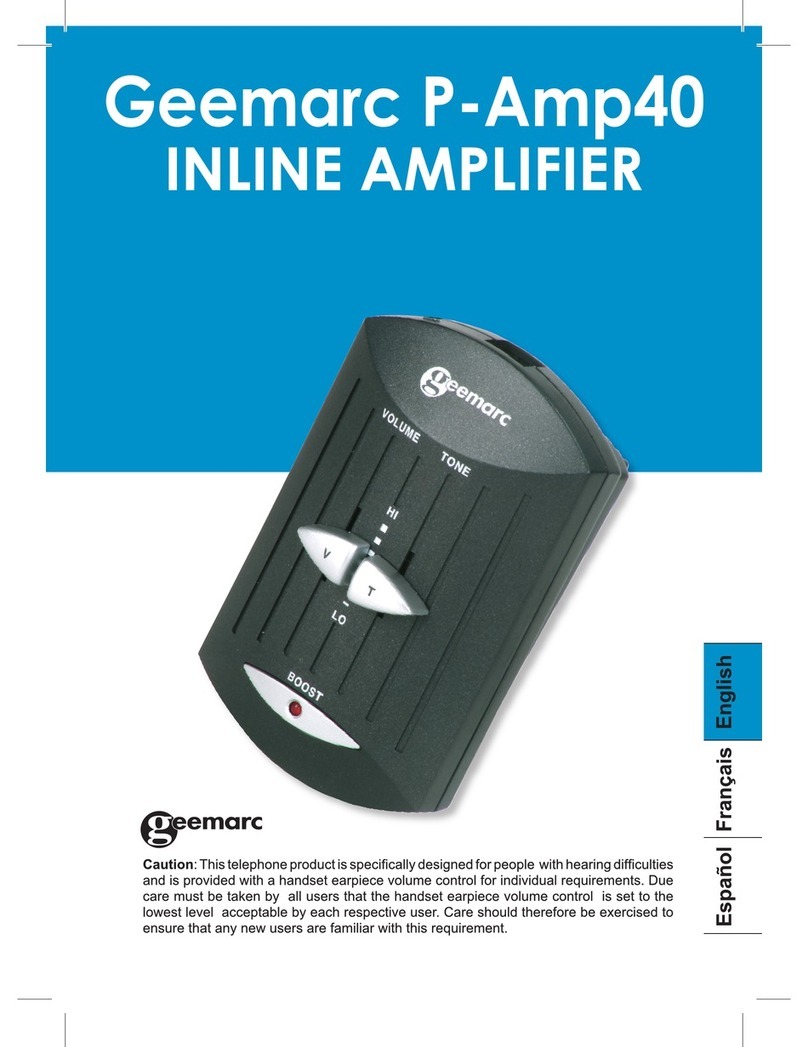
Geemarc P-Amp40 User manual

Geemarc
Geemarc AMPLICALL10 User manual
Geemarc
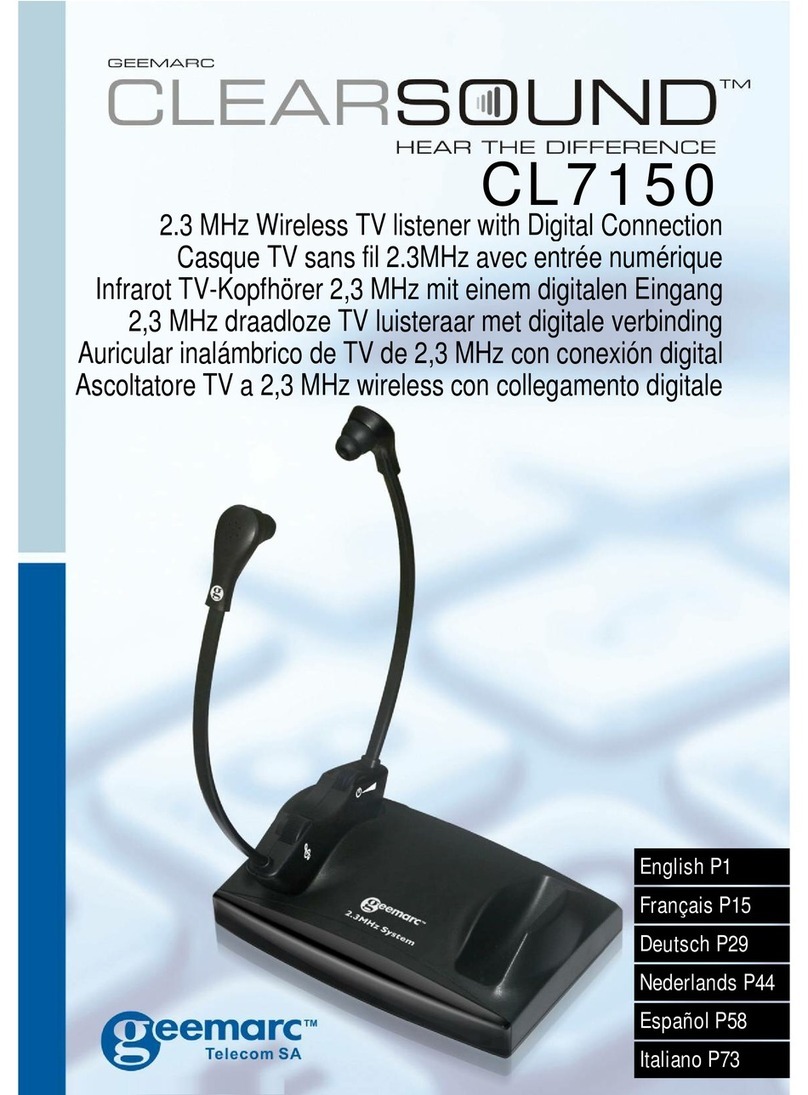
Geemarc ClearSound CL7150 User manual