BATTERY
PANEL
GV-4
Installation & System Connections:
MOUNTING
Mount the controller near your battery securely using the holes provided on the enclosure’s
flanges or with a means appropriate to the application.
• Mount near battery.
• The GV-4 can be mounted in any orientation.
• Do not expose to water.
• Do not mount in direct sunlight or near a source of heat.
• Allow adequate airflow around the controller to achieve maximum output capability.
• For outdoor use, the controller must be housed in an enclosure providing protection
at least equivalent to NEMA Type 3.
r
e
CONNECTING THE SOLAR PANEL
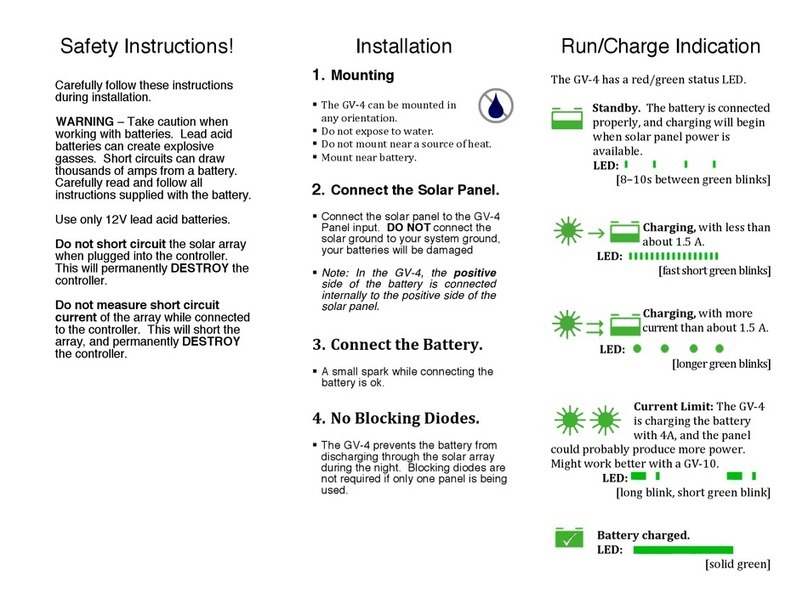
Connect the solar panel to the +PANEL and –PANEL terminals.
• In most applications, the panel should be connected only to the GV-4.
• Never connect the panel negative to the battery negative, as your batteries
may be damaged. In the GV-4, the positive side of the battery is connected
internally to the positive side of the solar panel.
• Do not use blocking diodes for single-panel installations. The GV-4 prevents
reverse-current flow.
• If multiple panels are being used in parallel, blocking diodes are recommended
in series with each panel, unless the panel manufacturer recommends
otherwise.
• Solar panel voltage rises in cold weather. Check that the solar panel open
circuit voltage (Voc) will remain below the maximum input voltage of the GV-4
at the coldest possible expected temperature.
• Connections should be made according to Article 690 of the National
Electrical Code (NFPA 70) or the standards in force at the installation location.
• Electrical connections may be made in any order; however the sequence
below is recommended.
CONNECTING THE BATTERY
Connect the battery to the +BATT and –BATT terminals.
• A small spark while connecting the battery is ok.
• Any loads should be connected directly to the battery. The GV-4 does not
provide protection against over-discharge.
t
Note: Make sure to inspect the controller at least once
per year to ensure proper performance. Please see the
Inspection & Maintenance section in this guide.
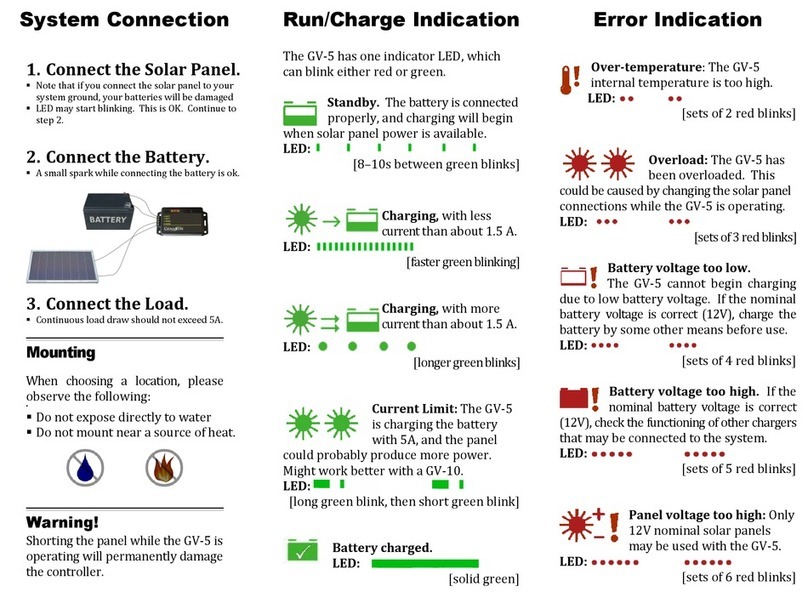
The GV-4 has a
MULTICOLOR LED.
Learn about this indicator
on the following page.