6 GK330 Owner’s manual
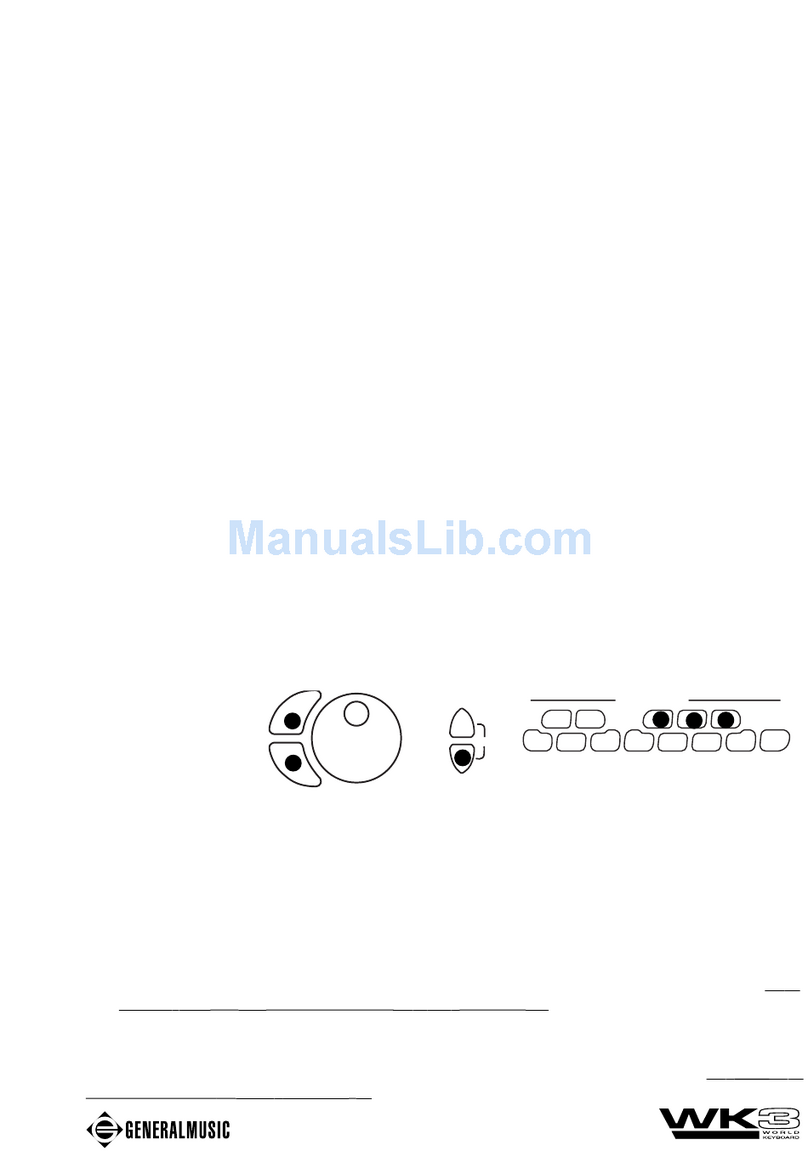
INCREASE VOLUME
DECREASE VOLUME
ThePerformances
So far, you have learnt how to select single and combined Voices in Normal, Dual
and Split modes using several panel interventions. If, every time you want to create
a preferred sound combination, you have to take several steps to arrive at your goal,
you would ask yourself if there wasn’t a quicker way of selecting what you want. The
answer lies in the PERFORMANCES which offer a quick and simple method of
recalling a panel situation at the touch of a single button.
APERFORMANCE is simply acombinationofvoices andotherpanelsettings (Voices,
Track Volumes, Effect type and level, Style, Variation, Chord Recognition mode,
Split Point, etc.). The GK330 contains six Performances which recall factory-set
panel configurations, but you can also memorize your own Íèmbinations using the
STORE PERFORMANCE feature.
SelectingthePerformances
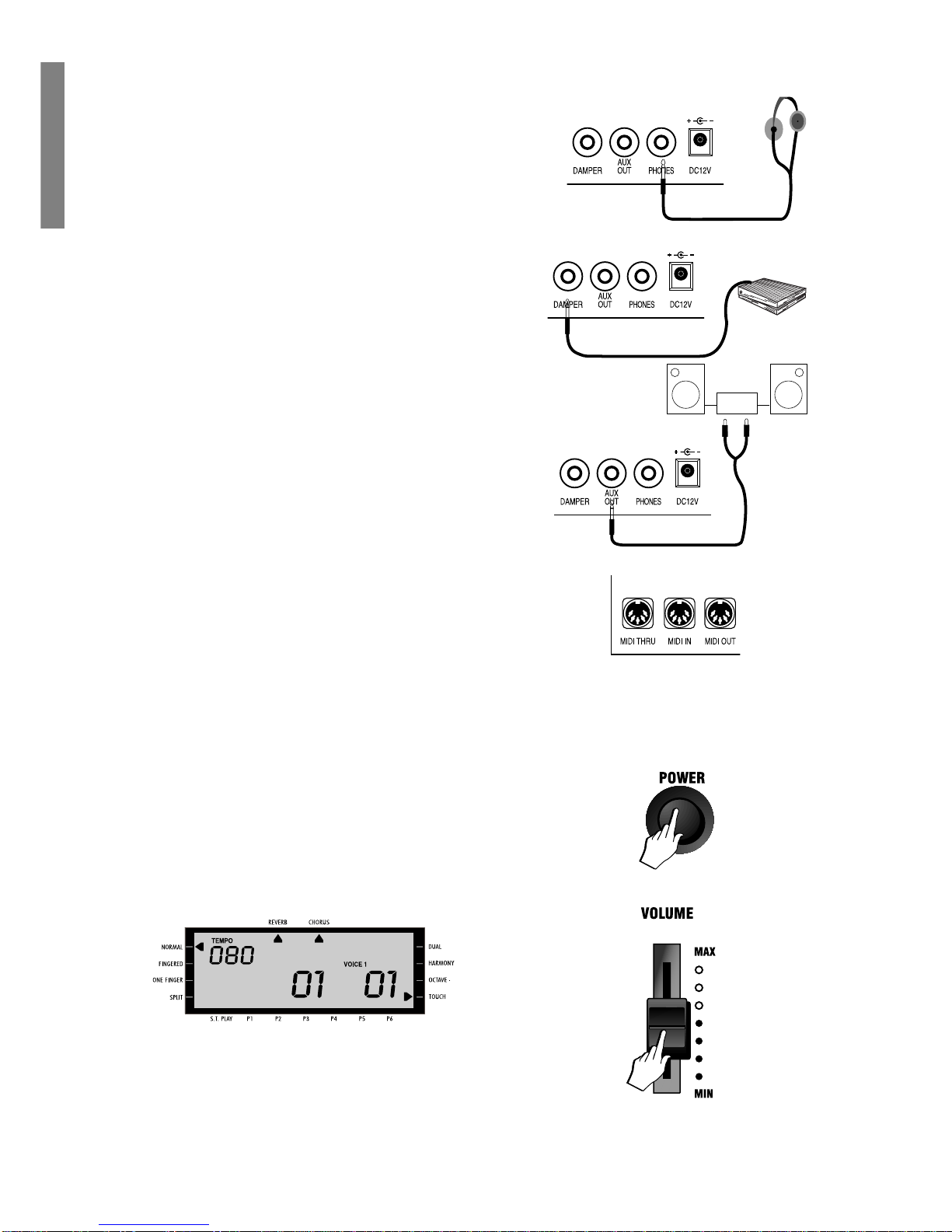
1. Take a quick look at the display, then press one of PERFORMANCE buttons (P1
- P6); for example, press the [P1] button.
The display shows the situation recalled by the Performance.
If you were playing in NORMAL mode, after selecting the Performance you will
find that the keyboard will be split and the mode will have changed to either
Fingered, or One Finger, to enable the Styles. You will also see a change of
Style number. For more information about how to recall Styles by selecting the
Performances, refer to the section entitled “The Styles” on page 9).
2. Repeat theselectionsfor allthe other Performancebuttons, observethe changes
in the display and play on the keyboard to listen to the change of voices.
BalancingtheLowerandUpper sections
If you are playing in Normal mode with Voices on a Split keyboard, you may at some
stage want to adjust the volume of one section with respect to the other. Using the
[MIXER] Volume controls, you will be able to balance your Upper and Lower voices
to the levels required very easily.
The MIXER consists of 5 twin buttons organized in two rows. The top row of buttons
are [INCREASE VOLUME] controls while the bottom row are [DECREASE VOL-
UME] controls. When you are playing with voices only, voice balancing tasks re-
quire the use of the [UPPER] and [LOWER] controls only. The other three controls,
(Drums, Bass and Accomp), are explained under Styles on page 11.
To increasethe volumeof, the Uppersection, forexample, pressthetop [INCREASE
VOLUME] button and hold it down until you reach the Volume required. The display
shows the Volume level of the Upper section.
To decrease the volume, press the bottom [DECREASE VOLUME] control.
If the Upper section is playing with the DUAL effect, the [UPPER MIXER] controls
adjust both voices at the same time.