7
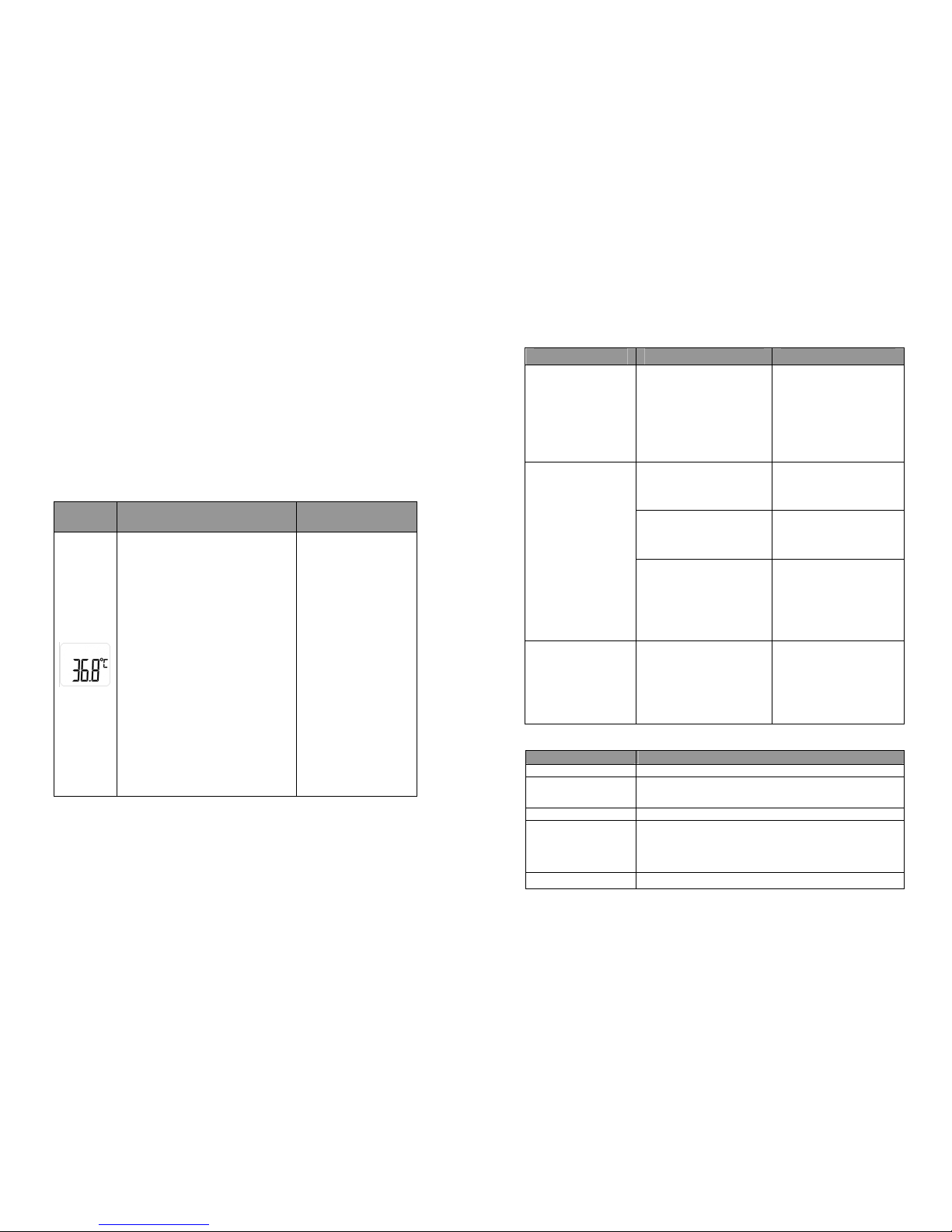
The LCD will only display “- - -”, ℃/℉
and the M symbol twinkling if there is
no test data.
silence
/ conversion℃ ℉
LCD
display Operational steps Sound and backlight
While the thermometer is off, click and
hold the EAR button for 6-9 seconds
or until the “- - -°C or - - -°F” symbol is
blinking on screen. Click the EAR
button again within 5 seconds to
change the temperature unit to either °
C or °F.
silence
Error message
It will display “Er1” when the ambient
temperature exceeds 40.0℃/104℉or
drops below 10.0℃/50.0℉.
3 short beeps and red
backlight display for 3
seconds.
It will display “ErC” if there is
Memory Error. Please contact your
supplier.
3 short beeps and red
backlight display for 3
seconds.
There will be a low-voltage sign (no
twinkling) when the battery voltage is
below 2.61V±2%. Please replace the
battery.
silence
Power Off Mode
In any mode, if there is no operation for 10 seconds, it will turn off automatically.
Attention:
●Electromagnetic interference: GM-400EF contains sensitive electronic
component and shall not be used under a condition with
electromagnetic interference (such as a place nearby mobile phones
and microwaves).
●Please dispose used products and batteries in accordance with local
regulation requirements.
8
●Please take out the battery if the device is not used for a long time.
7.Cleaning and Disinfection
Cleaning
1) Clean the temperature probe with a
soft cloth. Clean the lens of the
temperature probe with a cotton
swab.
2) Wipe the thermometer body with a
slightly damp soft cloth, and gently
dry the body with a piece of tissue
paper.
Keep water off the lens during the
cleaning process. Otherwise, the lens
may be damaged.
The lens may be scratched if it is cleaned with a piece of tissue
paper, resulting in inaccurate readings.
Do not clean the thermometer with corrosive cleansers. During the
cleaning process, do not touch the lens using hard objects, immerse any
part of the thermometer into liquid, or allow liquid to enter the
thermometer.
Disinfection
1) Disinfect the thermometer body and the area around the
temperature probe with a cloth slightly moistened with 75% medical
alcohol.
Do not use hot steam or ultraviolet radiation for disinfection.
Otherwise, the thermometer may be damaged or quickly aged.
8. Maintenance
1) After each use, clean the temperature probe as described in
"Cleaning and Disinfection".
2) Store the thermometer in a dry, dust-free, and well-ventilated place.
Ensure that the thermometer is not exposed to sunlight. Ensure that
the storage and transportation environments meet the requirements