manuals.online logo
Brands
  1. Home
  2. •
  3. Brands
  4. •
  5. Genie
  6. •
  7. Protection Device
  8. •
  9. Genie GCB01HD User manual

Genie GCB01HD User manual

Popular Protection Device manuals by other brands

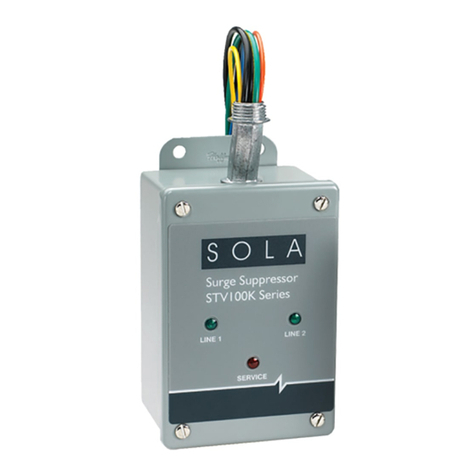
Sola HD STV100K Series instruction manual

Sola HD

Sola HD STV100K Series instruction manual

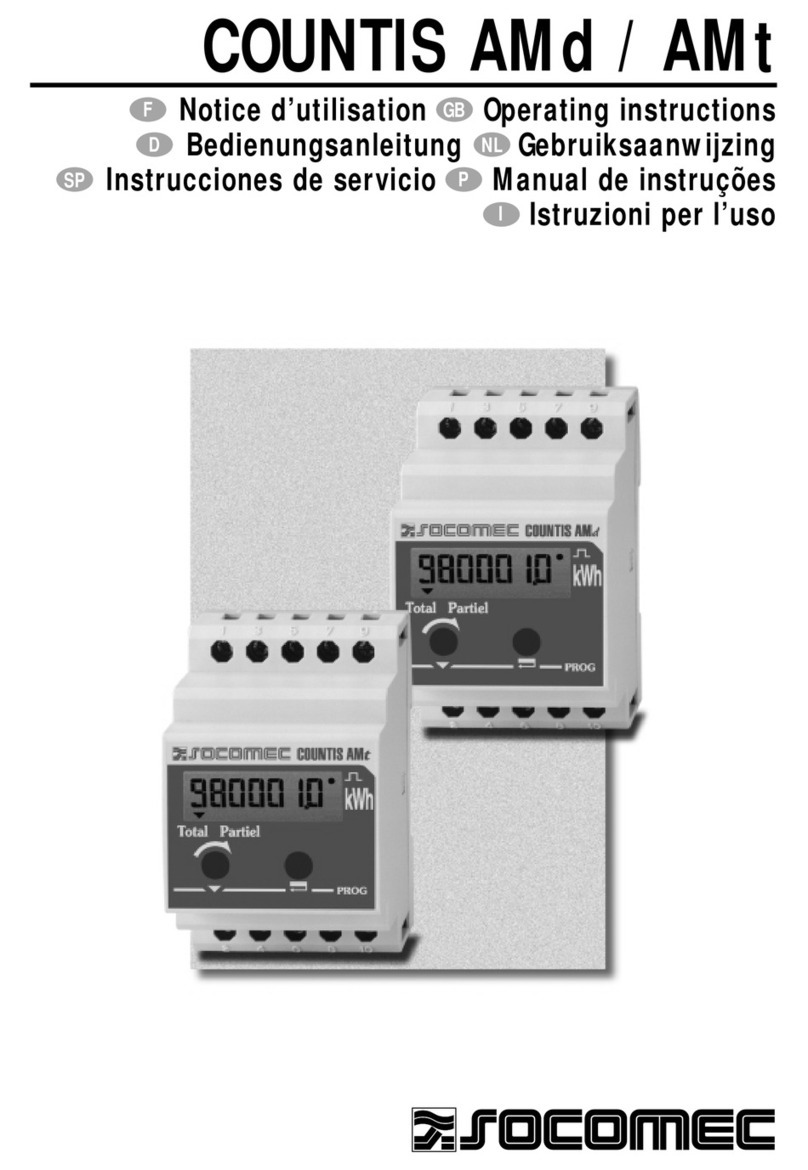
socomec COUNTIS AMd operating instructions

socomec

socomec COUNTIS AMd operating instructions

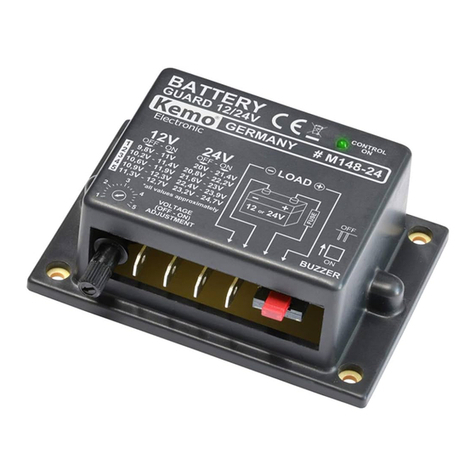
Kemo Electronic M148-24 instructions

Kemo Electronic

Kemo Electronic M148-24 instructions

SK ClickClick user manual

SK

SK ClickClick user manual

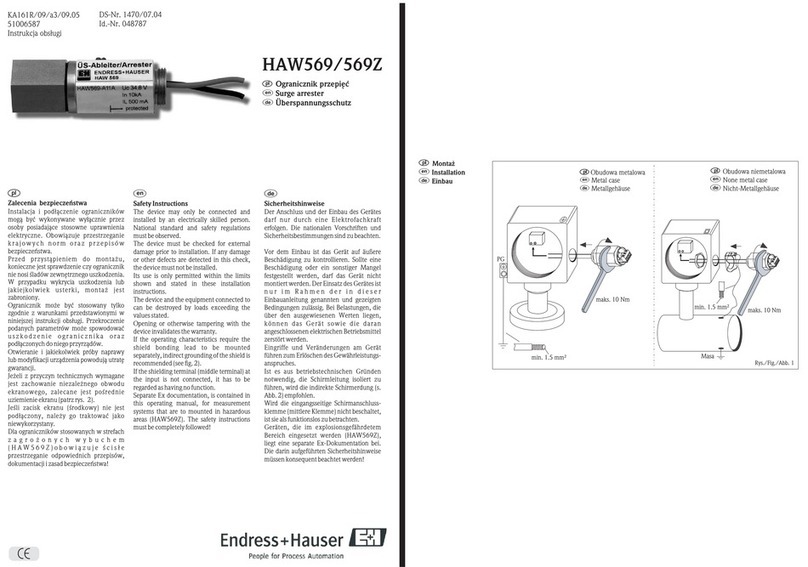
Endress+Hauser HAW569 quick start guide

Endress+Hauser

Endress+Hauser HAW569 quick start guide

Ultrasonic SonicPRO installation manual

Ultrasonic

Ultrasonic SonicPRO installation manual

nxt BIA-nXt-DPC 1-22 Installation and operation manual

nxt

nxt BIA-nXt-DPC 1-22 Installation and operation manual

TFortis SG-Switch operating manual

TFortis

TFortis SG-Switch operating manual

BERNINI DESIGN Be172 instruction manual

BERNINI DESIGN

BERNINI DESIGN Be172 instruction manual

Rayleigh Instruments RI-ENERGYSET-3P-ESS-50-100 manual

Rayleigh Instruments

Rayleigh Instruments RI-ENERGYSET-3P-ESS-50-100 manual

E.K.T. ke-DP01 quick start guide

E.K.T.

E.K.T. ke-DP01 quick start guide

Siemens SIPROTEC 7SD80 manual

Siemens

Siemens SIPROTEC 7SD80 manual

cias MICRO-RAY installation manual

cias

cias MICRO-RAY installation manual

Sungrow PVS-16MH user manual

Sungrow

Sungrow PVS-16MH user manual

Reer 32010 instruction manual

Reer

Reer 32010 instruction manual

Tyco ESFR-17 quick start guide

Tyco

Tyco ESFR-17 quick start guide

Ross Opengear SRA-8901-R user guide

Ross

Ross Opengear SRA-8901-R user guide

GE Multilin 850 instruction manual

GE

GE Multilin 850 instruction manual

manuals.online logo
manuals.online logoBrands
  • About & Mission
  • Contact us
  • Privacy Policy
  • Terms and Conditions

Copyright 2025 Manuals.Online. All Rights Reserved.

Quick Start Guide
Please read these instructions carefully before operating the unit
and keep for further reference. All the examples and pictures used
here are for reference only. The contents of this manual are subject
to change without notice.
HD Ground Loop Isolator -
BNC Male to BNC Female
GCB01HD
Quick Start Guide HD Ground Loop Isolator - BNC Male to BNC Female
2
The Genie GCB01HD is a passive ground loop isolator for AHD, HDCVI, HDTVI and
Analogue Video signal over coaxial cable. The device helps to combat interference
issues caused by different ground potential during the signal transmission, which
improves the video anti-interference capability and effectively eliminates tearing
and scrolling pictures.
Features
• Passive, no power required
• Eliminate video distortion caused by ground loops circuit
• Eliminate issues as image tearing, cross-talk, rolling etc.
• Built-in 800v insulated voltage
• Fully compatible with HDCVI, HDTVI, AHD, Analogue video signals
• Excellent anti-interference capability, superior lighting-protection, ESD and EFT
capability
Specifications
Board Diagram
BNC Female
(Input)
BNC Male
(Output)
Function
Insertion Loss 0.5dB
Frequency Response 5Hz-70MHz
Input Impedance 75
Output Impedance 75
Isolation Voltage 800V (Minimum)
Isolation Resistance 100M 
Protection
Surge Protection Level 3 Per IEC61000–4–5
ESD Protection Contact Discharge: 6KV,
Air Discharge: 8KV, Per IEC61000–4–2
Others
Operation Temperature -10°C ~ 55°C
Storage Temperature -40°C ~ 85°C
Humidity 0~95% (Non-Condensing)
Dimensions 41 × 24.5 × 21.6 mm
Weight 51g

Quick Start Guide HD Ground Loop Isolator - BNC Male to BNC Female
3
Installation Steps
Please check the following items before installation.
If anything is missing, please contact dealer.
• GCB01HD
• User Manual
Please follow the steps as below:
1. Turn off the power supply of all the related devices before the installation, or
the device would be damaged;
2. Check if the coaxial cable and other transmission lines are occupied by other
devices.
3. Connect the BNC-M of the device to the NVR.
4. Connect the BNC-F of the device to the CCTV camera by coaxial cable.
5. Check if the installation is correct and device is good, make sure all the
connection is reliable, power on the system.
6. Make sure the network system can work regularly.
Troubleshoot
Please find the following solution when the device doesn’t work:
• Please make sure you have followed the instruction to install the device.
• The transmission distance depends on the signal source and cable quality,
please do not exceed the maximum transmission distance.
• Please replace a failure device with a proper one to check if the device is
damaged.
• If the problem still exists, please contact your distributor.
Application
Note:
Please use RG59 or above coaxial
cable or Cat5e/6 cable to reach
the longest transmission
distance.
Monitor
NVR
GCB01HD
Coaxial Cable
Camera
Sales +44(0)1707 330541
Enquiries [email protected]o.uk
Website www.genieproducts.co.uk