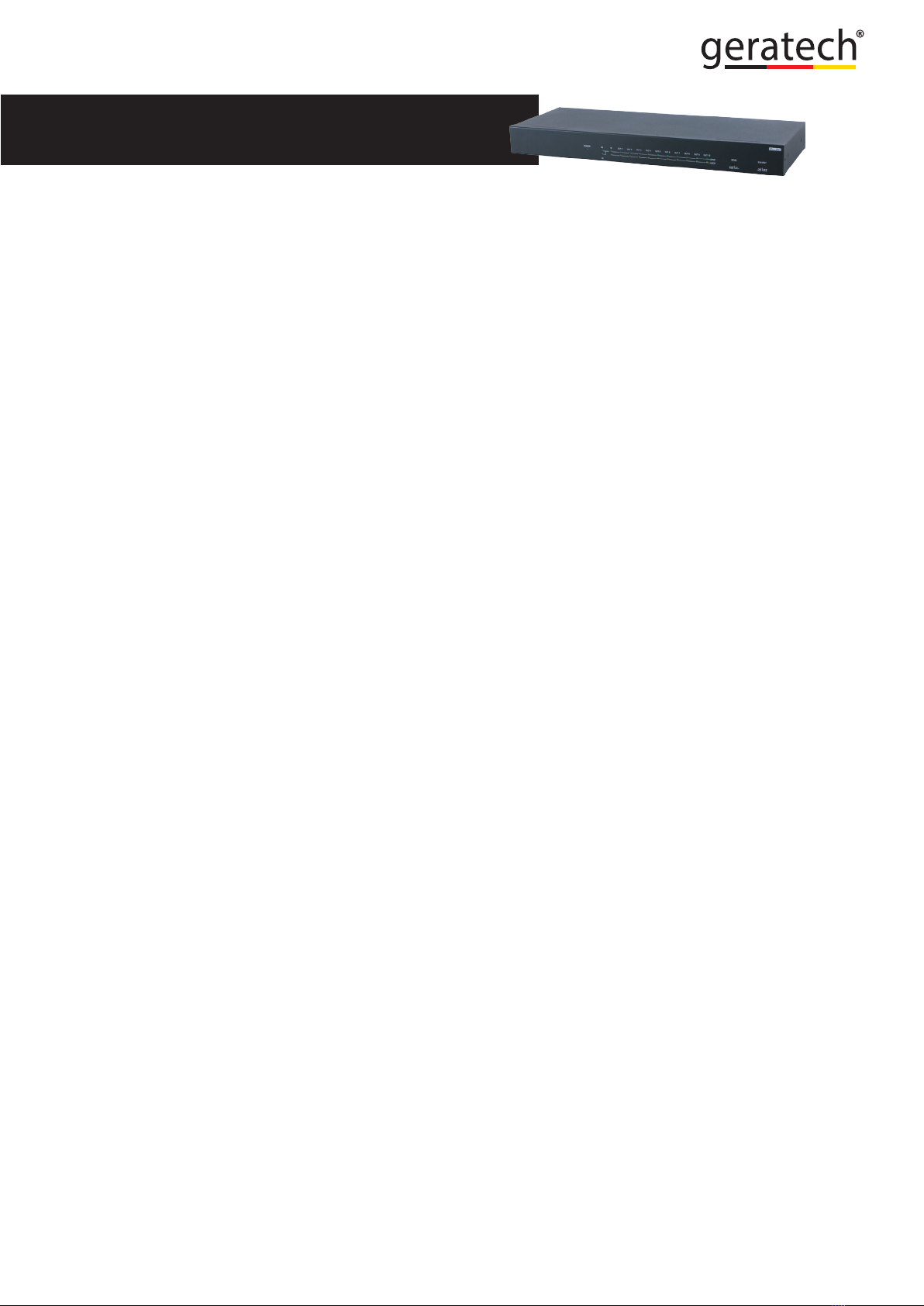
EGE-6UHD-1410
1×10 HDMI 4K UHD Splitter with 6G Capability
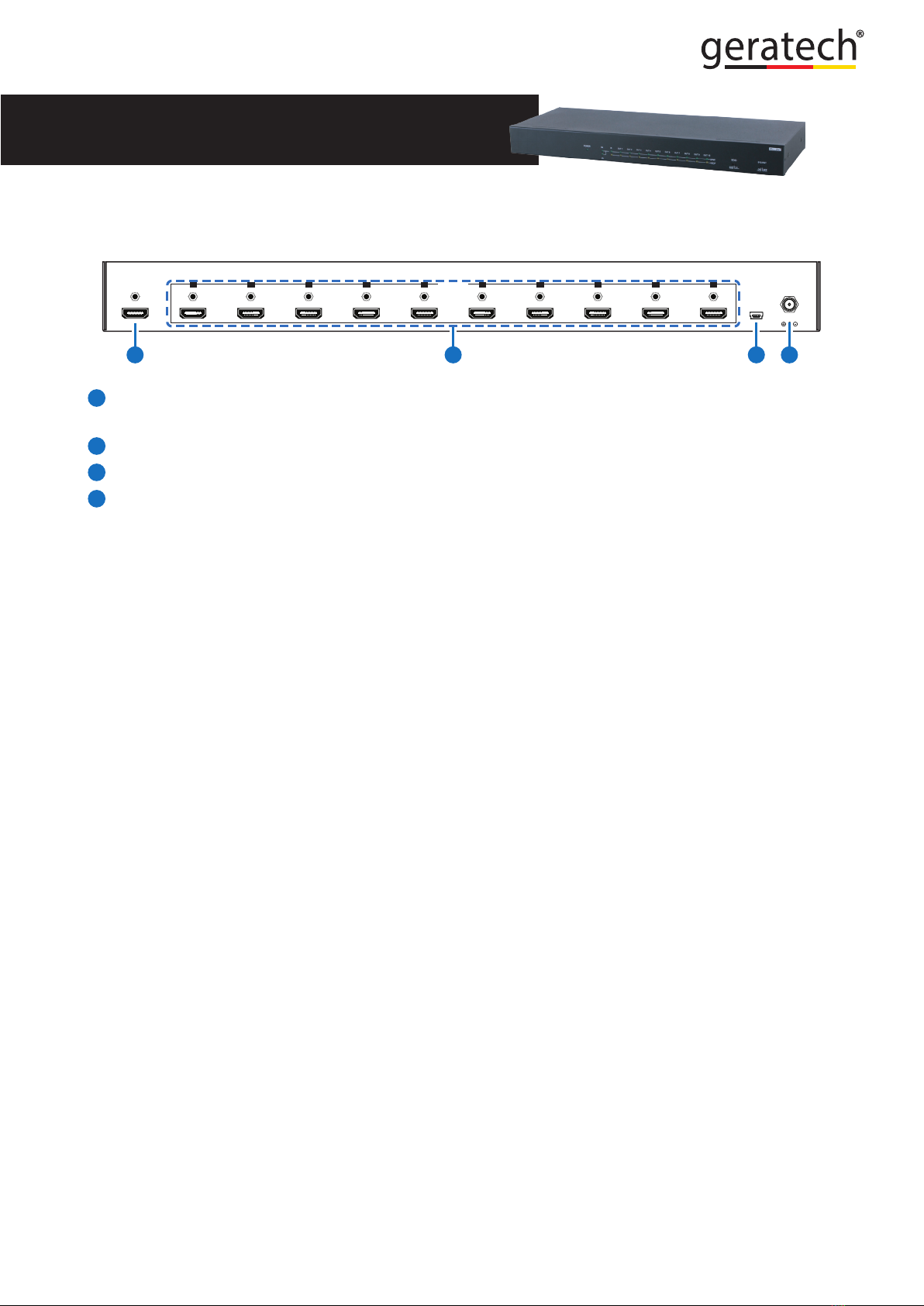
3
6. OPERATION CONTROLS AND FUNCTIONS
6.1 Front Panel
POWER 6G
3G
IN OUT 1 OUT 2 OUT 3 OUT 4 OUT 5 OUT 6 OUT 7 OUT 8 OUT 9 OUT 10
SYNC
HDCP
EDID
STDTV
SYS-RST
ON OFF
+
1POWER: This LED will illuminate when the device is connected to an active power
supply.
26G/3G: When input source bandwidth is 6G, the 6G LED will illuminate, when input
source detect as 3G, the 3G LED will illuminate.
3IN SYNC: When input detected, the LED will illuminate, the LED will icker when
detected abnormal, for example, when source signal not stabled, and when input is not
connected, the LED light will off.
4IN HDCP: When Input HDCP has been detected, the LED will illuminate, the LED will
icker when HDCP abnormal, for example when HDCP version is not supported, and
when no HDCP detected, the LED will off.
5OUT 1~10 SYNC: When output detected, the LED will illuminate, the LED will icker
when detected abnormal, for example, when output connected but the output sense is
off, and when output is not connected, the LED will off.
6OUT1~10 HDCP: When output HDCP working, the LED will illuminate, the LED light
icker when HDCP abnormal, for example, when HDCP version is not supported, and
when no HDCP detected, the LED will off.
7EDID: Switch the dip could choose EDID mode to Standard (STD) mode or TV mode.
When on TV mode, the unit will automatically detect and store output 1 sink EDID data,
if switch to STD mode, the unit will set to standard 1080p and PCM 2 channel.
8SYS-RST: Switch the dip from off to on, the unit will trigger TV to its HDMI input1
immediately, when dip stays in on, the unit will trigger cycle in every 8~10 minutes.
(*The purpose of this function is to guarantee output display the corresponding image,
for example, at the display user use may switch to different HDMI input or other sources
connected to display and this reset function will force the display to switch back to the
HDMI input1 which TV shall support CEC.)