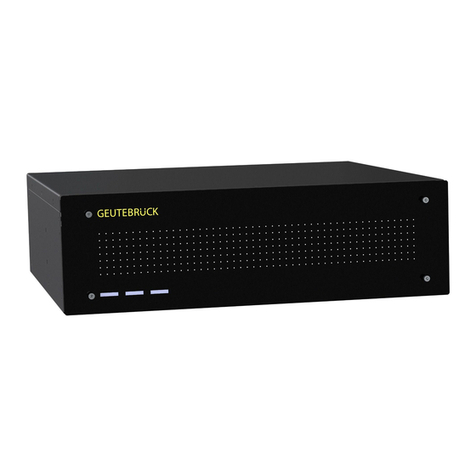
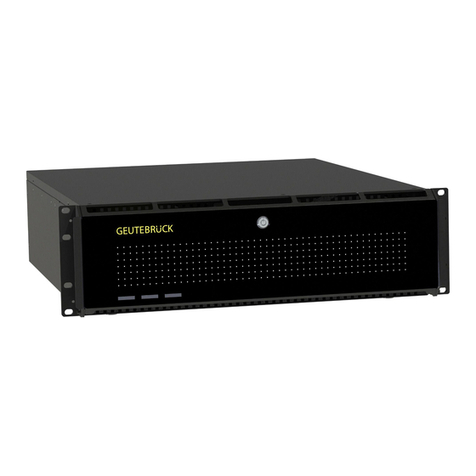
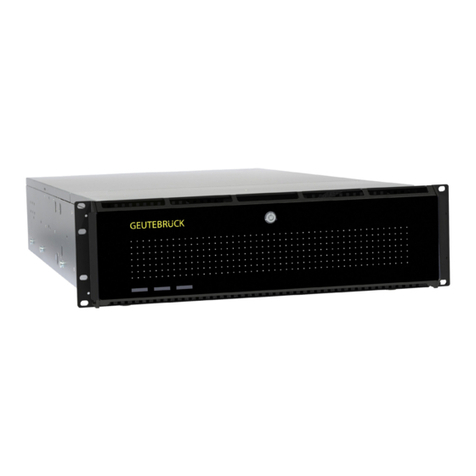
Instructions for Use G-ST 500+
General Safety Instructions
Commissioning
The device may only be commissioned by qualified
personnel who are familiar with the device and the
technology.
Make sure that all applicable safety requirements are
fulfilled.
The device is designed for a power supply of 8 to 35 VDC
via a 3-pin terminal strip. The terminal strip can also be
used as an ignition signal input (IGN).
WARNING
Electrical voltages!
Voltages above 35 V or polarity reversal can damage
the device
►
Disconnect the DC power supply and check the
voltage before connecting the DC power-supply
unit.
Some commercially available mini-PCIe 4G modules are
not compatible with mini PCIe standard interfaces. They
use 1.8 V I/O signals instead of standard 3.3 V I/O
signals, so signal conflicts may occur. Contact
Geutebrück if you have any questions about the
compatibility.
NOTICE
Damage due to incompatible 4G module!
Damage to the device or module
►
Only use compatible modules.
The operating system is precisely preconfigured for your
device.
NOTICE
Impairment by pressing a key!
Impairment of the configuration
►
Avoid pressing a key while the device is
powering up.
Operation
When operating the device, the local applicable laws,
other regulations, standards, and rules of technology
must be observed. In the interest of a safe work process,
operating company and supervisors are responsible for
their compliance.
During all work, check the device for any damage. All
parts must be correctly mounted and fulfill all conditions to
ensure proper operation.
WARNING
Electrical voltages!
Personal and property damage
►
Do not use the device if it is damaged.
►
Disconnect the device from the power supply.
Ensure that the power supply is between 8 VDC and 35
VDC.
Do not use the supply cable for purposes for which it is
not intended. Protect the cable from heat, oil, and sharp
edges.
In dangerous situations or in case of malfunctions,
disconnect the device from the power supply immediately.
Repair and Maintenance
Ensure that the device is repaired professionally. Mark
the defect clearly and disconnect the power plug so that
no accidents or damage can occur due to a defective
device or be caused by it until the device is repaired.
WARNING
Electrical voltage!
Personal and property damage
►
Disconnect the device from the power supply
during all repair and maintenance work.
►
Work on the electrical equipment may only be
performed by a qualified electrician.
CAUTION
Danger due to the use of non-original parts!
Personal and property damage
►
Only use original spare parts.
WARNING
Explosion hazard!
If the mainboard battery is replaced by an unsuitable
battery type, explosions may occur.
►
Make sure that a suitable battery type is used.
►
Dispose the battery according to the valid legal
requirements and local regulations.
Front View
No. Element Description
1 Display ports Resolutions up to 4096 × 2304. Compatible with HDMI/DVI via adapter/cable.
2 DVI/HDMI port Resolutions up to 1920 × 1200 at 60 Hz. Compatible with other connections via adapter.
3 VGA port Resolutions up to 1920 × 1200 at 60 Hz.
4 USB 3.0 port Data transfer rates up to 5 Gbit/s.
5 GbE ports Gigabit Ethernet ports for fast network access.
6 On/Off control and status output Possibility to connect an external switch.
7 2,5" HDD slot key lock Prevents unauthorized or accidental access to the hard disk drive.
8 2,5" HDD slot Enables expansion of the storage capacity.
9 PoE + GbE ports Only for 5108 VTC. For data connection and simultaneous power supply of devices.
10 System status LEDs Ignition control (IGN), watchdog timer (WDT), hard disk drive (HDD), power (PWR).
11 Power key Turning the system on and off.
12 Reset key Key to reset the system.
Rear View
No. Element Description
1 SIM card slot With an internally installed 3G/4G module, this slot has no function.
2 Ignition control switch Configuration of the on/off delay.
3 CAN bus port For communication of the controller with other CAN bus devices in the vehicle.
4 PoE + GbE ports Supports RJ45 PoE+. For data connections and simultaneous power supply.
5 Aux Reserved for additional DB9 connector.
6 Microphone input For voice recording.
7 DIO Supports 4 isolated digital input and 4 isolated output channels.
8 Speaker output For sound output.
9 COM ports There are 3 COM ports for communicating with external devices.
10 USB 2.0 ports The USB 2.0 ports are backward compatible with USB 1.1/1.0.
11 3-pin terminal strip DC input, compatible with 8-35 V. Also used as ignition signal input.