-6-
GH-PCU21-VG
English
Figure1
Figure2
Figure3
Figure4
Figure1
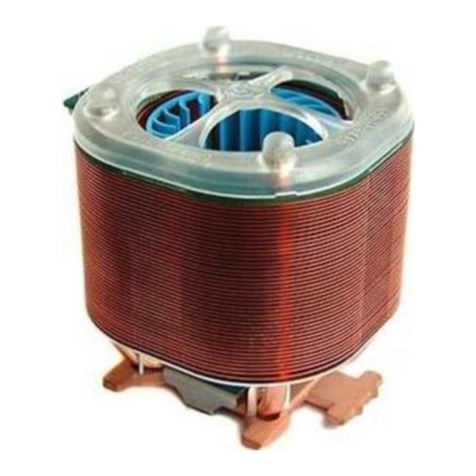
Pleaseadd anadequatelayerofheatsinkpasteon thesurface
oftheCPU.The pictureon the rightshowsthe three insert
spaceson the coolerbracketwherethe CPUclipsattach.
Figure2
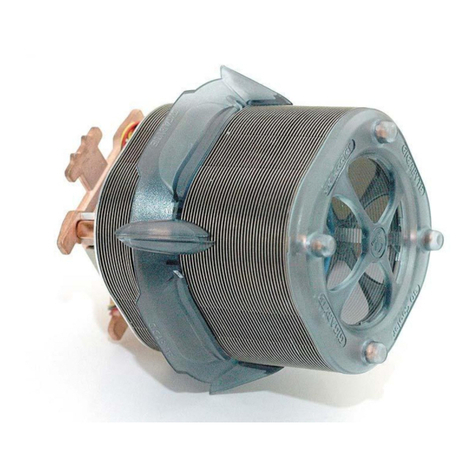
Placethe cooleratop the CPUand insertthe indicationarrow
side ofthe coolerinthe spacebetween the centraljutofthe
CPUsocketandthe edgeoftheCPU.
Figure3
Alignthe three spacesonthe coolerwiththe three clipson the
baseofthe CPUand thenpushfirmlydownwardstolock the
coolersecurelyinplace.Aflat-headscrewdrivercan alsobe
used tosecurethe clipsinplace.
Figure4
Connectthe yellow3-pinconnectorwireofthe coolertothe
CPUfan connectorlocated onthemotherboard.
ClipInstallation isnowcomplete.
Attention!! Theindication arrowon thecoolermustalign
withthecentralCPUclip.
Note:Please refertopage8&9forpowerinstallation
and installation ofthefanspeedcontroller.
Installation InstructionsforAMDAthlon XP Clip