manuals.online logo
Brands
  1. Home
  2. •
  3. Brands
  4. •
  5. Glide Gear
  6. •
  7. Camera Accessories
  8. •
  9. Glide Gear G2G Vest User manual

Glide Gear G2G Vest User manual

Other Glide Gear Camera Accessories manuals
Glide Gear SYL-1000 Platinum Manual instruction

Glide Gear

Glide Gear SYL-1000 Platinum Manual instruction

Glide Gear REVO 50 User manual

Glide Gear

Glide Gear REVO 50 User manual

Glide Gear JB4 Quick-Jib Manual instruction

Glide Gear

Glide Gear JB4 Quick-Jib Manual instruction

Glide Gear OH 200 User manual

Glide Gear

Glide Gear OH 200 User manual

Glide Gear LEIOS SMOOTH-C User manual

Glide Gear

Glide Gear LEIOS SMOOTH-C User manual

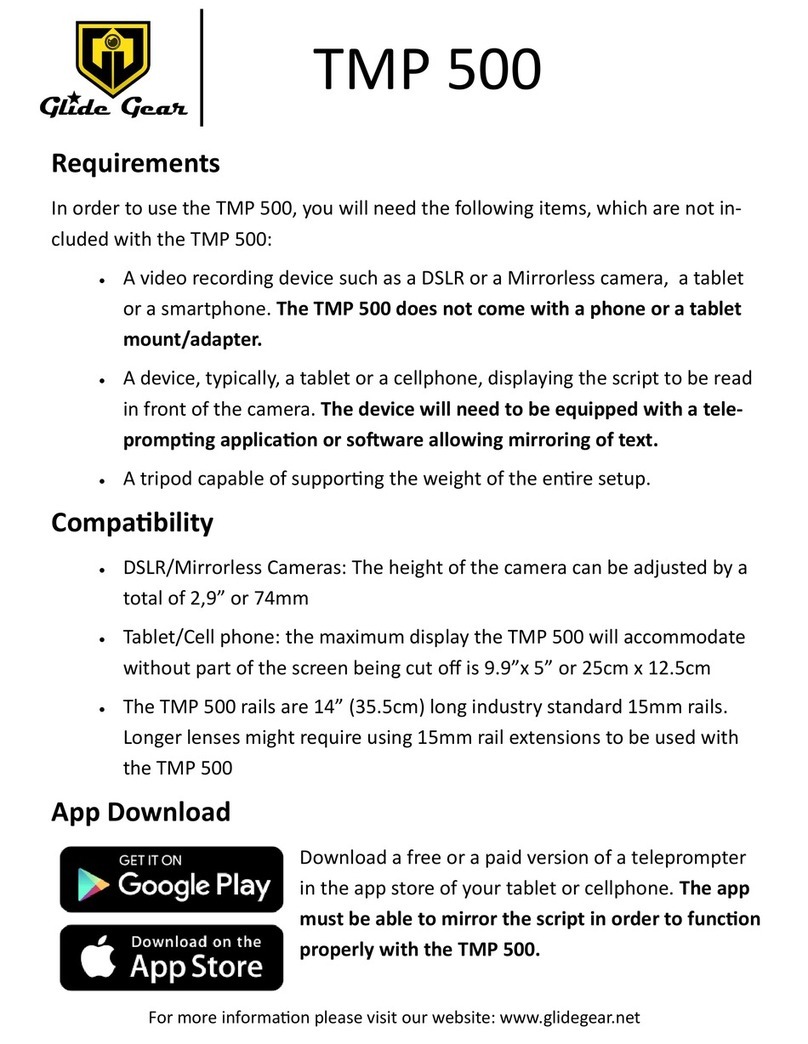
Glide Gear TMP 500 User manual

Glide Gear

Glide Gear TMP 500 User manual

Glide Gear DEV-1000 User manual

Glide Gear

Glide Gear DEV-1000 User manual

Glide Gear Dev Dolly Pro User manual

Glide Gear

Glide Gear Dev Dolly Pro User manual

Glide Gear AXJ-100 Installation and operation manual

Glide Gear

Glide Gear AXJ-100 Installation and operation manual

Glide Gear DST 50 User manual

Glide Gear

Glide Gear DST 50 User manual

Glide Gear F2F 25 User manual

Glide Gear

Glide Gear F2F 25 User manual
Popular Camera Accessories manuals by other brands

Bowens Camera Bag 125 null

Bowens

Bowens Camera Bag 125 null

Viltrox EF-NEX Mount instructions

Viltrox

Viltrox EF-NEX Mount instructions

Calumet 7100 Series CK7114 operating instructions

Calumet

Calumet 7100 Series CK7114 operating instructions

Ropox 4Single Series User manual and installation instructions

Ropox

Ropox 4Single Series User manual and installation instructions

Cambo Wide DS Digital Series Main operating instructions

Cambo

Cambo Wide DS Digital Series Main operating instructions

Samsung SHG-120 Specification sheet

Samsung

Samsung SHG-120 Specification sheet

Ryobi BPL-1820 Owner's operating manual

Ryobi

Ryobi BPL-1820 Owner's operating manual

Aegis ABL-36020P user manual

Aegis

Aegis ABL-36020P user manual

Fantasea EyeGrabber F Series instruction manual

Fantasea

Fantasea EyeGrabber F Series instruction manual

Honeywell HDZ20HD user manual

Honeywell

Honeywell HDZ20HD user manual

EGO BA1400T Operator's manual

EGO

EGO BA1400T Operator's manual

Sima SRW-62 user guide

Sima

Sima SRW-62 user guide

Shape A7SSMKIT Assembly manual

Shape

Shape A7SSMKIT Assembly manual

Slide Kamera HST-2 user manual

Slide Kamera

Slide Kamera HST-2 user manual

Power works 2902613 Original instructions

Power works

Power works 2902613 Original instructions

SES SE-2047-2 user manual

SES

SES SE-2047-2 user manual

Starlite OctoDome nxt instructions

Starlite

Starlite OctoDome nxt instructions

Custom Brackets Digital PRO-M Instructions for use

Custom Brackets

Custom Brackets Digital PRO-M Instructions for use

manuals.online logo
manuals.online logoBrands
  • About & Mission
  • Contact us
  • Privacy Policy
  • Terms and Conditions

Copyright 2025 Manuals.Online. All Rights Reserved.

G2G Vest
USER MANUAL
Pung the vest on
For more informaon please visit our website: www.glidegear.net
FRONT BACK
1Use the straps on each side and on each shoulder to put the vest on. Please see pictures below to see
the orientaon for the G2G Vest.
2Adjust the length of the center poles in the front and in the back so that the belt sits on your hips.
Assembly
For more informaon please visit our website: www.glidegear.net
The G2G Vest’s arm can be set in 4 dierent conguraons:
• Arm in the front or in the back of the vest
• Arm on the right or on the le
1Loosen the screw on each side of the plate holding the poles at
the boom of the vest in the front or in the back depending on
the conguraon you would like. See Fig. 1.
Fig. 1.
2 Remove the poles from the holder. See Fig. 2.
Fig. 2.
3Slide the arm holder on the poles.
Make sure to orientate the holder so that the arm will
be on the side you want.
For instance, Fig. 3 shows the holder posioned for
the arm to be on the le.
Fig. 3.
4 Slide the arm in the holder and secure it using
the 2 set screws.
Front Conguraons
For more informaon please visit our website: www.glidegear.net
Conguraon:
Arm in the front
Arm on the le
Conguraon:
Arm in the front
Arm on the right
Back Conguraons
Conguraon:
Arm in the back
Arm on the right
Conguraon:
Arm in the back
Arm on the le
For more informaon please visit our website: www.glidegear.net
Having the arm in the back distributes more of the load on the hips which most people nd more comforta-
ble and easier to do for extended periods of me.