© 2018 Global Halotherapy Solutions, LLC Page 8
Programming the HaloFX Mobile™
The HaloFX Mobile™ is programmed with the recommended settings for session and ventilation times,
as well as all other key settings. However, if you need to change or reset them, please follow the steps
detailed below.
Session and Ventilation Time
A 25-minute session (20-minute session time + 5-minute ventilation time) is what we recommend, but
you may set your sessions to any amount of time you choose. Always be sure to set your ventilation
time for 5 minutes.
1. Turn on the halogenerator by turning the white on/off switch to “ON.” This switch is located on
the side of the halogenerator near where you plugged in the power cord. Do not press start. The
display will show “STOP.”
2. Session Time: Press and hold F1. This will display “S” followed by a numerical value. While
holding F1, press +/- until the display shows your desired Session Time.
3. Ventilation Time: Press and hold F2. This will display “V” followed by a numerical value. While
holding F2, press +/- until the display shows your desired Ventilation Time.
4. Press STOP and turn off the generator to save your settings.
*Remember, Session Time + Ventilation Time = Total Session Time
** The HaloFX Mobile™ will go quiet for 2 minutes before going into vent mode
How to Adjust Salt and Air Flow
Adjusting the speed of the fan will control the salt and air flow.
1. Make sure the generator’s on/off switch is “ON” and that you are in Start Mode (press START)
2. Press and hold F2. The generator will display “F” followed by a numerical value.
3. While holding F2, press +/- until the desired setting is displayed.
How to Stop the HaloFX Mobile™ During Vent Mode
The HaloFX Mobile™ has been programmed to go into a quiet mode for 2 minutes before vent mode. If
you find the vent mode to be too loud, and the client is still in their session, hit STOP and this will end
the salt session.
How to Operate the HaloFX Mobile™
1. Make sure you have reviewed and programmed your HaloFX Mobile™ to your
desired session time by following the instructions in the section titled
“Programming the HaloFX Mobile™.”
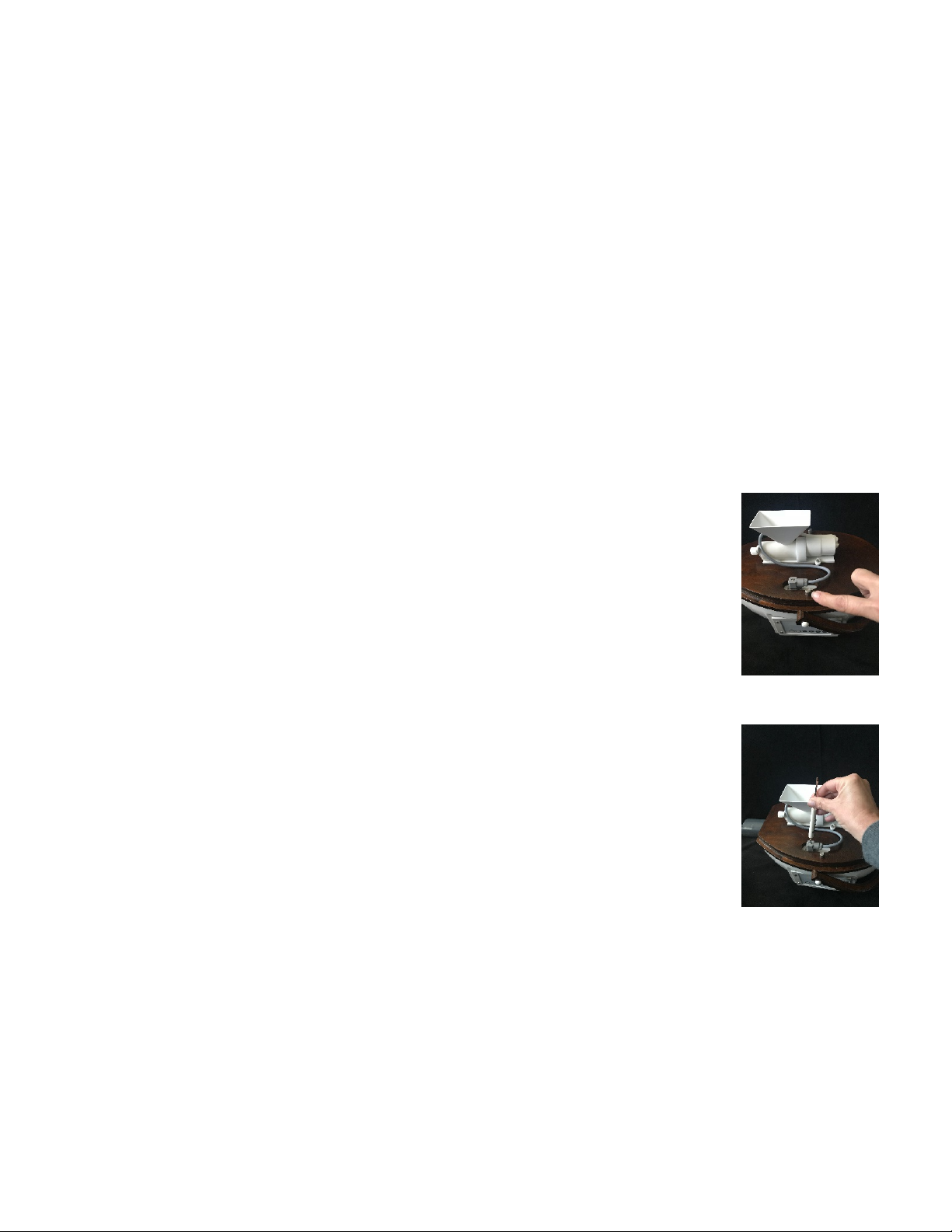
2. Lift the cover of the halogenerator to locate the feeder. Add one tablespoon of
salt to the feeder funnel and replace cover.
3. Turn on the HaloFX Mobile™ from the power switch on the side of the
halogenerator.