‐6‐
TW‐100DeviceConfiguration
1.
2.
3.
4.
5.
6.
7.
8.
1.
2.
3.
4.
5.
6.
7.
8.
1.
2.
3.
4.
5.
6.
7.
8.
1Power(Long
click)/Reject/Back
Holddowntopowerthedeviceon/off.
Whenthereisanincomingcallorduringa
phonecall,presstorejectorhangupthecall.
Inthe“SettingsMenu”,presstocancelthe
settingandbacktothelastpage.
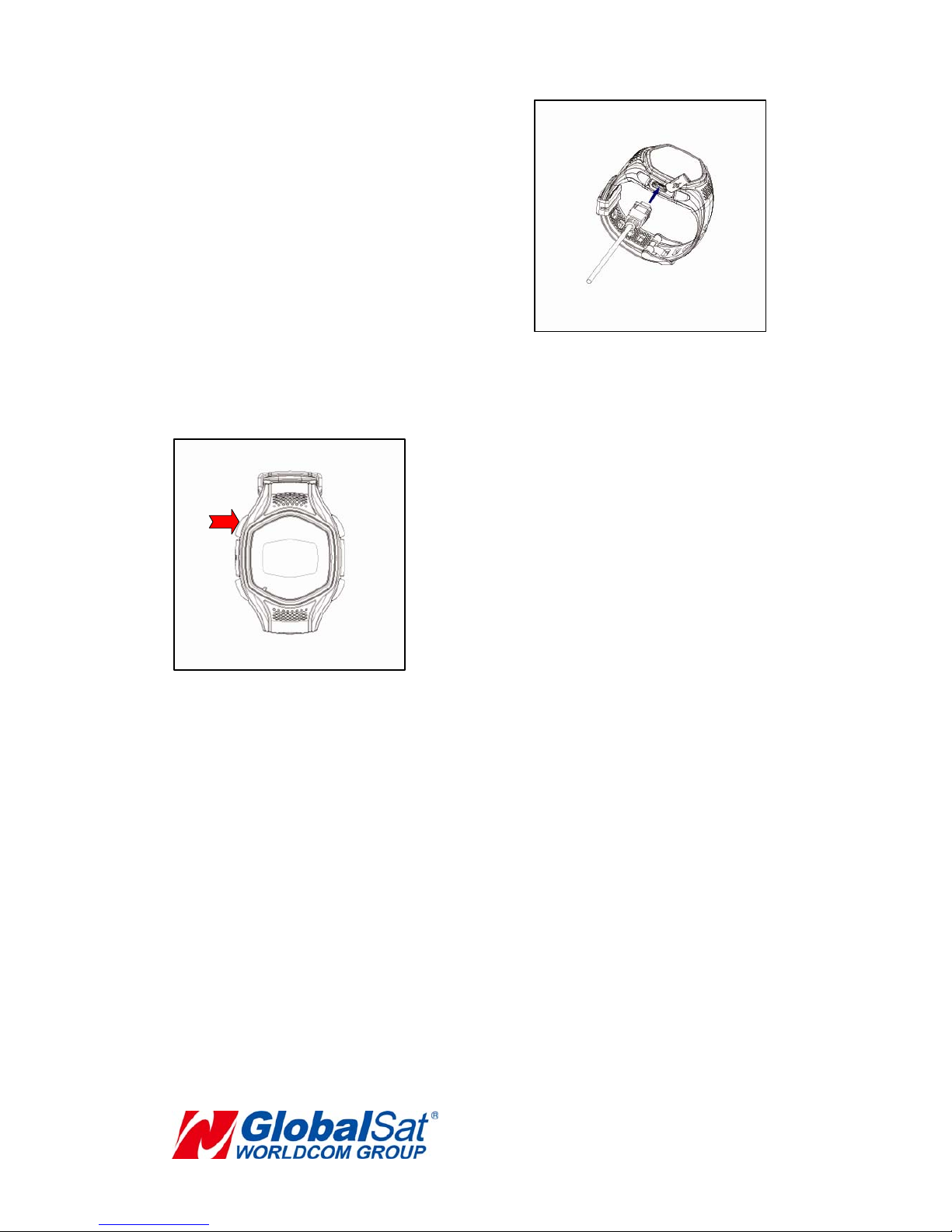
2MicroUSBPortUsedforchargingtheTW‐100.
3MicrophoneMicrophone.
4Notification(Long
click)/Answer/Confirm
/Menu
MakesureUIisdisplayedfirst.Holdtosenda
notificationmessagetotheassignedphone
numberandmakeanotificationcalltothe
assignnumber.
Whenthereisanincomingcall,presstoanswer
thephonecall.
Presstoenterintothe“SettingsMenu”.In
“SettingsMenu”,presstoconfirmthatsetting.
5SpeedDial#1(Long
click)/IncreaseVolume/
Up/ClockSwitch
Holdthebuttondowntocallthespeeddial#1.
Duringaphonecall,pressthisbuttonto
increasethevolumelevel.
In“SettingsMenu”,pressingthisbuttonwill