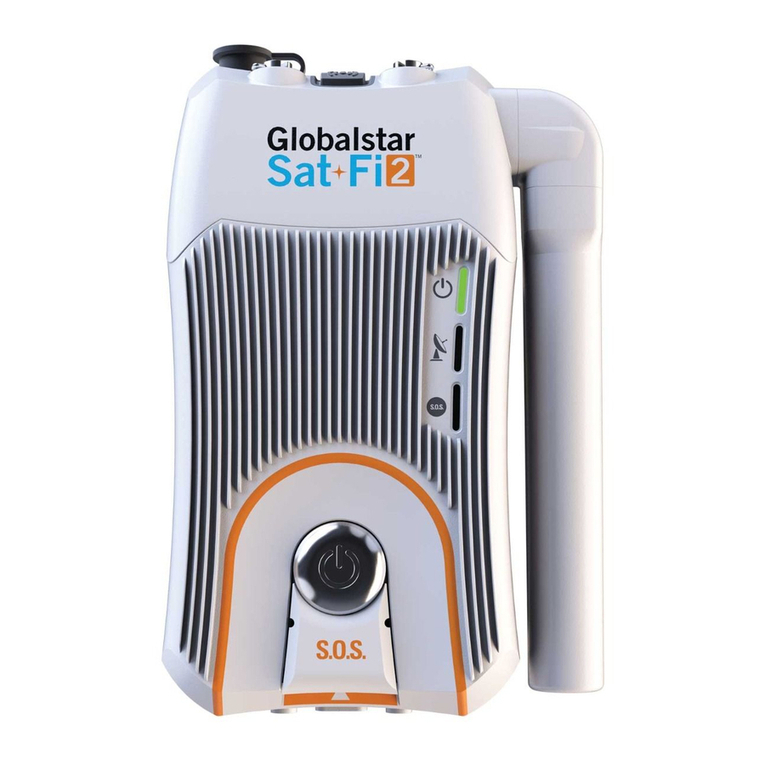
• Globalstar Sat-Fi Unit with Wi-Fi Antenna
• Globalstar External Antenna (one of the illustrated antennas)
• Globalstar Sat-Fi Power Supplies
- (1) 120-240VAC/12VDC Power Supply
- (1) 12VDC Car Power Adapter
- (1) Waterproof – DC Power Cable
• Accessory Kit (Located below the Sat-Fi Unit)
- (6) 3MTM Dual Lock Mounting Tape 5” (12 cm) Length
- (4) 3MTM Bumpon Feet
- (1) 14 ft/4.25 m Coaxial Antenna Cable
- (1) Rubber O-Ring
WHAT’S INCLUDED
EXTERNAL SATELLITE ANTENNA INSTALLATION
The external satellite antenna is necessary for communication between the satellite and the Globalstar Sat-Fi unit.
The single most important consideration for a Sat-Fi installation is the location of the external satellite antenna. Sat-Fi
external satellite antennas need a clear and unobstructed view of the sky in all directions. It must be in a position
that minimizes obstructions that block the signal from the satellites and far enough away from other RF and GPS
devices to prevent interference (>3 feet/1m).
MOUNTING CONSIDERATIONS
• Mount the external antenna so that it has a 360 degree view of the sky
• Use only the coaxial cables that come with the antenna kit
- Do not cut or modify the coaxial antenna cable
- Do not kink the coaxial cables
- Extended coaxial cable lengths are available (sold separately)
• Use coaxial sealant, shrink-wrap tubing, or other suitable products to seal all external cable connections to prevent
moisture and corrosion damage
Helix Antenna
GAT-17HX
Marine Helix Antenna
GAT-17MR
Magnetic
Patch Antenna
GAT-17MP
TELEPHONE NUMBER, ESN AND MDN LOCATION
Tel No: 000
-
000
-
0000
ESN 00000000000
MDN 0000000000
If you forget your telephone number, ESN or MDN numbers,
they are conveniently located on the back of the Sat-Fi unit
and on your Sat-Fi outer box.
SAT-FI HARDWARE INSTALLATION