manuals.online logo
Brands
  1. Home
  2. •
  3. Brands
  4. •
  5. GREISINGER
  6. •
  7. Media Converter
  8. •
  9. GREISINGER EBW2 User manual

GREISINGER EBW2 User manual

Other GREISINGER Media Converter manuals

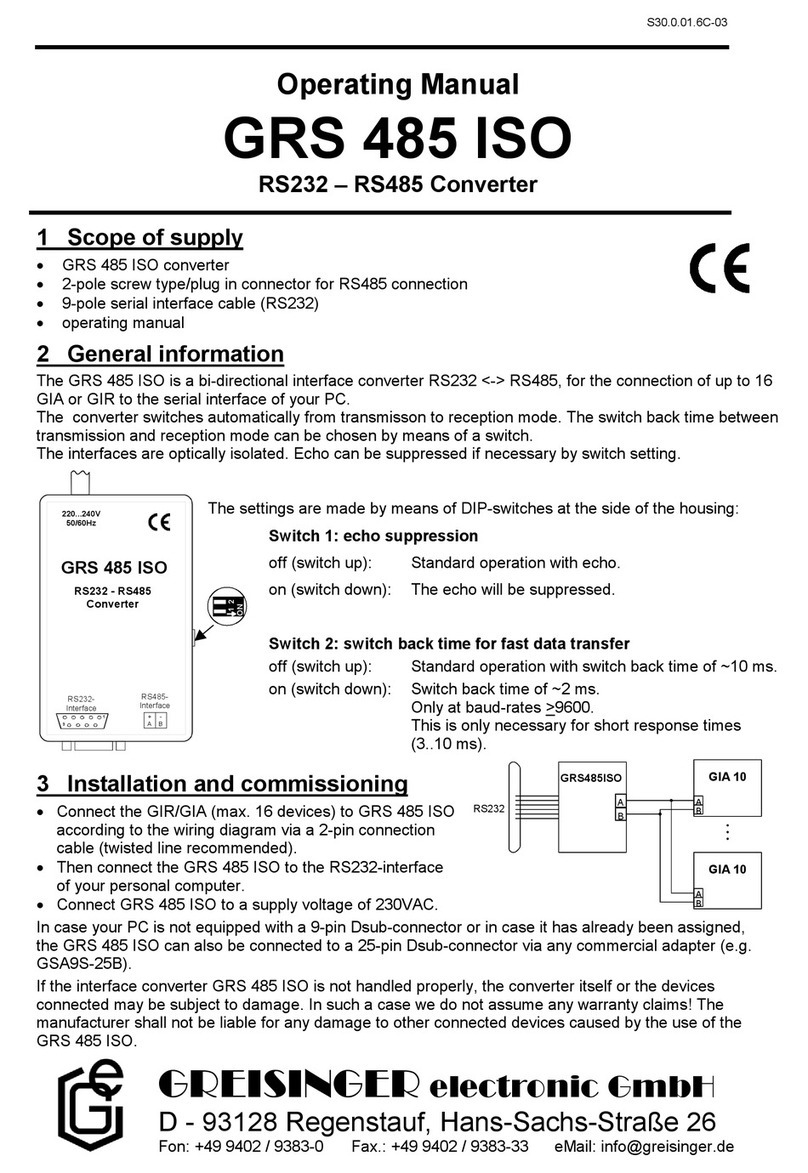
GREISINGER GRS 485 ISO User manual

GREISINGER

GREISINGER GRS 485 ISO User manual

GREISINGER USB 3100 N User manual

GREISINGER

GREISINGER USB 3100 N User manual

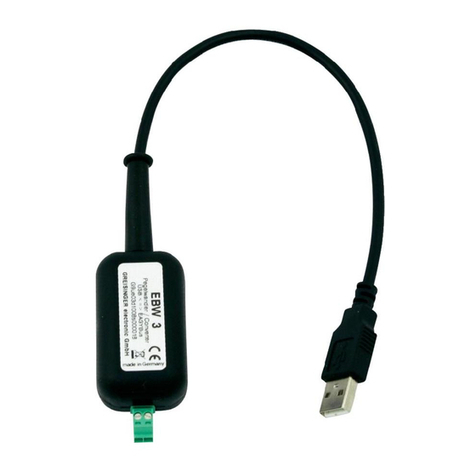
GREISINGER EBW 3 User manual

GREISINGER

GREISINGER EBW 3 User manual

GREISINGER USB 100 User manual

GREISINGER

GREISINGER USB 100 User manual

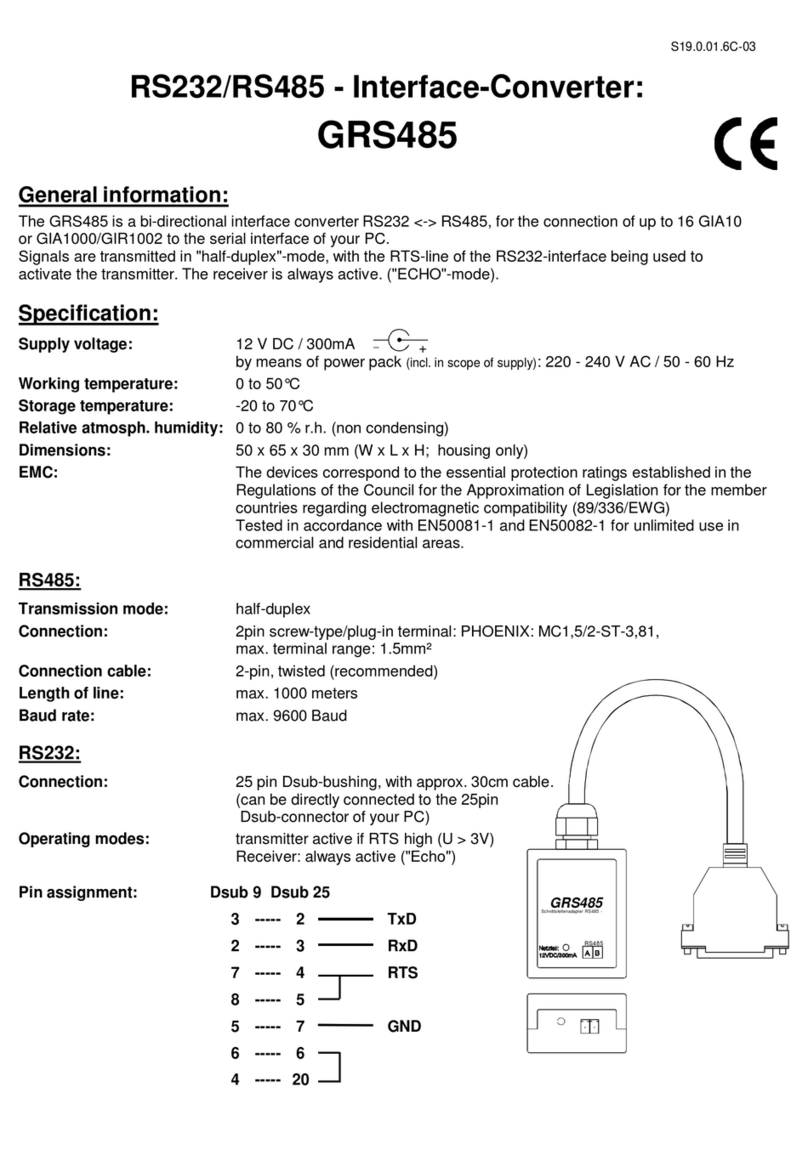
GREISINGER GRS485 User manual

GREISINGER

GREISINGER GRS485 User manual

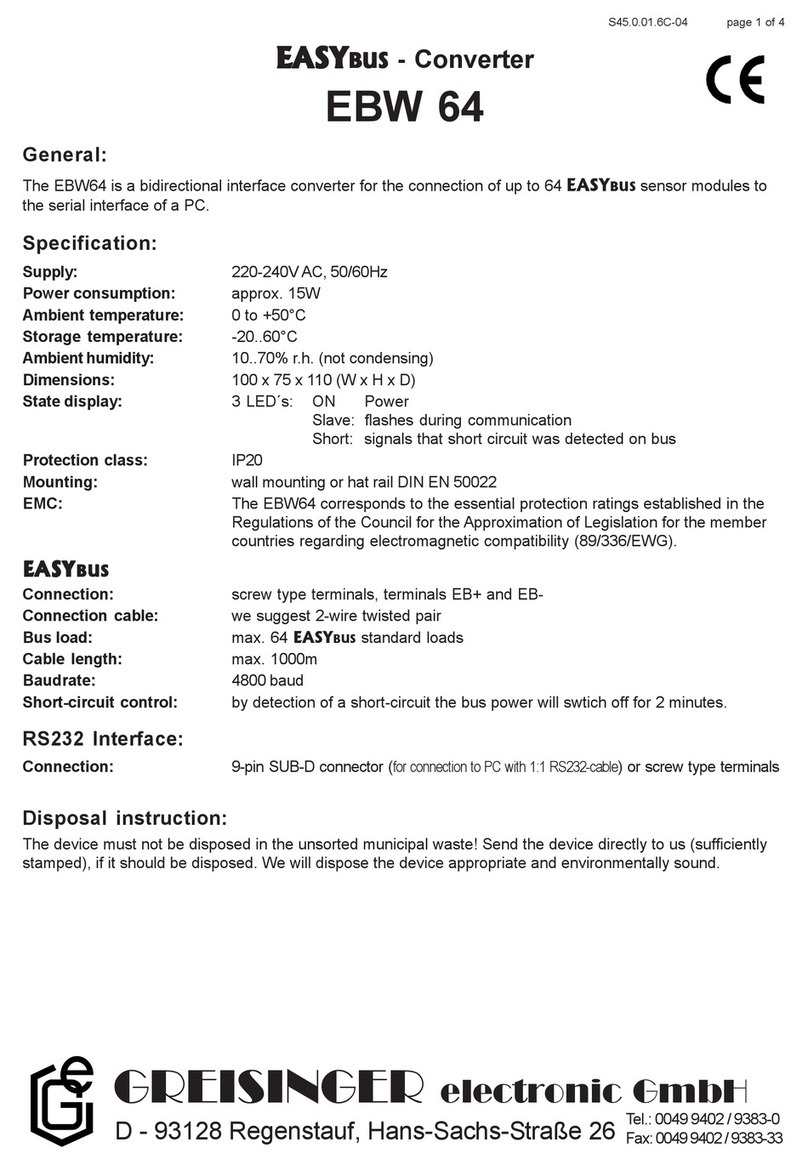
GREISINGER EBW 64 User manual

GREISINGER

GREISINGER EBW 64 User manual

Popular Media Converter manuals by other brands

TR-Electronic CMS582M-4096/4096 IOL DMS 14H7 KRF Assembly instructions

TR-Electronic

TR-Electronic CMS582M-4096/4096 IOL DMS 14H7 KRF Assembly instructions

Korenix JetCon 2301S user manual

Korenix

Korenix JetCon 2301S user manual

StarTech.com ET91000LCOAM manual

StarTech.com

StarTech.com ET91000LCOAM manual

Alesis AI-3 Reference manual

Alesis

Alesis AI-3 Reference manual

Caton Vpro 5100 user guide

Caton

Caton Vpro 5100 user guide

Cypress CSC-5500 Operation manual

Cypress

Cypress CSC-5500 Operation manual

H&B TX-100 Installation and instruction manual

H&B

H&B TX-100 Installation and instruction manual

Bolin Technology D Series user manual

Bolin Technology

Bolin Technology D Series user manual

IFM Electronic Efector 400 RN30 Series Device manual

IFM Electronic

IFM Electronic Efector 400 RN30 Series Device manual

GRASS VALLEY KUDOSPRO ULC2000 user manual

GRASS VALLEY

GRASS VALLEY KUDOSPRO ULC2000 user manual

Linear Technology DC1523A Demo Manual

Linear Technology

Linear Technology DC1523A Demo Manual

Lika ROTAPULS I28 Series quick start guide

Lika

Lika ROTAPULS I28 Series quick start guide

Weidmuller IE-MC-VL Series Hardware installation guide

Weidmuller

Weidmuller IE-MC-VL Series Hardware installation guide

Optical Systems Design OSD2139 Series Operator's manual

Optical Systems Design

Optical Systems Design OSD2139 Series Operator's manual

Tema Telecomunicazioni AD615/S product manual

Tema Telecomunicazioni

Tema Telecomunicazioni AD615/S product manual

KTI Networks KGC-352 Series installation guide

KTI Networks

KTI Networks KGC-352 Series installation guide

Gira 0588 Series operating instructions

Gira

Gira 0588 Series operating instructions

Lika SFA-5000-FD user guide

Lika

Lika SFA-5000-FD user guide

manuals.online logo
manuals.online logoBrands
  • About & Mission
  • Contact us
  • Privacy Policy
  • Terms and Conditions

Copyright 2025 Manuals.Online. All Rights Reserved.

S31.0.01.6C-03 page 1 of 2
Interface converter RS232 - EASYBUS
EBW2
Specification:
Supply voltage: 9Vbattery
Power consumption: interface deaktiv / disconnected: <0,1 µA
interface aktiv: 8 ... 40 mA
Working temperature: 0 to 50°C
Storage temperature: -20 to 70°C
Relative humidity: 0 to 80 % r.h. (non-condensing)
Dimensions: 62 x 107 x 26.5 mm (W x H x D; housing only)
Weight: approx. 110g (incl. batterie)
.
EASYBUS
Connection: 2-pin screw-type/plug in terminal: PHOENIX: MC1.5/2-ST-3.5
max. terminal range: 1.5mm²
Connecting cable: 2-pin, twisted (recommended)
Cable length: max. 50 meters
Baud rate: max. 4800 Baud
Short circuit strength: permanently short circuit proof
not galvanic isolatet!
RS232:
Connection: 9-pin Sub-D-socket,
(to be connected to PC via cable 1:1)
Pin assignment:
Generalinformation:
The EBW2 is a battery powered, bidirectional interface converter RS232 <->EASY BUS, by means of which you
can connect one EASY BUS- transmitter to the serial interface of your PC.
RS232
1
9
EASYBUS
EBW 2
Converter
RS232<=> EASY BUS
12
active
S31.0.01.6C-03 page 2 of 2
Wiring diagram:
The EBW2 can be used to connect one EASY BUS-transmitter to the RS232-interface of your PC.
The EBW2 supplies current to theEASY BUS-transmitter.The 2-pin parallel connection is not polarized.
Safetyrequirements:
This device has been designed and tested in accordance with the safety regulations for electronic devices.
However, its trouble-free operation and reliability cannot be guaranteed unless the standard safety measures and special
safety advises given in this manual will be adhered to when using the device.
1. Trouble-free operation and reliability of the device can only be guaranteed if the device is not subjected to any other
climatic conditions than those stated under "Specification".
2. Prior to opening it, disconnect device and supply voltage source. Make sure that all parts of the device are protected
against direct touching when mounting the device and setting its connections.
3. Please always adhere to the standard safety regulations for electric devices, power systems and light-current
installations, and make sure that your national safety regulations (e.g. VDE 0100) are observed.
4. If device is to be connected to other devices (e.g. PC) the circuitry has to be designed most carefully. Internal connection
in third party devices may result in not-permissible voltages.
5. If there is a risk whatsoever involved in running it, the device has to be switched off immediately and to be marked
accordingly to avoid re-starting.
Operator safety may be at risk if:
- there is visible damage to the device
- the device is not working as specified
- the device has been stored under unsuitable conditions for a longer time.
In case of doubt, please return device to manufacturer for repair or maintenance.
Installation and commissioning:
Connect the EASY BUS-transmitter to interface converter according to the wiring diagram via a 2-pin connection
cable (twisted line recommended).
Check, if a operational 9V battery is connected.
Then connect the interface converter to the RS232-interface of your personal computer.
Unless the interface converter EBW2 is properly handled it may be damaged. This may also result in the
damage of other devices connected.
In such cases we cannot assume any warranty !
GREISINGER electronic GmbH will not assume any warranty for damages to other devices resulting from the
use of the EBW2.
EBW2
RS232
EASYBUS
-
transmitter
EASY LOG
or