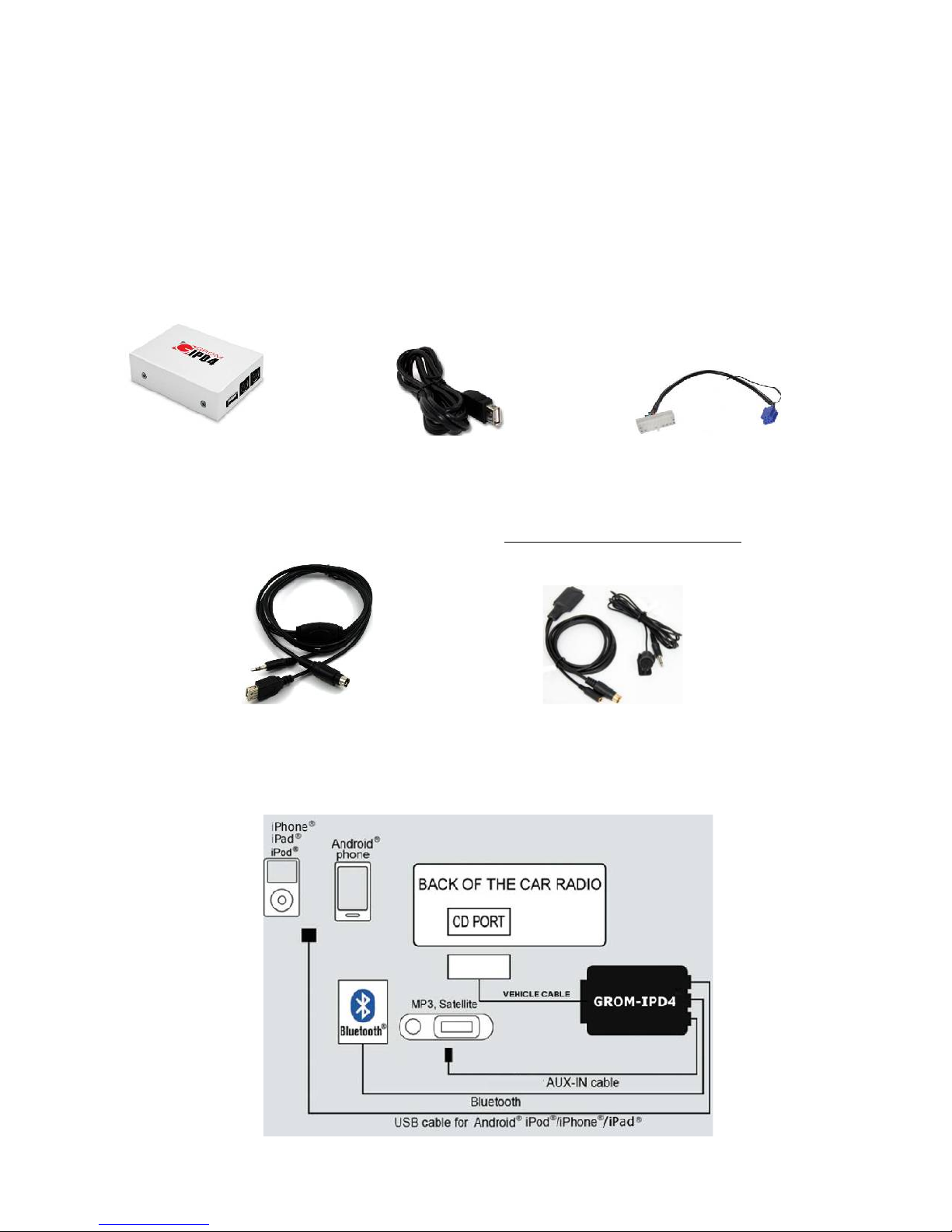
Symptom Cause Remedy
tereo is not recognizing
the GROM-IPD4 adapter
Bad cables or cables are not connected
properly between the interface box and car
stereo.
Check connection and cables making sure they
are secure with no bent pins.
No music is audible from
the MP3 player
CD changer is not selected Make sure CD changer, AT mode, or AUX is
selected (correct key depends on your stereo)
No power Bad connection Check the cable connections.
For VAG only:
tereo is not recognizing
the GROM-IPD4 adapter
ingle black wire on the vehicle-specific
harness is not grounded properly.
Make sure black cable is properly grounded
For BMWS (dash
install) only:
tereo is not recognizing
the GROM-IPD4 adapter
Audio is not coming from
the speakers.
Audio is coming only
from one speaker
Bus wire may have become loose.
ometimes, when using Posi-Tap clips, the
Bus wire may not receive proper connection
due to its wire size.
10-pin audio cable on BMW harness is not
inserted properly.
The10-pin sound connector is not correctly
aligned.
Make sure the Bus wire is securely attached by
using a multimeter or slightly tighten the Posi-
Tap connector. Refer to the BMW cable
manual.
Make sure that the 10-pin audio cable on BMW
harness is inserted properly, with white stripe or
arrow facing up. If radio has 12-pin connector,
make sure to skip “1” column of pins when
connecting 10-pin GROM connector.
Make sure that the 10-pin sound connector on
the vehicle cable is correctly aligned. Please
refer to the BMW harness manual.
Chapter 3 – Usage manual
3.1 Different MODES of GROM-IPD4
3.1.1 Different MODES of GROM-IPD4 (for CD changer emulation only!)
Please read this part entirely before attempting to change the modes. You will need to perform all the steps below
quickly within -2 seconds interval.
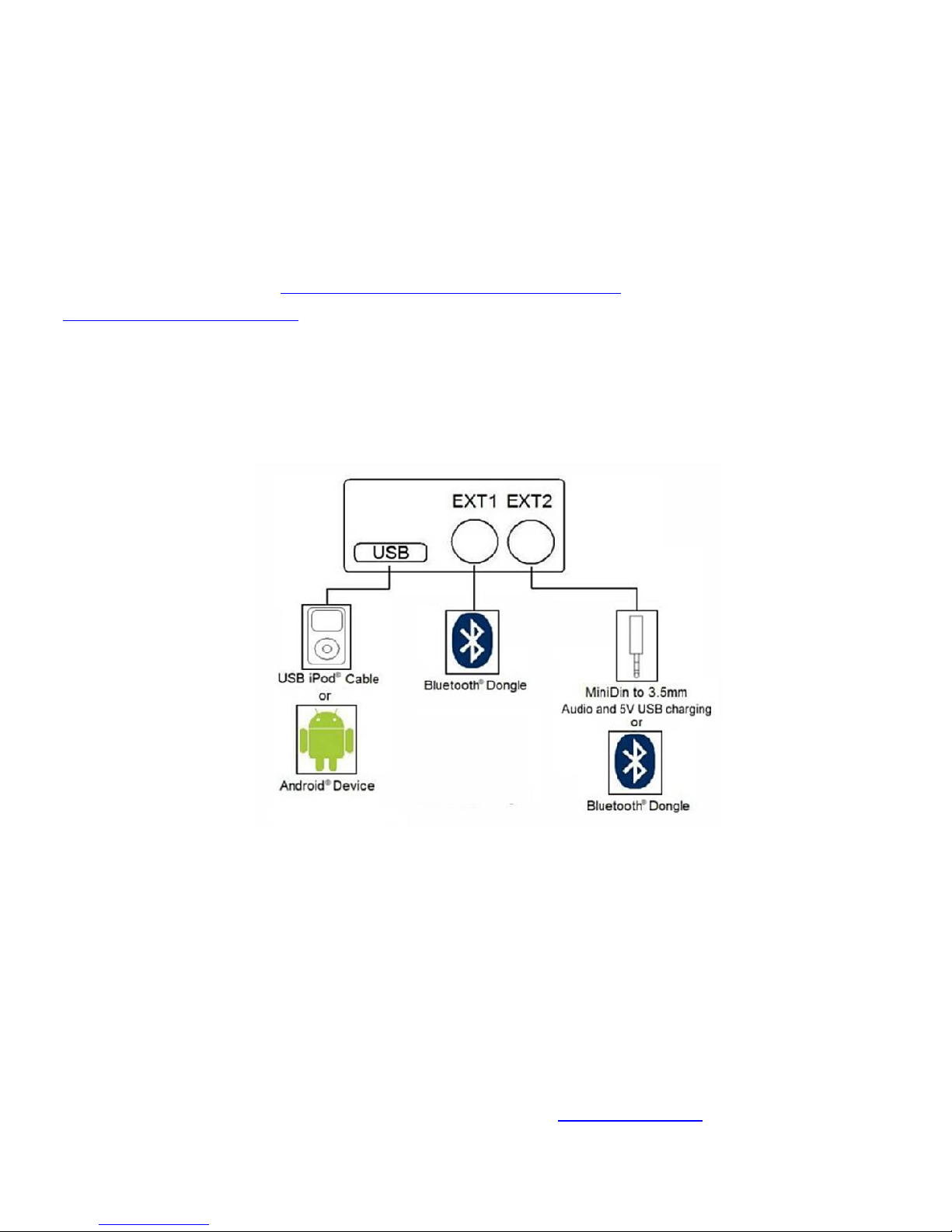
Depending on your GROM firmware version, GROM-IPD4 can work in two modes: U B or AUX (EXT2).
Step I. When you need to switch between the MODE , first you will need to enter into the “MODE CHANGING” state on
your car stereo. There are two possible scenarios:
1. The stereo is already in the CD changer mode (GROM-IPD4 is activated). Press FM/AM -> wait 1-2 second ->
press CD (DISC).
2. The stereo is in any other mode (FM, AT, etc…): press CD (DISC) -> wait 1-2 second -> press FM/AM -> wa it 1
second -> press CD (DISC).
Step II. You will hear the voice announcing the currently playing mode (U B or AUX). To switch to the next mode, press
Next Track button quickly (>, ^ or respective button on your car stereo) while the voice prompt is announcing. The next
mode will be announced right after. If you need to select another mode, simply press Next Track button again and so on
until you select the desired mode.
Note: If you do not hear the voice announcement, it means that you did not press quickly enough and the adapter
is not in the “MODE CHANGING” state anymore. Please perform STEP I again.
Once you hear the desired mode announcement, simply wait for 1-2 seconds and the adapter will start operating in that
mode.
3.1.2 Different MODES of GROM-IPD4 (for SAT emulation only!)
Please read this part entirely before attempting to change the modes.
Depending on your GROM firmware version, GROM-IPD4 can work in two modes: U B or AUX (EXT2).
Step I. When you need to switch between the MODE , imply move to the next AT band.
i.e. XM -> XM2 or XM preset A -> XM preset B -> XM Preset C or SAT -> SAT2 -> SAT3
7. V.1.0.0