GETTING STARTED
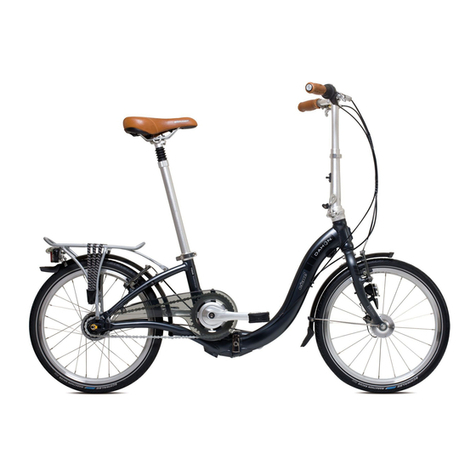
1. Assembling: Open the box, remove the
packaging, and remove your Gyrocopters Brio
e-Bike. Straighten the riser and fasten the latch.
Adjust the seat to your desired height, and lock the
quick release. To align the handlebar, quickly
release the latch, align it, and lock it into place.
Gently pull the brake levers a couple of times
till the brake cables are well positioned.
Switch the power on and enjoy your ride with a
helmet on.
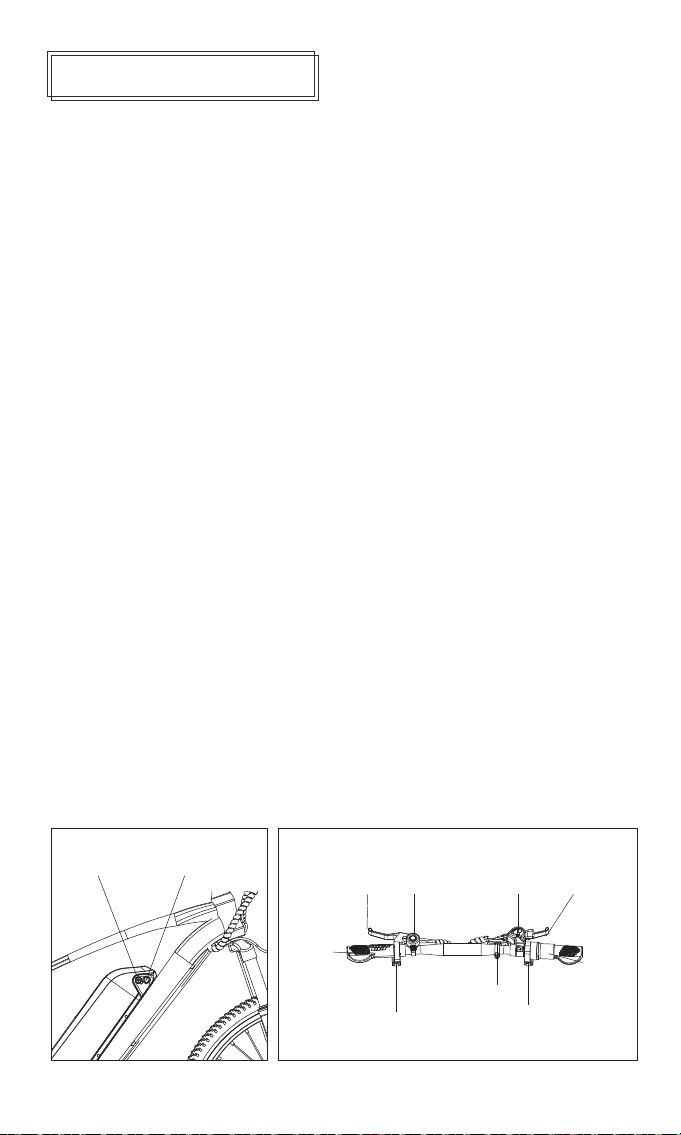
2. Charging: Connect the DC jack of the original
charger to the charging port of your Gyrocopters
Brio e-bike and the AC plug to the mains. The
charger light turns from red to green when the
charging is complete. (Note: do not charge your
e-bike unattended. Please avoid rain and sunlight
over the charger if charging outside.)
3. Power on and off: Locate the power button on
the left handle. Press the power button to switch on
and power off. Holding the switch will also display
the battery level when turned on.
4. Light on and off. Locate the button below the
display on the right handle, and press and hold for
three seconds to switch the headlight.
5. Cruise control: After driving at a constant speed,
maintaining a certain speed, press the cruise button
to enter cruise mode. Releasethe cruise bar, or
brakeexit cruise mode.
6. Ride assistance :
a. Throttle Assist: In Throttle Assist Mode, when the
power is on, you can accelerate and start the ride
without pedaling by twisting the throttle.
b. Pedal Assist: Pedal Assist Mode, when the power
is on, and you are also pedaling, the mode provides
power for an easier and more energy-efficient ride.
7. Powercut-off brakes: When you pull the brake
levers, the controller cuts off the motor output, and
the mechanical disc brakes are engaged. Pedal
Assist Mode or Throttle Mode remains disabled as
long as the brake levers are not ultimately released.
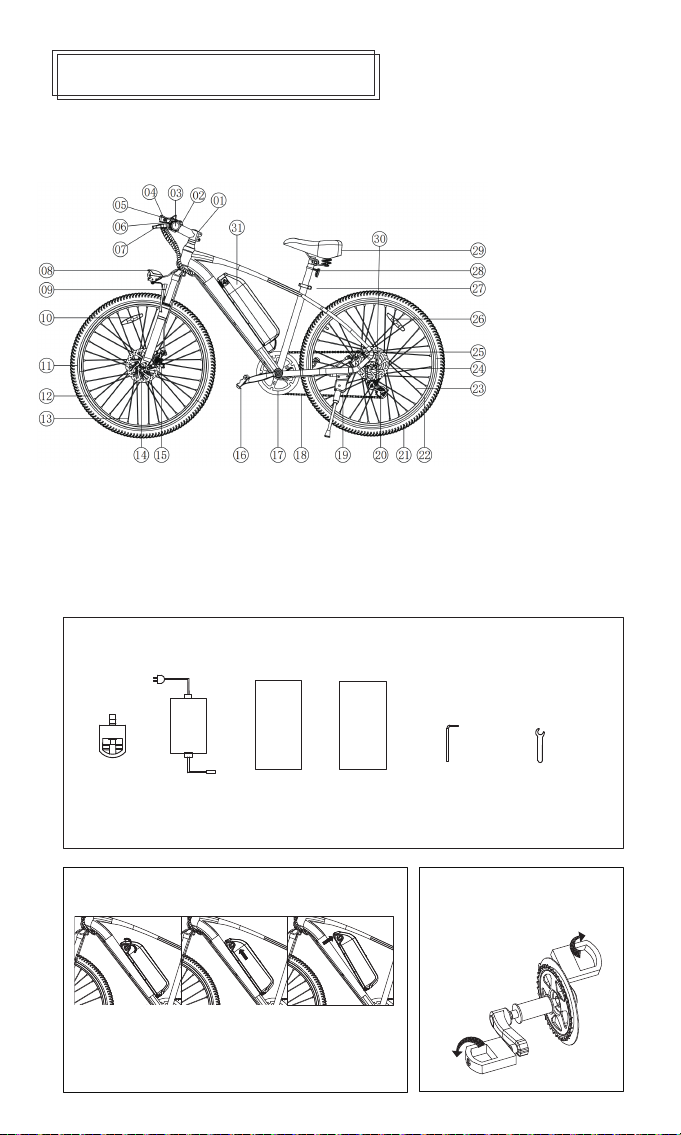
8. Removing and Installing the Battery: Gyrocopters
Brio e-bike offers a removable battery feature. To
remove the battery, open the battery lock and push
the battery upwards along the tube. Disconnect the
battery from the controller and pull it out. To install
the battery, slide it into the tube, connect it to the
controller below, and lock it. (For battery
replacement due to damage, please contact our
official customer service.)"
Charging Port Power Switch
Left brake lever Right brake lever
Power switch
Bell
Reflective
Switch light, cruise button
Accelerator
Shifter
Handlebar